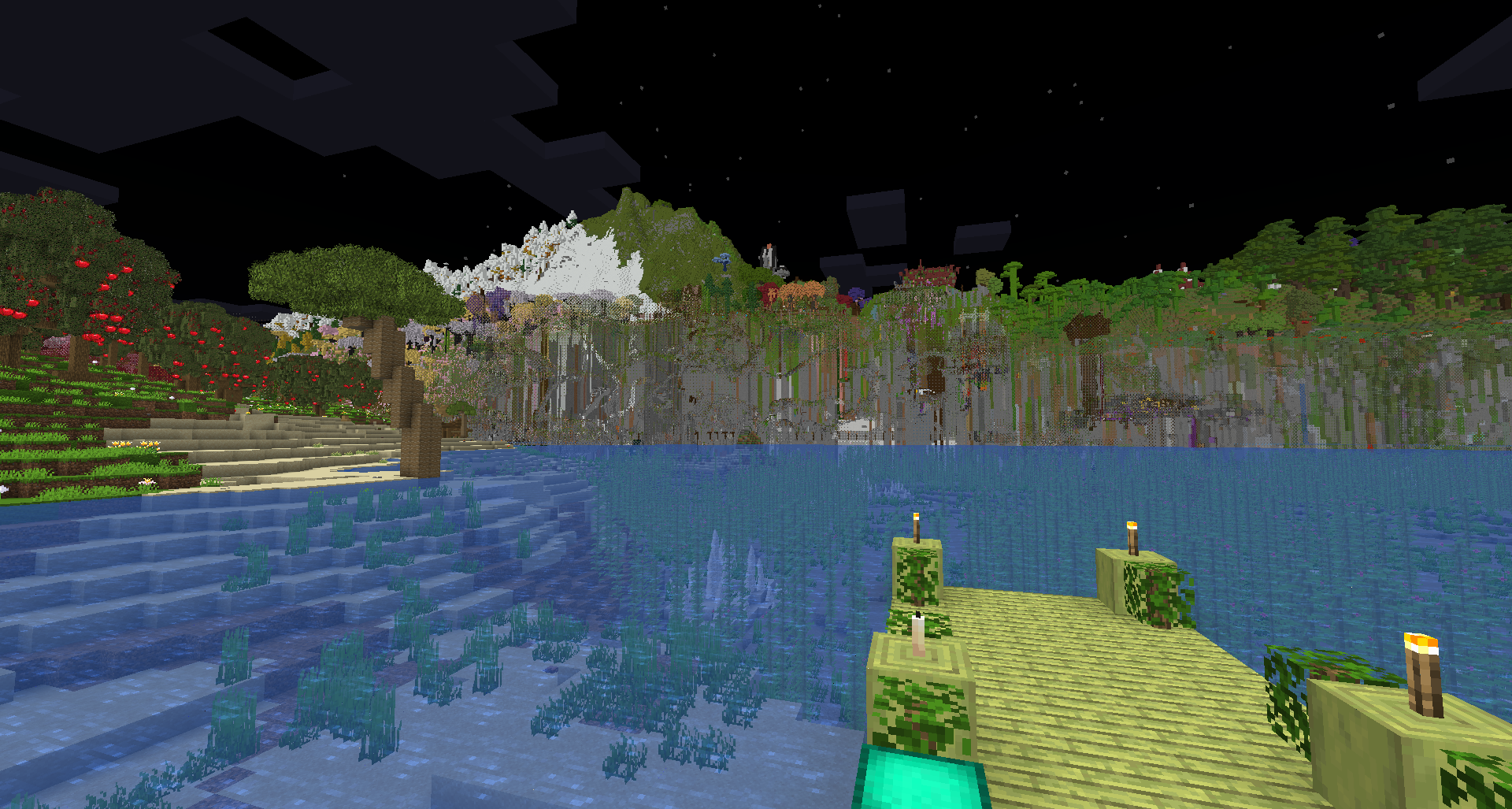
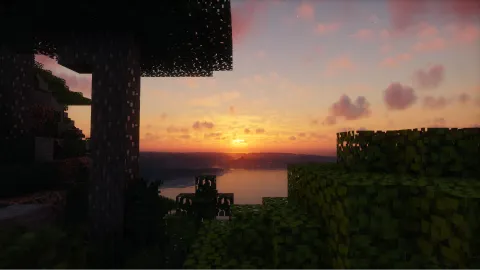
What setting could couse this?
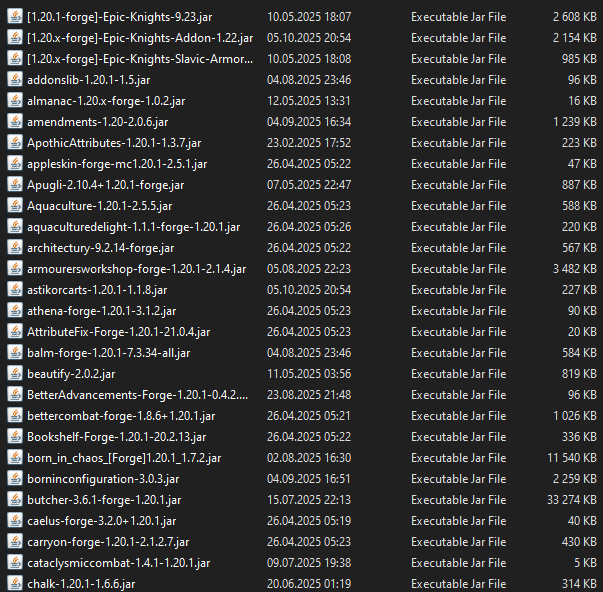
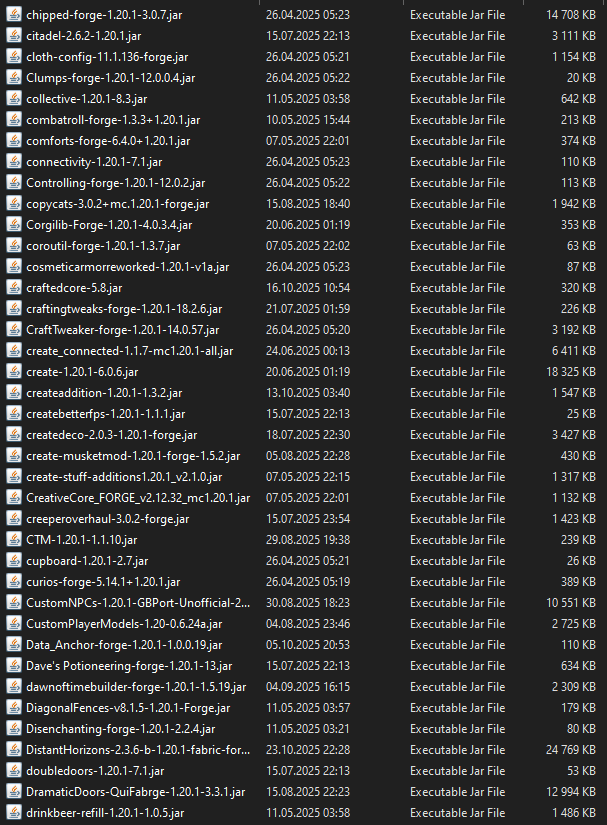
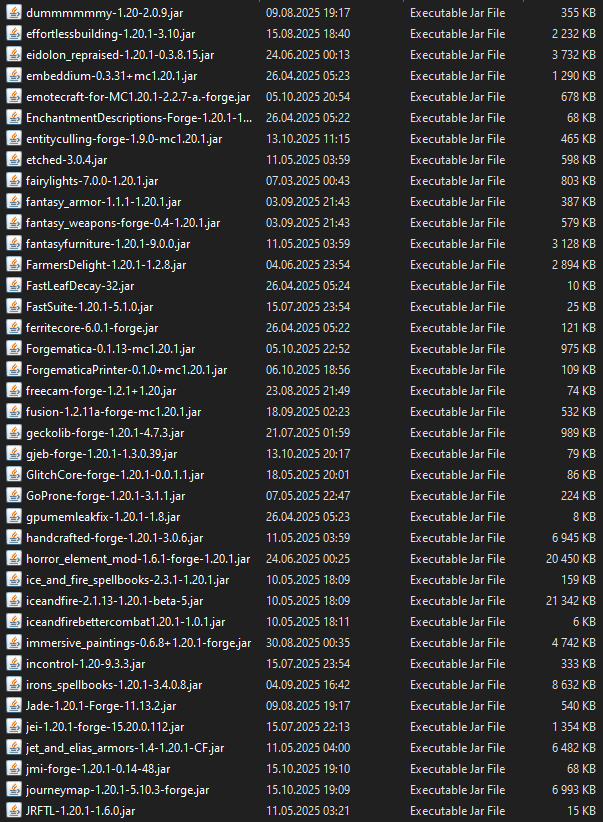
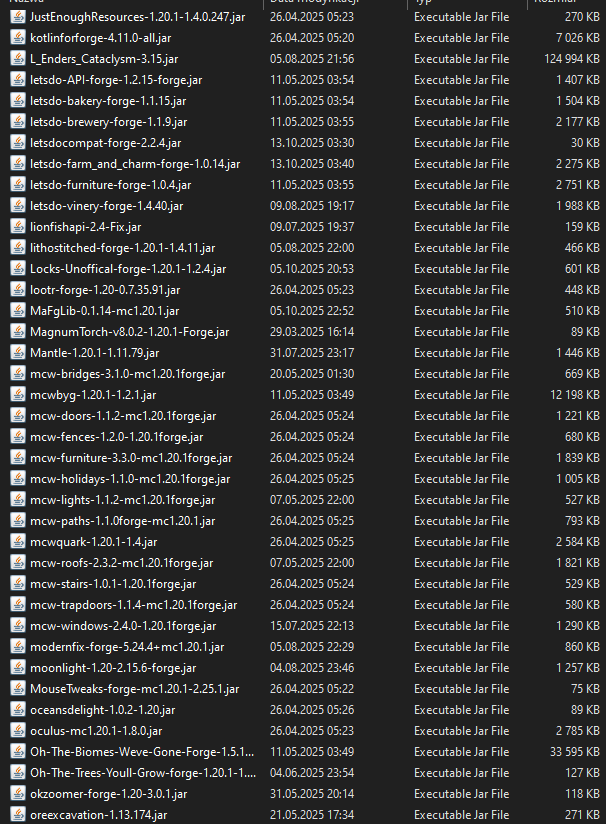
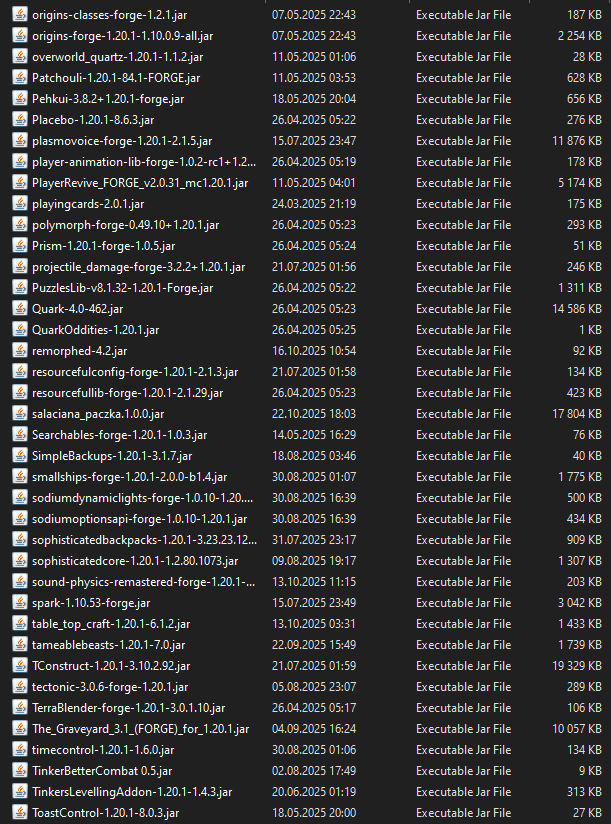
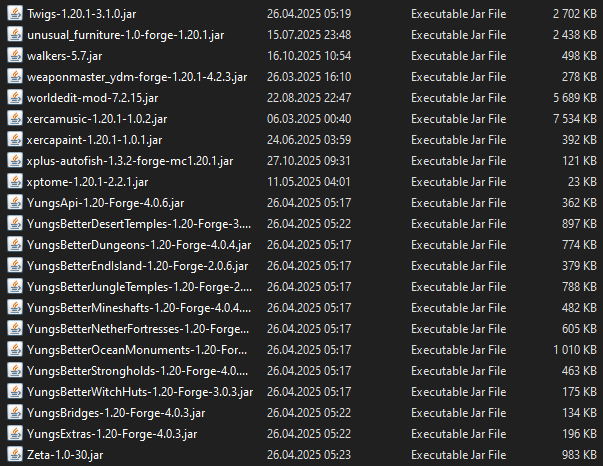
I'm lost at this, i have the exact settings my friend has, and he doesn't have mountains like this qwq there is no crash log or anything, all i can provide is mod list.


7 Replies


all of my settings

!overdraw
Q: There are holes at the edge of vanilla Render Distance, especially during movement
A: This is caused by either vanilla terrain not loading in fast enough, or shader's incorrect overdraw prevention implementation or configuration (if you use one)
Some world gen speed improvement can be found when adding these three mods, but the affect will be minor:
- Noisium
- Faster Random
- C2ME (DH 2.3.0+)
The easiest fix is to move slower and/or ignore it. This hole is most visible while moving over not generated (by vanilla) terrain. Moving over that terrain every subsequent time may not create the hole. And moving slower will give MC more time to load the chunks as you go.
If none of that helped, you can also tune the overdraw prevention, look at the third section to know how.
Q: There are low quality full blocks behind and around non-full block, e.g. fences or ladders
A: This is intended behavior, to prevent holes in the world while you move, DH will overlap with some part of the vanilla terrain.
How much of the terrain is covered is determined by the overdraw prevention:
1.0 will mean DH LODs start where vanilla chunks end.
0.1 will mean that DH render very close to the players position.
0.0 sets it on auto mode.
To fix this, you can either:
Increase your vanilla RD, which will move the DH LODs further from you.
Tune the Overdraw Prevention setting, see the next section to know how.
Q: Where do I edit the overdraw prevention setting?
A: Overdraw prevention setting can be edited inside the DH config under:
Advanced > Graphics > Culling
BUT: if you use shaders, they will influence overdraw prevention. The effectiveness of overdraw prevention depends on the shaderβs internal settings, which may or may not be adjustable. However, the shaderβs overdraw prevention will always operate within the limits set by DHβs overdraw prevention. To avoid conflicts, ensure that DHβs overdraw prevention is not set too high.
Section 1 and 3
Overdaw prevention did nothing
but after changing render distance from 32 to 8 it worked. Guess I will have to ignore it untill i done the whole map
You should have the same render distance on the client as on the server, otherwise it can sometimes cause problems like this