
Did you modify in the dash after deploying in console?
Did you modify in the dash after deploying in console?

 I
I 1I
1I M
M T
T TM
TM
 D
D VD
VD BB
BB PBBBD
PBBBD MMM
MMM
 M
M P
P J
Jwrangler.jsoncnpm run build{"name":"product-docs","compatibility_date":"2025-09-09","assets":{"directory":"out","not_found_handling":"single-page-application"},"routes":[{"pattern":"xxx.amoga.io","custom_domain":true}]} S
S
 Can someone please reply?1S
 J
JCLOUDFLARE_ACCOUNT_IDCLOUDFLARE_API_TOKEN HS1J
HS1Jhttps://www.cloudflare.com/ips/
 WWWWG
WWWWG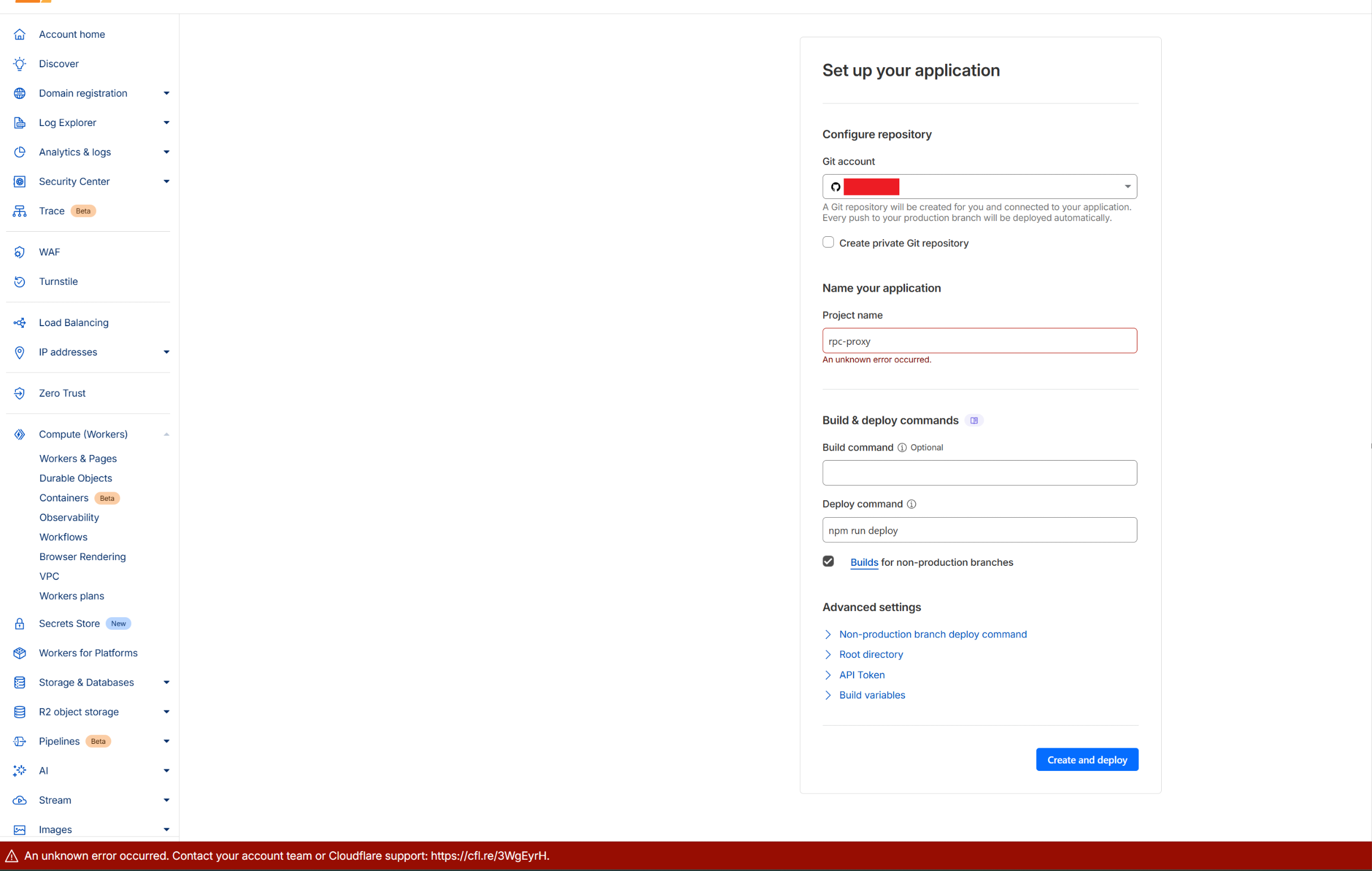 1SWWWSSS
 ASAA
ASAA{"name":"product-docs","compatibility_date":"2025-09-09","assets":{"directory":"out","not_found_handling":"single-page-application"},"routes":[{"pattern":"xxx.amoga.io","custom_domain":true}]}14:19:57.342 Initializing build environment...
14:19:59.970 Success: Finished initializing build environment
14:20:00.993 Cloning repository...
14:20:02.796 Restoring from dependencies cache
14:20:02.799 Restoring from build output cache
14:20:04.515 Detected the following tools from environment: pnpm@10.19.0, nodejs@22.16.0
14:20:06.553 Installing project dependencies: pnpm install --frozen-lockfile
14:20:07.157 ERR_PNPM_UNSUPPORTED_ENGINE Unsupported environment (bad pnpm and/or Node.js version)
14:20:07.157
14:20:07.157 Your Node version is incompatible with "/opt/buildhome/repo".
14:20:07.157
14:20:07.157 Expected version: 22.21.0
14:20:07.158 Got: v22.16.0
14:20:07.158
14:20:07.158 This is happening because the package's manifest has an engines.node field specified.
14:20:07.158 To fix this issue, install the required Node version.
14:20:07.197 Failed: error occurred while installing tools or dependencies


