BlendOS mirrors are down.
Images.blendos.co is down. This means "sudo system track" does not work and updates cant be applied. I would like this to be fixed because "system" is one of the core functionalities and I think this would harm the reputation of BlendOS,
Solution:
v4 is stable, so the image server has been depreceated.
Blend OS v4 Alpha ISO image
Hello Blend OS Team.
I am finding it hard to install BlendOS v4 on an existing arch installation. As I am not an expert at the terminal. Is there anyone on Discord that has made an ISO of Blend OS v4. Is the BlendOS team contemplating on releasing BlendOS v4 as an ISO file?
Thanks in advance, Bhaskar...
Thanks in advance, Bhaskar...
Solution:
v4 ISO fixed: https://blendos.co/download
installing Printer
I installed BlendOS, and all went smoothly until I tried to install a Brother printer. Blend OS could see the printer, but wouldn’t load it. I attempted to find a printer driver for my model, but couldn’t. For me, this was a deal breaker. So I, possibly rashly, deleted Blend for another distro. I have been thinking about this, and wonder whether attempting to load it through another container, such as Ubuntu, would offer the driver I need since I know that Ubuntu can connect to my printer easil...
DNS resolution trouble after Ubuntu 23.04 container update
DNS resolution no longer works inside Ubuntu 23.04 container after update.
Everything is fine just after installation. But as soon as I update the container (apt update; apt upgrade or bpkg update), dns resolution fails from inside the container, which makes most applications installed from it unusable....
No WiFi
Hey. I started the setup from my USB. But I don't have any options to select and connect to my wifi. Any suggestions?
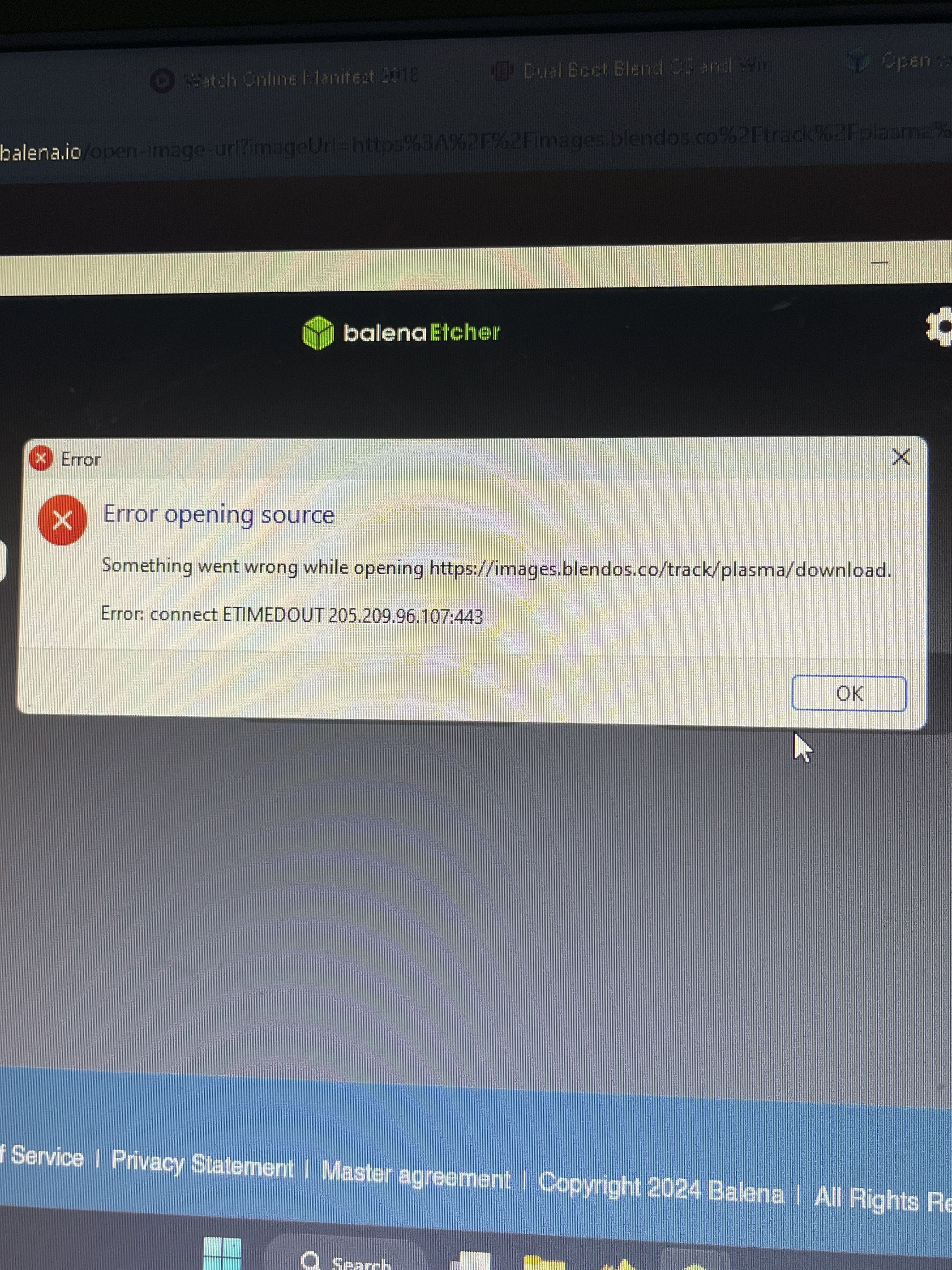
failed to get service waydroidplatform
waydroid fails to start both on the restart and if i launch it manually
Container installs no package
Hey, I just tried to install a package in an arch container, wont work:
$ sudo pacman -S kdenlive
error: failed to init transaction (unable to lock database)
error: could not lock database: File exists...
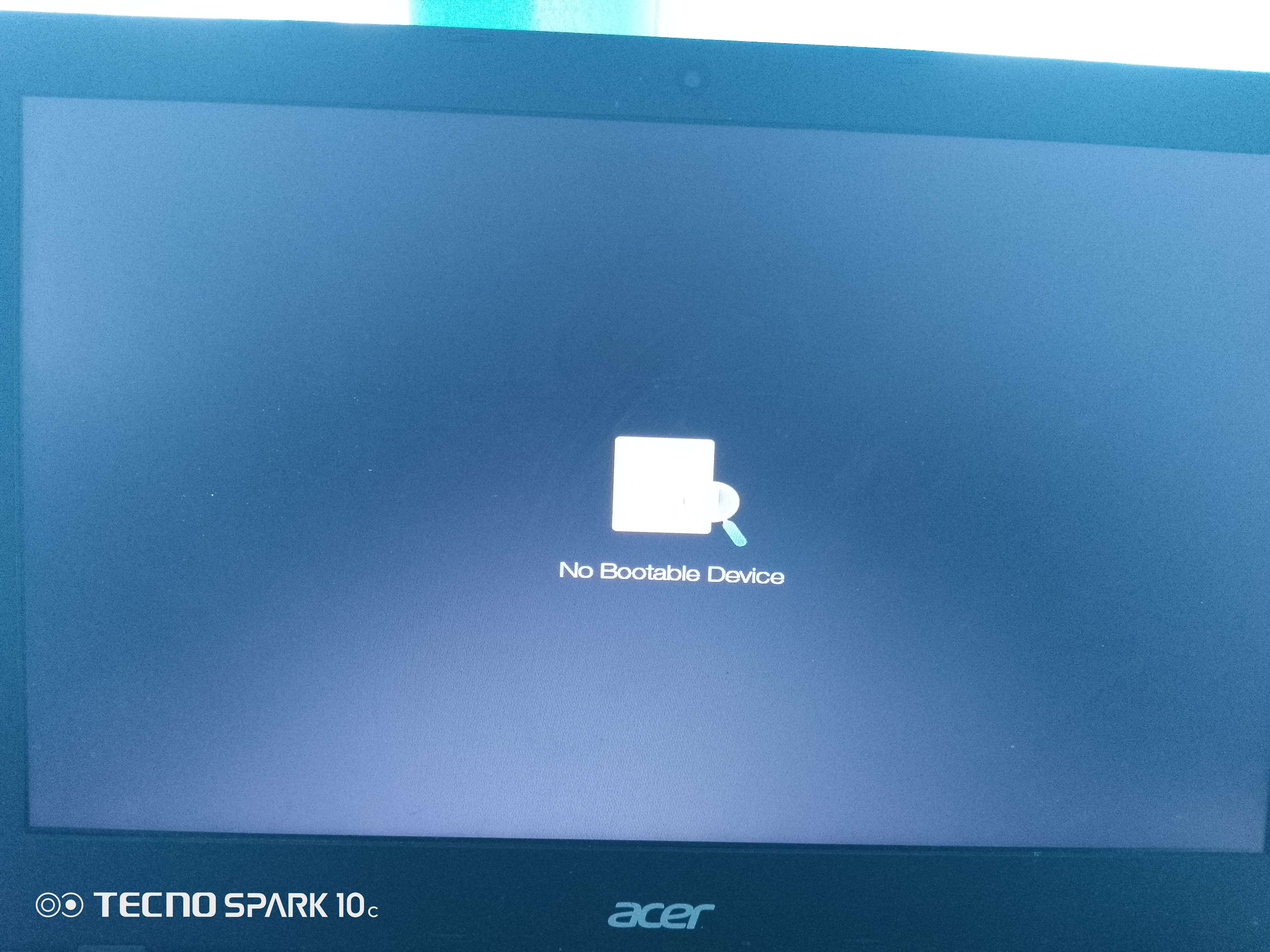
no bootable device after installing BlendOS
This happens too on most linux OS I install on my acer laptop. I really want to try BlendOS, how do I fix this?
Solution:
try the new v4, we just fixed this issue
Btrfs and subvolumes on install
From the looks of it BlendOS creates a subvolume simply called "/" on install but neither timeshift nor btrfs subvolume list recognizes it as such. am I messing something. Pastebin Shows more detail: https://bin.bus-hit.me/?5fb2988158d46437#E6TmbviGYLq283tVfJoc7oQoeLppSSd1zVxfRn9qEm7E
Black screen after Track Switching (V4 Beta 24.4.10)
Switched from gnome default to KDE Plasma. Fresh install. Btrfs System Partition. Bare-Metal installation.
no container settings
I just installed Blend OS , but the Linux Containers settings doesn't appear.
When I double click a .deb file it redirect me to the Package installer , and install that app or at least it tried to , anyway I don't know or I can't find a way to run it after the installation is complete....
system command not found v4
Is the system command on v4 alpha? If not, what command do i use to install to host?
v3 backdoor what does that mean
Hey, so my v3 is backdoored as metioned in the announcment, but as I am not a professional linux user what does it mean for the things I did on my system? Could the attacker read my passwords or what is there to actually to fear about this? What would you advice to do now other than set a new system up like f.ex. v4?
How to install languages other than the default ones (v4)
My main language is Chinese, but OOBE does not allow me to install Chinese. How should I install it?
Because I know this is an immutable system, I think it may not be possible to install the language directly, so I came to ask...
blendOS not starting from USB Drive.
I flashed the blendOS ISO with BalneaEtcher on a USB. I boot from it and It is stuck at Starting Hostname Service.
Laptop:- Dell Latitude E6400
Graphics:- Nvidia Quadro something
Processor:- Intel Core 2 Duo P something
RAM:- 4 GB...
Unable to dual boot blend OS with windows
Hi. I am unable to dual boot blend OS gnome along with windows. There are two different methods one on the website and another one in the installer. I tried both of them but the boot option for blend OS isn't being generated. Please help!