USB-C connection poor
I have recently ordered and built a lily58 with the no-solder hotswap and nice!nano controllers. I have not had any issues with the board until recently. The T and G keys on the left half are unresponsive or input twice unless my USB connection is plugged in a certain angle with a certain amount of pressure. I am constantly required to push the cable into the microcontroller (every 10 seconds) or else I cannot get input from the T or G key. The rest of the left half works fine
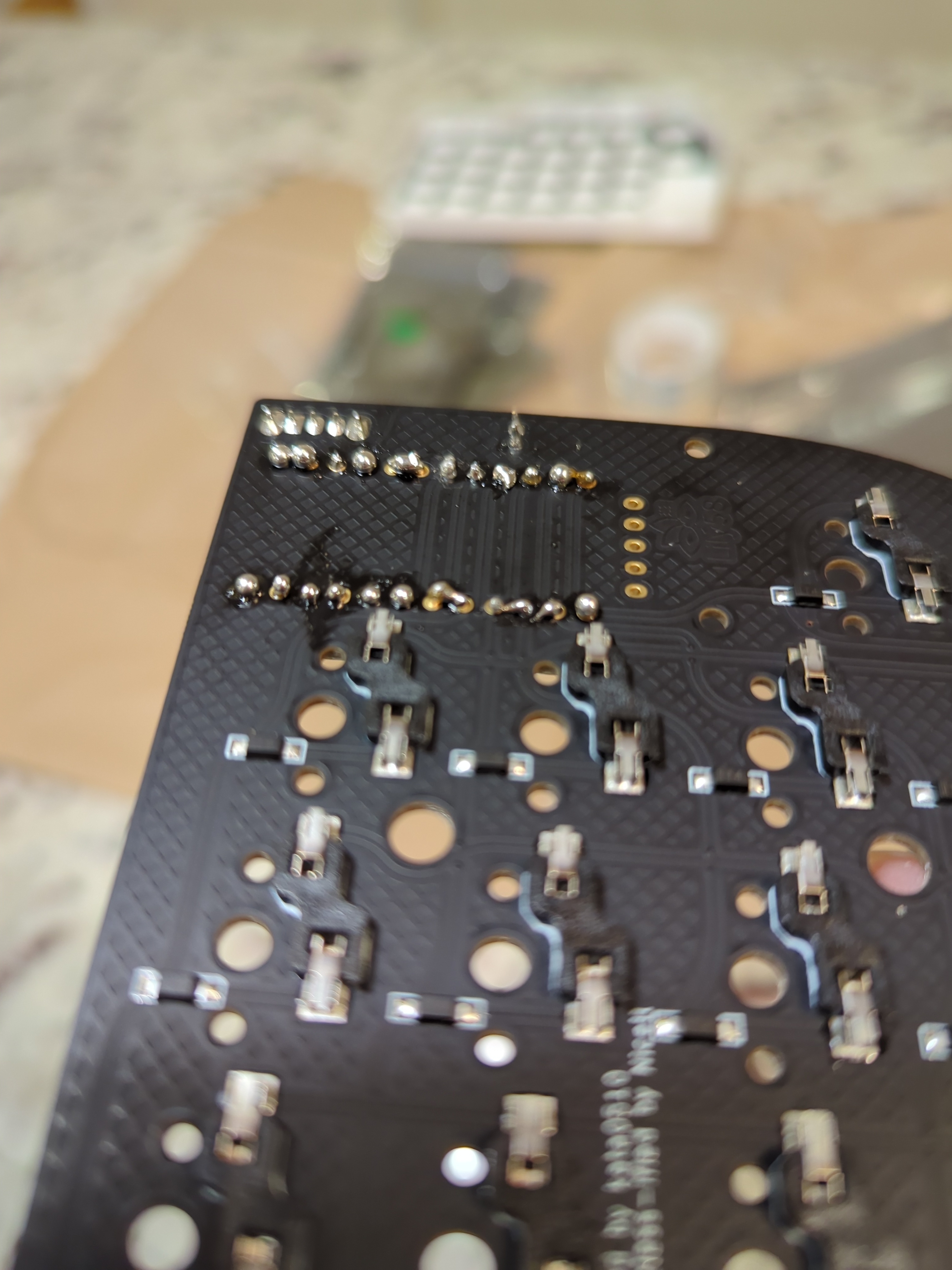
do I need to resolder these connectors? are they bridged?
First time soldering, the first set I did ended up pretty messy (the next three went OK). It looks like some pins are bridged, will it cause issues? do I need to fix them somehow? or am I over-worrying?
thanks in advance, and sorry for bad photo quality, was the best I could get my phone to focus on them...
nice!nano wrong display
Hi everyone and thanks for t his discord.
I have recently bought myself a corne keyboard which feels amazing for now!
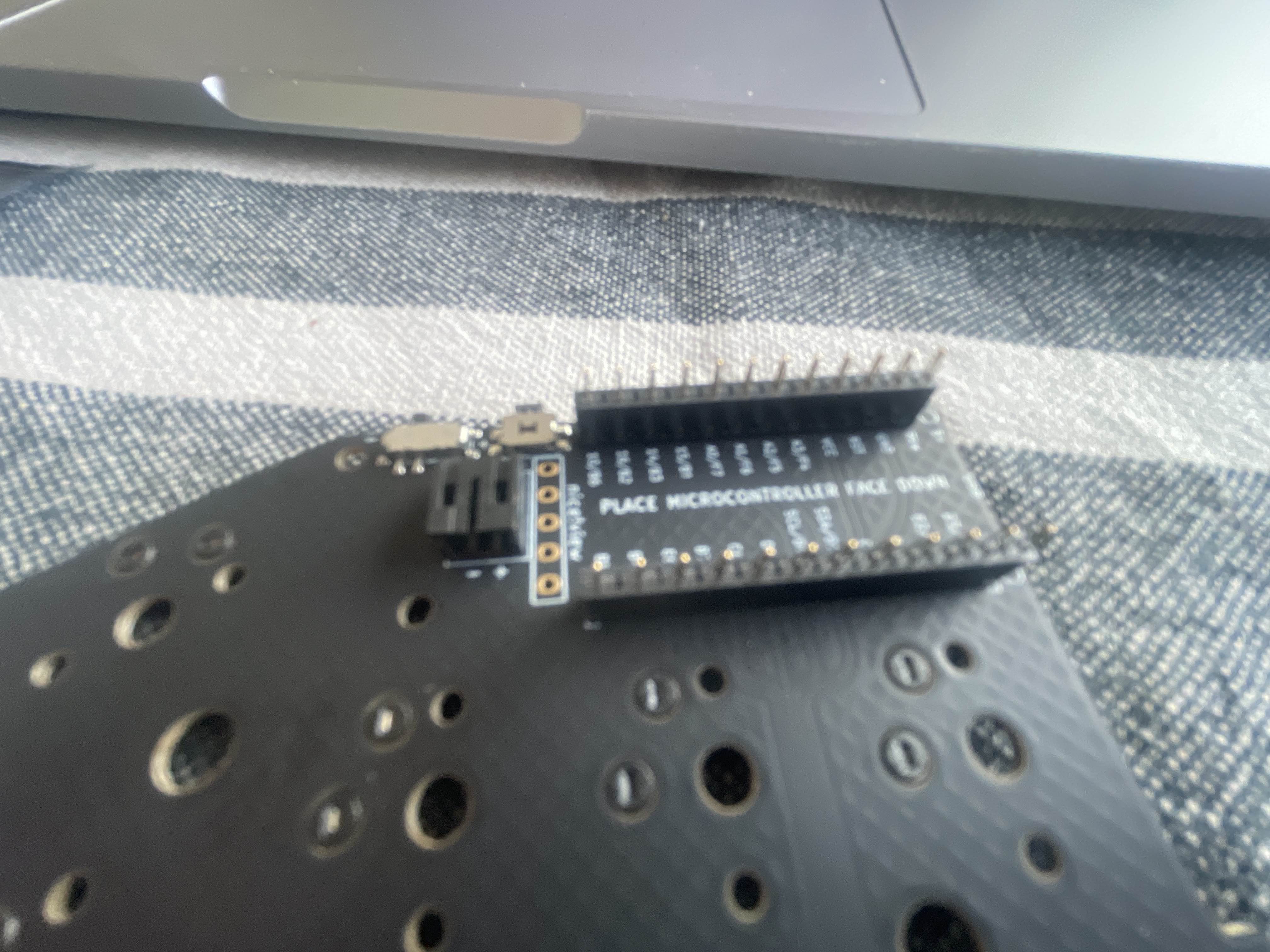
But have an issue whith my left nano!view wich disolay a lot of pixel dots. ...

How to get macos to forget paired device
Hey all,
i recently got a second lily58 keyboard (1st being mx, 2nd a choc variant)
i connected both to the same computer and renamed the 2nd one
choc lily58 however after doing so i wasnt able to connect to my computer and now i cant get it to forget the device at all everytime i connect it keeps trying to use the new name instead of just lily58 does anyone have any experience with this?...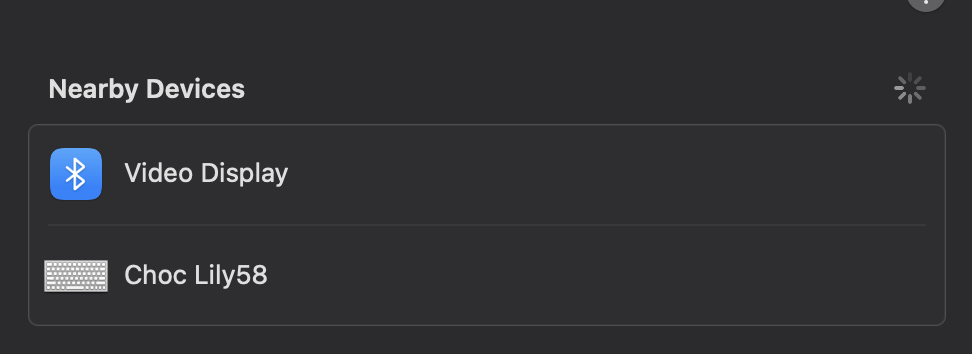
Home row stopped working on left side Corne/poor battery life
Good afternoon,
I built a wireless choc Corne a few months ago, with a premium case, solderless headers, and nice!views, and have been greatly enjoying it, with one minor complaint--the battery life on the left half has been somewhat poor. I could usually get around 2-3 days of heavy use out of it before needing to charge. So, less than the ZMK power profiler states, but also long enough to manage.
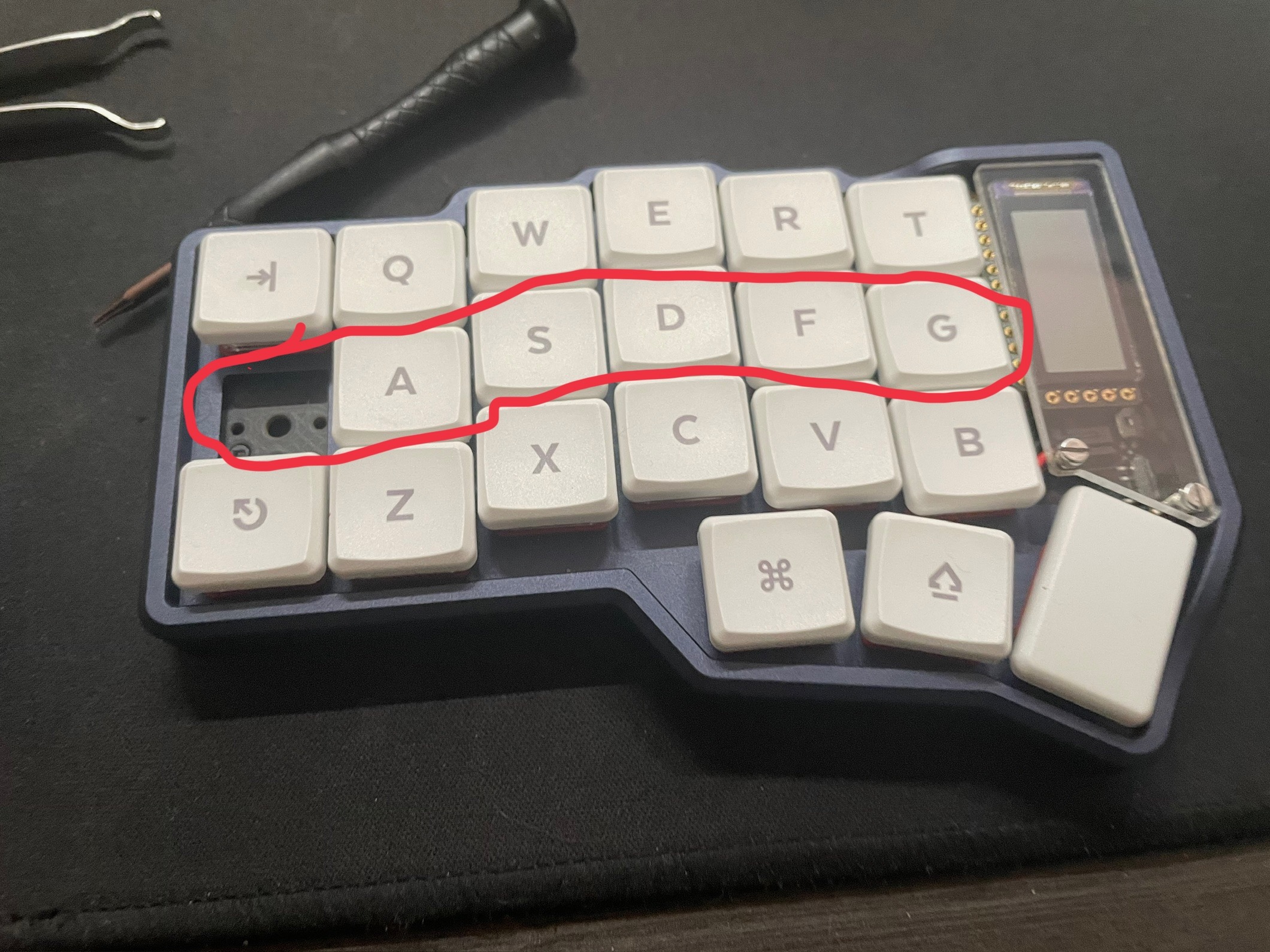
Unfortunately, after finishing a recent charge, I attempted to use the keyboard again and noticed that the home row on the left side no longer works. I disassembled the board to ensure that all of the header pins were still seated/flush with the PCB, and they were. Upon reassembly, the row still did not work. I understand from the diagram on this troubleshooting page that the corresponding pin is P0.24. There does not appear to be anything visibly wrong with the pin, as far as I can tell , and I do not have a multimeter to test it. There are also no visible shorts on the diodes/back of the PCB, as far as I can tell. ...
Right split home row stopped working
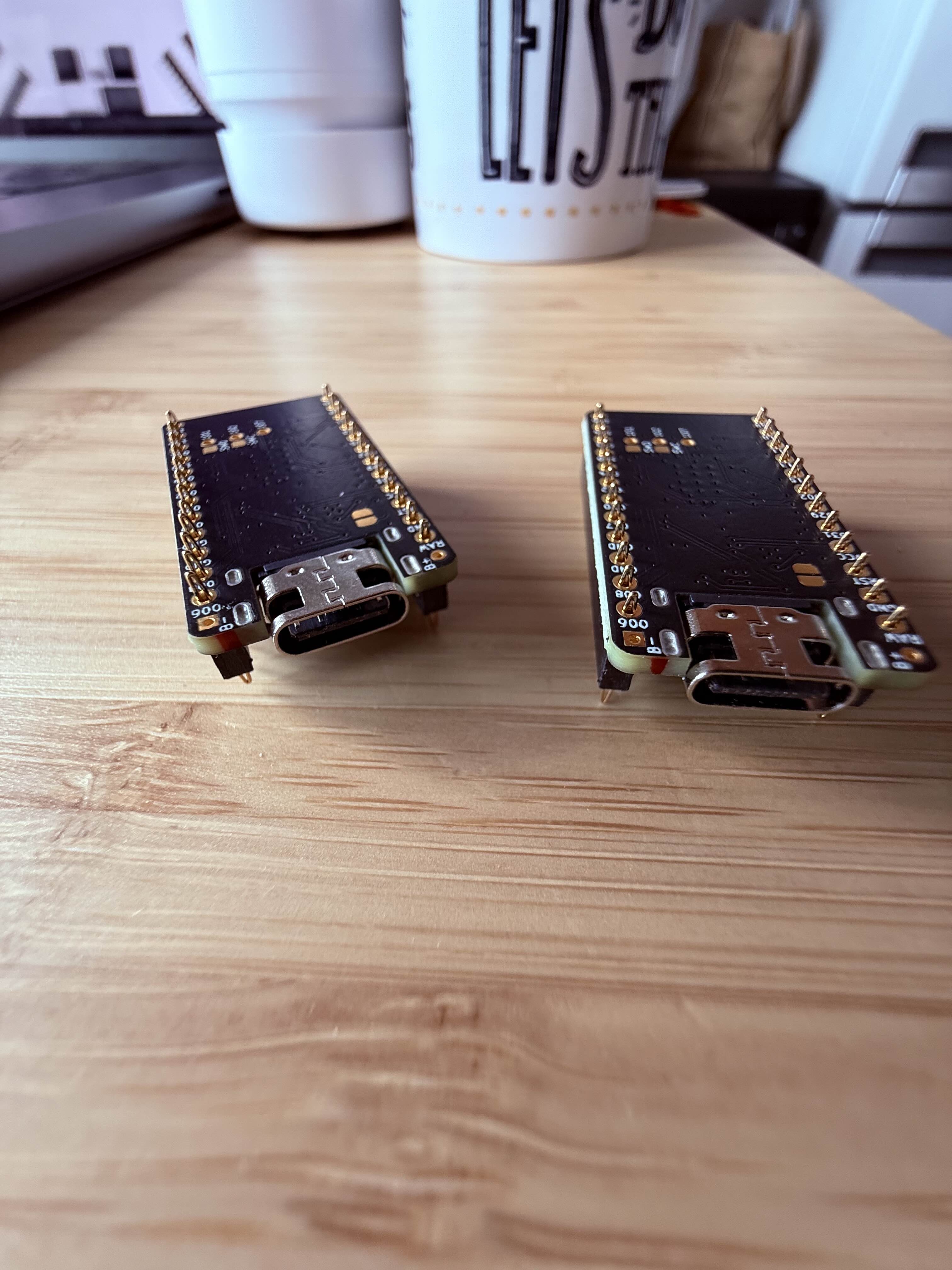
Hello, guys. Last night the home row of my right split stopped working all of a sudden (while the keyboard was charging). This morning I started troubleshooting, and while checking the nice!nanos, I noticed they both have a red line on the right side on the usb port, as seen in the attached image. I switched the nice!nanos between boards to check if the board or the nice!nano is the problem and the culprit seems to be the nice!nano.
Are those red lines normal or do they indicate a problem?...
NiceNano Pins Dying
Hey, I am just wondering if it is just me or do the pins for your NiceNanos also break so often. I have 4 NiceNanos now and on three of them 1 pin is dead. On 2 of them its pin 002 and on the other one its on 113 resulting on one column not working. The last now broke after less than 2 months of use. Could it be that I do something wrong? other that that I love my corne.
Here my graveyard 😦...

Normal battery drain?
Hey guys just built my lily, I’m draining 1% every 10 mins on my left half. Is this normal?
nice nano, nice view, no solder
All settings are default...
Left-side column 6 (pin 1.11 / TGB+thumb) non-responsive on new build
On a new corne build with solderless headers, the left-side rightmost column is not working and has not worked since the first firmware flash. I've recreated the firmware and tried the base ZMK , so I suspect that this is a hardware issue (pin 1.11 according to the documention). I am using the solderless headers, and the connection appears fine and there is no physical damage to the nano or the board. This is not an issue on the right side, and the rest of the keyboard's firmware is working just...

nice view right side not working.
The left nice view is woring asd expected so not sure what's going on.
Double typing
When I type anything on the top row of the left half or the 2nd row of the left half it will activate both the keys on the top and 2nd row on the corne
Keys not working for left half
Hey, I just put together a wireless corne and only the right half is registering key presses. I can connect to the left nice!nano, and was able to install the firmware fine. The right half only works when connecting the left half via USB, but I believe that's because the left is the master (just further evidence that the issue probably isn't with the left nice!nano)
Left row and thumb keys not working
Hi, guys. I had the same thing happen to me as discussed in this thread:
https://discord.com/channels/924164891990978570/1299387823689961543.
I replied in that thread since I didn't want to start a new one since it was related, but no one responded there.
2 days after completing my build, all of a sudden, the bottom left row and the thumb keys stopped working. It was weird because for a moment they started working and then they stopped working again. I am using the no solder headers and I was using magnetic usb cables since I didn't know I wasn't supposed to. I was also using a magsafe stand with the keyboard. Removing the acrylic covers and pressing the nice!nano into position seem to have solved the issue for now. But can anyone tell me why we're not supposed to use magnetic usb cables? Also, it the magsafe stand ok? I keep seeing YouTube videos where people do this. Thank you....
Carrying case for aluminum case
Anyone know of a good carrying case that fits typeractive aluminum corne case and provides some protection.
Half of the left kb not working
Hi, on Monday morning, when I wanted to type, I noticed that the right-half of my left keyboard is not working... any ideas what it could be?
I "installed" a new firmware, but the issue remains.
Corne 5 col KB; presoldered; purchased a year ago...
Corne On/Off Switch Fixable?
I just received my corne yesterday and built it. Unfortunately, when I turned it on, the switch broke nob thing broke off. The moving plastic piece. Is it possible to fix this?
One of my Lily58 keys isn't registering a click
The default period / full-stop key on the right side of my Lily58 isn't registering a click. I've tried different switches and reflashed it multiple times with a different key, but it doesn't seem to be responding.
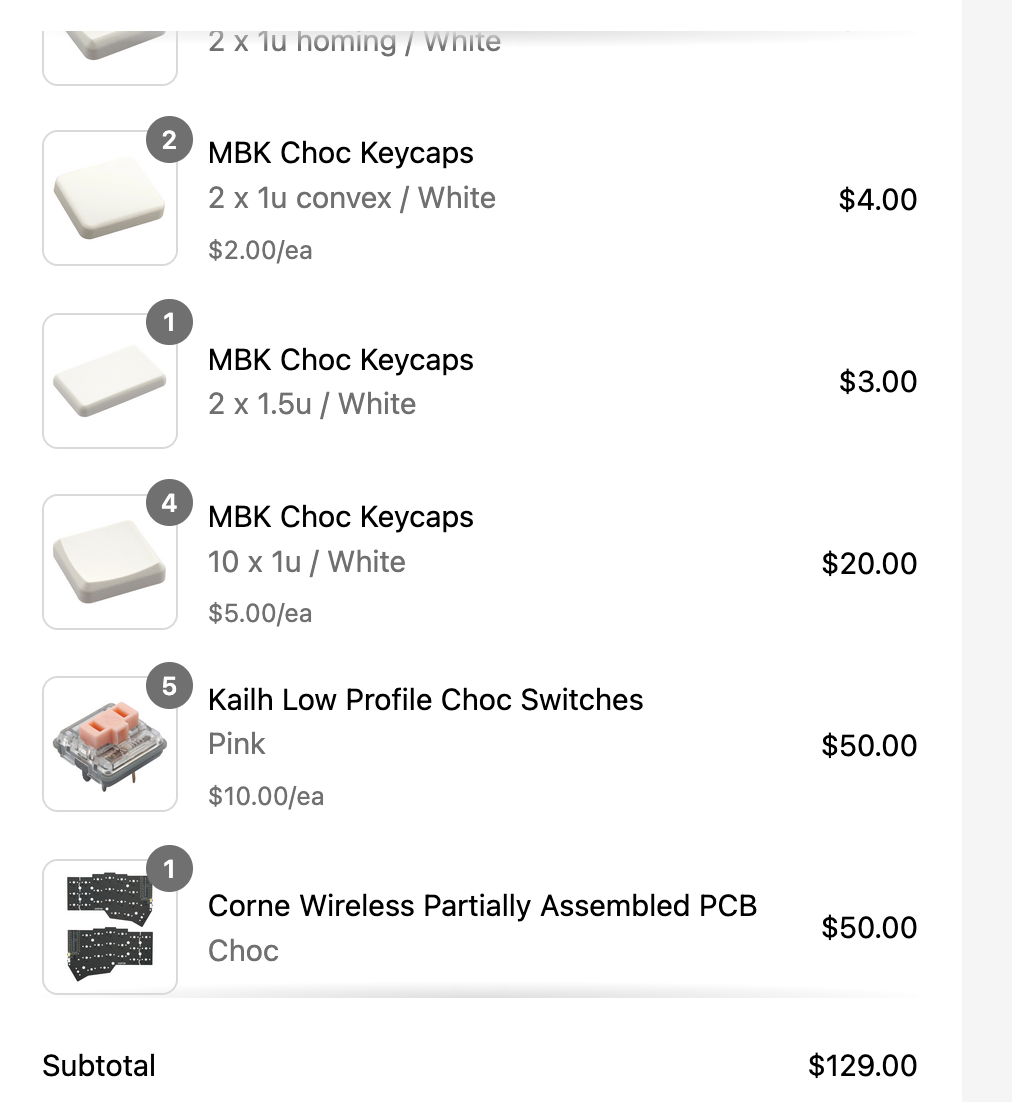
Is this enough to build a keyboard?
Please see photo. Is the parts everything I need to build? I also don't have soldering tools, do I need them?