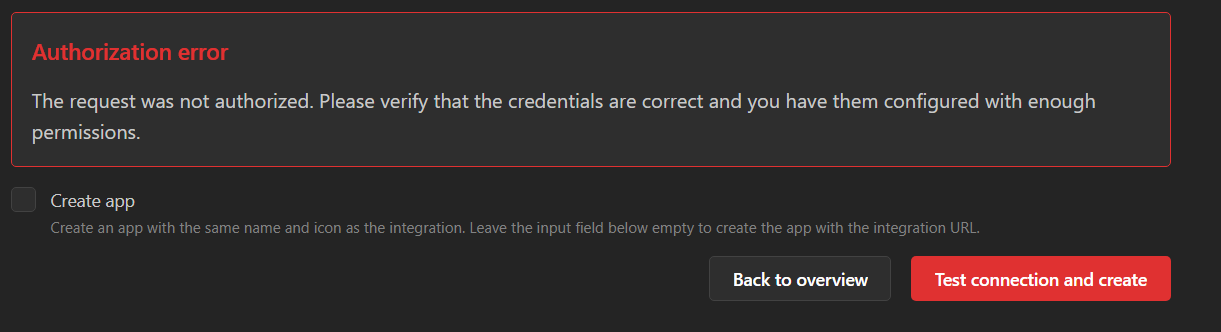
Console Error
5031-c8ee379d3ec32c9e.js:1 Uncaught TypeError: Cannot use 'in' operator to search for 'code' in undefined
at f (5031-c8ee379d3ec32c9e.js:1:3739)
at b (5031-c8ee379d3ec32c9e.js:1:3545)
at l9 (87c73c54-095cf9a90cf9ee03.js:1:51105)
at oT (87c73c54-095cf9a90cf9ee03.js:1:70689)...
Configuration Backup and File Location with Docker
Hi there,
I'm trying to figure out where the data for Homarr is stored when installed via docker compose on windows. The Homarr section for my docker-compose.yml looks like this:
``` homarr:...
Solution:
Yes, we use sqlite by default
Adding item to a board via API
Hi!
Is there a way to add items to board using the API?
If not, is there a known workaround for this use case?
Thanks in advance 🙂...
OIDC not showing up (on login UI or logs)
Hi, I have a Homarr container (version 0.15.10) where I'm trying to get OIDC authentication working via Pocket ID, but the UI does not show any OIDC button or option. The logs also don't mention anything related to OIDC.
Am I missing some other environment variable?
This is my docker-compose (managed by Komodo) config with just the FQDN changed to example.com:
...
Aidez moi - Can't achieve installing 1.x Homarr Docker Container #homarr
Hello everyone.
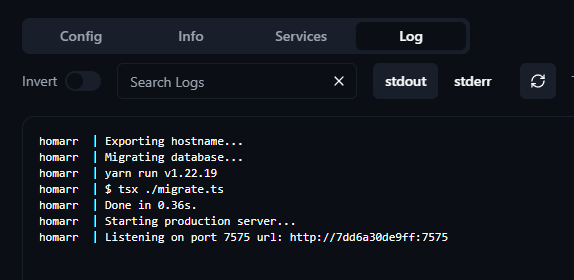
I just discovered late that the Homarr homepage went from 0.15 to 1.x a few months ago, and that a migration method was implemented in the application with an encryption key etc.....In short, I took my lead and tried my luck. Docker Compose is small, simple and efficient.....the container launches perfectly in "healthy" mode under Portainer. But now, impossible to access the page! Both through the Reverse Proxy https and on the page http://namenas.synology.me:7578 (dedicated port).
Don't understand what's going on. Any similar feedback from you?...
Solution:
As for the actual problem, you are exposing the wrong port. Expose 7575 instead, you can map to 7578 or any other port. So it should be
7578:7575Homarr crashes after fresh docker deploy on old Synology DS1513+
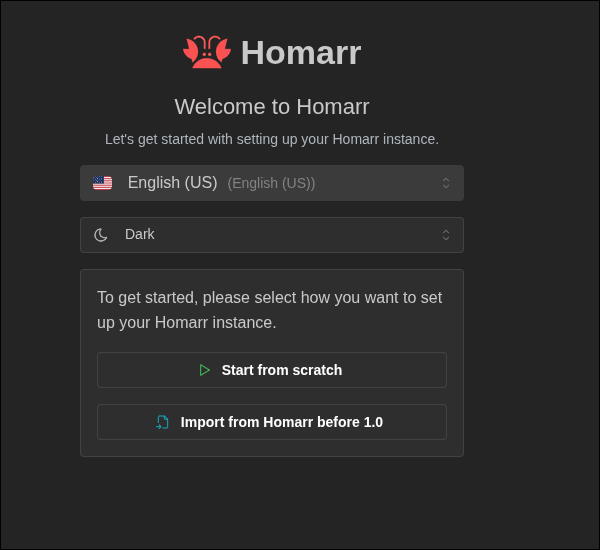
After deploying Homarr 1.27 and now 1.30 I get the initial page to load where you can choose theme etc. After pressing clean set up it crashes immediately. Logs attached. It's an old system but it ran the older pre-1.0 versions in the past. Decided to come back and try the latest but can't get it to work. Deploying using standard docker-compose from installation documentation on website. Tried with and without docker integration. Same result either way. Appreciate any advise.
1.30 update resets Homarr
Current docker compose:
```yml
services:
homarr:...
Solution:
You did not follow the migration guide correctly:
https://homarr.dev/blog/2025/01/19/migration-guide-1.0
Hence, Docker did not persist your data and it was reset....
Round numbers up or down for Home Assistant Entity State
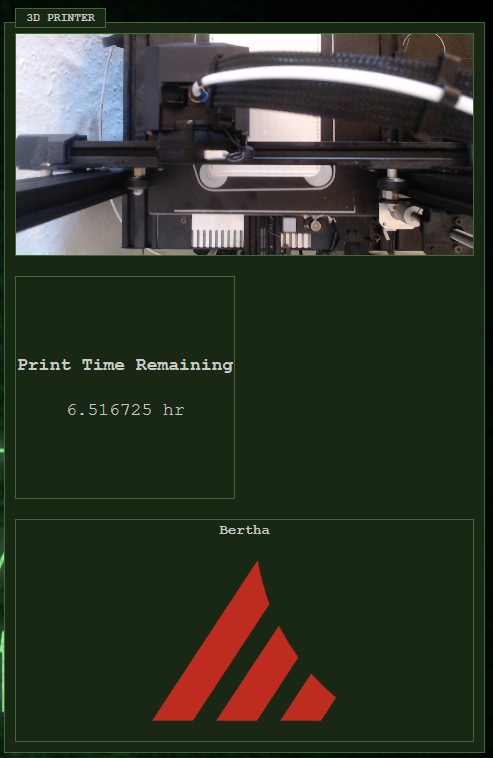
Hi there, I have a quick question regarding home assistant entity state. In home assistant I have my 3D printer set up with a few different methods of estimating time to completion for a print. These are set up nicely with Moonraker with their numbers rounded neatly, for example, '5h 57m.'
However, when creating an entity tile in Homarr, it's displaying the number as a full string! Is there any way to set the rounding on this to make it a little more reader-friendly?...
Solution:
Hi, not at the moment, but you can round within Homeassistant. Consider posting a feature request on GitHub.
Values of System Health Monitor are not changing...
I recently notice that the values of System Health Monitor i.e. CPU temp/usage is not changing. It will change though if I refresh the page. I have tried on a couple of browsers, but the results are same. There is an warning in Developer Tools:
WebSocket connection to 'ws://ip:7575/websockets' failed: Error during WebSocket handshake: Unexpected response code: 502
Homarr (Version 1.28.1) is running on RPi4.
Here is my docker compose file:
```
#---------------------------------------------------------------------#...Updating to Latest 1.0 and Backup key is invalid
I just updated to the latest Docker version of 1.27 on QNAP and when trying to import my backup, I'm getting an invalid token. I've triple checked my token and have downloaded multiple backups. Can I get some help with this? Thanks!
Solution:
Welp, as I was trying to get screenshots and logs, when I tried it with a totally new backup and key (probably the 8th one). Cleared the appdata dir and restarted the container (probably the 10th time and multiple browsers) and lo and behold, the import worked. 🤨 Just needs a little updating and cleaning up. Thanks @Manicraft1001 !
Websocket issue effecting Pings
I am running Homarr v1.28.1 installed with Proxmox Community Helper script. I am having an issue that after 2-3 hours of starting Homarr the Pings stop working best I can tell is something to do with the wss websocket.
When I first start Homarr the pings work. I see in the logs "✅ WebSocket Server listening on ws://localhost:3001" with multiple other messages " Connection (5) GET /websockets" . However, after several hours, pings will switch to a blue circle and throw the error below in the log file. Restarting the LXC or even doing systemctl restart homarr resolves the issue for 2-3 more hours before it happens again. ...
When I first start Homarr the pings work. I see in the logs "✅ WebSocket Server listening on ws://localhost:3001" with multiple other messages " Connection (5) GET /websockets" . However, after several hours, pings will switch to a blue circle and throw the error below in the log file. Restarting the LXC or even doing systemctl restart homarr resolves the issue for 2-3 more hours before it happens again. ...
Solution:
Hi, we're discussing this at the moment on GitHub: https://github.com/homarr-labs/homarr/issues/3622 .
Please look into that issue and comment if the solution outlined does not work.
I will mark this as resolved....
Adguard Integration (Widget)
So it used to work just fine, then this error popped up:
tRPC Error with query on 'widget.dnsHole.summary'
OS: Ubuntu
Homarr: 1.28.1 (dockge)
Adguard: No docker...Solution:
i changed it and it worked then it reverted for some reason

Database locked when saving
Everytime i try to modify something and try to save, the spinner just keeps spinning. When looking at logs it seems like the database got locked
Log (See https://homarr.dev/docs/community/faq#how-do-i-open-the-console--log)
*homarr1_logs.txt
Operating system (Unraid, TrueNAS, Ubuntu, ...)...
Does Homarr support external PostgreSQL?
My homelab uses a PostgreSQL database and would like all my apps to connect to it. Thank you!
Solution:
No, at the moment only external MySQL is supported. Postgres support is planned but not yet available.
Pings not loading
Hey, I've updated to 1.28.1 hopping to solve an issue with the ping of a service which uses a self-signed certificate internally, but I found an error, for some reason when the service is online none of the pings load,
OS: OMV (Debian)
```
services:...
Solution:
Can we close this discussion and continue in https://github.com/homarr-labs/homarr/issues/3622?
[EPILEPSY WARNING] Flashing when opening menu on mobile
When opening the menu that appears when you press on your profile picture it fails to open properly and just flashes repeatedly
Solution:
Wow, yes this definitely shouldn't happen. Can you submit a report to GitHub? If possible, can you provide the exact screen resolution?
Media Server integration issues, docs obsolete
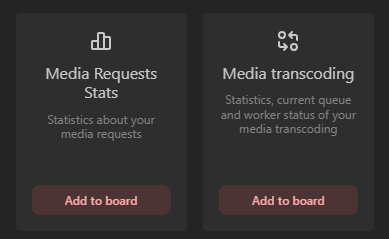
Trying to add "Media transcoding" item to my board. But there are no integrations. Jellyfin is added both as integration and app, and it shows green when added as an app to the board.
I've tried adding the integration with both api and user/pass
In the docs on dev.homarr there's no mention of Media transoding, only Media Server, which can't be found in the items list at all....
Solution:
Like I showed on the picture I don't have the option to add the media server widget.
Edit: I found it, it's called "Current media server streams".
Thanks....
Nextcloud integration fails with "cannot find homeUrl"
I'm self-hosting Homarr in a docker container and Nextcloud with apache (no container) i have a private CA for Nextcloud and others services i host on my rapsberry pi.
I uploaded the certificate into Homarr. And I have the env variable NODE_EXTRA_CA_CERTS
In my browser (Windows) I can reach https://192.168.1.1/nextcloud/ocs/v2.php/apps/serverinfo/api/v1/info give me 200 status code OK
in SSH (raspberryPi) : docker exec -it homarr bash then curl -u nextcloud:password -H "OCS-APIRequest: true" --cacert /appdata/trusted-certificates/private-ca.crt https://192.168.1.1/nextcloud/ocs/v2.php/apps/serverinfo/api/v1/info works too !
`a4: Unable to connect to the integration...