

Welcome to the official Cloudflare Developers server. Here you can ask for help and stay updated with the latest news
83,498Members
View on DiscordResources
Similar Threads
Was this page helpful?
 H
Hv18.7.0. Is that the issue? M
Mv18.3.0.MHVolta, but I didn't know you could pin for specific projects. Thanks! DD
DD S
Sproduction1 environment. I can also see some info when I click Manage service in the workers' overview. wrangler.toml--env, wrangler deploys separate services with the env name from the wrangler.toml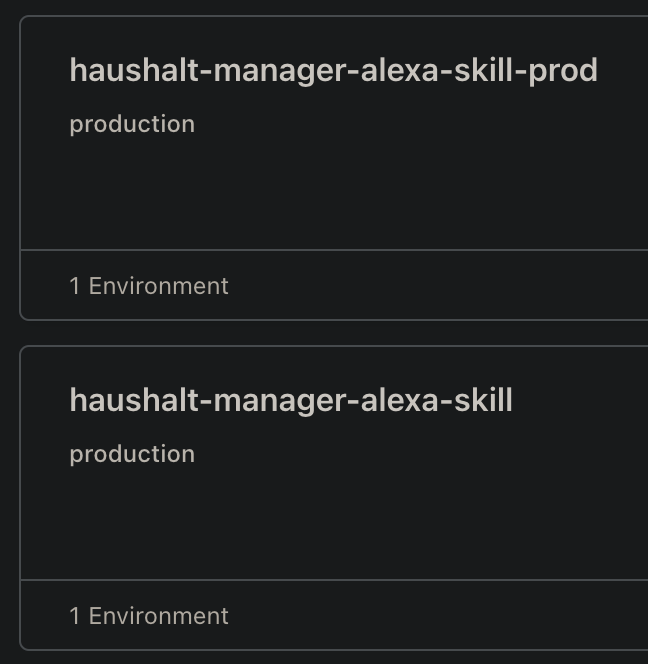
 TTT
TTT C
Cproduction I'm still experimenting with workers mostly.T
 S
S
 W
W J
Jnpx wrangler pages dev dist --r2=BUCKETJ wrangler 2.0.24 (update available 2.0.26)JJJ
 Token Permissions: J
 WJ
WJ JJJJJJ
 TTTTTTT
miniflare section. Unless you are using MiniflareTTTv18.7.0v18.3.0Volta1 environmentManage service--envnpx wrangler pages dev dist --r2=BUCKET> wrangler pages dev ./dist --r2=THEMES
✘ [ERROR] Unknown argument: r2Scope (Access)
- account (read)
- user (read)
- workers (write)
- workers_kv (write)
- workers_routes (write)
- workers_scripts (write)
- workers_tail (read)
- pages (write)
- zone (read)
- offline_accessWhile developing locally, you can interact with an R2 bucket by adding --r2=<BINDING> to your run command. For example, if your bucket is bound to BUCKET, you can access this bucket in local dev by running npx wrangler pages dev dist --r2=BUCKET.miniflare


