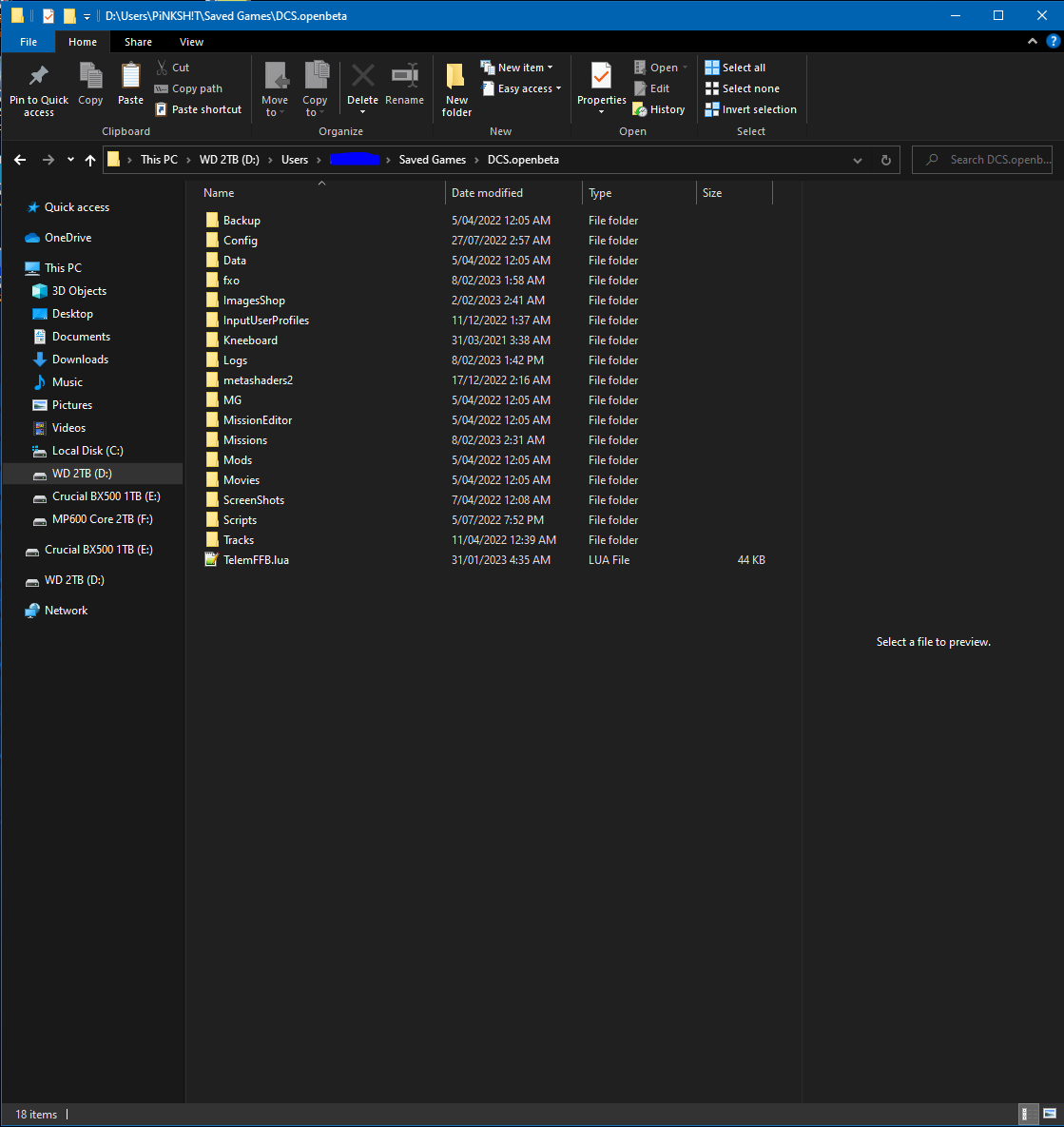
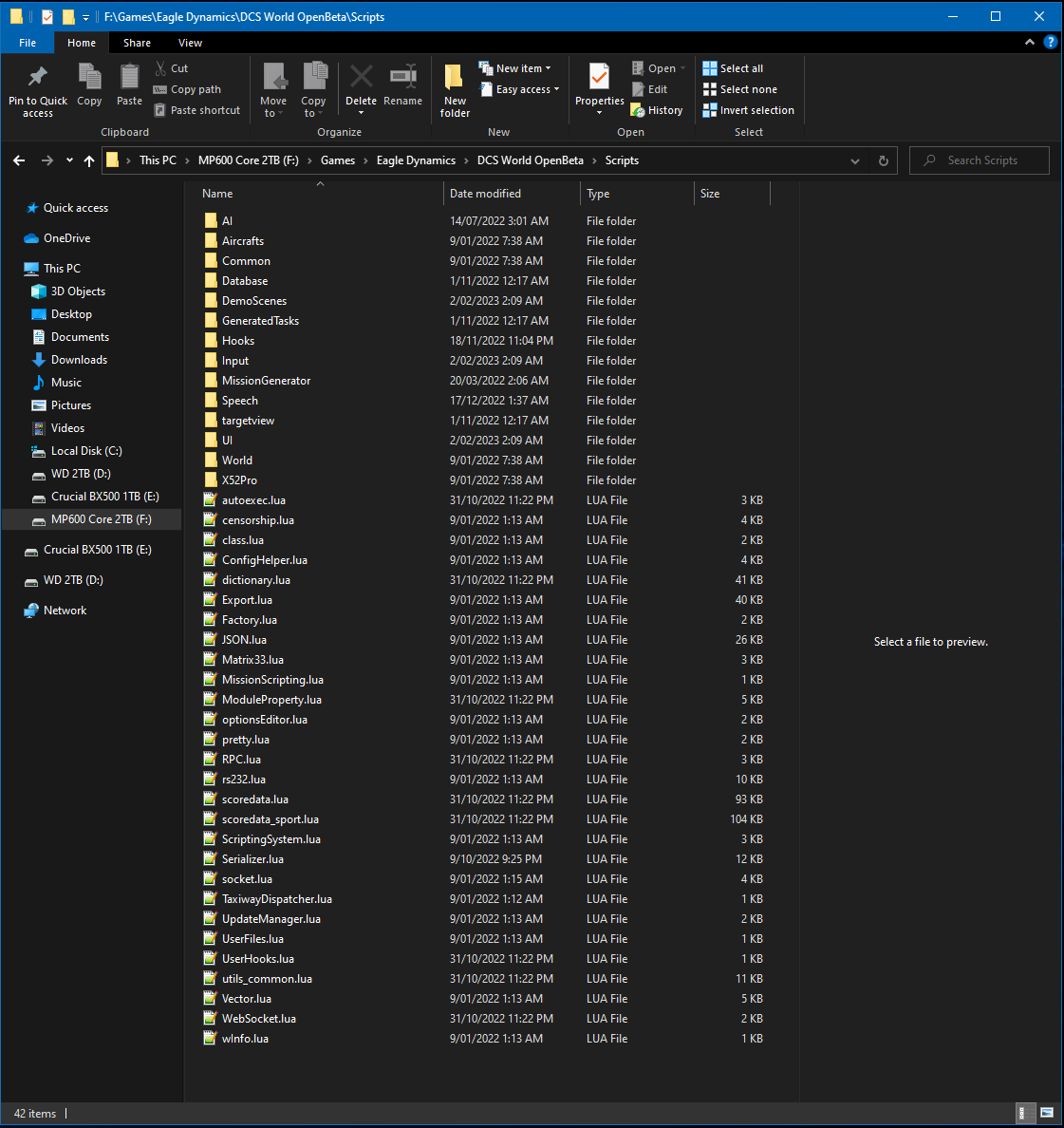
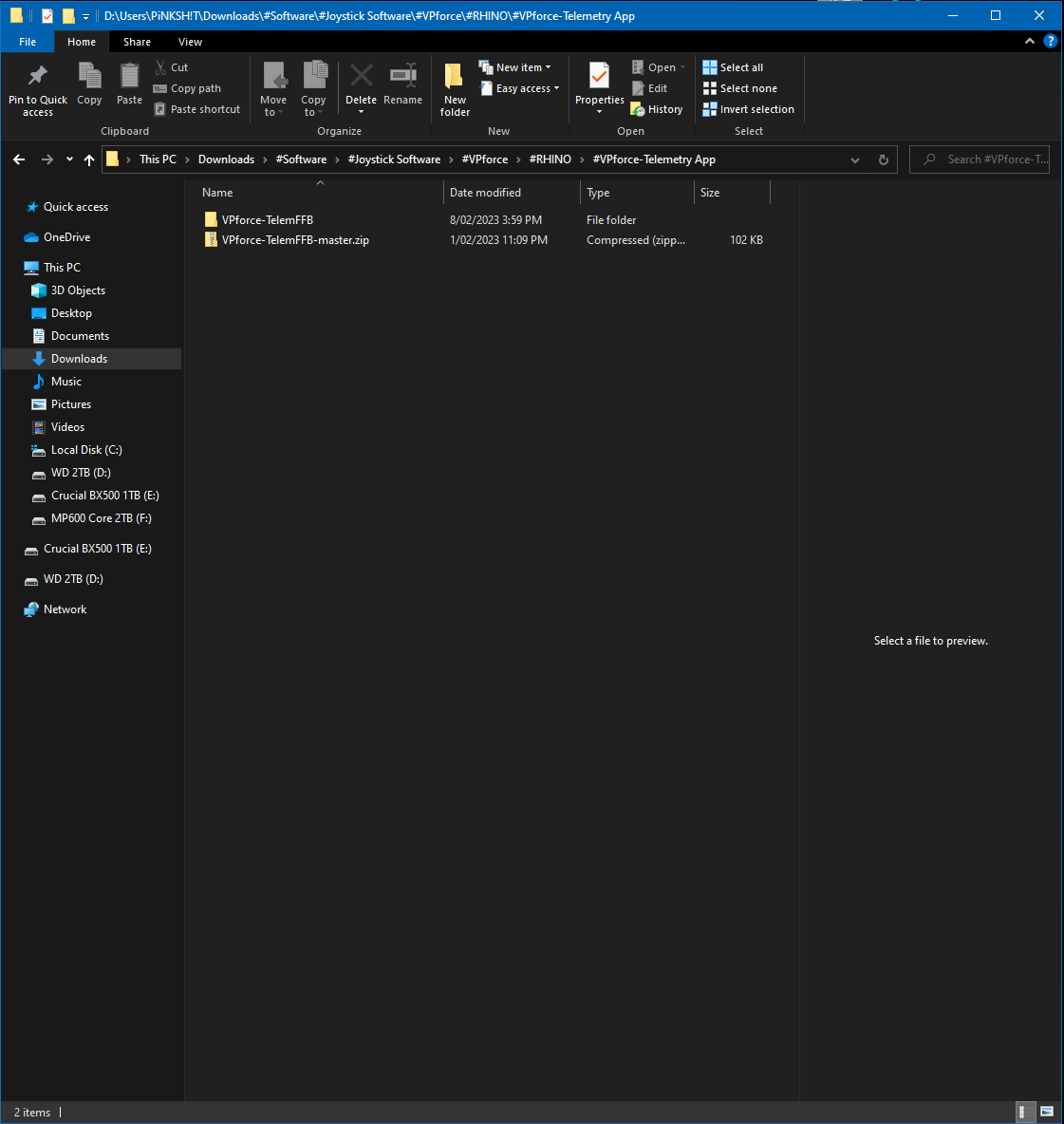
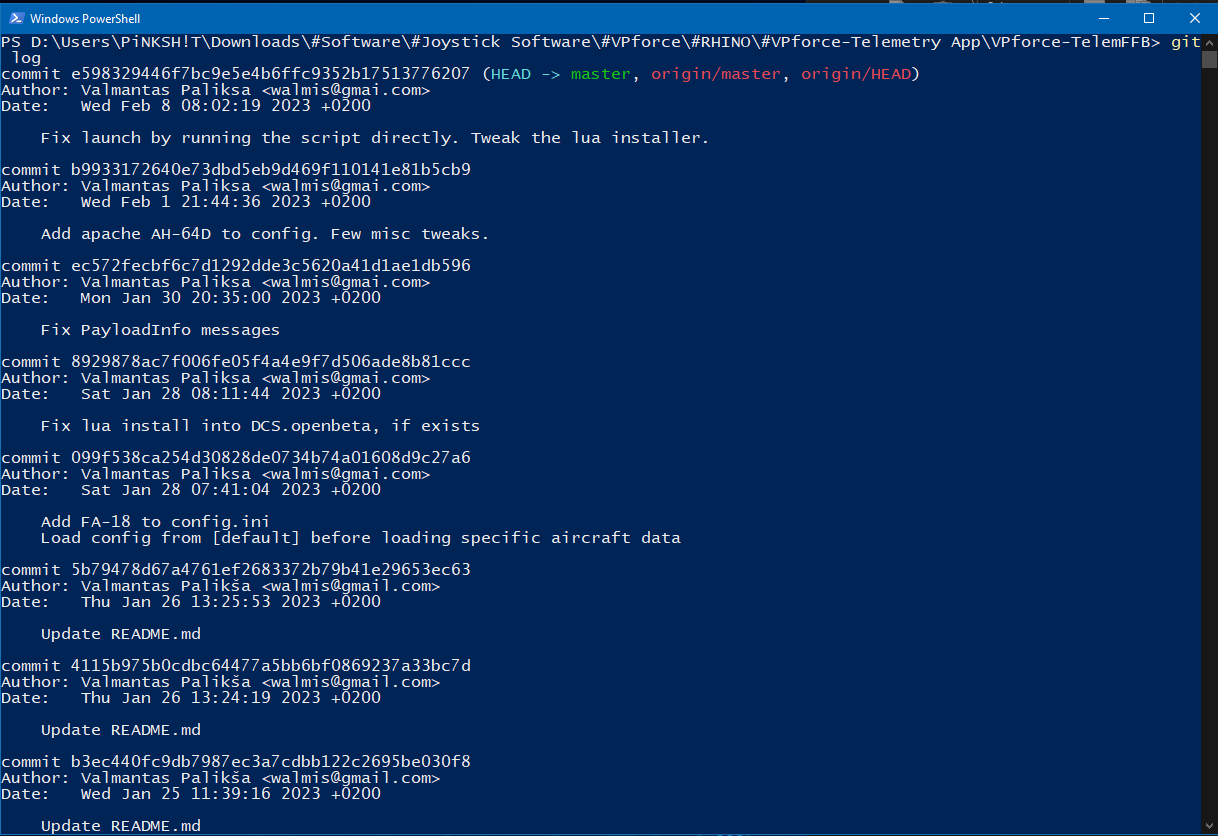
if I double click on the main.py a window flashes up for a moment then closes, if I run it through the cmd line like you told me last night, I get the Telemetry Window pop up but nothing shows up in that window when in a plane
I dunno wtf I'm doing wrong, I used git to download & install, did the install requirements line, said already meets requirements, tried it again launching via cmd line main.py, got the same Telemetry window again but nothing in-game again as before
still nothing, I tried running the python main.py command from a powershell window that I opened from the telemetry app install location, also from a cmd window from same location, this gives me the same result, telem window opens but nothing shows up, no effects in game f18, I tried again duble clicking the main.py itself & get the same unknown window that flashes open for a moment
Make sure python is installed correctly.. from memory I had to reinstall but enable one of the check boxes that by default is unchecked. Can't remember which one it was though.
Ok the latest Telemetry App update has got it working for me, now my question in how do I tweak the strength of the effects? The Telem window is telling me I should feel ground rumbling etc. I'm only feeling rumble with gun fire & AoA buffeting effects. Any help would be great
@walmis which mini din plug do you use? (possibly with a link to the dealer) Did you design the mounts for these plugs yourself or do you use ready-made ones?
Just for Information, @walmis . My VKB stick stopped to work. After some troubleshooting I found out that the was a cable loose in the VKB Adaptor. Not sure if it was just a bad solder, or if it was some pulling on the cable. I just Re routed it so it has a little more slack now.
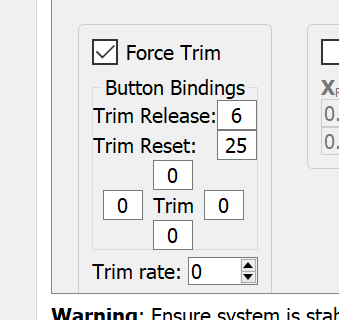
I've been flying the Huey and noticed the trim button does not release stick pressure. As I understand it, pressing the trim button should release all force leaving the stick 'loose'. When I release the trim button, the stick should be held in place where I left it. The special options for the HUEY are set to Joystick without springs and FFB. In the MISC options, force feedback is enabled. In 'central position trimmer mode', the trim button releases stick pressure as it should but as soon as I release the trim button, the stick goes back to center.
Unless thins have changed with recent updates the Huey was working fine for me a week or 2 back. I have my special settings on default I think not Joystick without springs and FFB, maybe try changing that to a different setting option?
I'll jump on DCS later & have a look with my RHINO, but just checked then & my settings are on default? Are you running the force trim through VPforce app? & are you running the Telemetry app too? I wasn't using either of those last time I was in the Huey, something might be going on there?