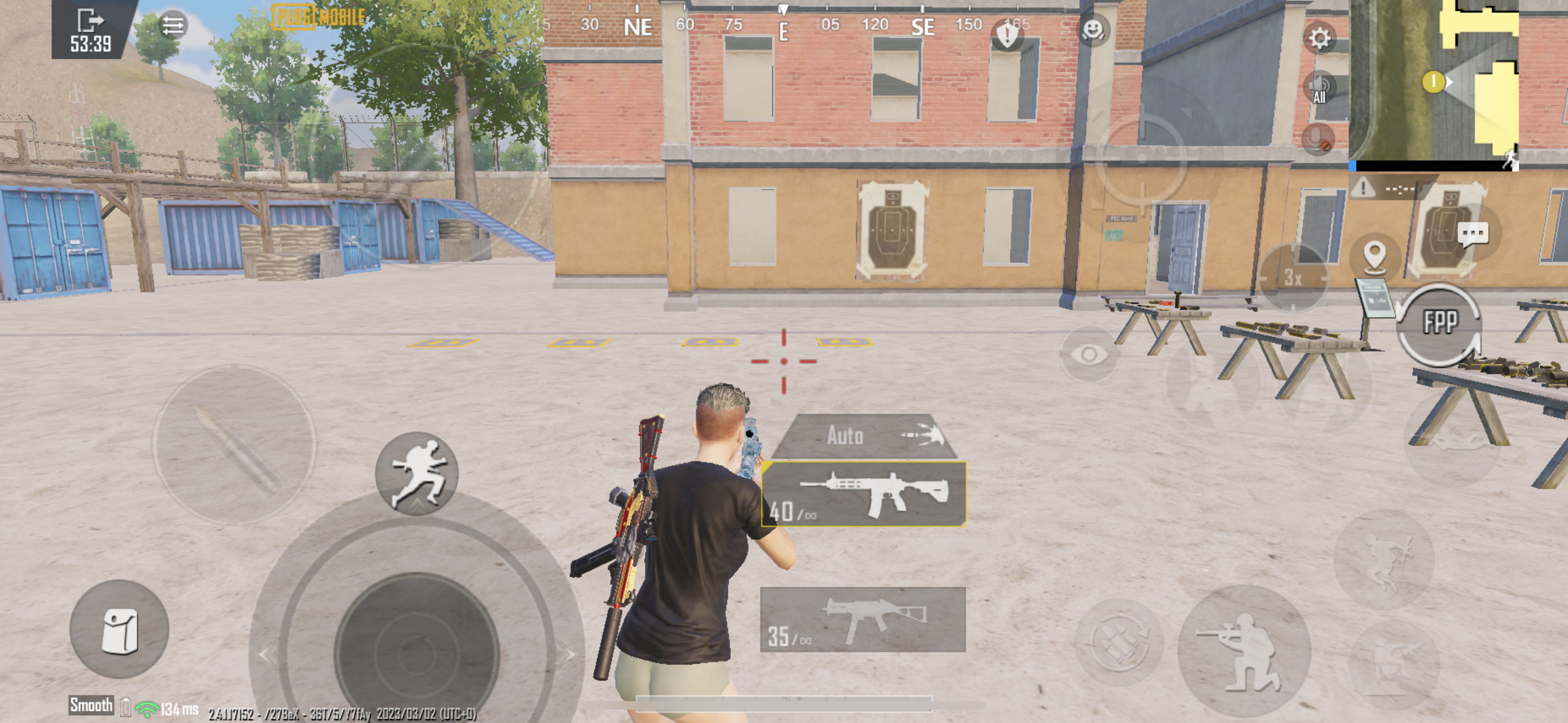
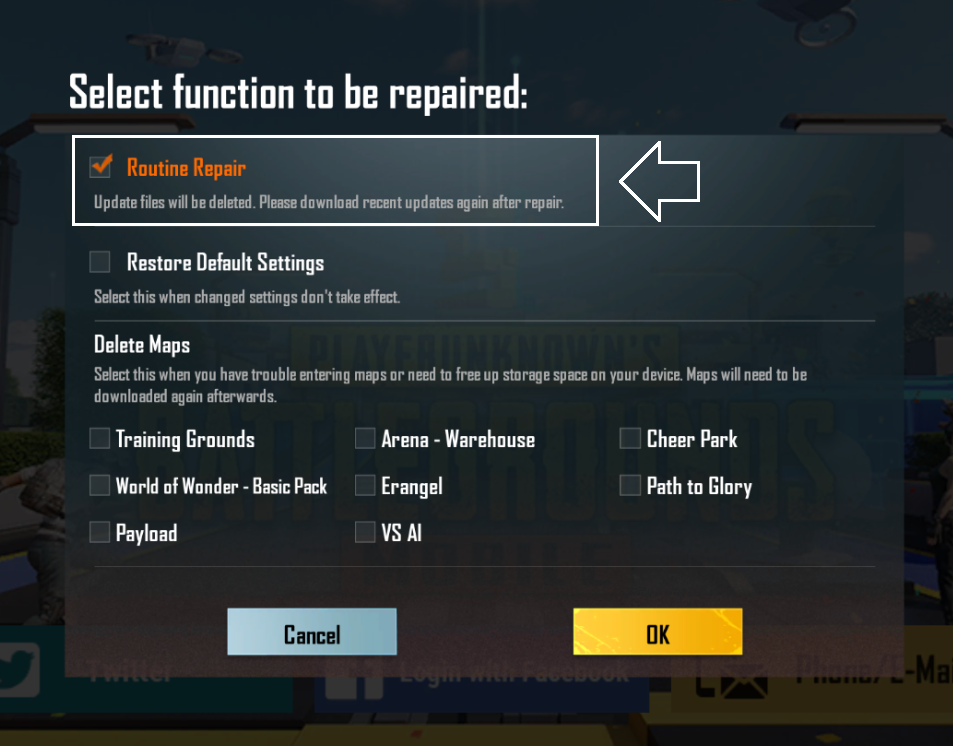
Please clear game cache one time and restart your device, @Deleted User.
Please clear game cache one time and restart your device, @Deleted User.

 WW
WW
 Ω
Ω Y
Y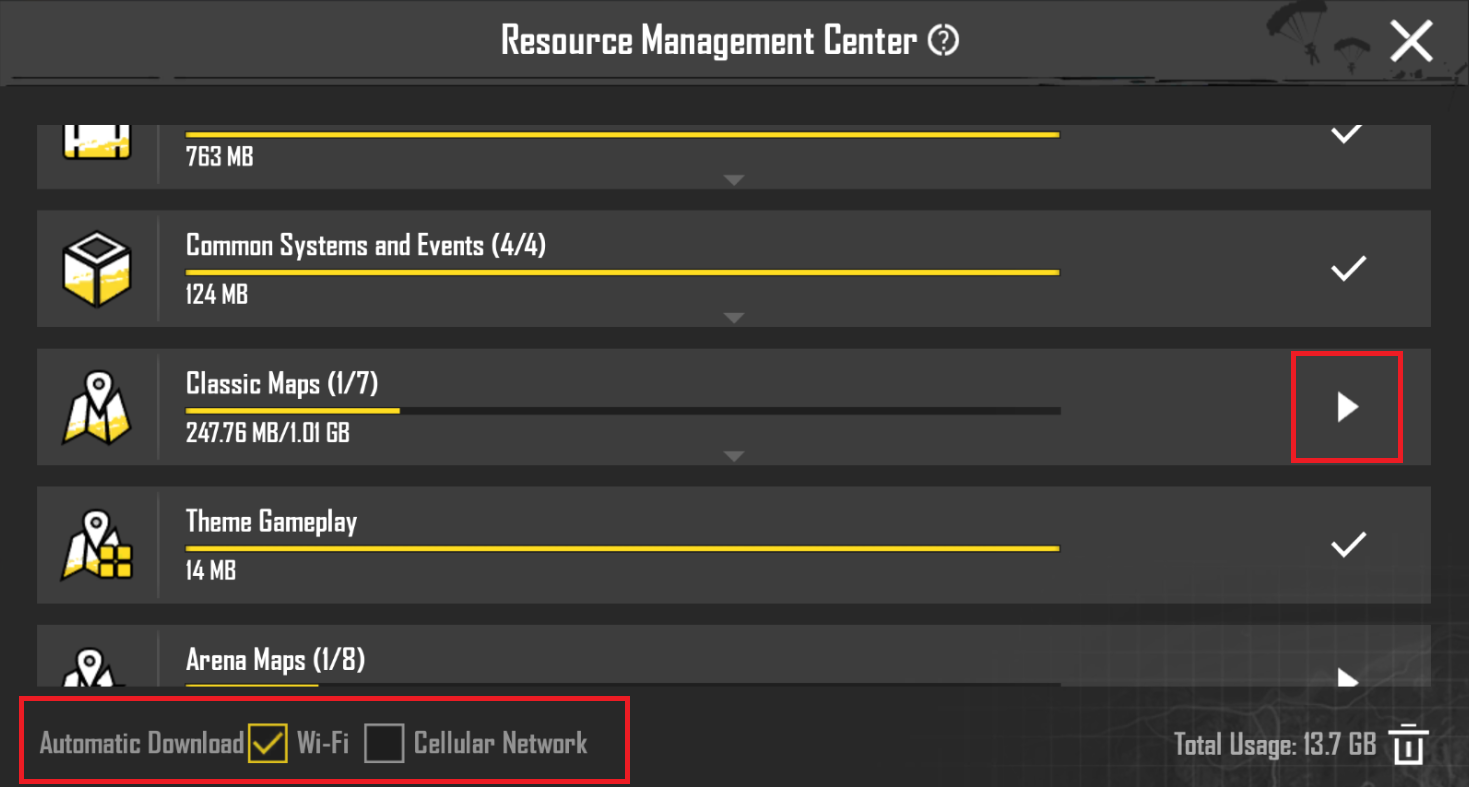 D
D
 ПП
ПП
 WWYWW
WWYWW K
K DWKYKWKDY
 Y
Y ΩXY
ΩXY EEY
EEY The e-mail address (noreply@pubgmobile.com) has been added to your email whitelist. Check your spam folder.XEE
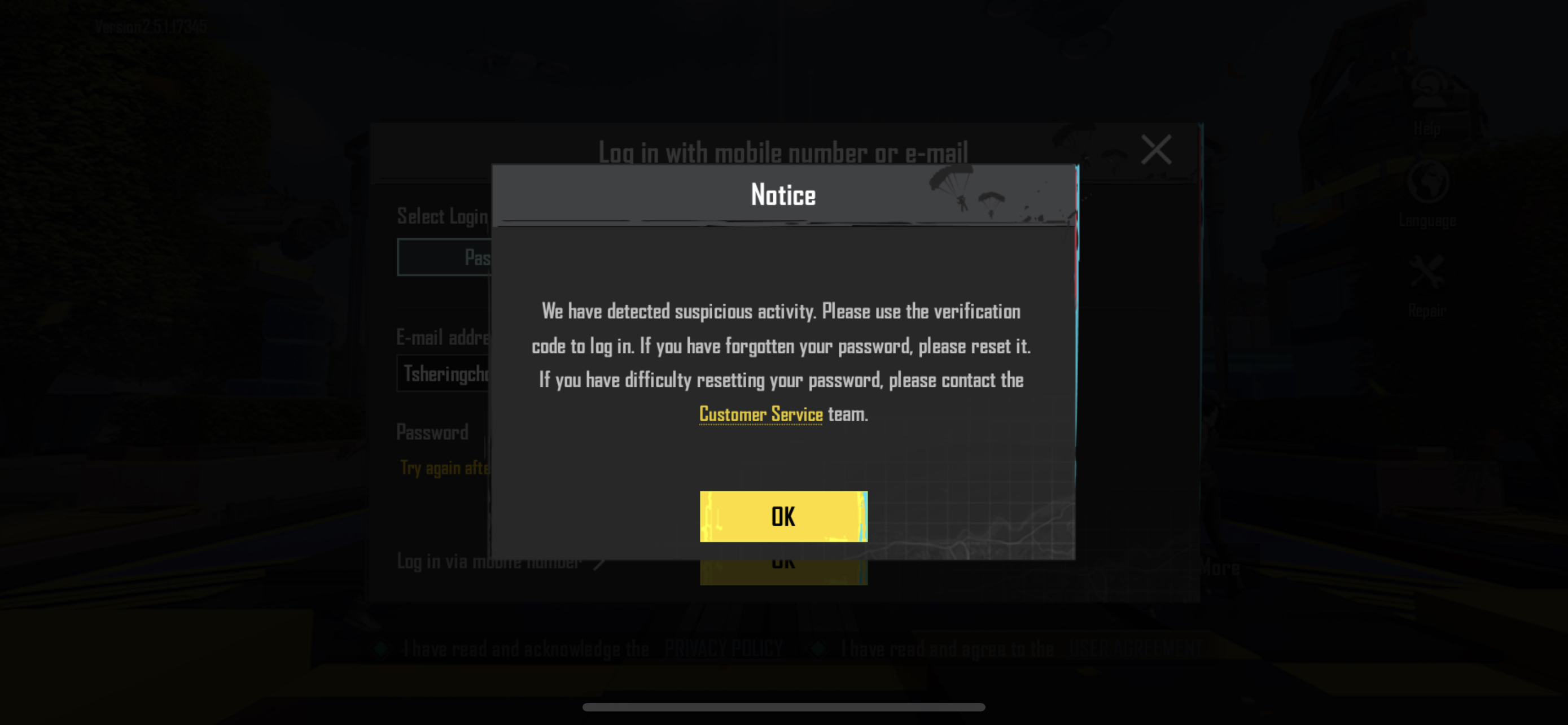 EXXEEYLog in to your Gmail account.Click the gear icon in the upper-right corner and select "Settings".Click on the "Filters and Blocked Addresses" tab.Click on "Create a new filter".In the "From" field, enter the email address you want to whitelist.Click on "Create filter".Check the box next to "Never send it to Spam".Click on "Create filter" again to save the changes.DY
 多Y多YD
多Y多YD DY
DY E
E