If you're using Firefox (only firefox has edit and resend), navigate to your tunnel public hostname
If you're using Firefox (only firefox has edit and resend), navigate to your tunnel public hostname page, open up dev tools (ctrl+shift+i).
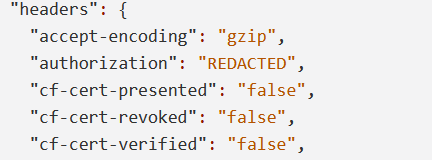
Add a new public hostname and save, and then find the PUT request to configurations (screenshot below)
Right click -> Edit and Resend
Copy the Audit Log Event, and strip the extra information below the config block, specifically the created_at, source, tunnel_id, and version tools, and the trailing comma. Your end result should be like this:
Replace the body with that
Click send, and look at the response. Make sure it's successful
Add a new public hostname and save, and then find the PUT request to configurations (screenshot below)
Right click -> Edit and Resend
Copy the Audit Log Event, and strip the extra information below the config block, specifically the created_at, source, tunnel_id, and version tools, and the trailing comma. Your end result should be like this:
Replace the body with that
Click send, and look at the response. Make sure it's successful