Hello everyone. I am Dr. Furkan Gözükara. PhD Computer Engineer. SECourses is a dedicated YouTube channel for the following topics : Tech, AI, News, Science, Robotics, Singularity, ComfyUI, SwarmUI, ML, Artificial Intelligence, Humanoid Robots, Wan 2.2, FLUX, Krea, Qwen Image, VLMs, Stable Diffusion
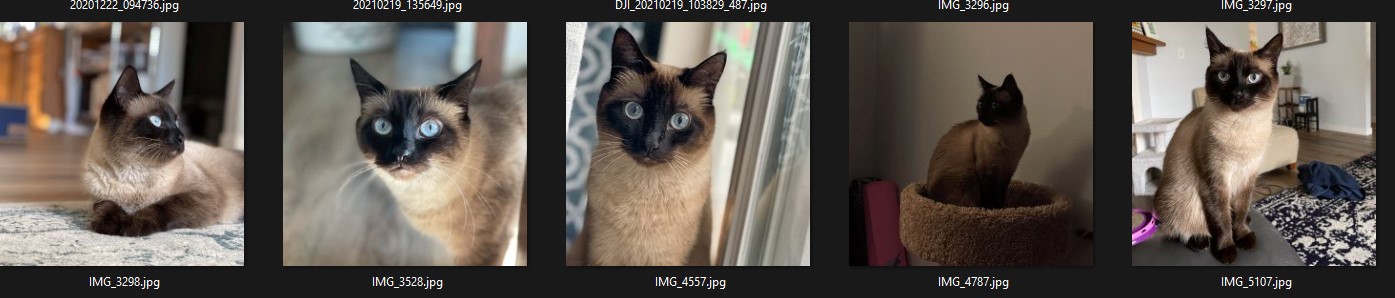
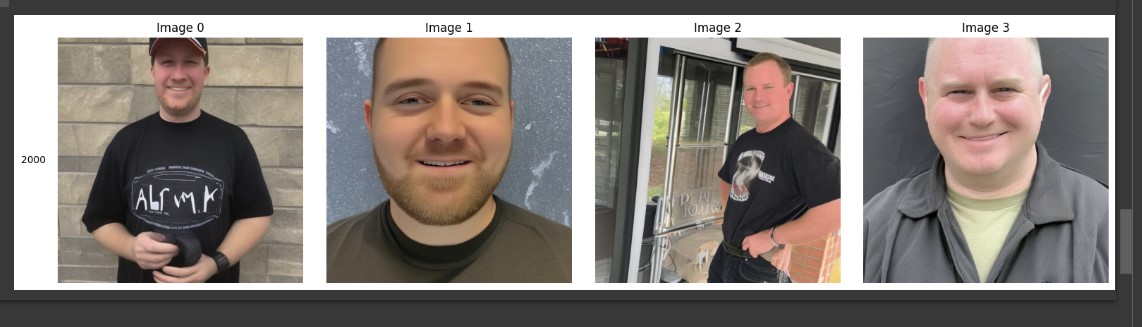
Does anyone have a good link on how to create a model of something other than a person using Google Colab notebook? I used the link in the description for this video https://www.youtube.com/watch?v=mnCY8uM7E50&t=3168 and i uploaded 20 photos like this and the model produce these 4 photos. I haven't been able to get Dreambooth to successfully train a model on my PC because my GPU is only 8gb of VRAM. Not sure what to do.
Our Discord : https://discord.gg/HbqgGaZVmr. How to do free Stable Diffusion DreamBooth training on Google Colab for free. If I have been of assistance to you and you would like to show your support for my work, please consider becoming a patron on https://www.patreon.com/SECourses
Playlist of Stable Diffusion Tutorials, Automatic1111 and Goo...
how do you mean? Do you mean that you dont get error using class images?
Just to clarify I have been using @ashleyk template mentioned here qwen-flux-wan-such and in that version of dreambooth, it errors out when you have classification images > 0
@Dr. Furkan Gözükara I'm curious after watching a few of your tutorials – what do you currently recommend as the best way to train a model to generate super realistic portraits of yourself? Kohya LoRA? Automatic1111 UI?
I'm using a macbook, so currently using rundiffusion.com to be able to generate images. I've been using the popular Google Colab "TheLastBen" to train my dreambooth models previously. It works great thb, but a bit inconsistent, especially now as I started experimenting generating photos for other people
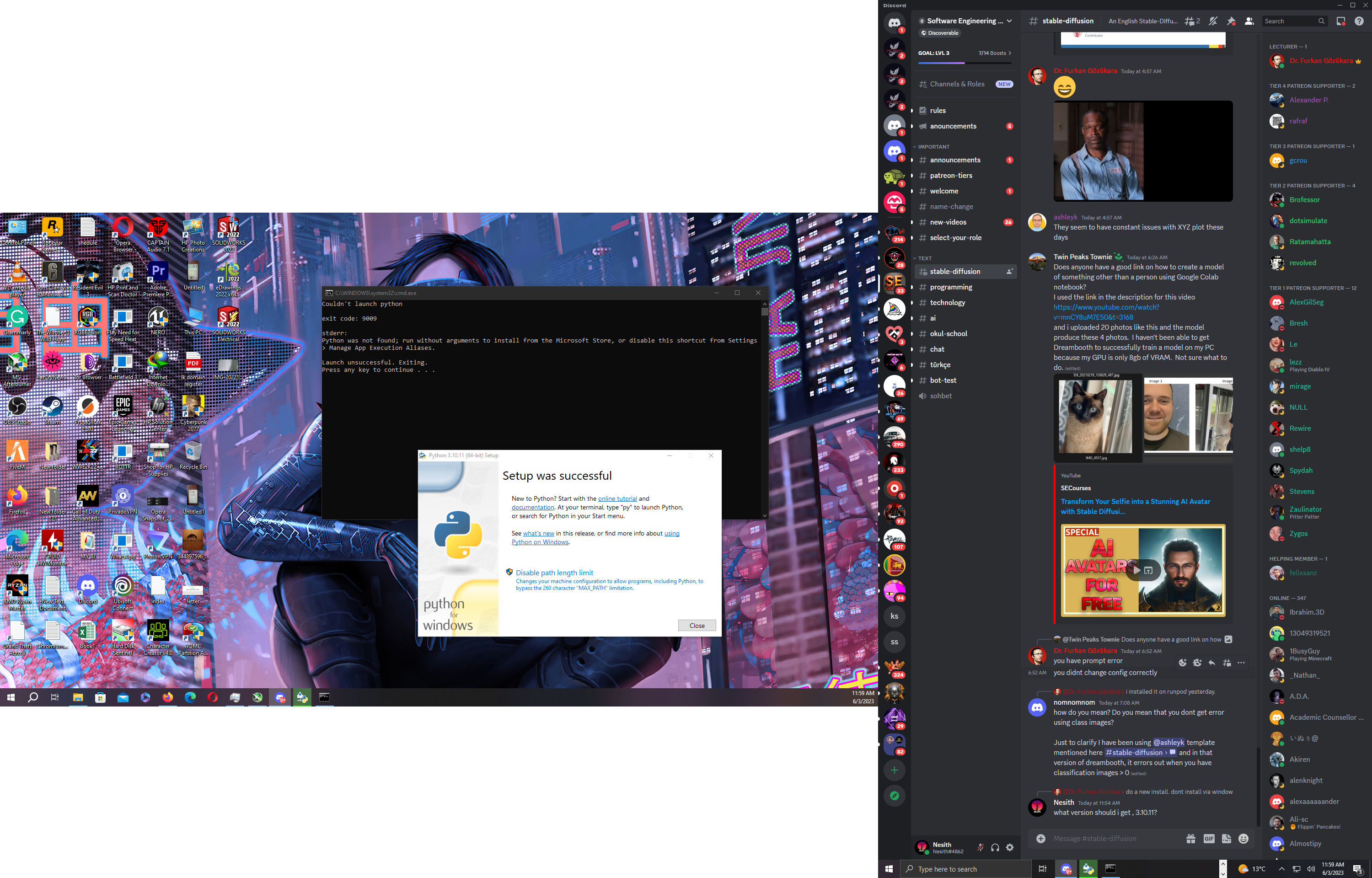
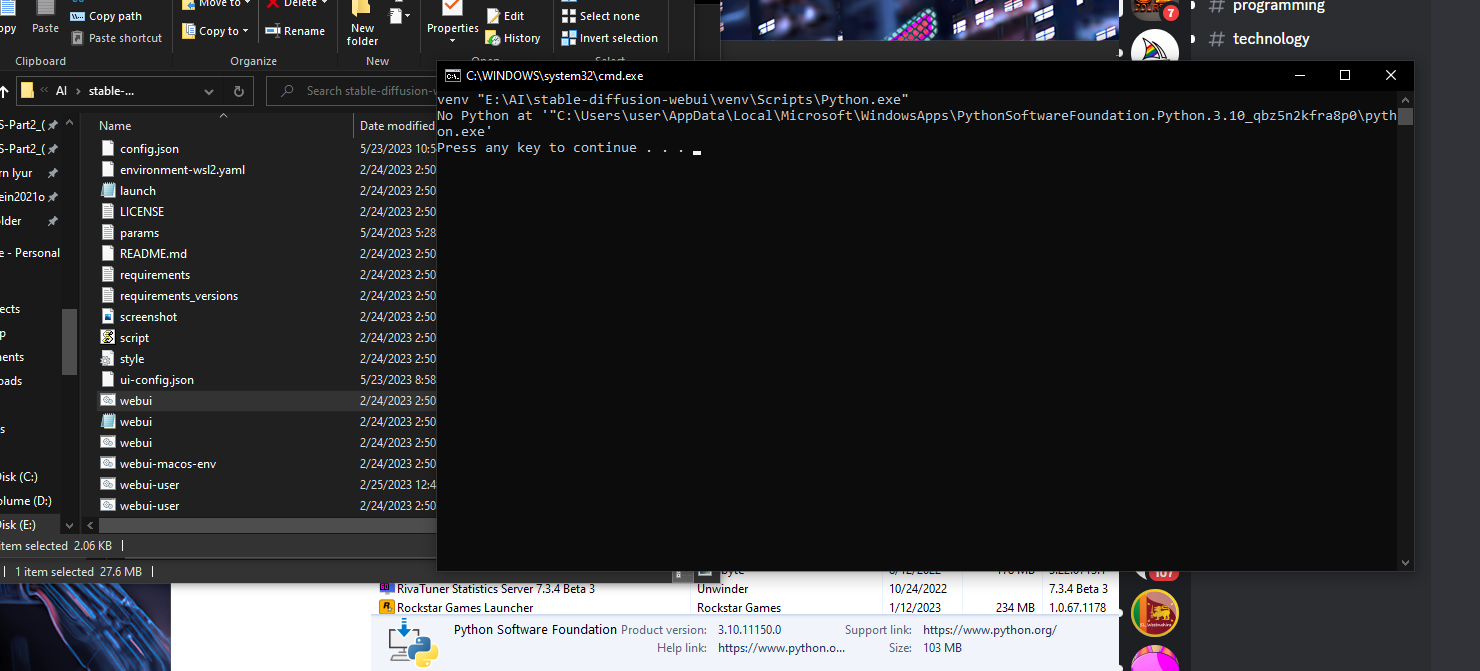
hello, this happens because you used the version supplied by the microsoft store. you should download and install the version available through python.org
How to install Python, have multiple Python installations, set system wide default Python version. How to compose venv for any Python installation, change Python default path, and install SD web UI properly. Discord: https://bit.ly/SECoursesDiscord.
If I have been of assistance to you and you would like to show your support for my work, please...
I feel Dreambooth gives the best accuracy, so if you got money, or good pc which means the same, if you got money, dreambooth will give the best results followed by Kohya and lora pretty much at the same level.. It is my experience
Is that when you don't have pregenerated classification images? There is a new commit on the Dreambooth dev branch that should fix it if you pull the dev branch. I will test it today.
there is a good guide to follow in order to have dreambooth working under windows? i managed to start it, but gives me warnings about cuda setup (with linux path errors)
Applying optimization: xformers... done. CUDA_SETUP: WARNING! libcudart.so not found in any environmental path. Searching /usr/local/cuda/lib64... CUDA SETUP: WARNING! libcuda.so not found! Do you have a CUDA driver installed? If you are on a cluster, make sure you are on a CUDA machine! CUDA SETUP: Loading binary C:\A1111\stable-diffusion-webui\venv\lib\site-packages\bitsandbytes\libbitsandbytes_cpu.so... CUDA_SETUP: WARNING! libcudart.so not found in any environmental path. Searching /usr/local/cuda/lib64... CUDA SETUP: WARNING! libcuda.so not found! Do you have a CUDA driver installed? If you are on a cluster, make sure you are on a CUDA machine! CUDA SETUP: Loading binary C:\A1111\stable-diffusion-webui\venv\lib\site-packages\bitsandbytes\libbitsandbytes_cpu.so... CUDA SETUP: Problem: The main issue seems to be that the main CUDA library was not detected. CUDA SETUP: Solution 1): Your paths are probably not up-to-date. You can update them via: sudo ldconfig. CUDA SETUP: Solution 2): If you do not have sudo rights, you can do the following: CUDA SETUP: Solution 2a): Find the cuda library via: find / -name libcuda.so 2>/dev/null CUDA SETUP: Solution 2b): Once the library is found add it to the LD_LIBRARY_PATH: export LD_LIBRARY_PATH=$LD_LIBRARY_PATH:FOUND_PATH_FROM_2a CUDA SETUP: Solution 2c): For a permanent solution add the export from 2b into your .bashrc file, located at ~/.bashrc Running on local URL: http://127.0.0.1:7860