
Share all of your code. Does your query return anything at all? Are you sure? If your bound values a
Share all of your code. Does your query return anything at all? Are you sure? If your bound values are null they may not match any rows.
 M
M C
CSELECT * from items where id=(SELECT item_id FROM parts WHERE ? in (name, id))? to 0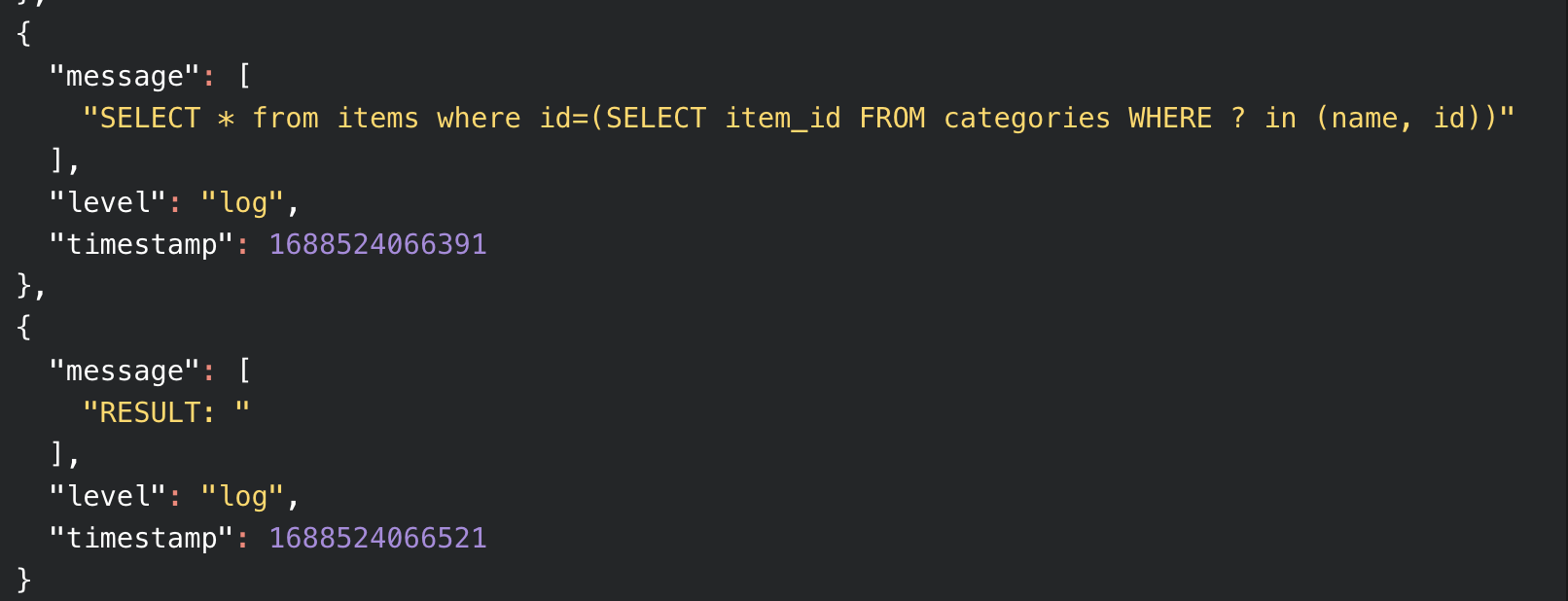
 C
Cstrings to ints. Cvalue was '0' and not 0'Test_Entry' was 'test_entry' which is why nothing was working B
Bwrangler d1 list. is there similar way to detect what local d1 dbs are available?BBwrangler source dev. Upon execution, this command would switch to the development environment. As a result, any subsequent command using wrangler would interact with local development databases and settings. This approach could simplify the development workflow by eliminating potential confusions related to various flags such as --persist, --local, and others.BBwrangler d1 execute <database-name> --local --file ./schema.sql command creates a db in the .wrangler folder. Is it possible to set a different location to put the db to?B G
G I
I
 CMM
CMM YCM
YCM Y
Y M
M AM
AM M
M VVM
VVM C
CD1_ERROR: Error: Internal error while starting up D1 storage caused object to be reset., doesn't load in the dashboard at all either, "Failed to reach database. Please try again later."MM MCM
MCM M
M AM
AM
7/2/23, 9:29 PM
AC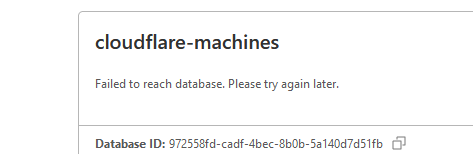
 CMCC
CMCCSELECT * from items where id=(SELECT item_id FROM parts WHERE ? in (name, id))?stringsintvalue'0''Test_Entry''test_entry'wrangler d1 listwrangler source devwrangler d1 execute <database-name> --local --file ./schema.sql.wranglerD1_ERROR: Error: Internal error while starting up D1 storage caused object to be reset.Unexpected tokenexport async function onRequestGet(context) {
const value = 0; // normally this is from the URL
var partialQuery = "SELECT item_id FROM ";
partialQuery+= 'categories';
partialQuery+=" WHERE ? in (name, id)";
var query = "SELECT * from items where id=("+partialQuery+")";
console.log(query);
var result = context.env.DB.
prepare(query).bind(value);
const res = await result.raw();
console.log("RESULT: "+res);
return new Response("");
}






