config.ini has sections for MSFS, both for the sim and (further down) entries for some of the default aircraft. Search for [MSFS2020].
You can create a config.user.ini to override most anything (if not anything; I'm not sure) in config.ini. I prefer treating config.ini as a read-only file.
Step one is make sure you have the right version. The "release" build (0.1.3) didnt have support for MSFS. Grab the latest from the pinned post in #VPforce-TelemFFB and then do as blave says
but TelemFFB works with MSFS when its in safe mode? I dont know if MSFS disables simconnect in safe mode or not. AAIK, it just doesn't load any mods whatsoever. If so, it is something else causing it to crash.
Yeah. Good idea. And is there any way possible to map force trim buttons to a usb device that is not connected to the rhino? Like I have a real aircraft grip and thereβs a wiring harness that runs down to a usb circuit board. Can I map the motorized trim to something like that?
I'm trying to add the freeware Cessna T-37 to the TelemFFB user config file. This is what the log says:
2023-10-01 10:05:13.375 - INFO - Loading parameters from 'MSFS2020' section 2023-10-01 10:05:13.378 - INFO - Found section [Cessna T37.*] for aircraft 'Cessna T37 B Tweet' in config 2023-10-01 10:05:13.379 - INFO - Loading parameters from [MSFS2020.JetAircraft] section 2023-10-01 10:05:13.379 - WARNING - Section [MSFS2020.JetAircraft] does not exist 2023-10-01 10:05:13.379 - INFO - Creating handler for Cessna T37 B Tweet: aircrafts_msfs.JetAircraft
Is the warning significant, or can I ignore it? It's not clear to me if it's actually picking up the data in the Cessna T37.* section.
Ya. You can ignore it. There isnβt a default βjetβ section in the config for MSFS (though there will be in my next update). The part that tells you it is properly loading your config is
2023-10-01 10:05:13.378 - INFO - Found section [Cessna T37.\*] for aircraft 'Cessna T37 B Tweet' in config
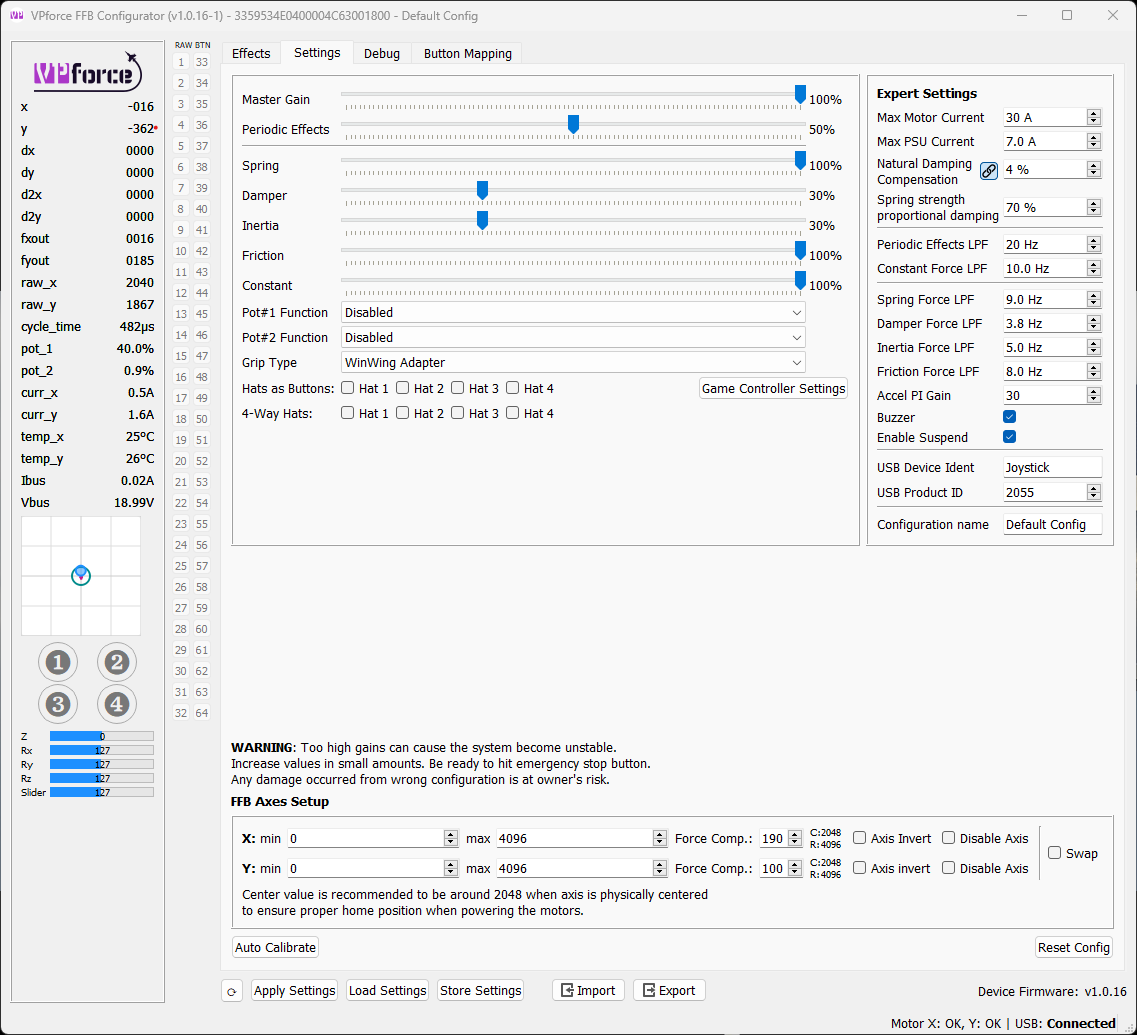
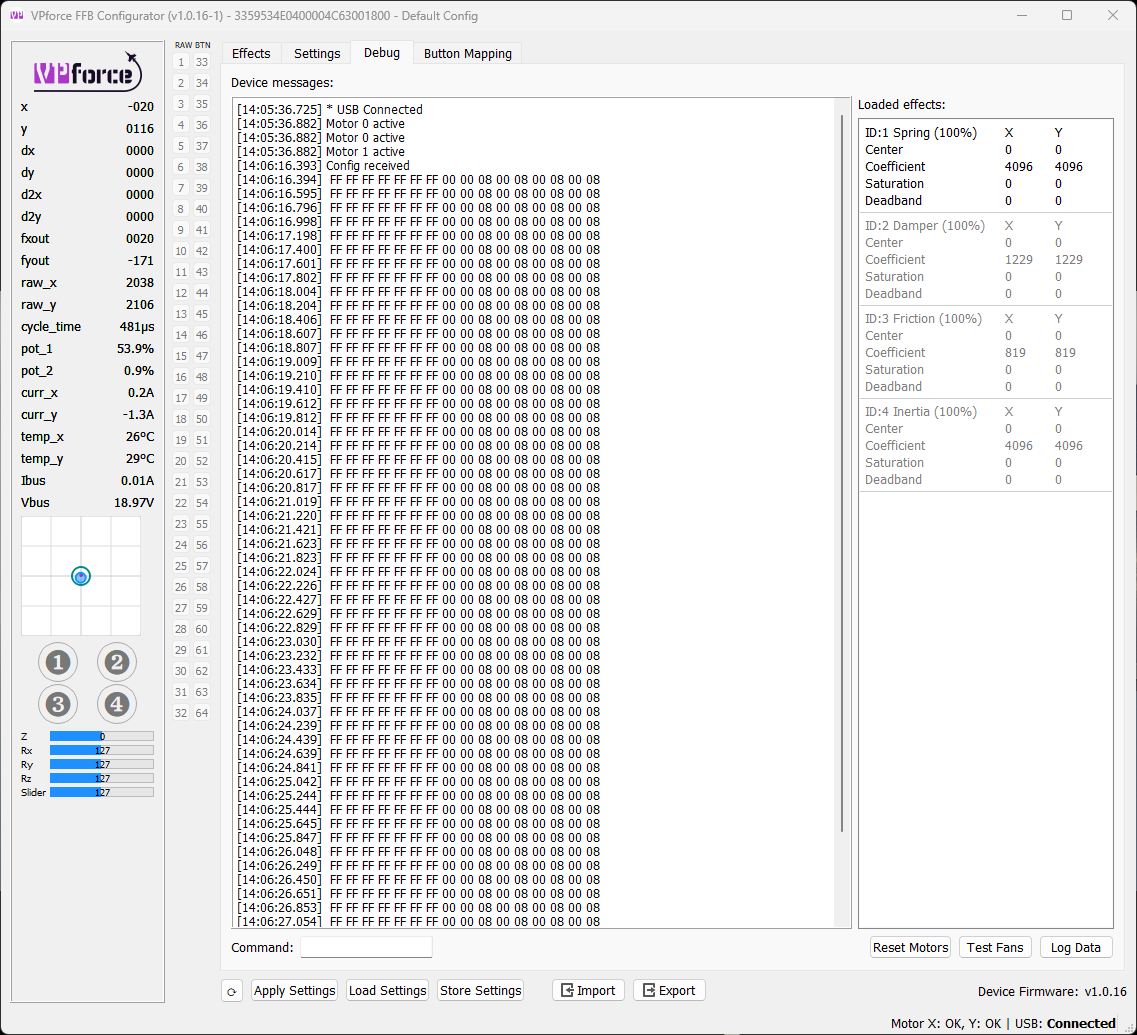
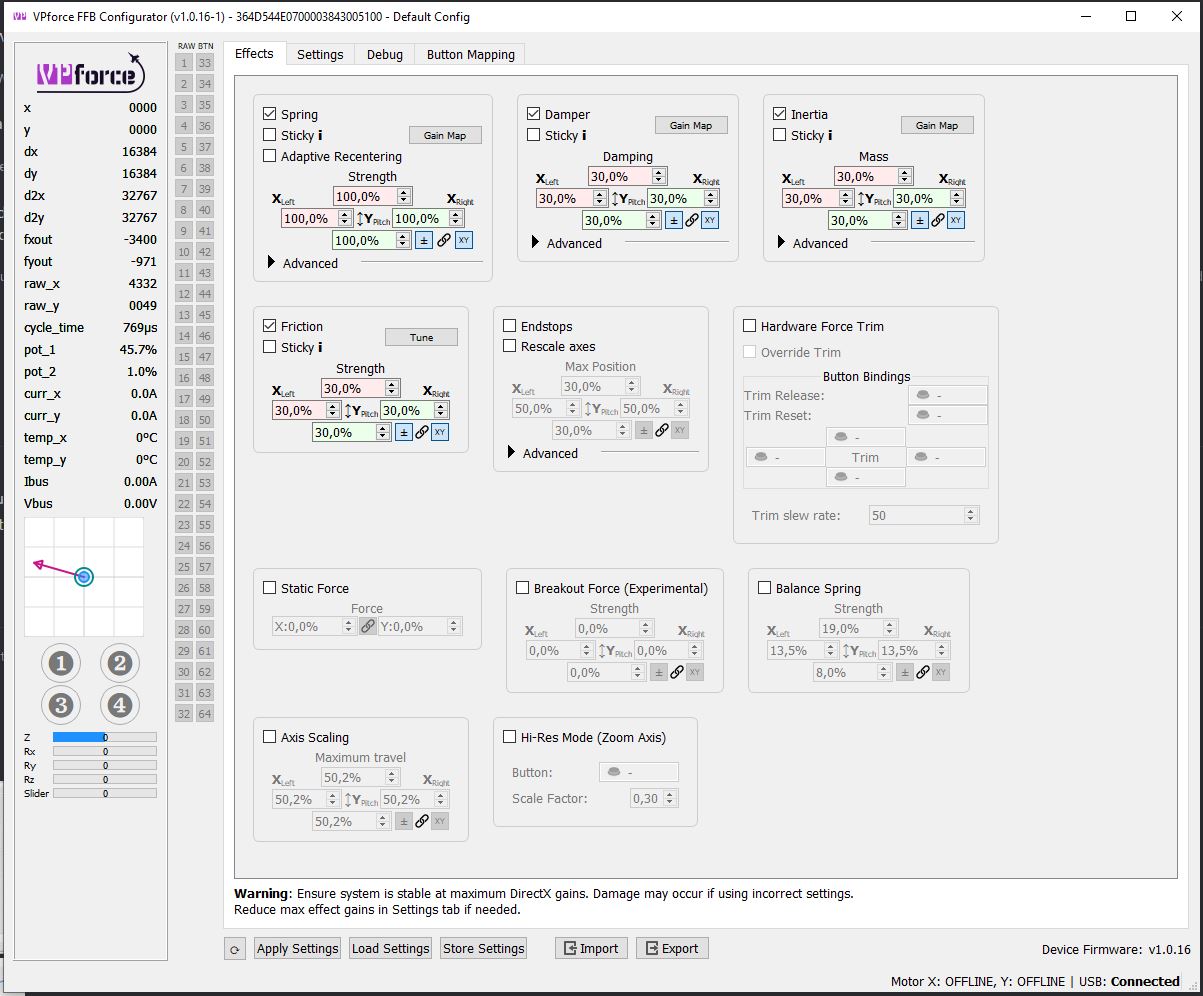
@walmis I'm having no luck getting my Rhino to recognize my WinWing F-16 grip. I have the Grip at the end of a Virpil Z-extension and the WinWing adapter. I thought it might be the Grip going bad but I just received a new Grip from WW and still no joy. I've previously attached the Grip directly to the Rhino via the adapter (without the extension) and that didn't work. If I connect a Virpil Alpha directly or via the Z-extension, it recognizes the buttons. All of these problems started after I updated 1.0.16. Can I roll back to 1.0.15? Any other suggestions? Screenshots below of my settings and debug output.
Yes, I've got it down in there as far as it will go. Could the issue be with the adapter even though it shows up? I'm sending one of my WW Grips to a friend that also has a Rhino and WW Adapter to test.
It's possible. I've found the socket pins on the 6pin connector sometimes could be in too deep (I've made a video on how to fix it: https://photos.app.goo.gl/um8ZC7NgLJRGkY5U7). The newest adapters (after 2023 July) don't have this problem. If you have a multimeter I could guide you how to test it. If all else fails, I could mail you a new core PCB with connectors.
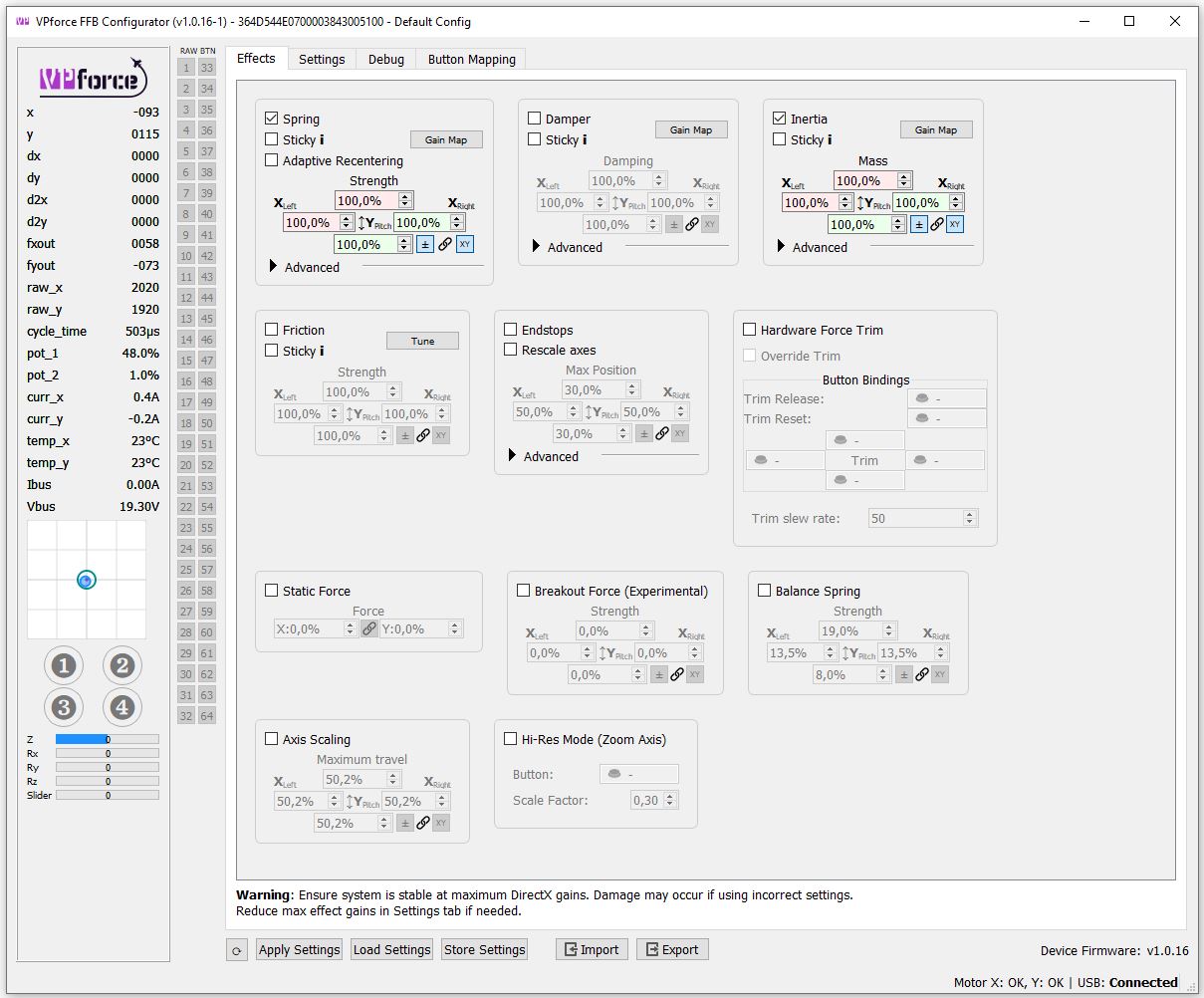
@simon2012 I guess you're after center stiffness? Currently the whole force is distributed linearly through the whole throw range, so with an extension it might feel sloppy. Try "Axis scaling" at 50% and see how that goes.
Its rattling like h3ck for just barely making a slight bank left or right, whereas in IL-2 it starts rattling when getting close to the limit/edge, at that same point in DCS it nearly knocks a hole in my floor, obviously that's not a tenable situation
hey m8 sorry I was actually getting my flight gear finally set up in new room. Did you get the Telem app sorted out? there should be a link somewhere to the .exe install version instead of the python version. Telem app works with dcs to add ffb effects to all the dcs modules without interrupting the native ffb effects, these added effects are things like ground texture, landing gear moving into place, flap & AoA flutter etc, gun shake, weapon release effect & others.
Make sure to grab the latest package from the link in the pinned messages in the TelemFFB channel that smitty linked above. There is also a link to the same downloads folder on the vpforce website in the doc.
Hello, I have a poblem with telem ffb and the Spitfire, when I pass in a waje turbulence the ffb start to pull a random side of all it's power continuously until i turn off telem ffb (if I restant it everything IS fine and it does not happen every Time I pass a waje turbulence)