
If you use a custom domain and set up caching in front of it, you can conserve class B ops, serving
If you use a custom domain and set up caching in front of it, you can conserve class B ops, serving from cache doesn’t hit R2
 S
S KKKS
KKKS C
Cbut few minutes later if I try again, the cache miss again,This could also just be because you're hitting a cloudflare multi-colo pop, a cloudflare location made up of multiple datacenters, each with their own cache. Your file might not have been evicted, just your connection expired and you were routed to a diff colo
 MKMM
MKMM KM
KM MM
MM KMM
KMM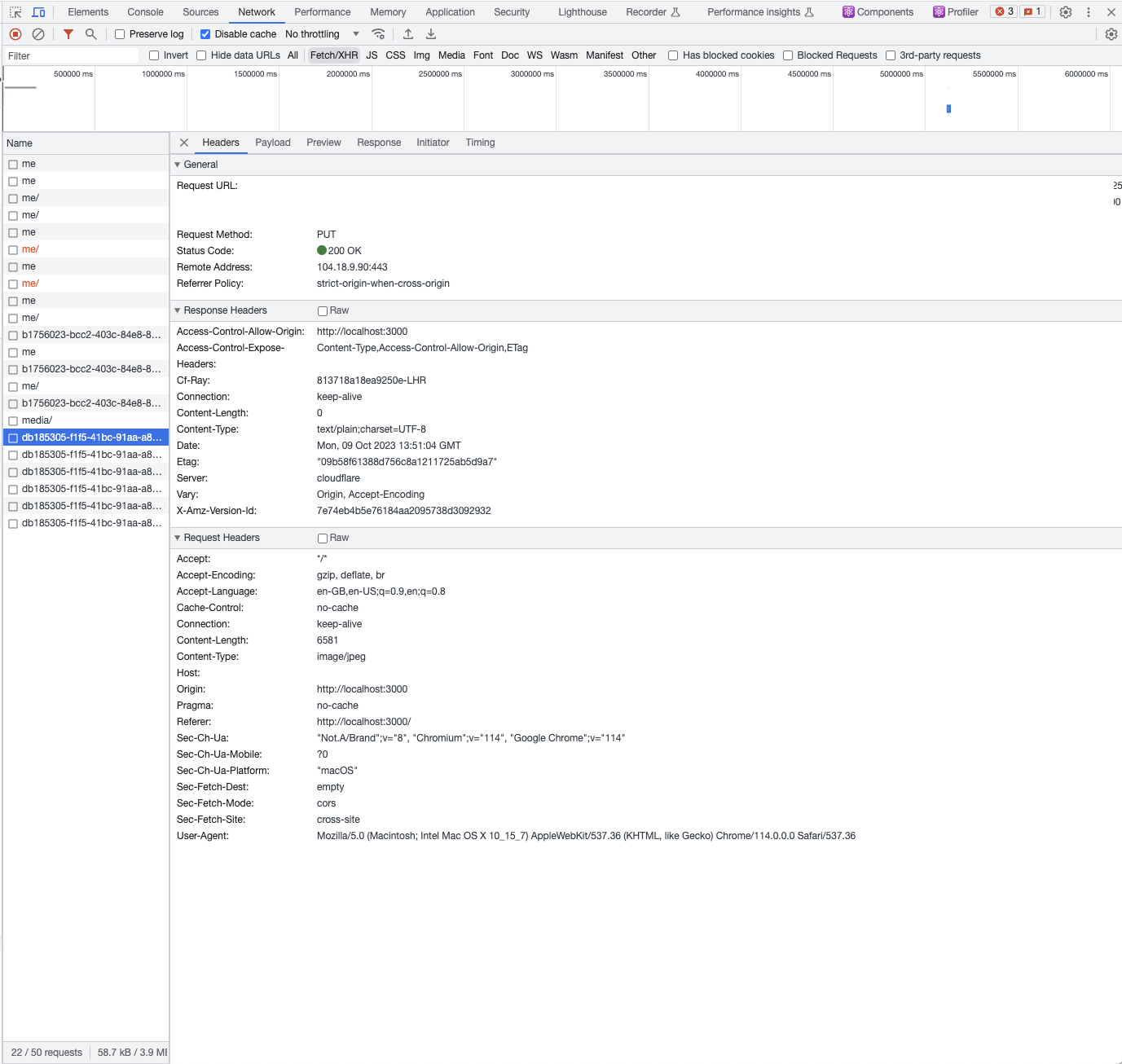 M
M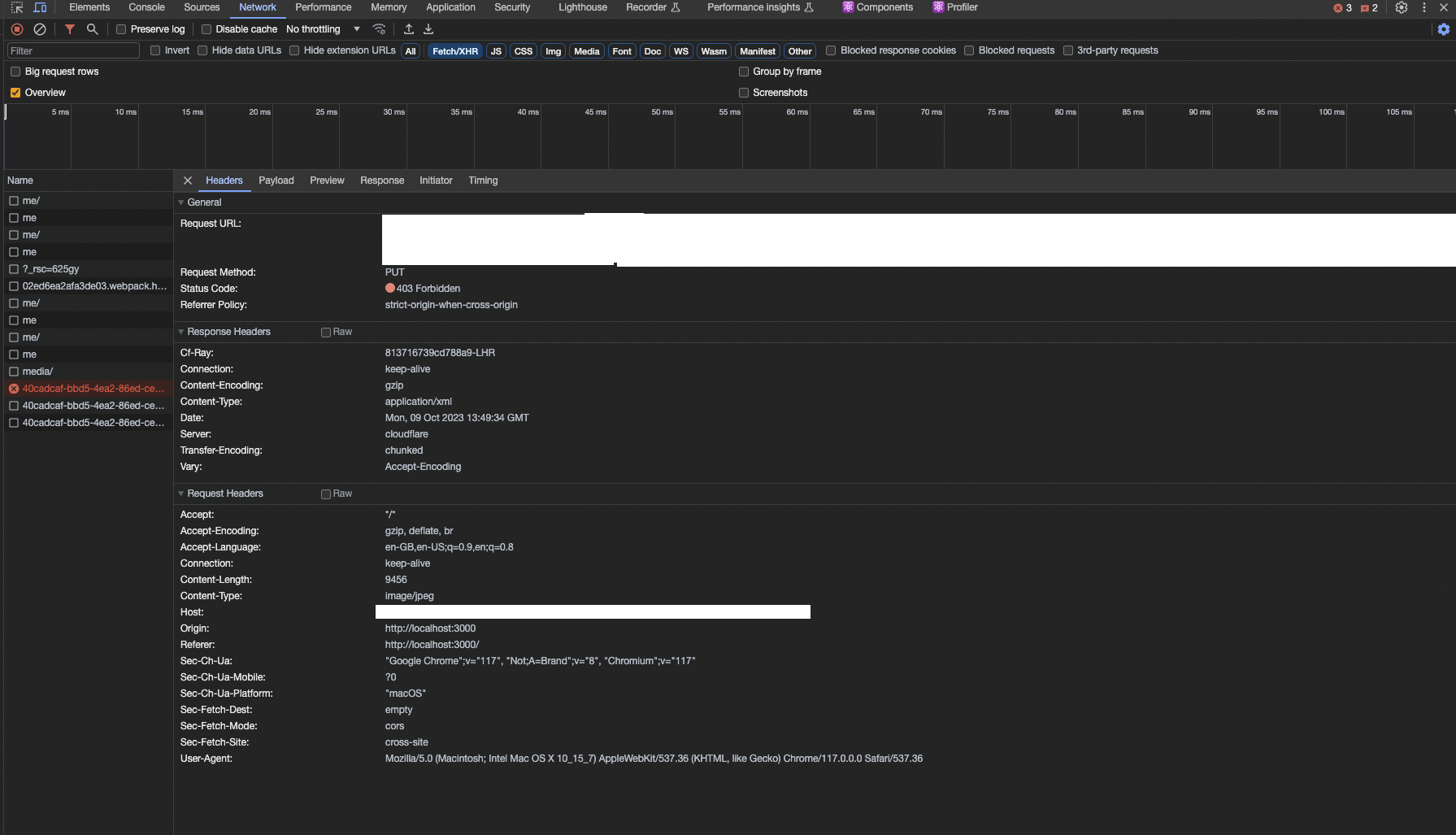 KMM
KMM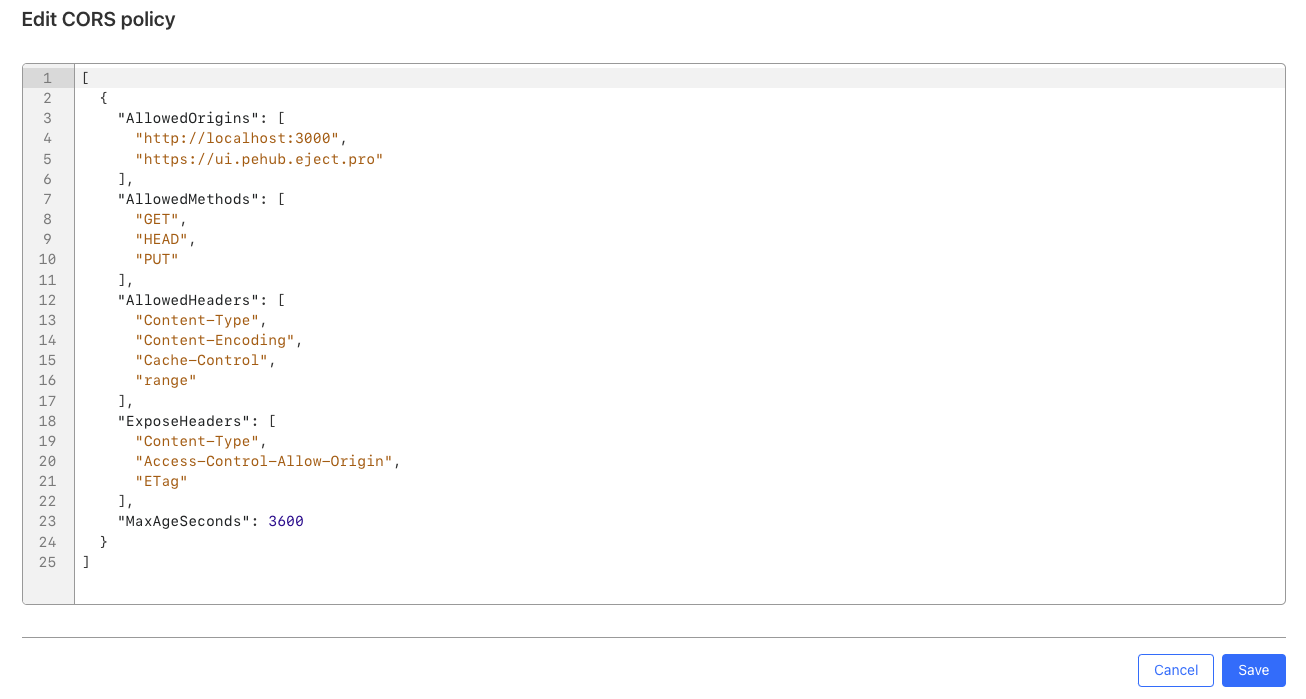 MKKM
MKKM D
D
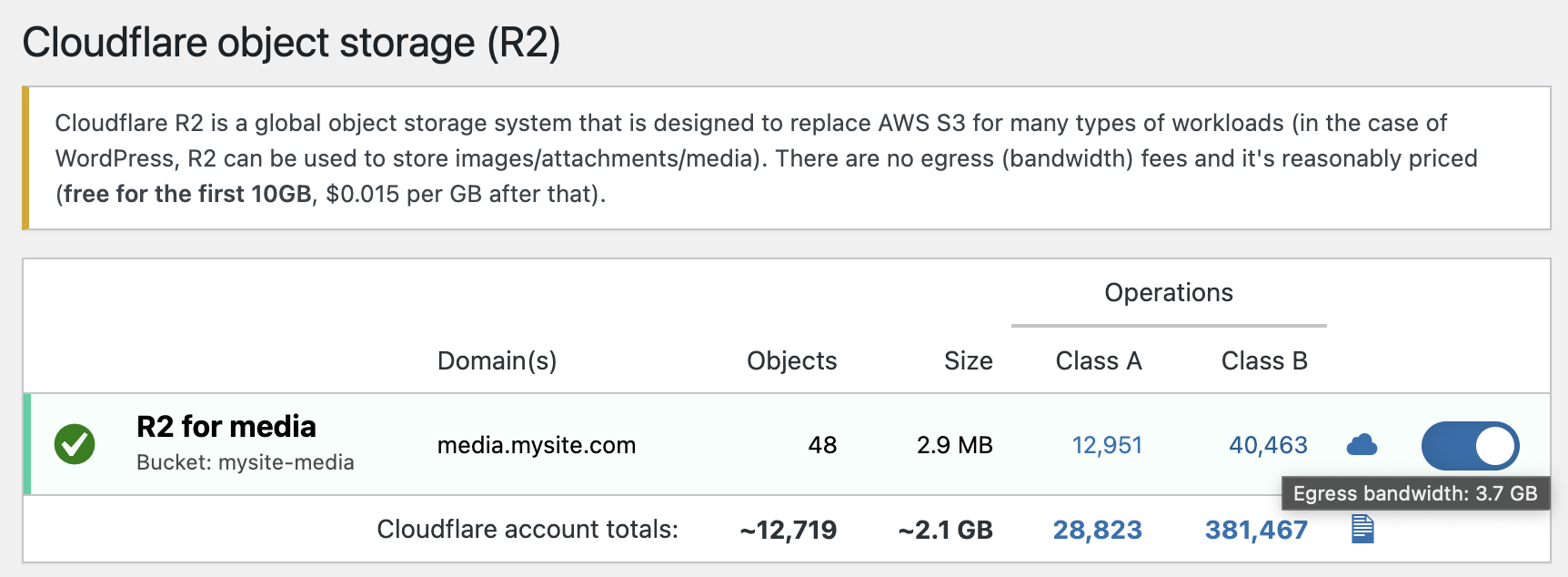
 RMD
RMD
 ID
IDAccountR2OperationsAdaptiveGroupsSum.responseObjectSize via GraphQL, so I'm just reporting on what Cloudflare gives. What Cloudflare considers "response object size" when factoring in things like canceled requests, I'm not sure (only they would know I suspect).DDII D
D Or ask someone at Cloudflare... maybe they knowI
 DKD
DKD XKXXX
XKXXXAccountR2OperationsAdaptiveGroupsSum.responseObjectSize const R2_BUCKET = "rep-bucket";
const getR2Client = () => {
return new S3Client({
region: "auto",
endpoint: `https://${sanitizedConfig.R2_ACCOUNT_ID}.r2.cloudflarestorage.com`,
credentials: {
accessKeyId: sanitizedConfig.R2_ACCESS_KEY,
secretAccessKey: sanitizedConfig.R2_SECRET_KEY,
},
});
};
export default class S3 {
static async get(fileName: string) {
const file = await getR2Client().send(
new GetObjectCommand({
Bucket: R2_BUCKET,
Key: fileName,
}),
);
if (!file) {
throw new Error("not found.");
}
return file.Body;
}
static async put(fileName: string, data: Buffer) {
const signedUrl = await getSignedUrl(
getR2Client(),
new PutObjectCommand({
Bucket: R2_BUCKET,
Key: fileName,
}),
{ expiresIn: 60 },
);
console.log(signedUrl);
await fetch(signedUrl, {
method: "PUT",
body: data,
});
return `Success`;
}
} CDCloudflare Developers / workers-and-pages-helpCDCloudflare Developers / r2CDCloudflare Developers / general-helpCDCloudflare Developers / general-help


