A good rule of thumb is to always ensure the power supply you grab out of the random electronics box in the closet meets or exceeds the wattage required by the thing you're about to plug it into to prevent problems.
I had a similar issue a while back with a wireless router acting strange and it wound up being an underpowered power supply
without any real valuable advice to give.. I would say remove any mods you may have installed and do a slow DCS repair (if you've not already done that)
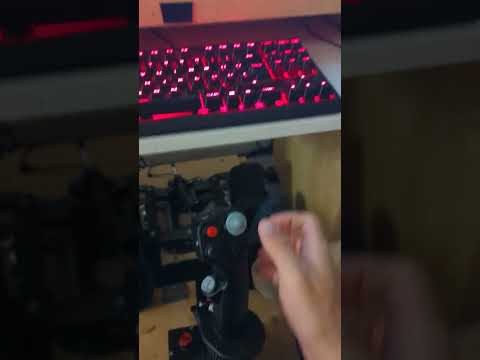
Look at the start of the video...I have the stick trimmed to the right....the in games one resets to center (without me pressing reset trim). But the physical one stays there
hi,@walmis, to add to issue @virusam is reporting:
vpforce hw trim gets reset on P47 / Mossie when the aircraft reaches around ~110-120mph airspeed on landing, essentially making landing on hw trim a pretty dangerous affair I'm not sure if you're aware of this issue, or seen anyone reporting it..
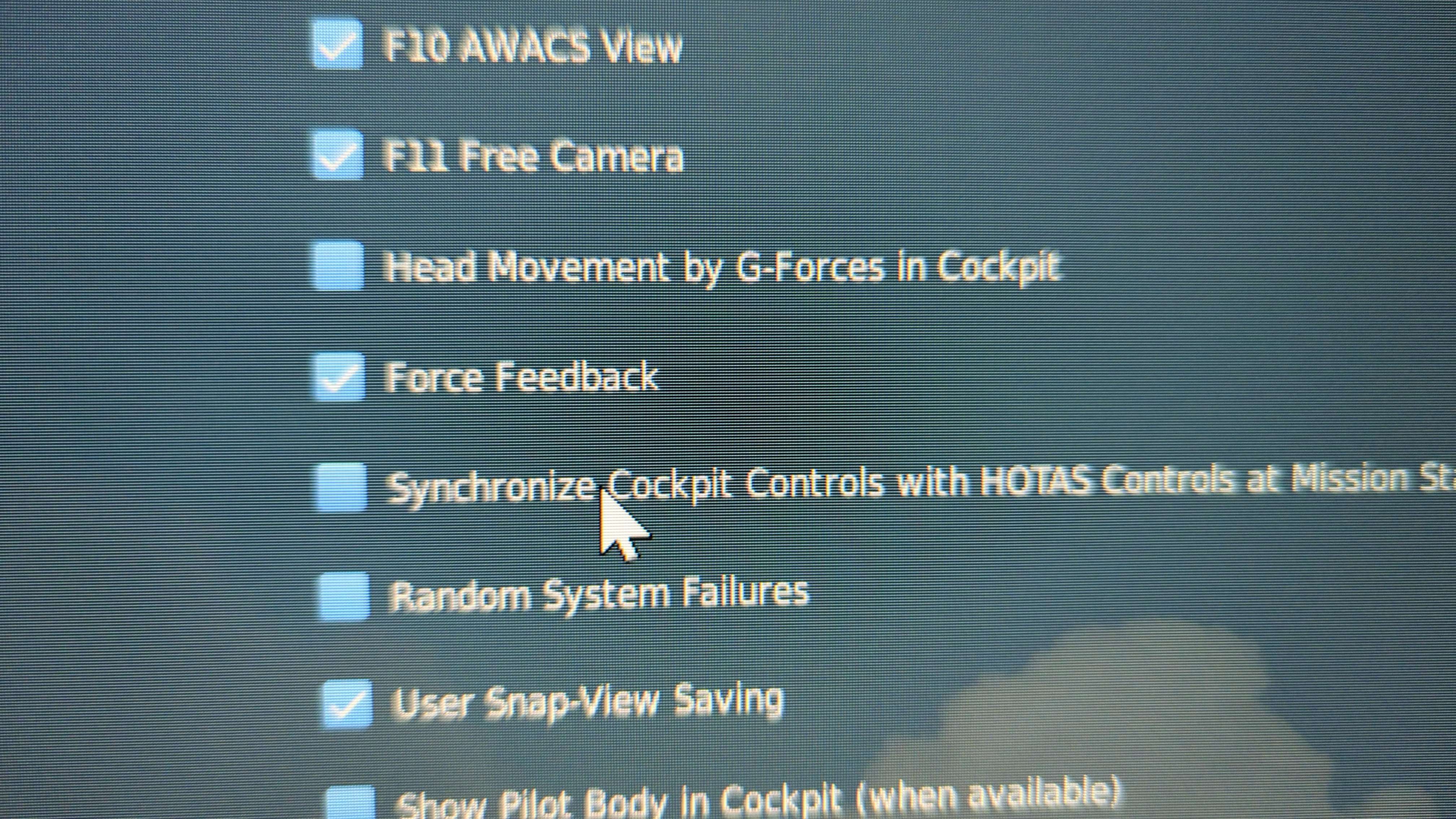
In DCS? No. DCS implements FFB (and force trim) natively. Some helicopters (like the Mi-24) also have hat-trimmers.. that all works without any special config in vpconf.
DCS units come with Trim function on FFB axis and if it works then everything is OK.
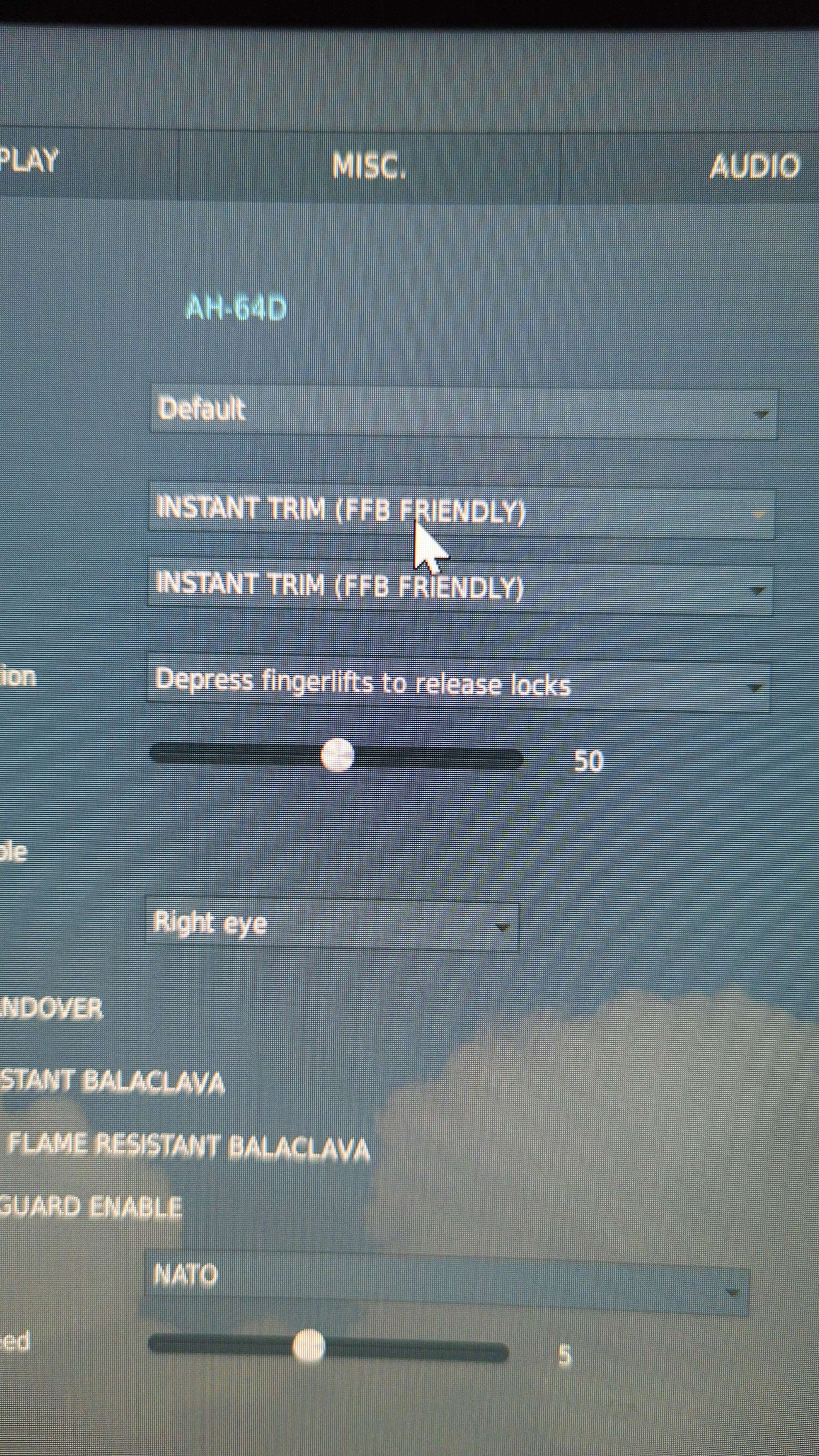
However, on some units (ww2 planes, some jets) if you use the trim on FFB axis it also moves the FFB center which messes everything up. For these cases it's better to use a "HW trim + override" in VPforce app (instead of in-game trim), that way FFB center stays where its supposed to be.
Just gotta make sure you have the right trimmer mode selected in the special options. For the Huey I think you want “default” (check the #VPforce Rhino WIP Manual … there’s screenshots of the various DCS heli settings in there). Not in front of my pc atm.