You can apply for World of Wonder creator access by tapping on Become a Creator option through inside the game. If you have already applied for the World of Wonder creator access, you can expect a response within 30 days if your application is approved.
GameLoop, a global leading free Android emulator to play mobile games on PC. Have better gaming experience in PUBG Mobile✓, CODM✓, Pokémon UNITE✓, Free Fire Max✓ and more…
I asked them to attempt to login with the app installed and unistalled. I also instructed them to erase all Facebook data on the Safari browser and try again
I helped them to recover the account and link an email address to log in with that method, but the recovery ticket was rejected, now we don't know what to do
Please instruct your cousin to perform a routine repair of the game from login menu and reset the device network settings through Settings > General > Transfer or Reset iPhone > Reset > Reset Network Settings.
After that, restart the device and try to log in with the Facebook account again, @EndriE21.
Pls can anyone help me, right now though I’m not in India and I live in Middle East,the App Store only shows to download bgmi and not the official PUBG. Even after downloading , it shows error code restrict area. Because of this issue,I’m not able to play ping for like a week. Pls someone help me.
Greetings, any mods able to help? My account got banned for a day + clear of my rank.
What happened : I was playing nusa and flew to science Center, Player A was shooting me and Player B rushed me and Player A shot Player B. Player A then proceed to not shoot me and had peace. We were looting some items, but did not proceed to fight any enemy. And I got banned immediately when I’m not even teaming with Player A? As far as I know teaming happens when players fight another enemy together, which in my case I did not.
Hello, I am Salah from Syria. I live in Turkey. I have been playing PUBG for five years, but now my account has been hacked and the internal link has been completely changed, and I cannot recover my account. Can you provide me with assistance in recovering my account, and I have all the necessary invoices that help in our case and I? Ready to do anything you want and verify account ownership
Sadly, it didn't work. I was in a call and I asked them to share their screen to make sure they did it correctly. The problem persists (even after the network and phone reset): They tap the "Log in with Facebook" button, the phone asks for permission, then the Facebook windows opens and they tap "Continue". Then they instantly get the error message :/
I make a new post, click the button that looks like an image file, since I'm assuming that's how I attach the video, and then nothing comes up. And I do have Discord updated so that isn't the issue.
No, I checked and re-checked. I think it has something to do with a recent Android version splitting the general "Storage" permission into multiple smaller permissions. Installing via the APK has solved the issue, but no matter what I did I never got the Google Play Store version to work.


 �
� H
H
 D3ATH
D3ATH S
S D
D J
J E
E

 T
T S
S P
P -
- 5years in , better than every player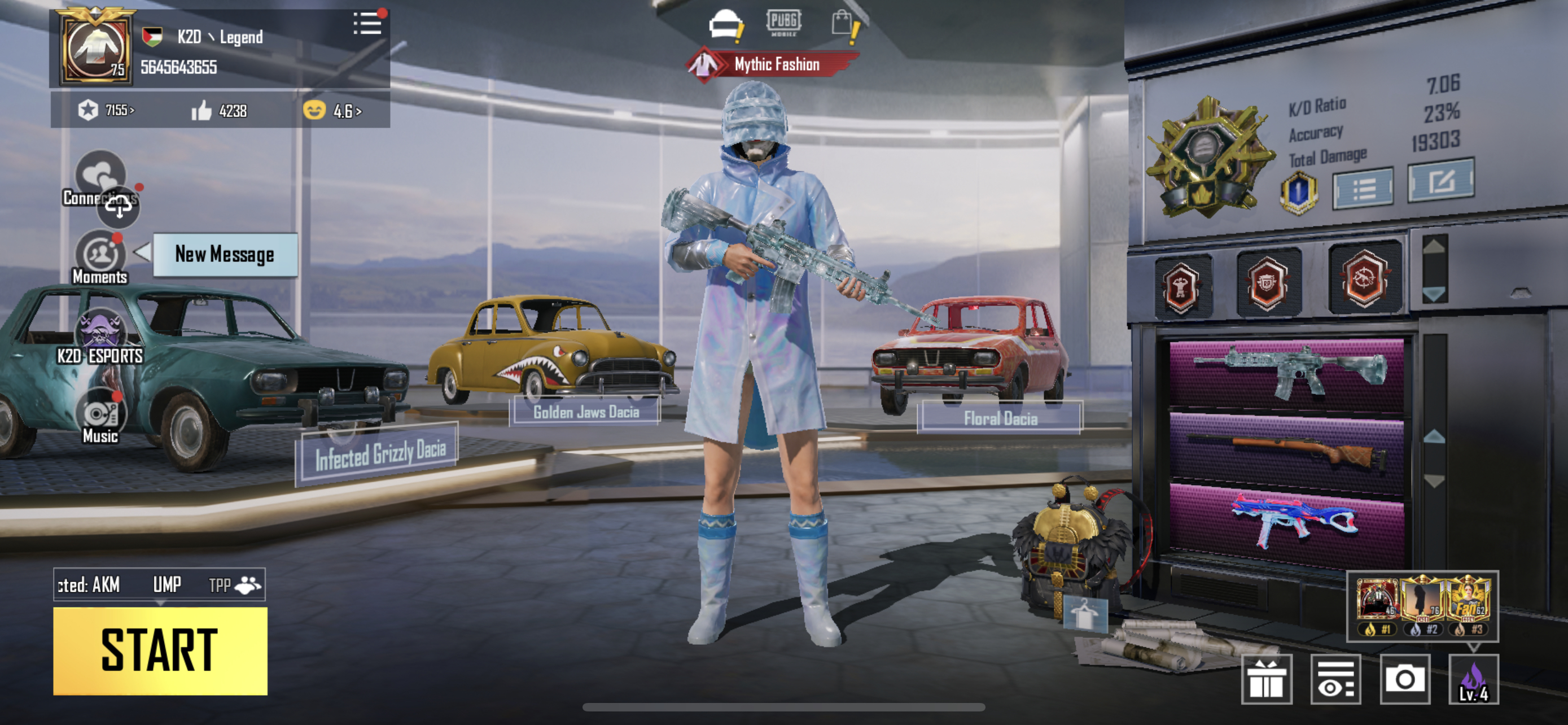
 Z
Z D
D X
X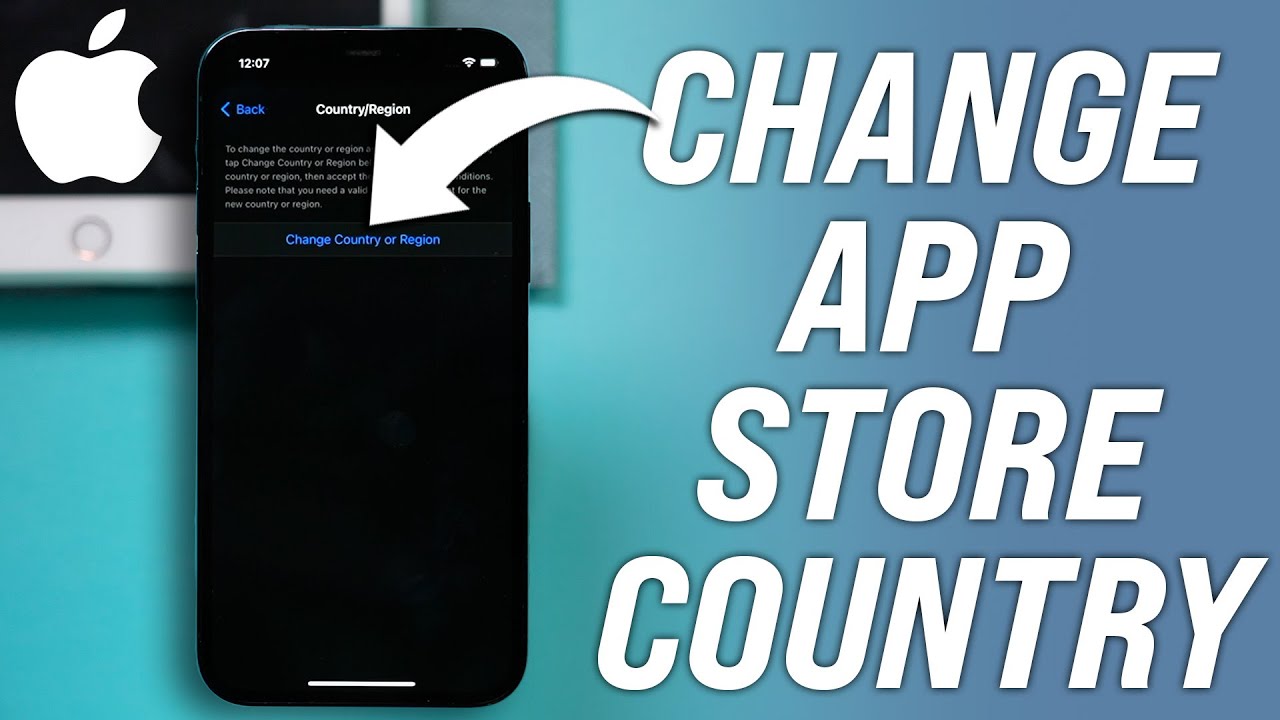
 A
A S
S D
D
 J
J


