You can hit 'e' when you boot the installer to edit the boot command and change the tag from :39 to
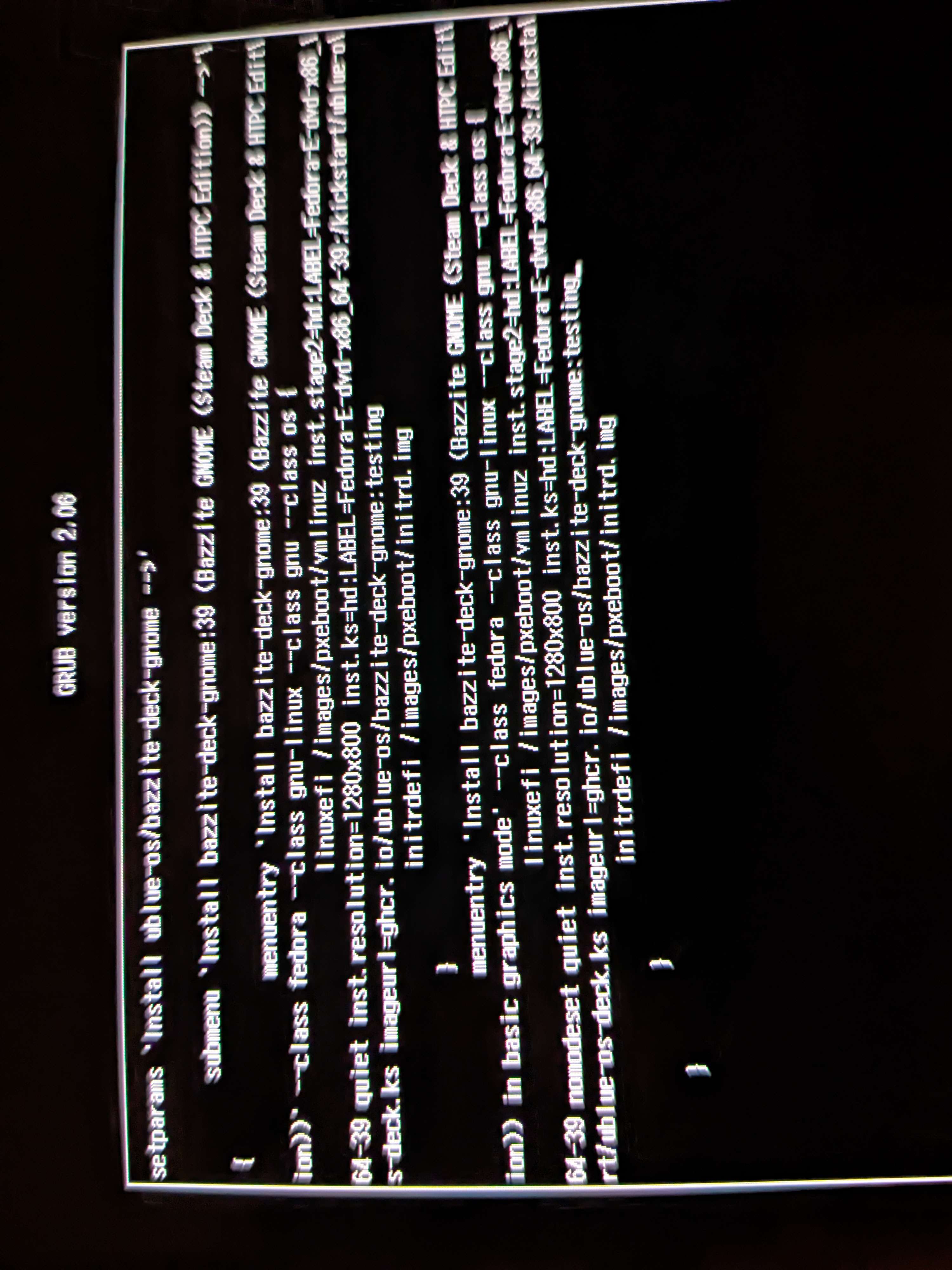
You can hit 'e' when you boot the installer to edit the boot command and change the tag from :39 to :testing. That's what I did, worked great.
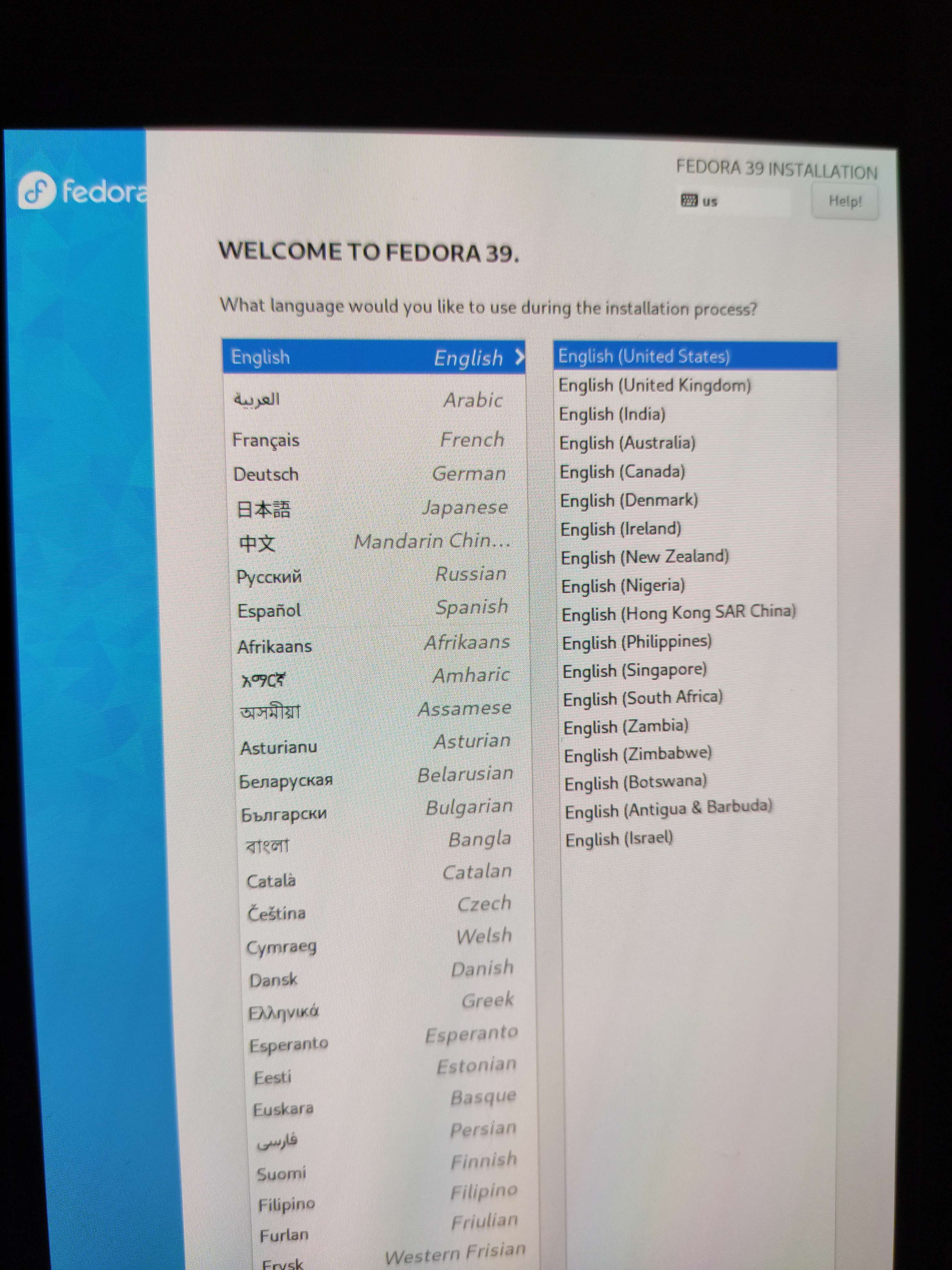
Also be sure to select basic graphics mode or the installer won't fit on the screen.
Also be sure to select basic graphics mode or the installer won't fit on the screen.