
 K
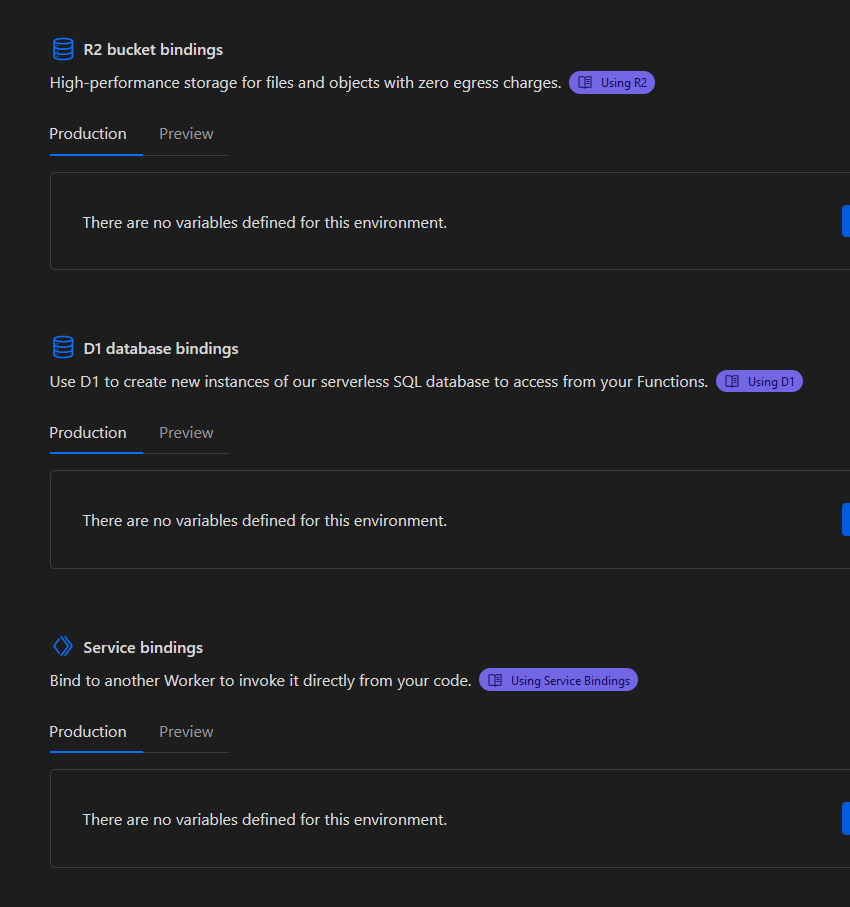
KWhat do you see in the middle of R2 and Service Bindings, nothing?

 J
JI should Of taken a picture but now it's totally there. I wonder if it was being updated, or temporarily offline. Either way, thank you so much for your help.
 A
AIs there any way to run a specific function on a CRON schedule, or is scheduling exclusive to Workers?
AHuh, looks like I'm not the only one with this question... and not the only one that could not find an answer: https://community.cloudflare.com/t/cron-queues-support-in-cloudflare-pages/577004
AThere's Advanced Mode, I guess, but  no support for
no support for .tsAdvanced Mode doesn’t support scheduled handlers either
KYou need Workers if you want queue, scheduled, tail, etc handlers
ASo multiple projects just to run some check on a schedule, just what I needed 
AThanks for the confirmation, though
AOh, cool, Netlify has schedules functions in beta, I won't need multiple projects after all
 J
Joh no, is there any way to go over teh 1MB limit?
KPaid plan has a 10 MiB limit.
JI'm trying to get as far as I can on the free plan for now
KYou can’t go over it, you can only try and reduce the size of your Functions bundle.
Jyeah I understand, it's better I reduce anyways until I can't
Jis there a list of or IP ranges for Cloudflare? My data provider requires a whitelist for incoming POST requests... any solution?

 J
J
 R
RIs there any way to debug the page function? I can not find a solution
 S
SHey guys, I am migrating websites to cloudflare that utilise the same API keys, for example for a transactional email service. Is there a way to set an API key across multiple projects just like Netlify does with global environment variables? Without global environment variables if a key expires for any reason I need to go and set it on up to 50 separate websites.
 S
SI am utilising wrangler to test and debug my functions locally:
npx wrangler pages dev -- SERVER COMMAND
 A
Ayou could maybe use KV, but maybe encrypt it first, just to be safe
 S
SYeah I was thinking that, seems like it will cause other types of maintenance nightmares though, thank you for the suggestion, very much appreciate it.
RIt seems that this method cannot be debugged with breakpoints, right? I saw the workers document, it has some breakpoints method support, but not work for cloudflare page functions...
 M
MHaving trouble getting a
_worker file to configured with wrangler v3.22.1. Tested with a fresh npm create cloudflare@latest install with svelte
 ز
زim trying to run my express js discord bot dashboard but i have been told to use functions instead, what do i do to get started?
زanyone??
Kزdidnt really know how to use it
زso i made a function folder and made a hellowrold(typo ik) and pushed changes ect... but when i go to domain/hellowrold nothing there
زThis tryhard.pages.dev page can’t be foundNo webpage was found for the web address: https://tryhard.pages.dev/hellowrold
زso??
ز@kian ?
ز@Erisa | Support Engineer am i allowed to ping community chapion role for this type of help?
 E
ENo
EPlease do not ping anyone for help, this is a volunteer community and people will help as and when they are available to
 ز
زok thank you
ز...
 A
ANot sure where it’s at / if it’s in beta yet, but https://blog.cloudflare.com/secrets-store is what you want when it’s available I think
The Cloudflare Blog
Introducing Secrets Store by Cloudflare - the ultimate solution for managing your application secrets securely. Safeguard sensitive information, track access, and maintain ease of use.
 S
S@ScaredOfMyRawr thanks for that, exactly what I’m looking for, appreciate you linking it 
 I
ISo the reason this occurs is because _middleware.js runs on the server, and the server has no way to know the domain in this case.
IYou'll need to provide an absolute path somehow. If you don't want to hardcode the value in I'd recommend using environment variables (https://developers.cloudflare.com/pages/functions/bindings/#environment-variables).
 J
JYou can pass a base URL to
new URL as the second parameter, so you could do something like:JYou might want to do a
new URL(context.request.url), and then pass the .hostname of that into that new constructor, or just override its .pathname etc. to construct your redirect URLJRelative URLs are technically permitted nowadays too in the
location header, so perhaps even this could work (untested):