

 K
KThanks, this is much appreciated! I'll look into NVML when it gets a UI as a default feature

 A
Aawesome, thanks! i'll try pulling the latest testing changes later then. i'm assuming it's the same command to pull the latest testing changes
Krpm-ostree update, so long as you're on
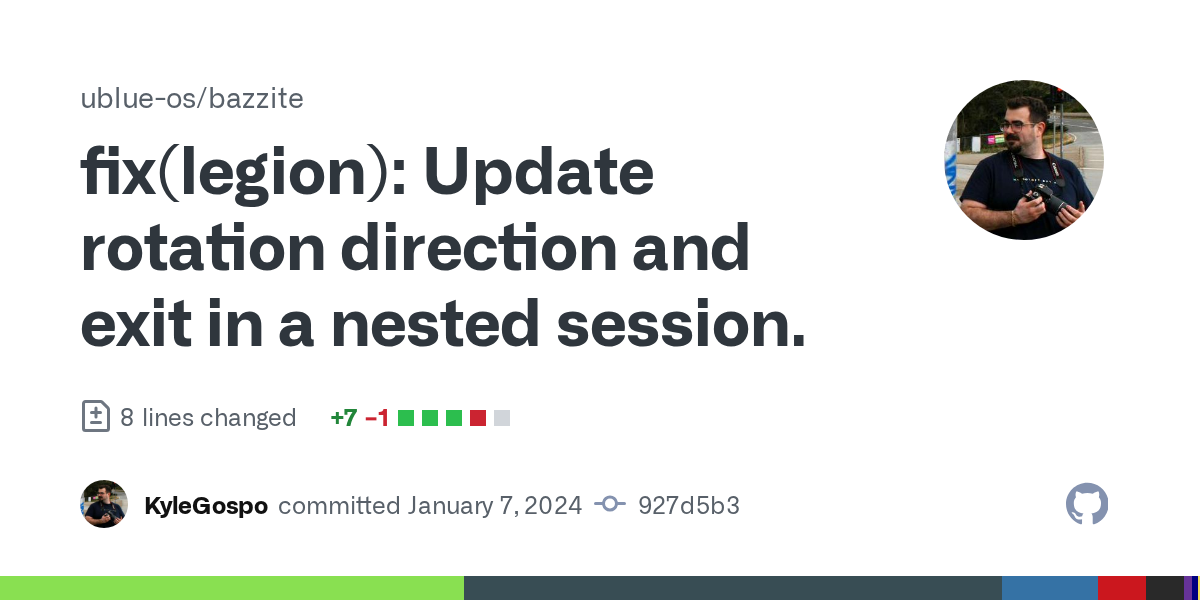
:testing@j0rge build of testing and unstable kicking off now
 J
JI just wanna know about your RT improvements.
Jthe nvk thing will just be the toggle though right?
Kno toggle yet, but NVK is going to be on every image that isn't -nvidia
Kand RT improvements are in
Joh you were just enabling the boot arg iirc?
Jwell if you wanna test it on halo, I can do like 1 or 2 matches, can't do a marathon tho lol

 J
Joh nice!
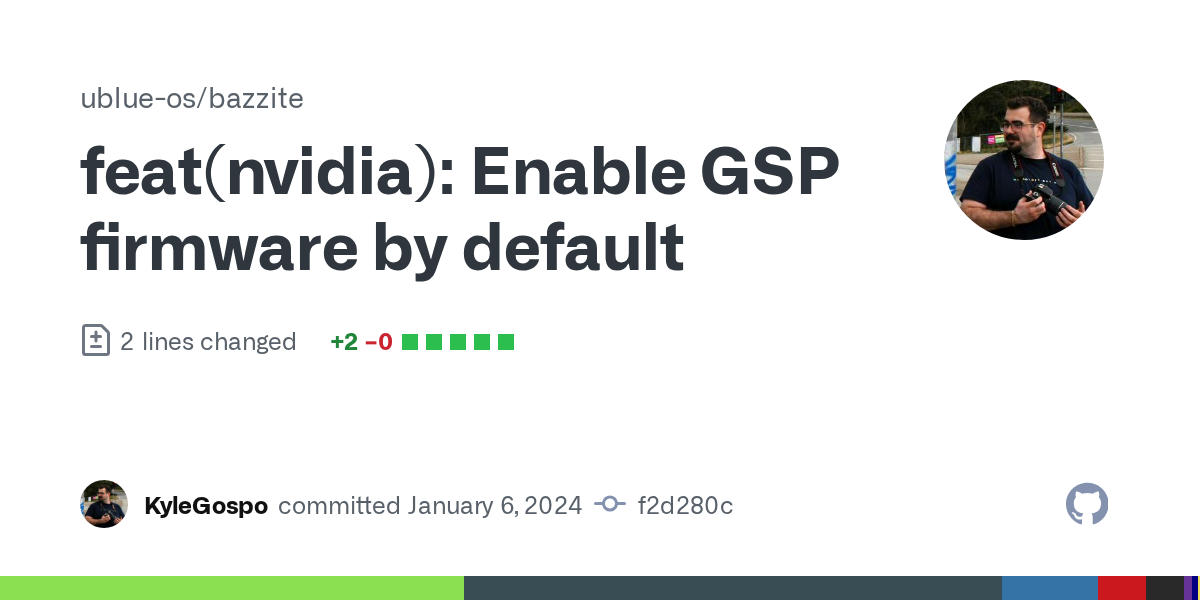
KSame way I do the rest of the NVIDIA stuff
JE Z
KNo Halo for me tonight I'm afraid, but I'm totally down for as much as you want tomorrow night
Jdope
KDefinitely let me know about the RT performance though 
Jwell I max it out already so ....
Joh wait, not on the tv
Jwife's using it, but I'll test tomorrow on the 6800XT
KSweet, that'll be a good test
Jcan we post a quick thing on the forum for both of these? They'll be quite popular. 
KYes, I need to get in the habit of that so I will write something up tonight
 ᕲ
ᕲdoes bazzite format the sd card weirdly? kde partition manager says it was formatted as btrfs but i plug it into adapter on windows and windows wants to format the drive even though i have winbtrfs installed and other btrfs drives in the system that are read fine and stuff
 K
KIt's normal btrfs, I share one between the two
ᕲhmmm
KIt's patched with the exact same patch you get in SteamOS btrfs
ᕲweird
ᕲlol i had to leave the microsd inserted in the adapter and unplug and replug the adapter and now it reads it
KGitHub
Bazzite is an OCI image that serves as an alternative operating system for the Steam Deck, and a ready-to-game SteamOS-like for desktop computers, living room home theater PCs, and numerous other h...
Ktesting is built now
ANice, I'll pull down the changes and test tomorrow morning. Thanks 

 V
VIf this works I'll be buying a gamepad ASAP. Literally my favourite controller ever

 R
RIIRC it should just be a dedicated 5 GHz wireless radio in the console.
RIn summary, the Wii U and the GamePad communicate with each other using 802.11n in the 5 GHz band. The console acts as an access point (AP) and the GamePad acts as its single client. Be as it may, Memahaxx also reported that the console’s operating system implemented the possibility of using two GamePads at once, albeit left unused.
RThe Copetti site
An in-depth analysis that explains how this console works internally
RReference here
VMemahaxx also reported that the console’s operating system implemented the possibility of using two GamePads at once, albeit left unused.
I mean seeing as reggie did say that, I'm glad it was at least explored
 L
LThere have been other efforts as well. Let's see if I can dig them up again.
Another thing is Deck U that uses the Steam Deck as a Wii U gamepad for a PC running CEMU
Another thing is Deck U that uses the Steam Deck as a Wii U gamepad for a PC running CEMU
 R
RInstalled bazzite-deck-gnome:testing on OLED to check Gnome (after multiple years of using KDE exclusively). I must say it does look slick, will be interesting to see how it fares in day-to-day usage.
Although I've already found some strange bug - bazzite menu (top left corner icon) doesn't seem to accept input (mouse clicks) from bluetooth keyboard for some menu entries at all (strange, like I mentioned). Whereas for touch input everything works correctly.
Although I've already found some strange bug - bazzite menu (top left corner icon) doesn't seem to accept input (mouse clicks) from bluetooth keyboard for some menu entries at all (strange, like I mentioned). Whereas for touch input everything works correctly.
 K
KThat is odd, I'll see if I can reproduce it
Kthat menu is a fork of Logo Menu
KGitHub
Quick access menu for the GNOME panel with options that help ease the workflow for newcomers and power users alike. - GitHub - Aryan20/Logomenu: Quick access menu for the GNOME panel with options t...
Kcall it a soft fork since we keep it in sync
R@KyleGospo you don't have to rush it rn, because I can't seem to reproduce it now after -> gamescope -> desktop again.
RSeems to work correctly now
Rweird
ROK I take it back, something definately is not right with that menu, I'll fidget with it a bit more to establish steps where this will reproduce 100%.
RSeems to be some issue with the menu itself, I'm not experiencing (for now) any issues while interacting with other elements on the desktop
ROK I have steps to reproduce this issue. Good thing is that you don't even need bluetooth keyboard, you can reproduce it just by mixing touch and controller-cursor control schemes (right stick/touchpad and shoulder buttons).
This is on bazzite-deck-gnome:testing (installed about 6 hours ago, up to date) on OLED.
1) Turn on Steam Deck.
2) Go to desktop mode.
3) Using controller-cursor controls, click on top left corner menu icon to open menu.
4) Click (using above mentioned control scheme) on any menu item(s) of your choice - everything should work here.
5) Now, using touchscreen controls, open menu and tap on any menu item(s) of your choice. They should still launch properly.
=== This is where it breaks ===
6) Now, using controller-cursor controls again, try to launch any of the menu item(s)/button(s) you tapped at step (5).
7) All of them don't work, i.e. clicks via shoulder buttons / touchpad are completely ignored.
It seems that as long as you don't launch any menu entry with touch controls (tap), both controller-cursor and bluetooth keyboard/mouse will work. As soon as you launch any menu item with touch, then any subsequent attempt to launch given menu entry with controller-cursor and/or bluetooth kb/mouse will fail ('clicks' will be ignored by the menu). By that point, only clicks/taps via touch screen controls will work.
You need to restart your Deck completely to fix it - until you again use touch controls on the menu, where it breaks again.
@KyleGospo
This is on bazzite-deck-gnome:testing (installed about 6 hours ago, up to date) on OLED.
1) Turn on Steam Deck.
2) Go to desktop mode.
3) Using controller-cursor controls, click on top left corner menu icon to open menu.
4) Click (using above mentioned control scheme) on any menu item(s) of your choice - everything should work here.
5) Now, using touchscreen controls, open menu and tap on any menu item(s) of your choice. They should still launch properly.
=== This is where it breaks ===
6) Now, using controller-cursor controls again, try to launch any of the menu item(s)/button(s) you tapped at step (5).
7) All of them don't work, i.e. clicks via shoulder buttons / touchpad are completely ignored.
It seems that as long as you don't launch any menu entry with touch controls (tap), both controller-cursor and bluetooth keyboard/mouse will work. As soon as you launch any menu item with touch, then any subsequent attempt to launch given menu entry with controller-cursor and/or bluetooth kb/mouse will fail ('clicks' will be ignored by the menu). By that point, only clicks/taps via touch screen controls will work.
You need to restart your Deck completely to fix it - until you again use touch controls on the menu, where it breaks again.
@KyleGospo
