
I need to change the mount point from downloads but idk how to do that without breaking everything
I need to change the mount point from downloads but idk how to do that without breaking everything
 KK
KK Z
Z/mnt most closesly resambles of attached disks so I would probably go with that I
I SSKZ
SSKZ/mnt:This directory is provided so that the system administrator may temporarily mount a filesystem as needed. The content of this directory is a local issue and should not affect the manner in which any program is run.
This directory must not be used by installation programs: a suitable temporary directory not in use by the system must be used instead.
 T
T CSITKZTZI
 TSI
TSI/mnt. Perhaps Zelaf will be willing to detail that process for you, as I stumbled through it last time (doing a very similar thing to you, no less)SKTTSTTST/mnt, right click and open the terminal thereTsudo mkdir gamesTSTgames1TIISS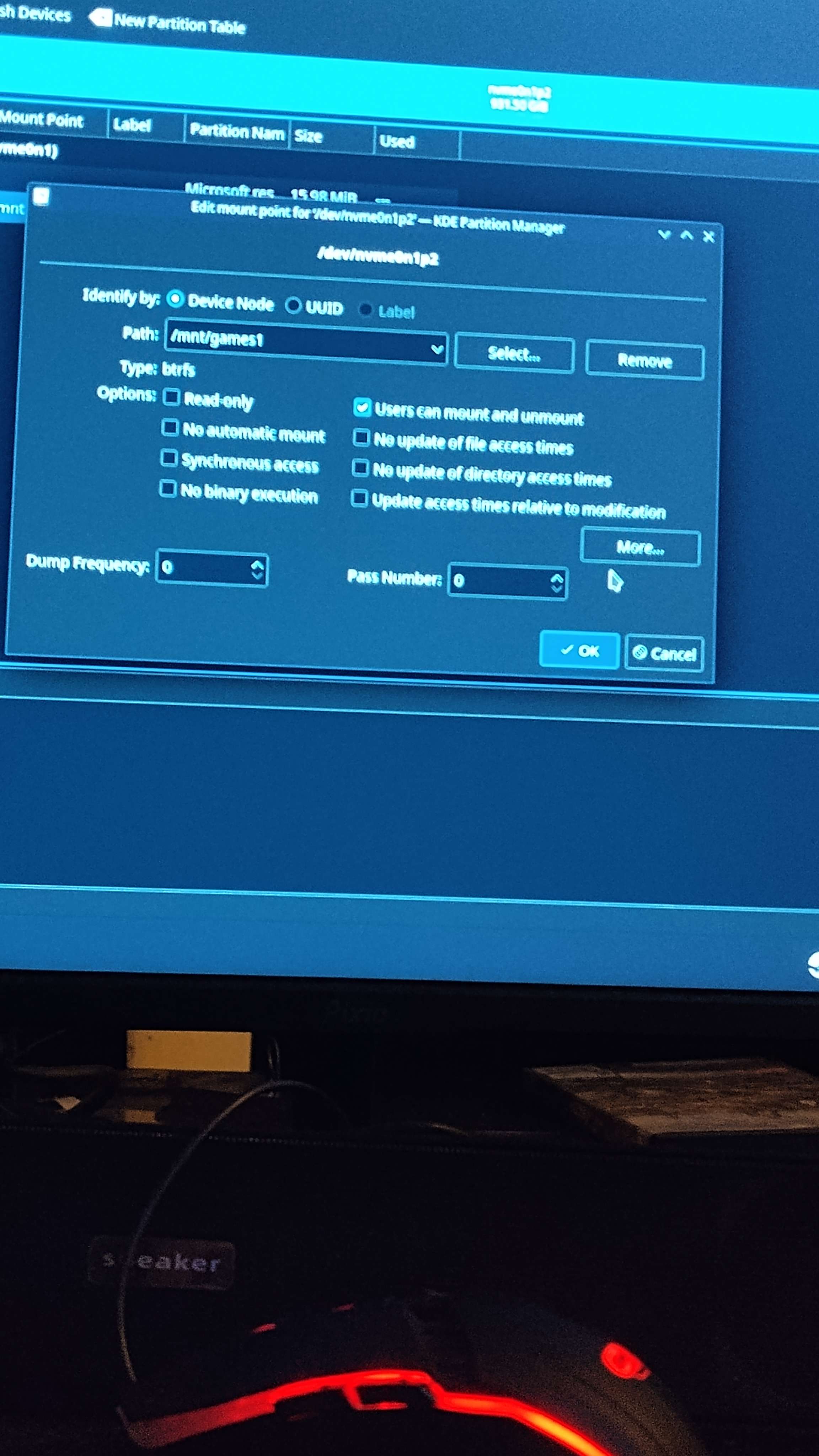 I
Isudo is "super user do" or "perform this action with the [as/the permissions of] the root user". It's like when something pops up a UAC/admin prompt in windowsSSZ/dev might be appropriate?The /dev/ directory contains device nodes that represent the following device types:
devices attached to the system;
virtual devices provided by the kernel.
[...]
Devices in the /dev/ directory and subdirectories are defined as either character (providing only a serial stream of input and output, for example, mouse or keyboard) or block (accessible randomly, such as a hard drive or a floppy drive). If GNOME or KDE is installed, some storage devices are automatically detected when connected (such as with USB) or inserted (such as a CD or DVD drive), and a pop-up window displaying the contents appears.
SZZS H
H/dev is for device blocks, not for mounting files, it is where you find the block files for disks, among other things/mnt/mnt/mnt/mntsudo mkdir gamesgames1sudo/dev/dev


