


 A
Awhats that lol
 T
Tresetting KDE settings

 E
EIt's so unclean I don't think I'd bother. And things move around. 6 will also be out soon and change the structure once more
Tof course not. it was just a joke
Tit's too aggressive to script anything with
rm -rf in it, imoEThere's also nothing like gsettings so when I was configuring things for my own image, providing custom configs often broke other things
TI also saw this on reddit last night which makes it all that much more important https://www.youtube.com/watch?v=qzZLvw2AdvM
YouTubeKevin Fang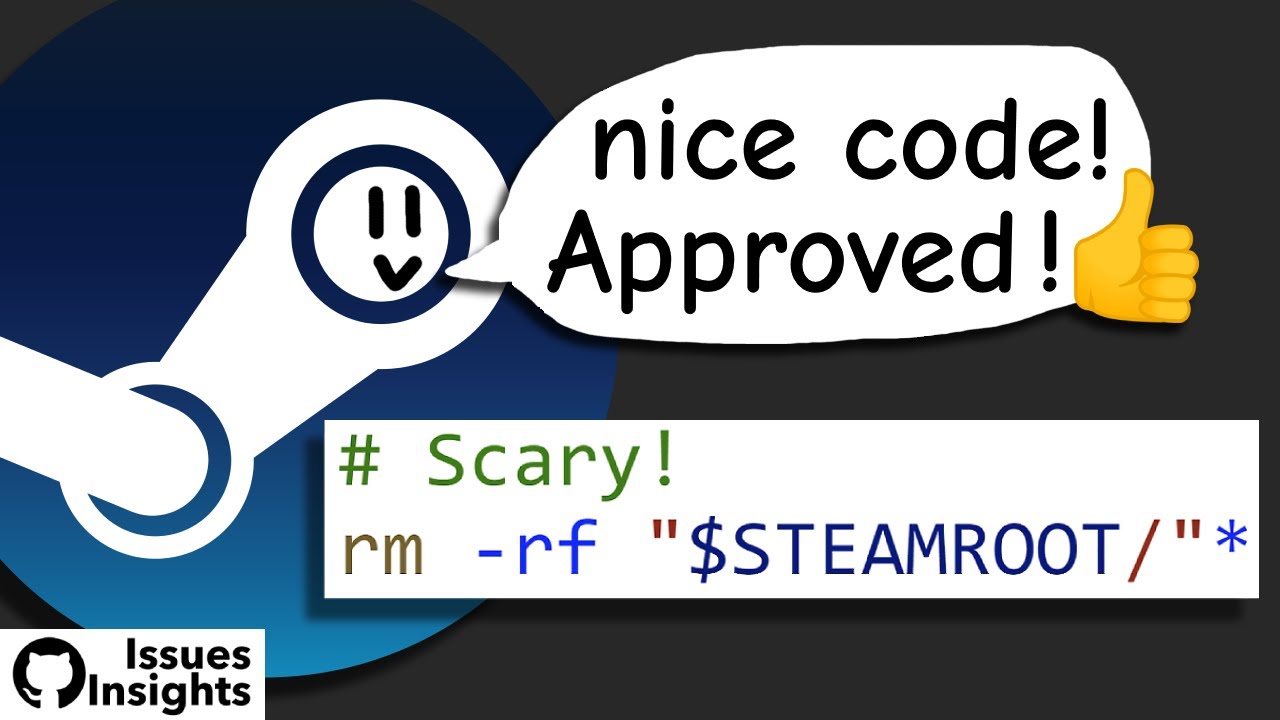
A deeper look into a steam-for-linux GitHub issue (https://github.com/valvesoftware/steam-for-linux/issues/3671) investigating how a steam script was able to delete the entire contents of someone's root directory. While the direct cause of the rm -rf is fairly obvious, how it was triggered in the original bug report is not, and may forever remai...
EThat's funny. The other day, I installed a 2tb SSD in my Steam Deck. Almost instantly filled it up. Steam didn't recognize it was installed so it asked to reinstall even though it was clearly installed. Removed a game and it started right up
 H
Hnew build available with the fix for
distrobox-assemble, sorry for the inconvenience with itAThats funny
Adont you hate when your cpu wont show igpu in inxi -G Just only dgpu shows quite annoying what if i want use another monitor lol
 T
Tthen plug in another monitor to the dGPU
Athats bad idea if i did it would use resources of dm again so, i prefer igpu for that solution
Tresources of dm?
Adesktop manager its already using 2gb of vram of my dgpu so its not good idea is it.
Tdo you only have 3GB of VRAM?
A8gb max
Tyou're fine
Ayou arent fine if u palying games

 A
Asome games uses almost all of my vram so i need help with igpu situtation
TI briefly ran a 3070ti with a 1440p ultrawide and a 1440p standard wide. you're fine
Ahow much vram
T8GB
 H
Hwell to my understanding of how the different image layers work it should be fixed 
 R
RI'll reinstall from scratch and report if I encounter any other issues.
Hno need to reinstall if the system is installed just
rpm-ostree updateRNo upgrade available
Rbazzite-deck-gnome:latest
RNvm, it probably is OK now.
RMy mistake, sorry.
Hi started looking around in the container files to see the actual flow to see if i missed something XD
is it updating now?
is it updating now?
RIt seems to have updated itself when Gamescope was booting for the first time.
Rdistrobox.ini is present now on fs
Hnice
Hyeah i moved it to be part of the ujust rpm instead
RSrcpy installation (that's what fedora distrobox is needed for from what I'm seeing) now passed successfully
Hgood good 
RFedora distrobox has been created
RThank you for the quick response
Hnp, im sorry that it happened to begin with
Aso, how can i get my cpu to show up vga controller inxi -G only dgpu showing up
 Y
YSO I REINSTALLED BAZZITE RIGHT?!
YThe new splash screen is DOPE! Also noticed the desktop scales correctly I a fresh install or at least looked like it
YI keep trying things just to end up back on bazzite
 J
JThis is a weird bug.. During XIV launcher setup one of the steps is giving it the launch options of
XL_SECRET_PROVIDER=FILE %command% run --parent-expose-pids --parent-share-pids --parent-pid=1 --branch=stable --arch=x86_64 --command=xivlauncher dev.goats.xivlauncher And that works super well on base steamOS but on bazzite it fails to open unless you remove --parent-expose-pids --parent-share-pids --parent-pid=1Tthose arguments are from flatpak itself and not XIVlauncher
See also https://docs.flatpak.org/en/latest/flatpak-command-reference.html
The question is whether XIVLauncher on Bazzite communicates with Steam to report that the game has closed without them
Q: Final Fantasy XIV doesn’t close properly / Steam constantly thinks Final Fantasy XIV is playing
Make sure you set the Launch Options in the “Add a Non-Steam Game” step. Specifically the --parent-expose-pids --parent-share-pids --parent-pid=1 arguments allow XIVLauncher to communicate with Steam to report the game closing.
via https://goatcorp.github.io/faq/steamdeck.html
See also https://docs.flatpak.org/en/latest/flatpak-command-reference.html
The question is whether XIVLauncher on Bazzite communicates with Steam to report that the game has closed without them
Jit doesnt
Jsadly
