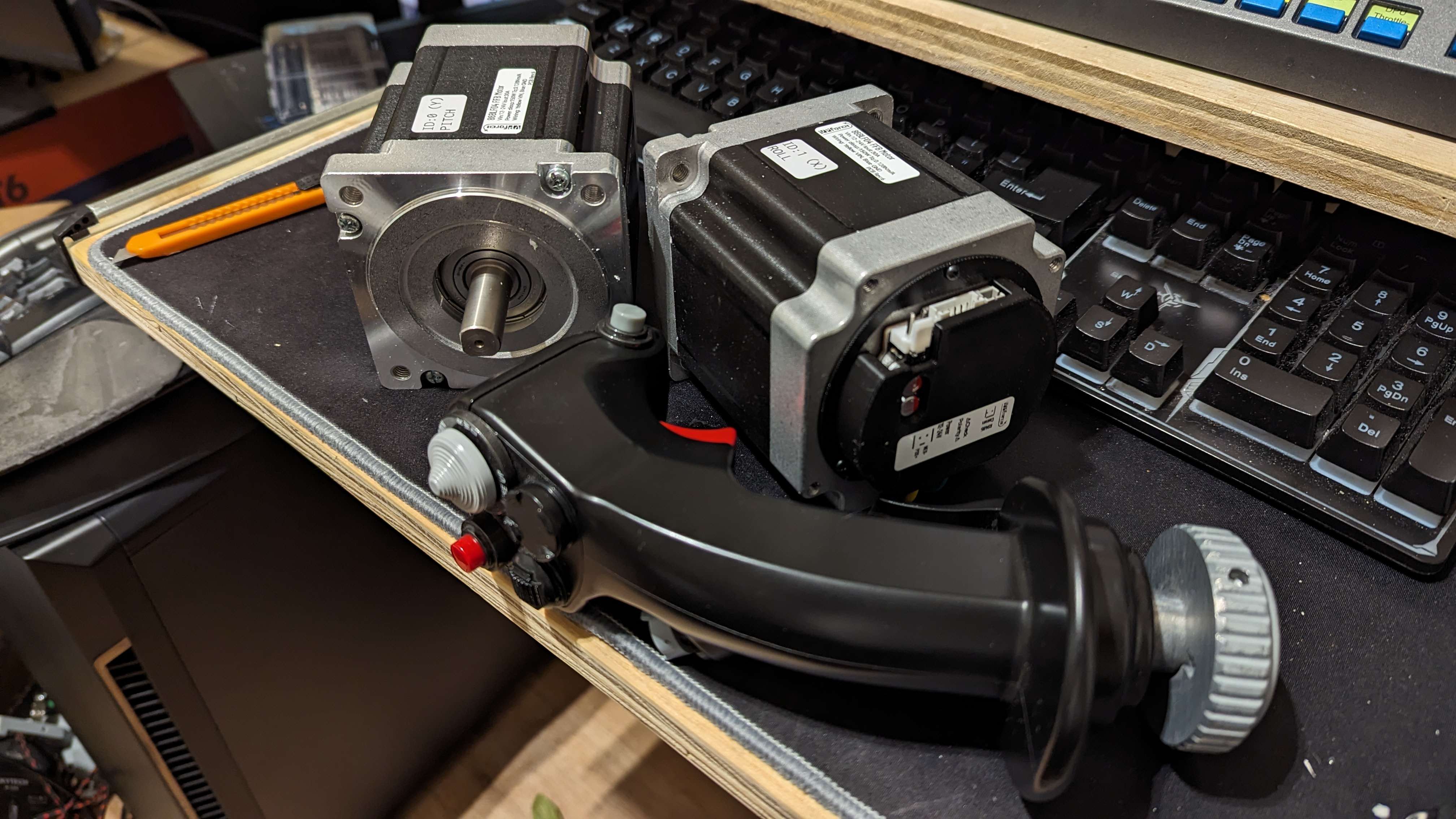
Any idea why I can't get the fan to come on? I'm using the 'test fans' function in debug. To rule out variables I bench tested a new fan and it works fine but when plugged into the socket no go. I'm only using 1 fan, is that a problem?
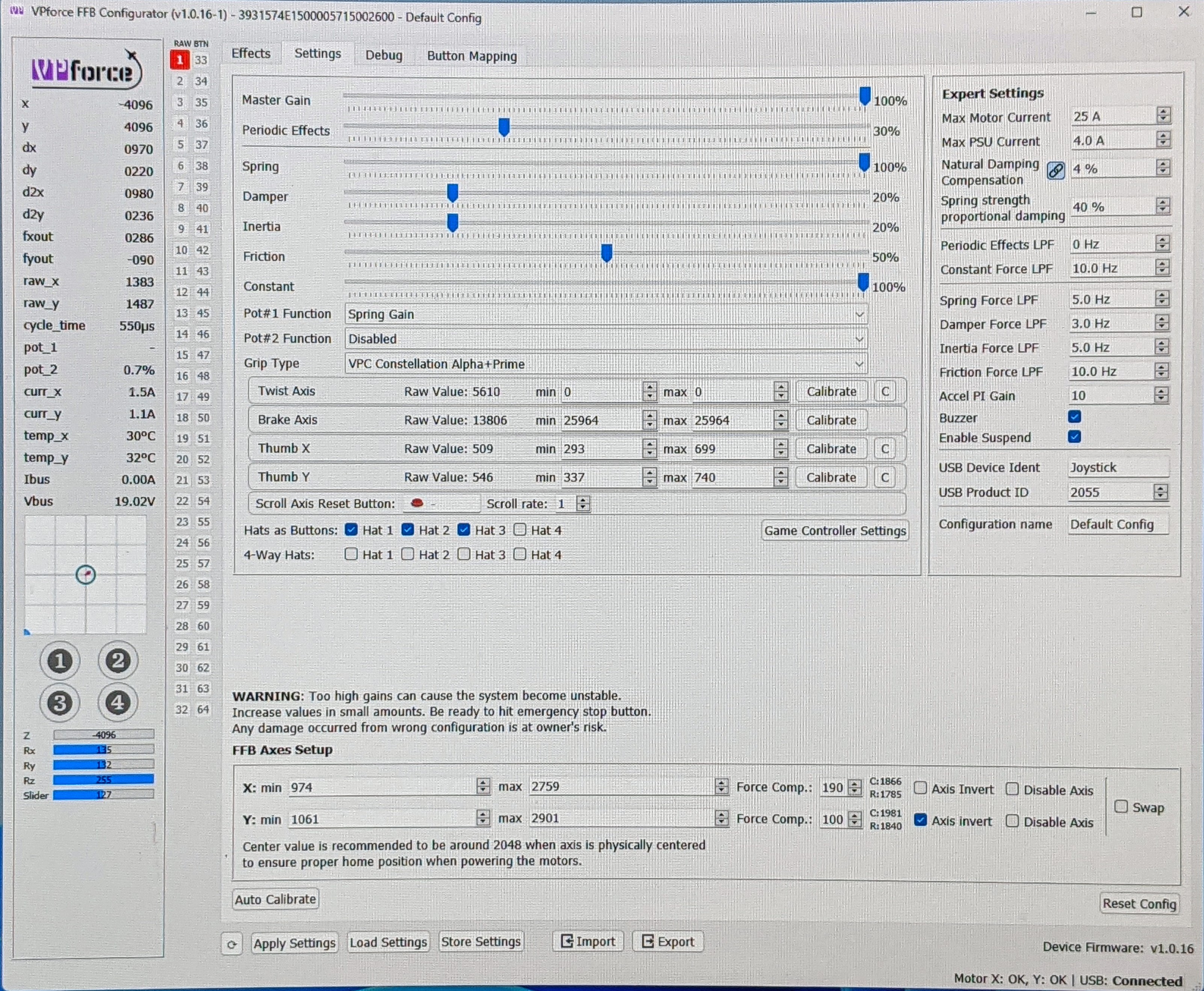
No voltage when fans aren't on in software. Once on in configurator it goes up to psu voltage. Not sure if it means anything but when I turn it back off it took around 1 minute to creep back to zero
Hooked my benchtop psu to it, set to 12v same result regarding fan voltage following psu. To that end I twiddled the dial on my psu and watched the voltage on the fans go up/down with it. Turned off and same slow countdown to zero
As to my fans not running in the first place I've solved that, the prefab pigtail leads I bought were wired reverse from Rhino board. Swapped crimp pin locations now both sockets turn on/off as they're supposed to, but until the voltage thing is solved don't want magic smoke to come out these fans so not using them
Great.. turning my benchtop psu up to running voltage I made it to 18v before the board beeped, usb lights went out/disconnected. Disconnected everything but now when I plug in usb nothing happens except the main chip gets hot.
Nothing looks out of place on the board under magnification. When I plug in its psu the motors light up but not the board.
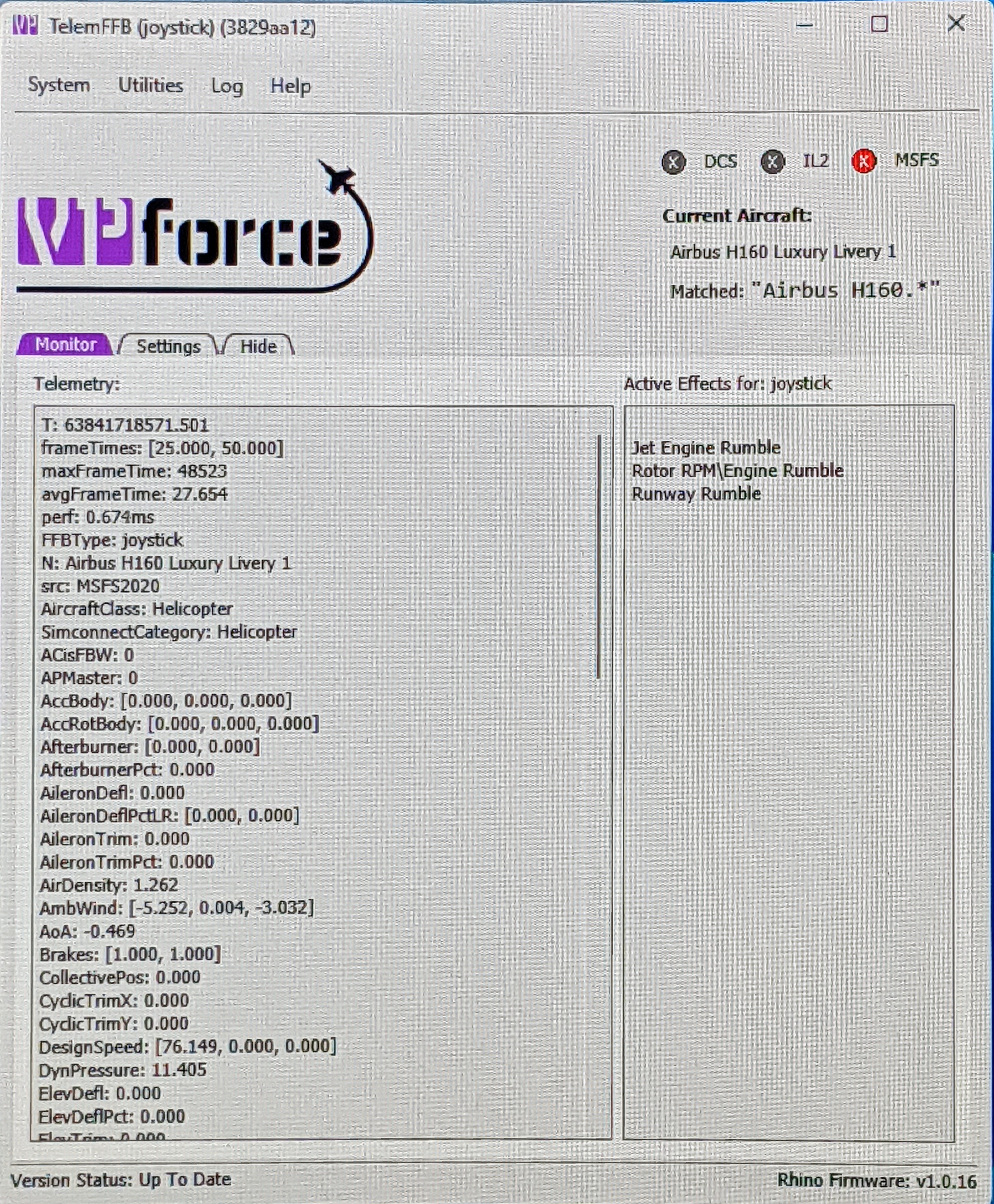
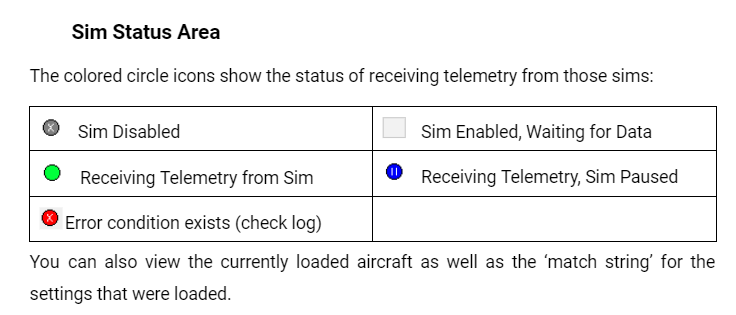
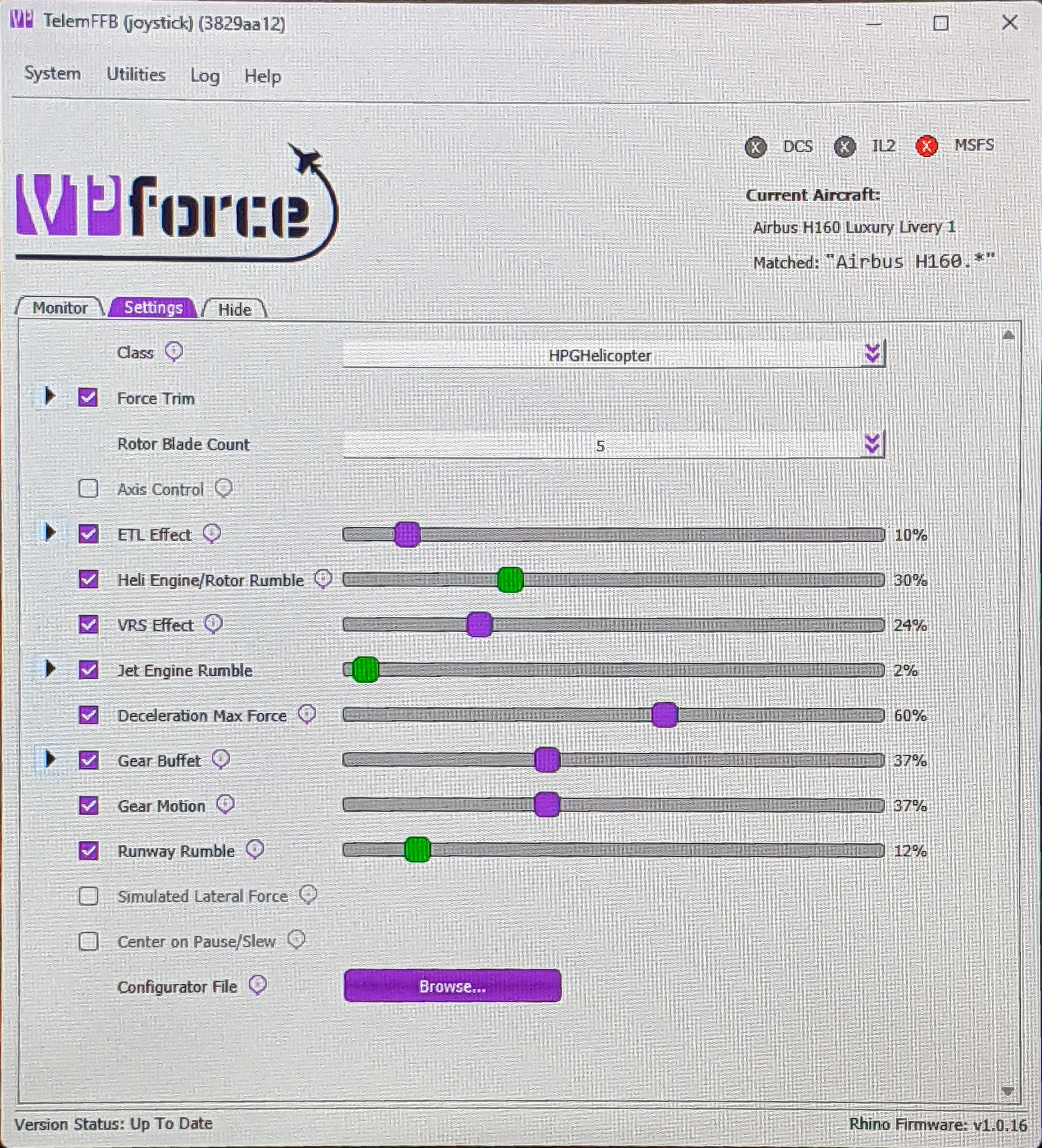
your rhino is connected fine (as indicated by the firmware version in the lower right). MSFS is connected fine (as indicated by the telemetry).. there is an error condition (red x).. suggest you look at the log per the hover-over tooltip and the documentation
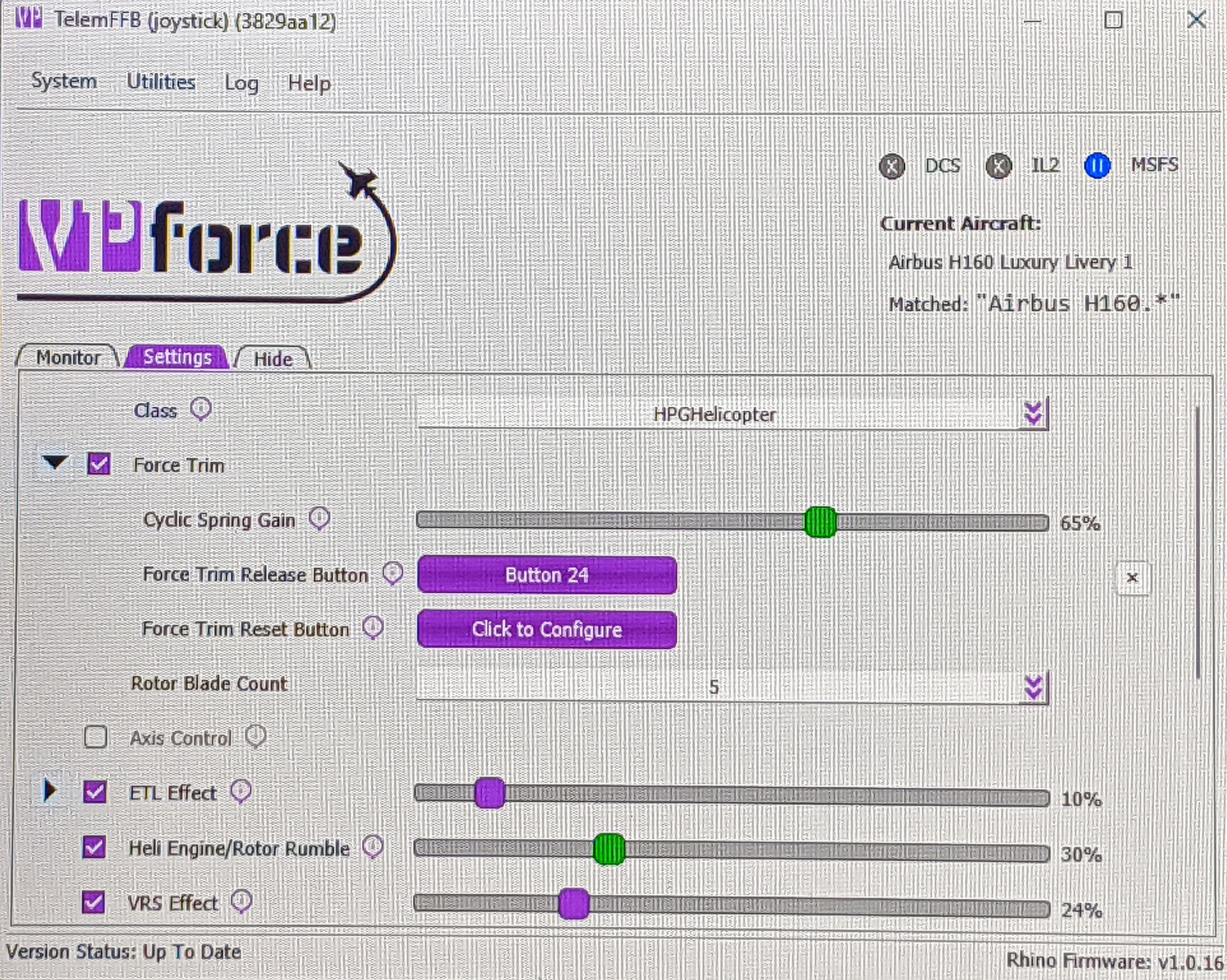
But... the reason it's not working is %99.999 because you are in the H160 and have not configured your force trim button in settings
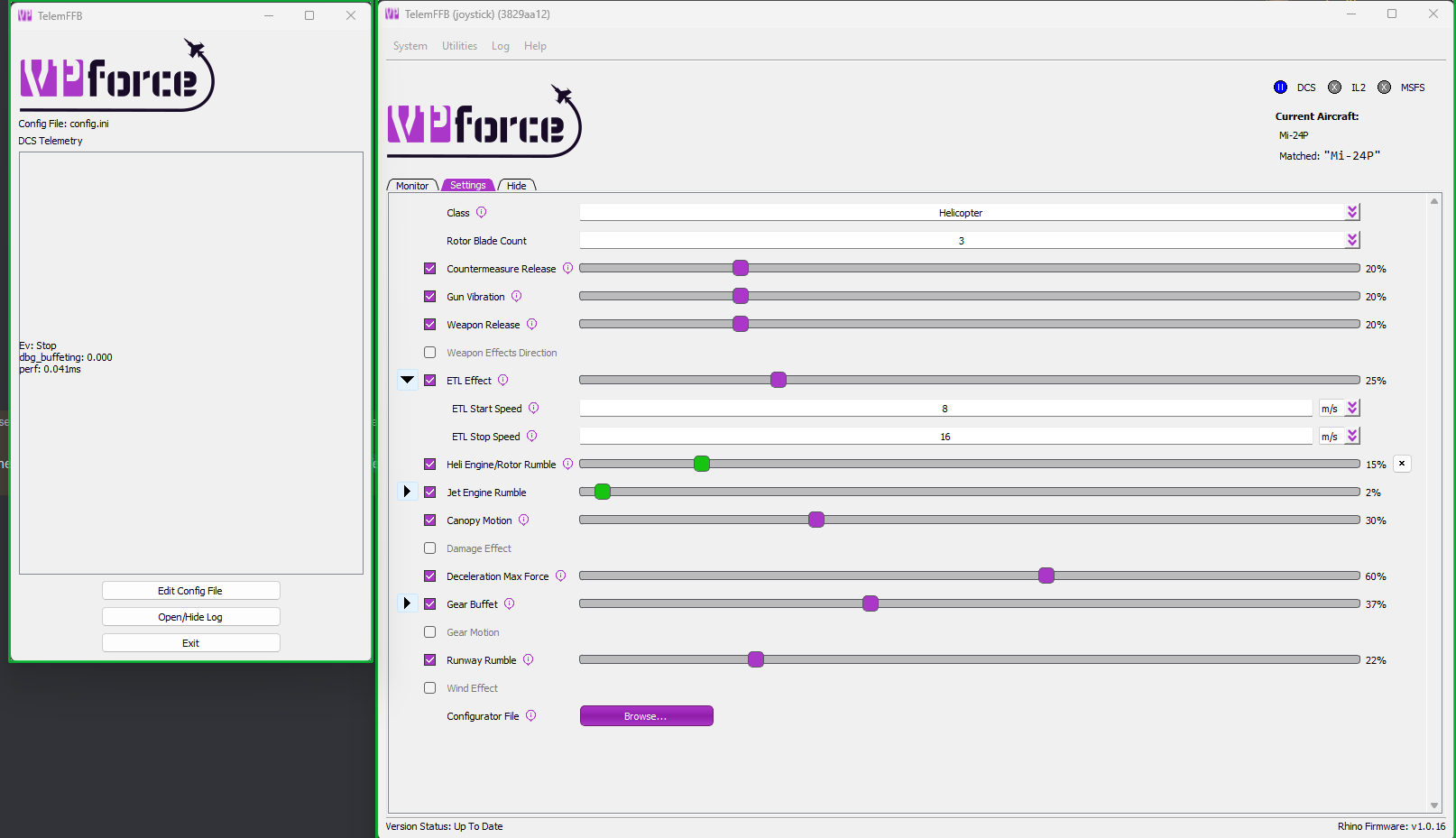
follow the green boxes in the screenshot I just posted above in your TelemFFB settings. Configure the button you want to use for force trim and it will start working. The entirety of the ACFS autopilot implementation in TelemFFB for the HPG helicopters is dependant on force trim and axis sending being enabled in TelemFFB.
Since it sounds like this is new to you, also be aware that you will need to unbind your joystick axes in MSFS, otherwise it will fight with the axis information being sent by TelemFFB.
Rhino is not Bound in MSFS Controls. My Rhino Joystick does not respond while in the H160 Cockpit. While in the H160 Cockpit there is no movement of the Joystick. This means H160 cannot fly.
Its not hard once you understand what a few basic things do and how they work together... Without TelemFFB running, is there any spring force on your Rhino or is the stick limp?
I have to step away for work stuff for a while but will be back later
Hello, absolutely loving the Rhino, its a true gamechanger for me. I was noticing a problem with my endstops, when i put even a little force on them, they "break" and the stick goes past the point, and the axis goes limp.