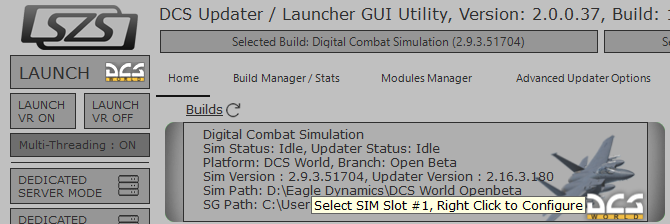
Introducing: The DCS Updater / Launcher GUI Utility v2.0 (DULU) LAUNCH - MANAGE - UPDATE - REPAIR - CLEAN Note: This Utility is not Affiliated with Eagle Dynamics, and not responsible for support. LAUNCH: Launch DCS using Multiple Options and Switches. MANAGE: Manage Your Builds & User Profil...
I created a .ps1 powershell program that's a button box where you can open up all the programs you want if you want I can put that on github from one button. Ill post a pic of it when I get a chance.
Oh for me i have like 5 programs i have to open so this helps so much, plus I start it with windows too. Hah i hear ya though, just might be useful for ya. I was learning powershell for work, but would be better if I made it into C#, no idea how to code that ... But ChatGPT does
Good Day, I recently purchased a two-motor DIY kit and have somehow managed to misplace the motor wires. I would be grateful to know if these are standard wires and, if so, where they could be purchased here in North America. Alternatively, if those can be purchased individually from VPForce that would be great. Thank you.
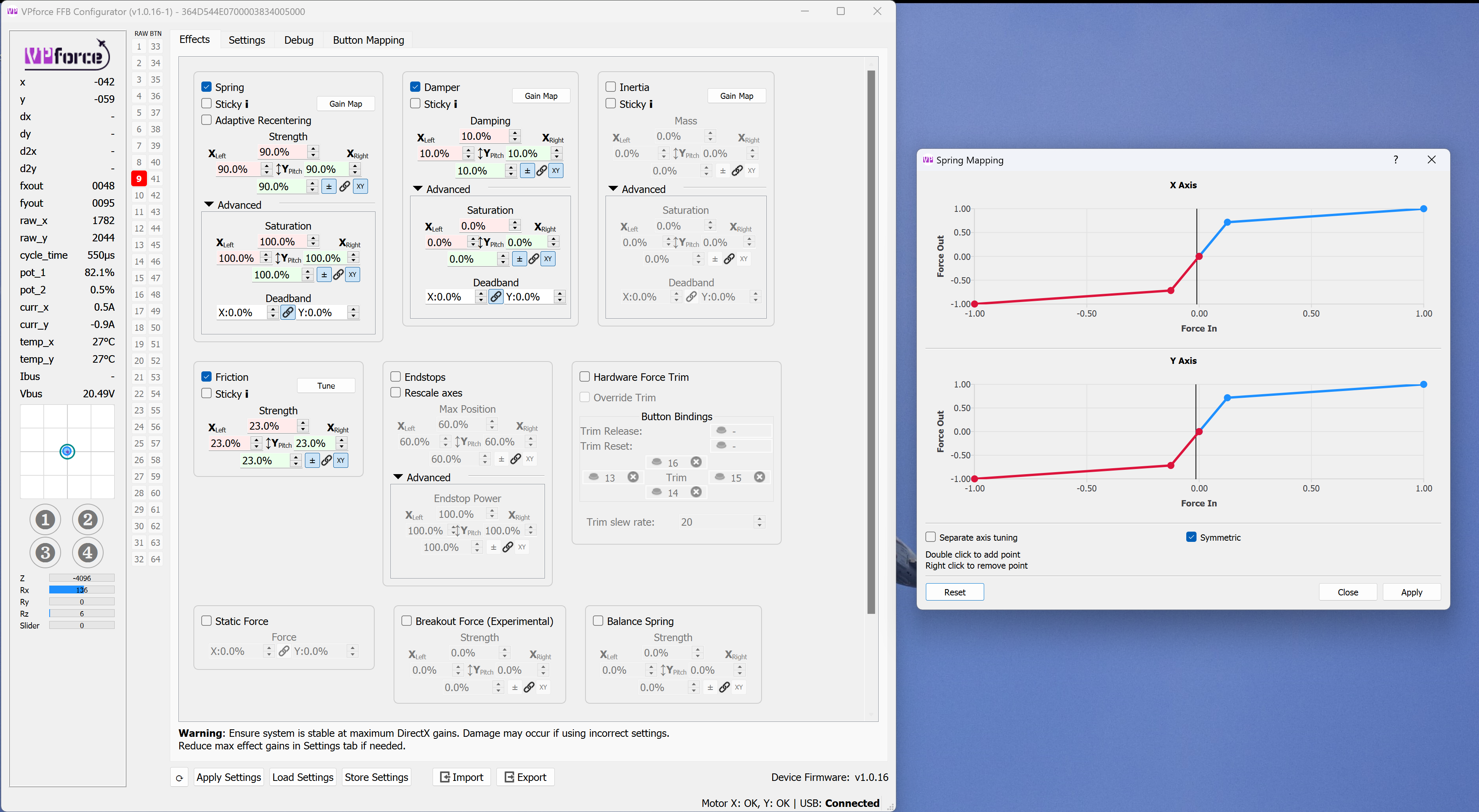
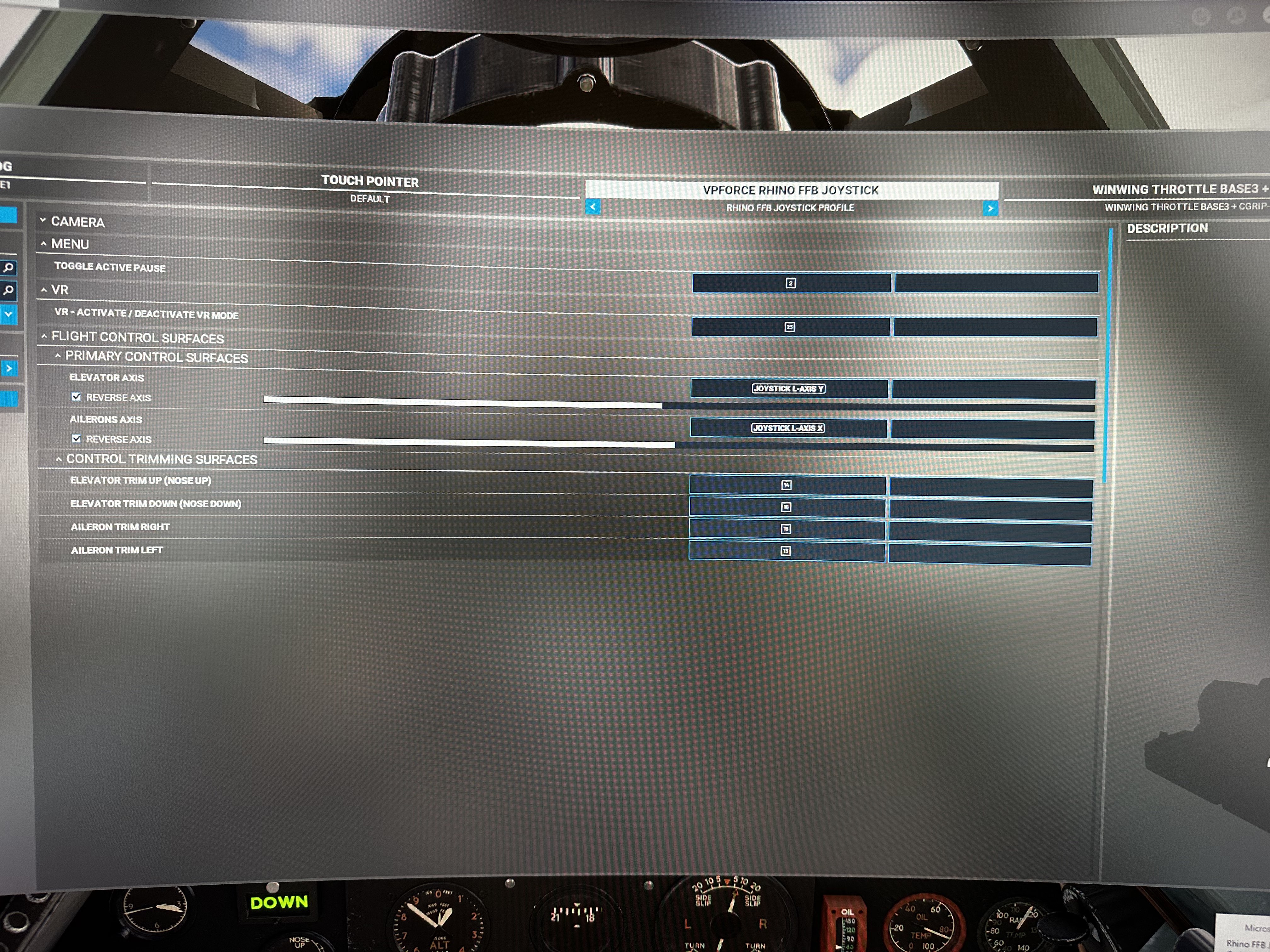
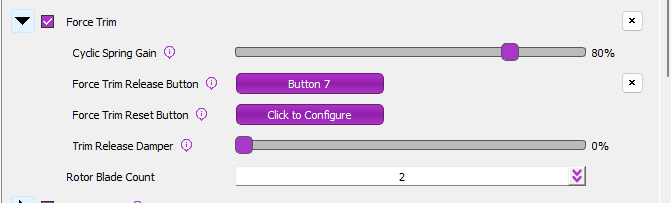
@walmis quick question, I bought the motor kit from you and made a diy stick from @Subsonic (Protomaker). I've only flown the f-14 in dcs with it and I get a random trim activation either left or right all the way (phantom button activation constant press) sporadically. After a few seconds of fighting it, it goes back to normal. All the wires are good, and settings are fine. Is there a way to refresh the firmware, and reset the motors learned value? This is the only thing I can think is causing an issue, thanks for the help.
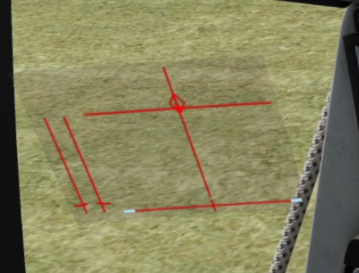
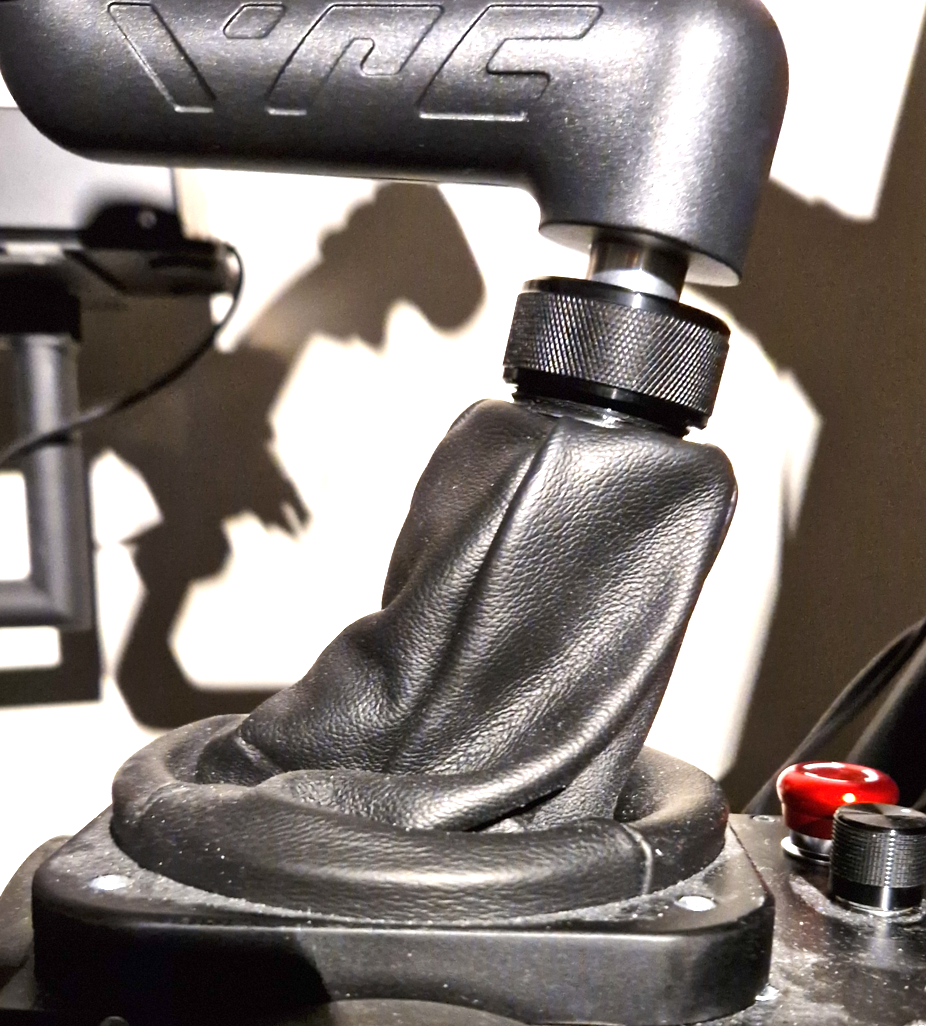
@walmis : Not sure if this is reported already but this issue was today replicated with two Rhino users. A-10C (and apparently also F-5) the DCS in-game control indicator range is shorter in fwd direction compared to aft (picture 1). As a consequence, Rhino is considering the neutral position to be this much fwd. Forces seem to be quite ok but the neutral position is very awkward (picture 2). The correct behavior would be that the Rhino is physically centered in neutral position and allows full aft deflection but with limited (or scaled) fwd deflection. Can we expect a fix for this or any tips for temporary workarounds? Would not want to edit the global profile as this problem exists only for certain modules.
@skyPickle : If Rhino is here working as intended, did you find any workaround for this issue from dcs side? A-10C does not have those trimmer options in special options tab like F-5.
Hi, I’m getting the VPForce set up for the first test in MSFS and I get a left aileron deflection every few seconds whenever the stick is full forward or full aft. Any ideas what the problem would be?
I encountered a strange issue with MSFS (everything works in DCS): the stick lost all the spring/damping force as soon as I launch TalemFFB. It seems the TalemFFB effect is still on but the configurator shows USB disconnected. If I close the TalemFFB then the stick springs back to center again and can be trimmed as well.
what the spring does when you connect TelemFFB to MSFS depends on a great many things. Including:
What type of aircraft is loaded
Whether you are paused/slew mode, in the hangar, or in an active flight and how the pause spring is configured in TelemFFB
Depending on the type of aircraft, whether you are cold and dark, idling on the ground or flying
Under no circumstances will it cause the USB to disconnect however. Unless you are accidentally pushing a configurator profile which changes the USB ID of the device (but that doesn't sound like what is happening).
it happened mid flight, when i realize i forgot to launch TelemFFB, so i pause the game, launch TelemFFB, unpause game, all spring force is gone, close TelemFFB in the same flight, spring force is back. Had this issue a few times but will try to reproduce it.
tried again, this time it did not disconnect, but force trim is not working with telemffb openned. (flying in flyininside B206). Forcetrim works without Telemffb
Thx! got it, works now with Forcetrim on in telemFFB. Do i keep the hardware force trim on in configurator? but override trim off? Must admit this bit is still a bit confusing
hardware trim off. btw for "realism", the B206 doesnt have force trim . ive been told it feels like a 70s car power steering, very loose but stays where you put it
it's for games not controlled by telemffb, so you could set up any generic game to have the function. everything on the effects tab is for "when telemffb is not running"
not everything. The axis scaling or balance spring works even with telemffb and regardless of the sim. Endstops too. I think the effects that are overwritten by the sim or telemffb are those who have the "sticky" option, of course when this option is off
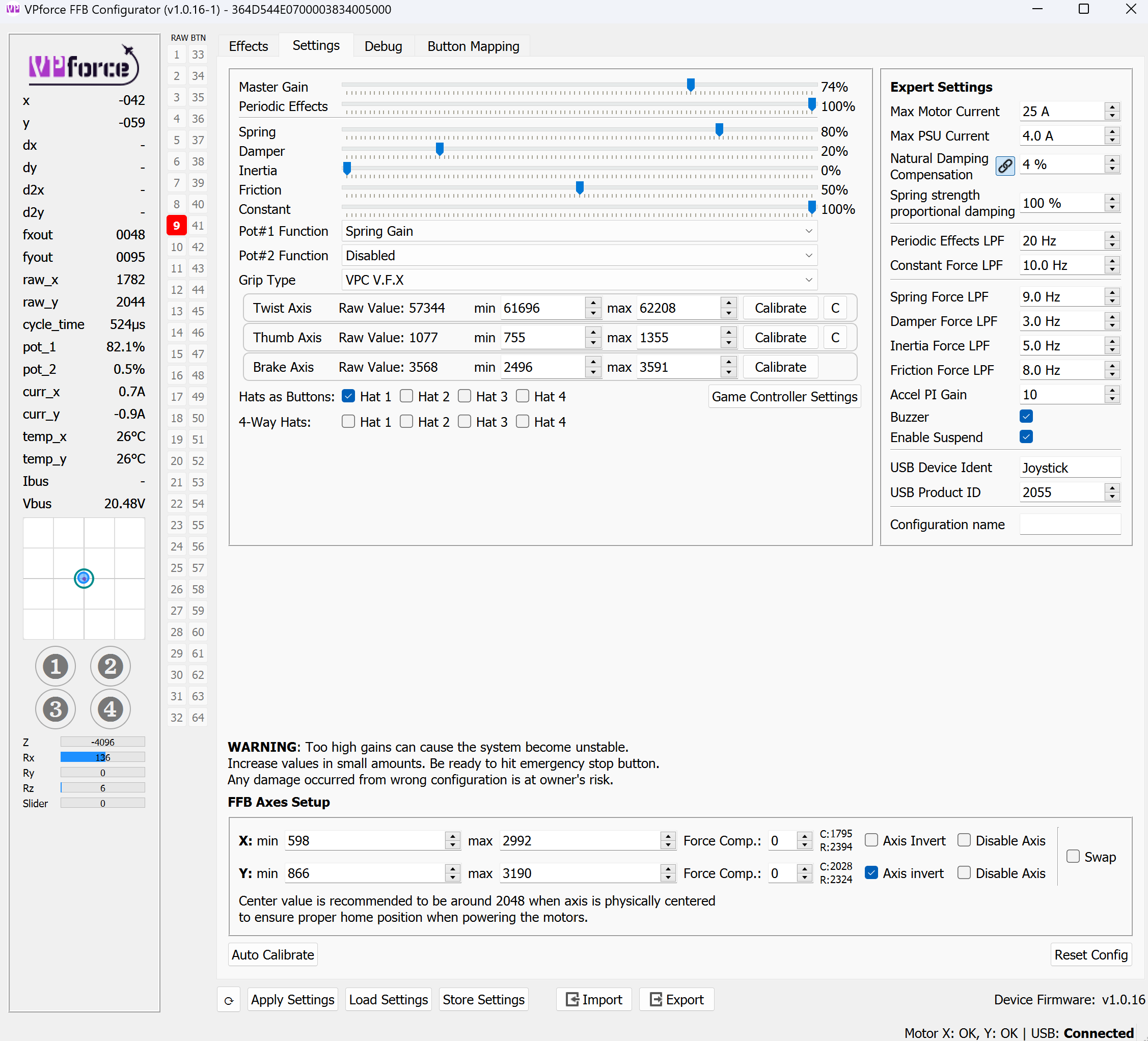
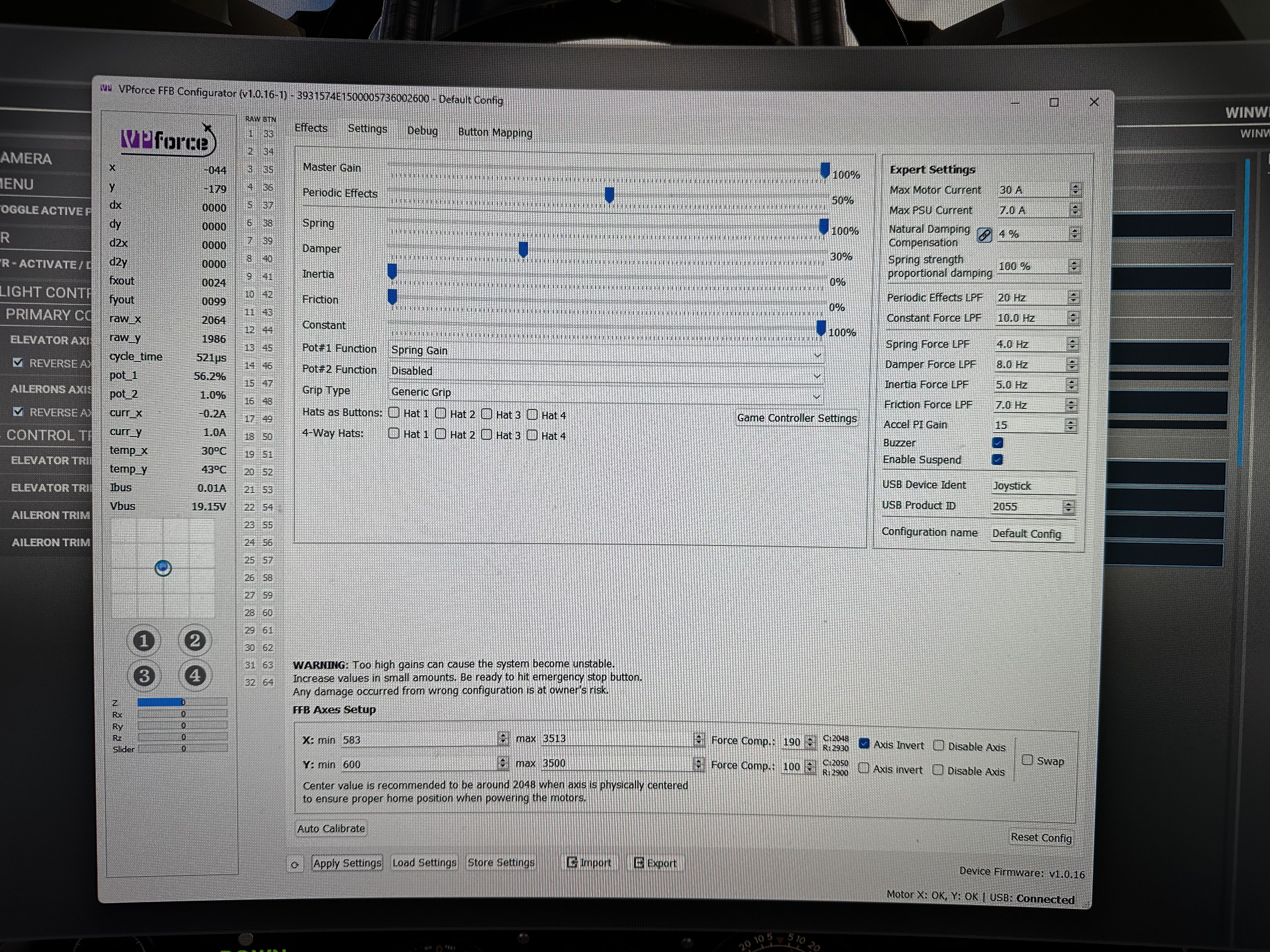
Is anyone aware of a quick start guide on the best way to tweak the configurator settings? The manual is comprehensive.. I’m just curious if there’s an abbreviated how to somewhere. Thanks in advance!