yeah its a rare issue but valve tries to cover as much as possible to get games working on the deck so they leave it off and we do the same. had 1 game where i had virtualization on the system, all the friendly AI in the game stopped working. had a bios update that turned virtualization off and it magically worked again until i fired up a vm and noticed virtualization was off and turned it back on
Ahh Its a cost of console like experience what I really love. Luckly on this steamdeck I am not running single game only dockers containers. Maybe someday I will create bazzite server version, bacouse SD a small homelab sever performe quite well. It's quite, has UPS built in, and it extremely compact
yeah we dont directly stop it, but if you try to enable iommu for example, bazzite-hardware-setup will detect it and turn it back off. and you can just bypass ujust for the virt tool installs, but we will not support virtualization on the deck for the same reason valve does
the data management you can use, but that causes other issues when you uninstall and reinstall something and the data was stored on an external disks and you get games that crash because of broken symlinks
so we just recommend people to not use cryoutilities as it will do nothing on bazzite for the data management you need to know what it actually does so that you can manually fix it if the symlinks break (from you moving games or reinstalling to new disks and then the old disk is no longer available, etc)
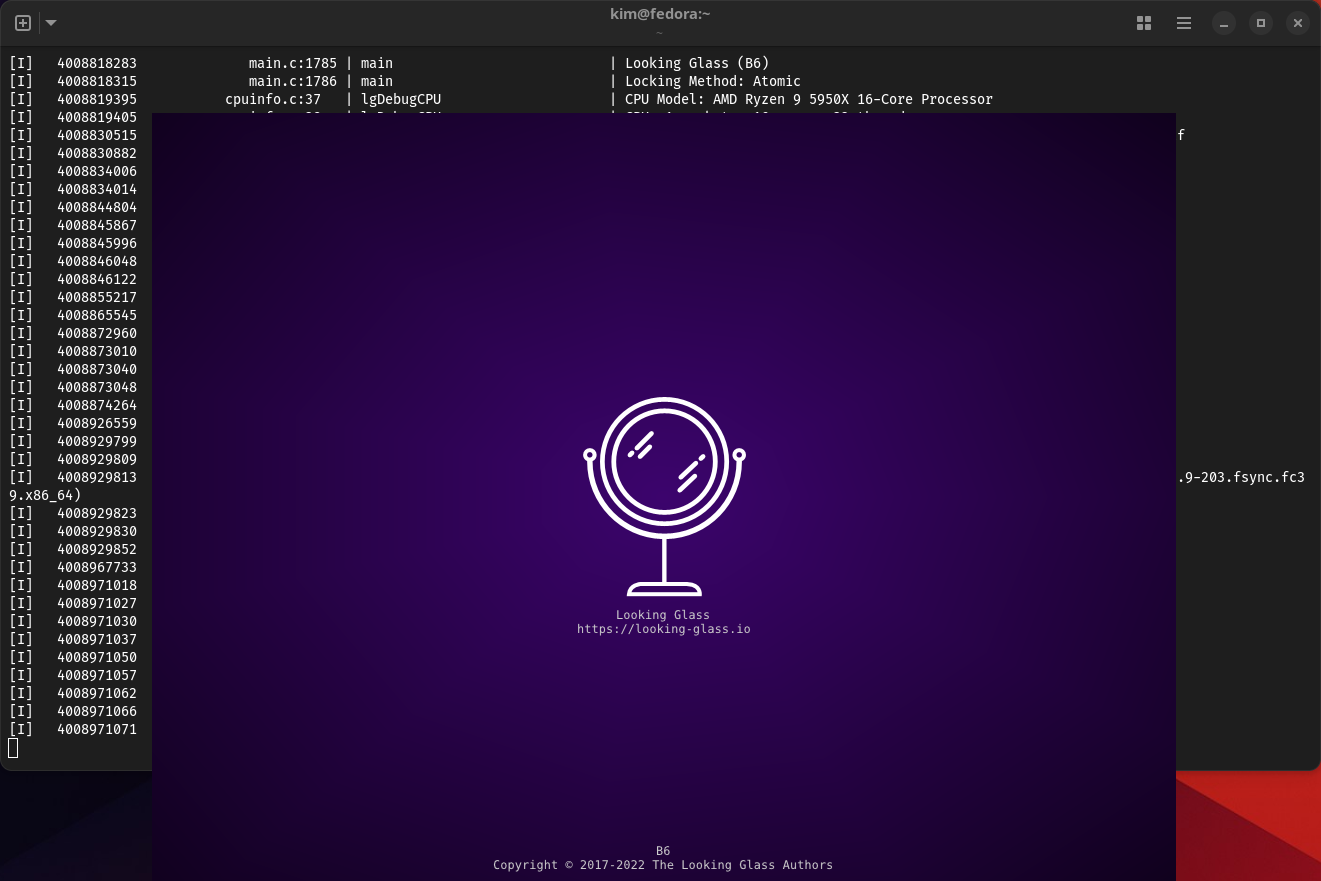
I'm at a point now where the windows 11 vm is running with the virtio drivers, the looking-glass client is installed and running. I run the looking-glass-client from the fedora distrobox and it connects, but i'm not getting a screen
Could you consider adding ability to tweak the Frequency Limits in your plugin as just changing the governors isn't that flexible for me as the powersave governor is conservative for most modern games whereas the performance/schedutil governor is aggressive.
I would just like to set a 2.5 GHz Max Frequency Limit for modern games like I can in Powertools.
is this a ROG Ally? if you need cpu boost control, SimpleDeckyTDP does actually support it. You need to change your scaling driver to amd-pstate, not amd-pstate-epp
Yeah I am currently using Powertools but I don't like how buggy it is. One annoying issue I found is that the Frequency Limits for CPU and GPU don't persist if game is having Launcher required to start it up. I need to use "Reapply Settings" to get it to work.
Another issue is when using a per game profile the Powertools GPU Frequency Limit doesn't work automatically and I need to manually re-enable it.