
I'm using https://dataflare.app
Dataflare
Easily connect to your Cloudflare D1, CockroachDB, libSQL, MariaDB, MySQL, PostgreSQL, Rqlite, SQLCipher, SQLite, SQL Server databases in Dataflare, manage Table, view Data, write SQL and run Query.

 J
J MJM
MJM J
J J
JD1's REST API doesn't involve a Worker, which is why it's considerably slower P
Pd1 migrations apply <DB> P
P V
Vdatabase_idwrangler.toml D
D.wrangler/state/...--persist-to={path} We should just remove the y-axis.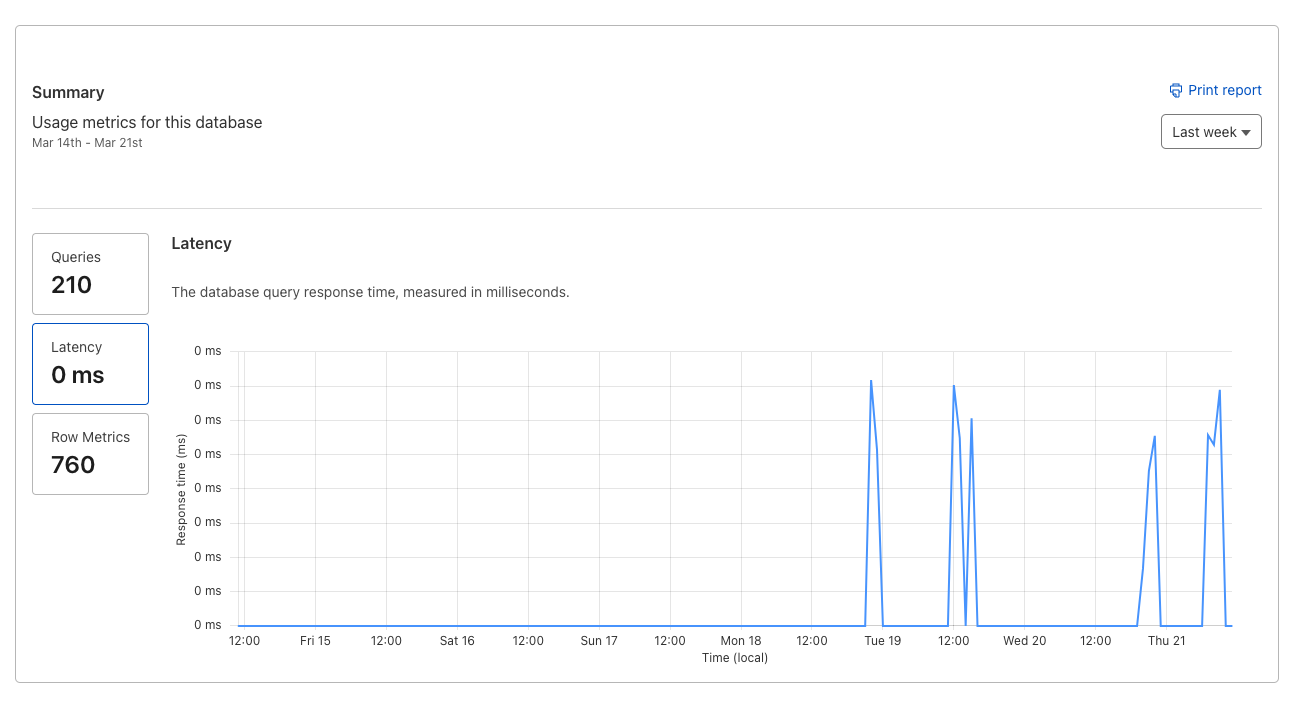
 A
A II
II C
C MC
MC SM
SM VSVSV
VSVSV AS
AS M
Muser_idProductDataProductData--local—remote--remote EEEEVM
import { json } from "@sveltejs/kit";
import { ACCOUNT_ID, CLOUDFLARE_API_KEY, CLOUDFLARE_EMAIL, DATABASE_ID } from '$lib/server/secrets.js';
/** @type {import('./$types').RequestHandler} */
export async function GET({ platform }) {
const url = `https://api.cloudflare.com/client/v4/accounts/${ACCOUNT_ID}/d1/database/${DATABASE_ID}/query`;
const options = {
method: 'POST',
headers: {
'Content-Type': 'application/json',
'X-Auth-Email': CLOUDFLARE_EMAIL,
'X-Auth-Key': CLOUDFLARE_API_KEY
},
body: '{"sql":"SELECT * from test"}'
};
const resp = await fetch(url, options);
const data = await resp.json();
return json(data);
} CREATE TABLE IF NOT EXISTS ProductData (
id INTEGER PRIMARY KEY AUTOINCREMENT,
url TEXT,
price NUMBER,
description TEXT
)INSERT OR IGNORE INTO your_table_name (column1, column2, unique_column)
VALUES
(value1_1, value1_2, unique_value1),
(value2_1, value2_2, unique_value2),
(value3_1, value3_2, unique_value3),
...
(valueN_1, valueN_2, unique_valueN);


