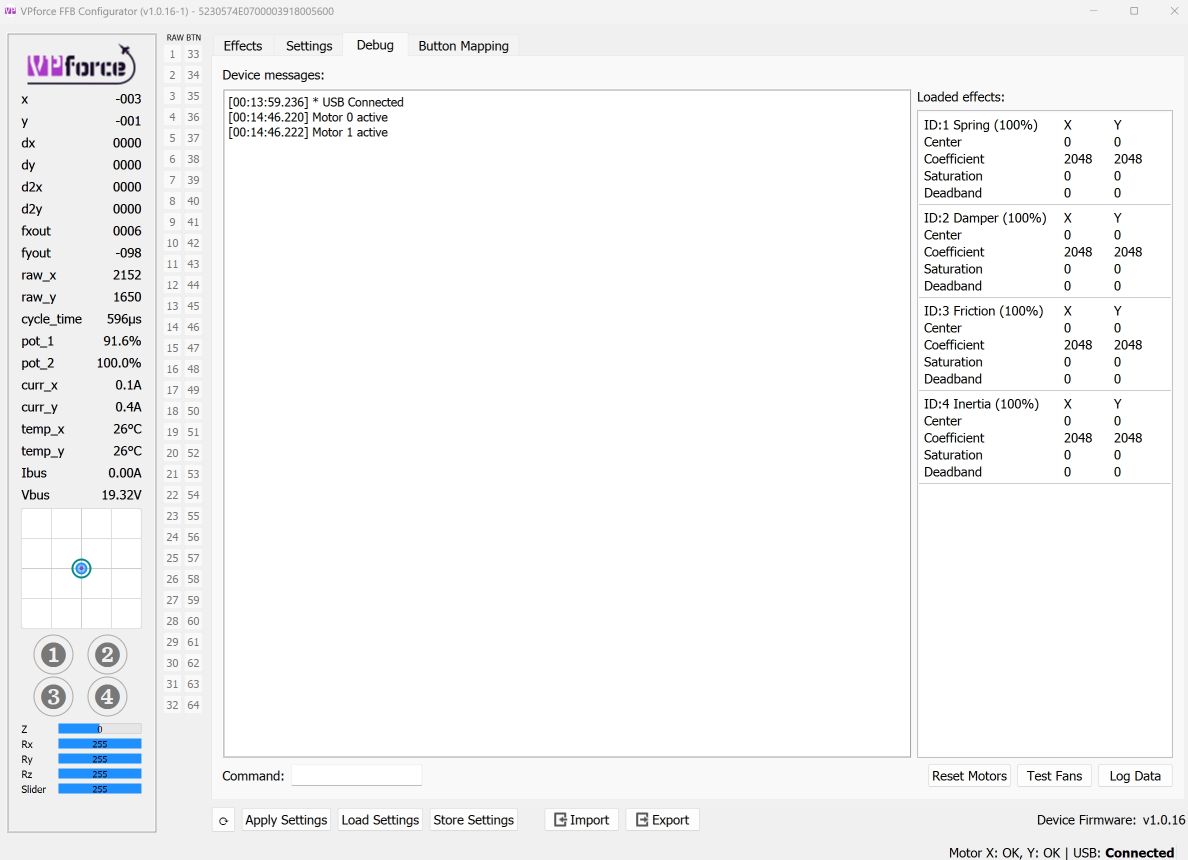
i've tried to recreate my settings but cannot. I still have the issue where a full forward deflection of the stick barely gives any down elevator. I tried axis rescaling but I cannot adjust the y up and y down scaling independently
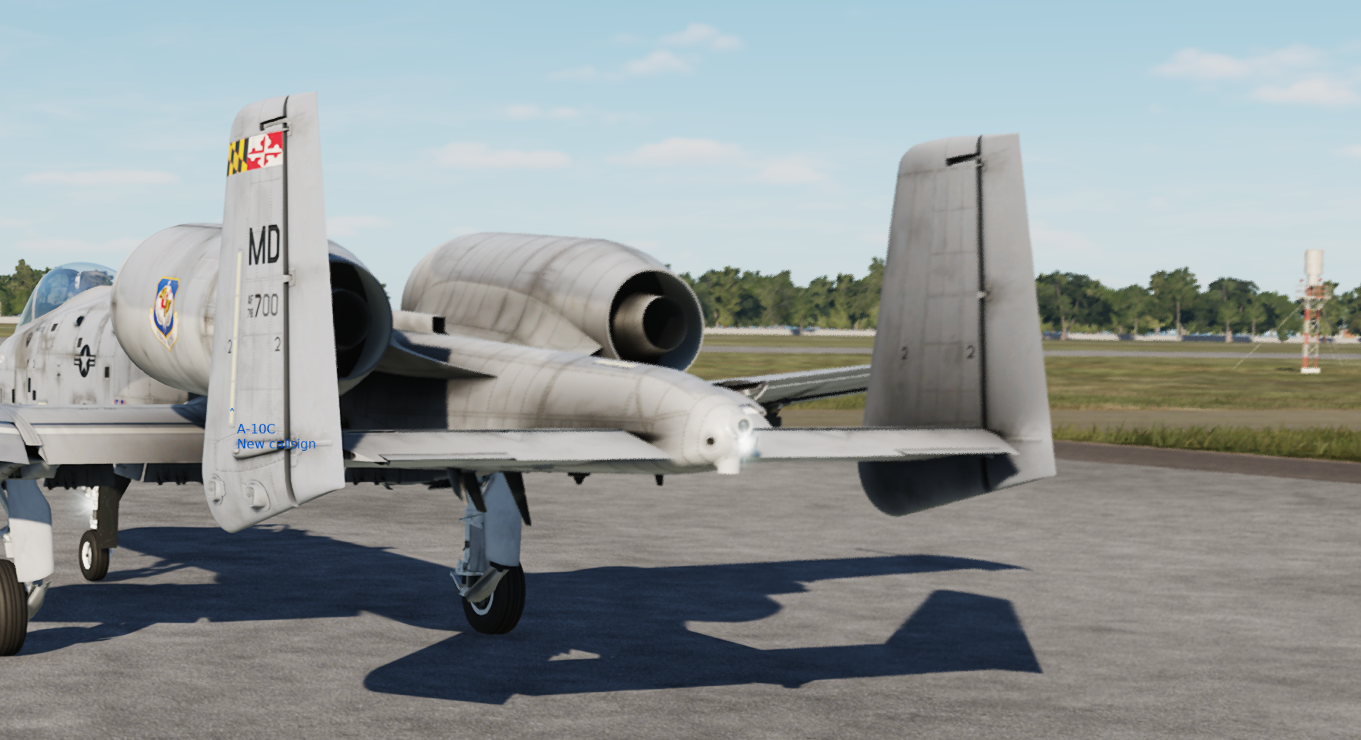
so i set up the vpconf as indicated in that screenshot-35% for Y forward,started DCS, jumped into an A10 and this is what full forward stick looks like
within dcs, the axis tune has no curve set on it. and i can see that the excursion output goes to 100% when the stick is pushed 1/3 forward so axis scaling is working properly
I don’t fly the a10, but isn’t that normal down elevator deflection? Most jets do not have symmetrical throw. If DCS is showing full excursion in the axis viewer, I’d say it’s working properly.
There have been some instances of winwing grips needing to be calibrated on a WW base but I believe that was for the axes not working instead of the buttons.
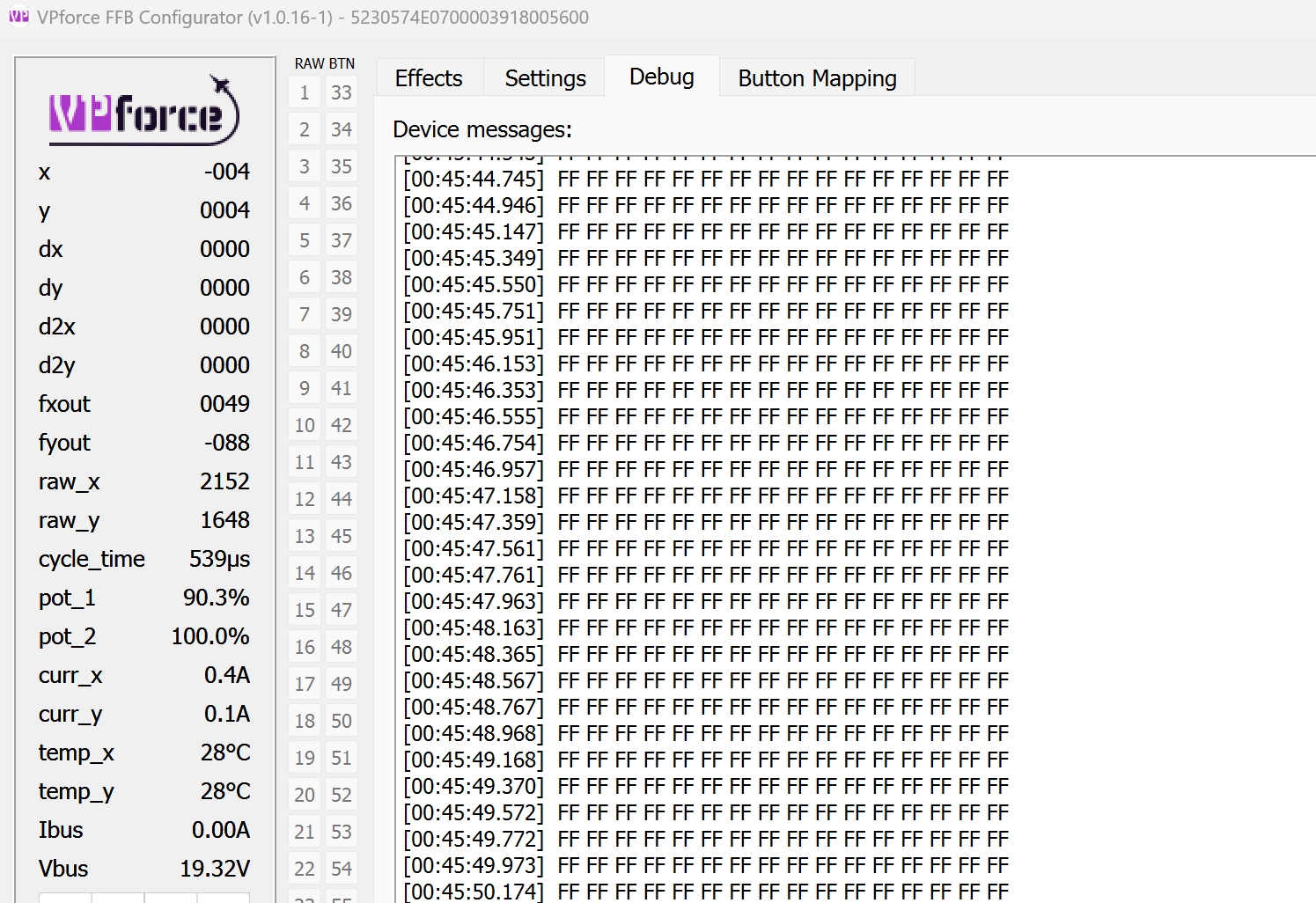
From the log it looks like the adapter is communicating with the base correctly. Check if the 6 pin WW connector is fully seated, sometimes it needs a good push.
A question on TelemFFB. I'm wondering what unit of measurement the prop diameter is supposed to be in. I see some appear to be in inches, some in feet, and some in metres. And, follow-up question - what is the side effect? I'm attempting to make the DA42 profile I made more accurate, and have been comparing it to the other aircraft already in TelemFFB. BTW, this software is awesome, and greatly appreciated - thanks for all the hard work - FFB takes the sim to the next level!
You can enter it in whatever units you want, as long as you select the right unit from the drop down. It gets converted internally to the proper unit for the calculations where it’s used (which is meters).
It’s pretty much only used in the calculation to determine how much the prop wash affects the elevator droop.
Wow - I totally missed that because I was working in the larger settings table, where the unit of measure is not exposed. I see it now in the active plane settings tab. I normally don't see that view as I'm normally in VR. Sorry for the silly question!
ahh... yeah, your right... the "settings manager" (table editor view) doesn't expose the unit. Actually considering exposing the ability to edit offline models from the main window settings tab and then reserving the table view for modifying the sim and or aircraft category defaults. The capability (to modify any aircraft config) in the main settings tab already exists in debug code.. just needs to be cleaned up and integrated with the UI more cleanly than it currently is.
Hi Everyone, I bought one of the kits and have connected the board to USB and Power. When connecting it I am getting the following message in the device manager
Check the USB cable, similar thing happened to me, it was assembled incorrectly. Just make sure you put all the pins in the right spot so you don’t fry anything.
Confirmed its the USB connector. I had a second set and use the USB connector from there. Everything is working. Do you know where the mistake was on yours? I Compared the ables and everything looks ok
I am planning to build a base. Now I have some nice DIY grips attached to a MS FFB2. Can I use these grips a VPforce base? They have 74HC165N shift registers wired to arduino pro micro with mmjoy software. Can the Rhino FFB software interface with these?
So I am finally getting close to getting my FFB base. I see 2 choices for Grip adapters, Virpil and Winwing. Does anyone know if there is a plain old B8 Style grip that would work? Ideally buying an adapter from Vforce to save time and energy!
Virpil WarBRD grip is probably your best option for B8 style and doesn't require an adaptor. It doesn't have a paddle lever so if you want that then you need to step up to a higher spec grip or get the VKB KG12 which would require an adaptor. https://virpil-controls.eu/vpc-warbrd-grip.html
★ Perfect Match for the VPC WarBRD Base ★ Programmable LED Lighting ★ Available with Optional Lockable All-Metal Twist Axis Mechanism, or with a Fixed Grip Stock ★ Compatible with all VPC Bases
Is there a way to remove/delete a button press on a Virpil T-50CM2 grip in VPforce Configurator? I'd like to remove the button press on the brake lever so it functions as an axis only.
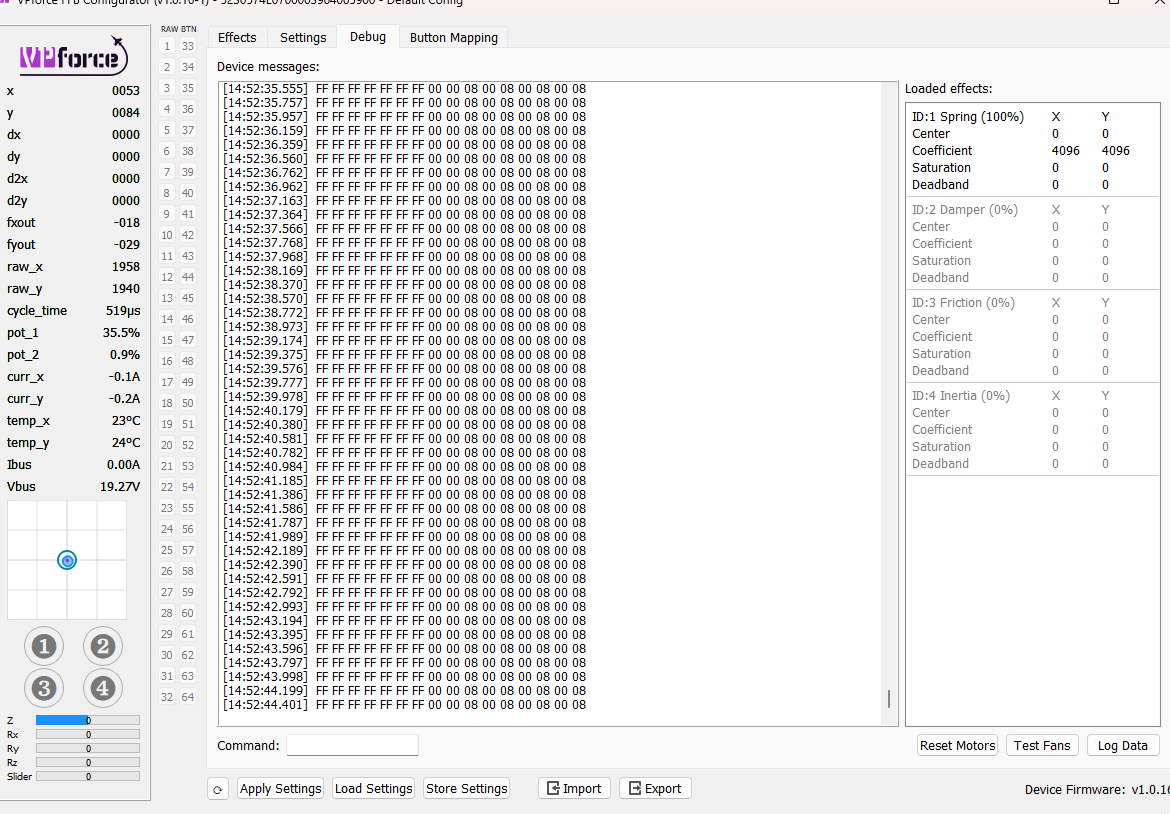
Hey @walmis I have issue with my WW Adapter (Order Number: 757) I just got today my DYI Rhino, in setup all was working fine, buttons and axis recognized. Then after one ca 40min flight for getting feel of the settings, when I was flaring on landing, suddenly random buttons from my stick were getting activated. I thought that maybe stick and adapter connection got loose but after reseating it, I don't have any response or button/axis recognition. My F-16EX is working fine on Orion 2 base, debug tab shows FFFF (found how to debug grip). I took it apart to check for possible damage or cracks in connection but all is well. One think is that its getting very hot very fast, like 10-15second and I can't touch it...
hey m8, Walmis might give you a better answer, but on my WW adapter I needed to push the pins out a little further for a propper connection, not sure if this will help you & obviously it's bettwe to hear from Walmis
Hey Pink, thanks for help. I think the connection is ok as adapter is getting burning hot in like 10seconds. I tried wiggling it a bit and reseated multiple times but no change
Huh, i got the Virpil Constellation Alpha Grip, and its LED just randomly illuminated in white, full brightness. Went back to off after replugging the USB, got a DIY base. Should i be worried? Got the Virpil Link Tool running with LED profiles for Panels and Throttle, but it shouldn't be able to talk to the Rhino..
I don't know exactly what signal Virpil uses to piggyback LED data on the SPI data lines, but yeah, during testing I've managed to illuminate mine too randomly. You can ignore it.
I have a quick question about the VKB adapter. I can't see where I can connect it to the base other than just screwing it in. I don't see anywhere to plug it in. Am I missing something?