
 N
Nwithout needing a proprietary driver?
Nin windows ik you can, on macOS with an iphone it just work automatically 

 D
DLooks like its already abandoned
DNo windows 11 support
No latest ubuntu support
No latest ubuntu support

 S
SYeah but that uses hotspot data but my carrier decided to screw me over by not giving me any even tho my family is paying for 10gb a month
DLast update is august 2023
 K
Kthat tether has 3.9 stars on play store
N2023 and no apple silicon support for macs?
Nthey clearly dont give a shit about their product or their customers lol
 K
Kwaiting on fedora
Nno i mean for that app
Ntheir driver only supports intel macs
Nand they updated it at the end of 2023
Nthats beyond a joke and whatever that app is is shady af lol
Kmac you can do a vm
Kprobably
Kparallels
Kor whatevs
SI really shouldn't trust reddit all the time shouldnt I?

 T
Tcompanies when "linux support":
 N
Nthat thing is supposed to let you use your mobile data on a pc using some shady hacky bullcrap workaround but its so sketchy they arent even using ssl on their website and their driver doesnt support anything new lol
Tinside of that archive? a shell script that has support for ubuntu 18.04
Texclusively
N@Kyle Gospo bazzite on apple silicon macs would be amazing though 
Tsoon
Ni would put it on my macbook air
 N
Nit was likely that I needed to remove some of them anyway, I had that for my former job
Nfor sure
TARM builds are in the roadmap
Nbut will you be able to support apple's hardware fully? does fedora even exist for it?
Tasahi linux is fedora-based
Kthey just said they're waiting on fedora
Twhich is fedora for M1 hardware
Noh neat
SI wish USB tethering worked by just using your normal data and not hotspot
Ki think it does for me
Ni have unlimited hotspot so 
SEven 600kbs would be nice but instead it just completely shuts down
Ni have unlimited hotspot at 10mbps
Nno data cap
KgroovyPost
T-Mobile One's unlimited data plan isn't quite as unlimited as advertised—especially when it comes to tethering. We'll show you three ways to get what you paid for while using mobile data on your PC.
Knot everyone does, that's the point lol
 K
Kthis should still work outside of t-mobile i think btw @ⁿᵘᵐᵇᵉʳˢnumbersNUMBERS
SIronically enough my phone is a subsidiary of T-Mobile (metro)
Nim with visible, its a subsidiary of verizon
Ntheir $25 plan has unlimited 5mbps hotspot and their $45 has ultra wideband data and 10mbps hotspot, plus other stuff
SBut does the ADB trick even work on Linux?
Tidk what the trick is but you can install adb on linux yes
 S
SThese are the steps
Method 1 – Dun = 0 [Android Only]
Requirements: Windows PC, USB cable
Download the ADB and Fastboot installer from XDA-developers. Select Yes when prompted by installation options (install ADB and fastboot, install system-wide, and install drivers).
Enable USB Debugging on your phone/tablet.
Connect your phone to your computer via USB cable.
Open up the command prompt.
Click Start, in the search Type in cmd. Next, Click on the program cmd (or Command Prompt).
Type “adb shell” and press enter.
Don’t type the quotation marks “”, just the text inside them!
Type “settings put global tether_dun_required 0” and press enter.
Method 1 – Dun = 0 [Android Only]
Requirements: Windows PC, USB cable
Download the ADB and Fastboot installer from XDA-developers. Select Yes when prompted by installation options (install ADB and fastboot, install system-wide, and install drivers).
Enable USB Debugging on your phone/tablet.
Connect your phone to your computer via USB cable.
Open up the command prompt.
Click Start, in the search Type in cmd. Next, Click on the program cmd (or Command Prompt).
Type “adb shell” and press enter.
Don’t type the quotation marks “”, just the text inside them!
Type “settings put global tether_dun_required 0” and press enter.
NXDA Developers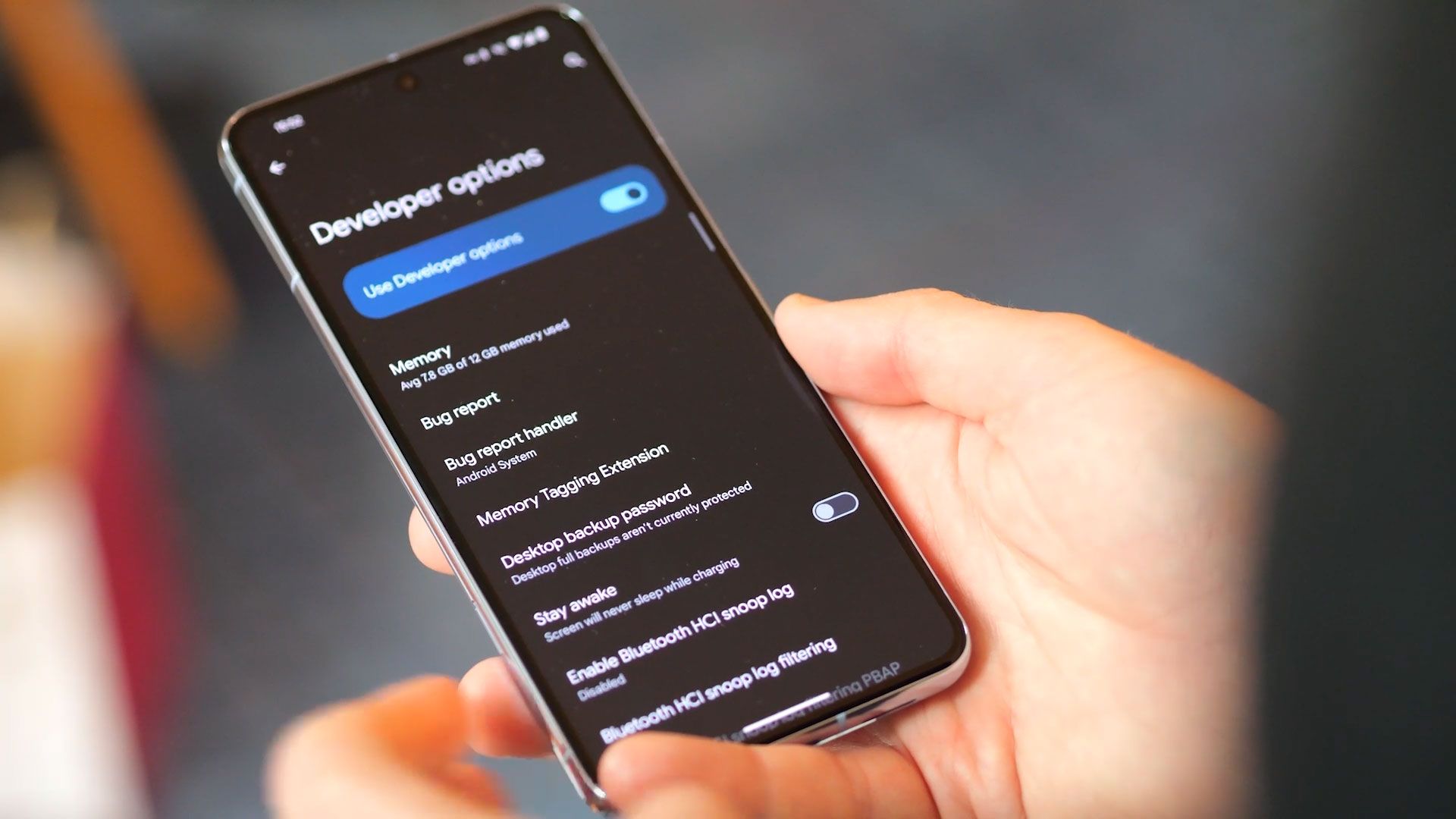
A step-by-step guide to get you started with the Android Debug Bridge tool.
