
By running a `wrangler pages deploy`
By running a
wrangler pages deploywrangler pages deploywrangler pages deploy V
Vwrangler pages deployDeployment complete! Take a peek over at https://1d363017.support-7d8.pages.dev. The domain is correct for the project. But deployment doesn't exist in Cloudflare Dashboard. And it has same old settings. It only displays deployments triggered via git.VVwrangler.toml be visible in Dashboard? i.e. vars?VVError: Failed to publish your Function. Got error: invalid or missing json property for binding PROFILE_INFOVV U
U M
M C
C I
I VCI
VCI C
C TC
TC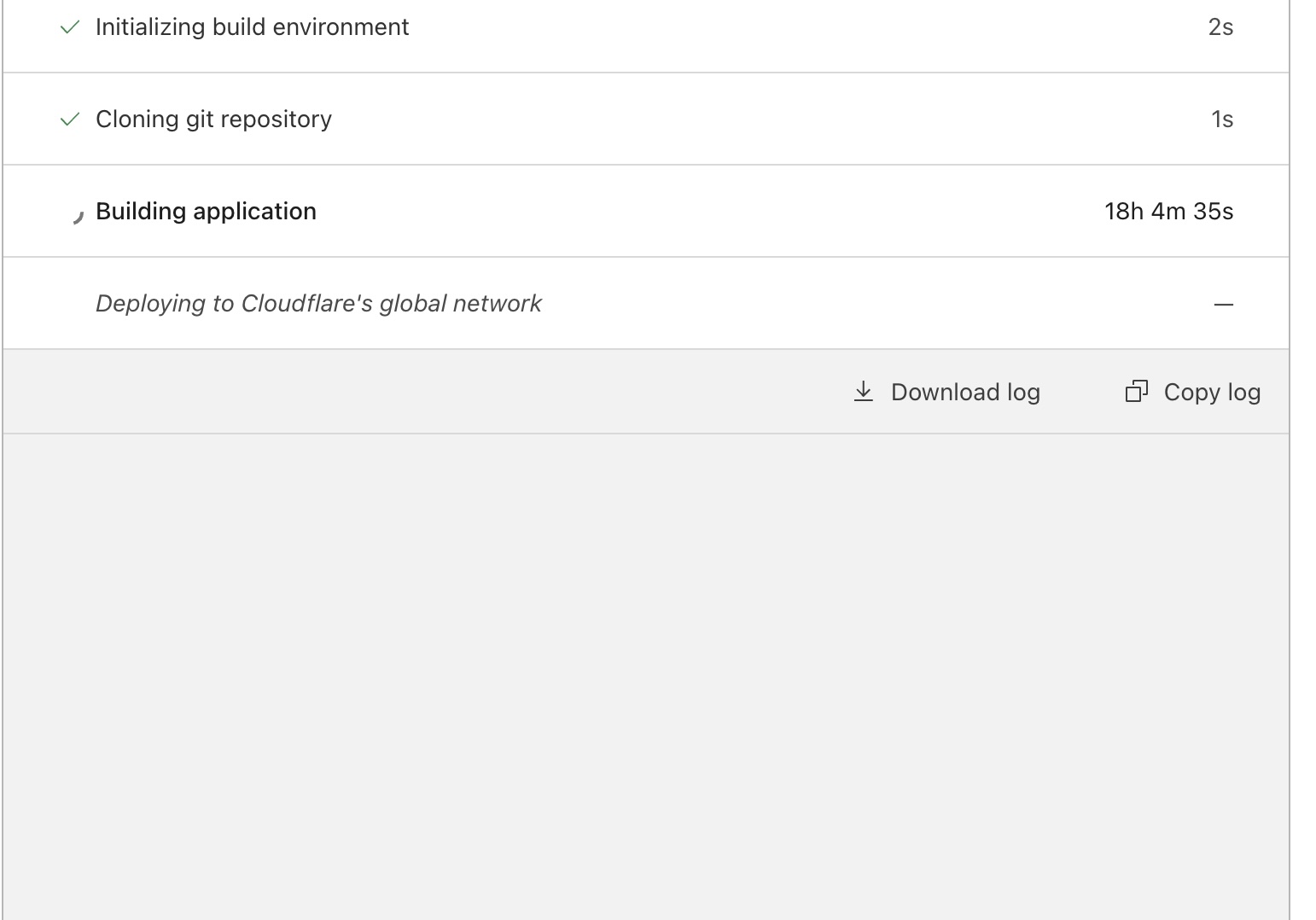
 R
R CR
CR CRCRRR
 HRRR
HRRR III
III
 B
B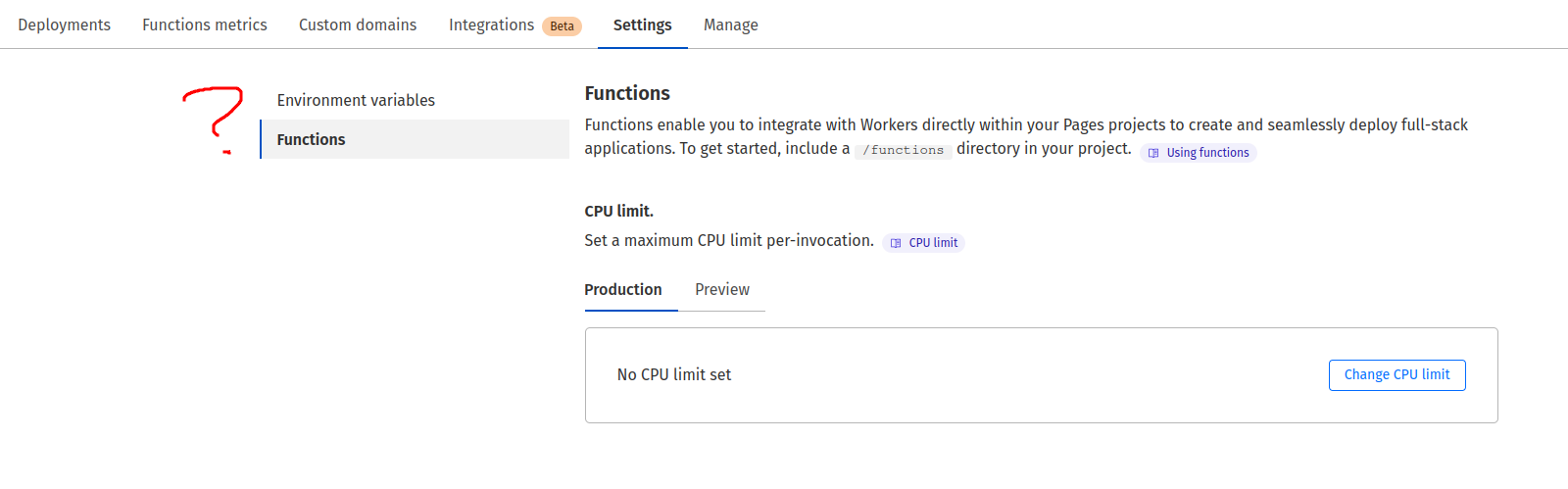 B
Bwrangler.toml options to do the link or anything, in case it's meant to be configured in codeHBBpages_build_output_dir? That's the only difference? IIBB
IIBBWhen used in your Pages Functions projects, your wrangler.toml file is the source of truth. You will be able to see, but not edit, the same fields when you log into the Cloudflare dashboard.This just seems to not be true at all. Environment variables are still editable by me in the cloudflare dashboard, and ones I've configured in the wrangler.toml are not showing up
 V
Vwrangler pages download configwrangler pages deploywrangler.toml differently? idkwrangler.toml, Dash settings started updating too, together with build vars.VHHwrangler.toml should at least be applied to the deployment, even if it may not apply to the projectDeployment complete! Take a peek over at https://1d363017.support-7d8.pages.devwrangler.tomlwrangler.tomlwrangler.tomlwrangler.tomlwrangler.tomlError: Failed to publish your Function. Got error: invalid or missing json property for binding PROFILE_INFOpages_build_output_dirwrangler pages download config[vars]
PROMOTE_FAM = { baseURL = "https://url.com", KEY = "key" } CDCloudflare Developers / workers-and-pages-helpCDCloudflare Developers / pages-helpCDCloudflare Developers / pages-helpCDCloudflare Developers / pages-help




