
 K
K-
is someone here on KDE, who can help 67 with the Dock? I'm currently on GNOME ...
is someone here on KDE, who can help 67 with the Dock?
I'm currently on GNOME ... K
KRight click on bar
KEnter Edit mode
KWidth
KFit to content
KK Q
Q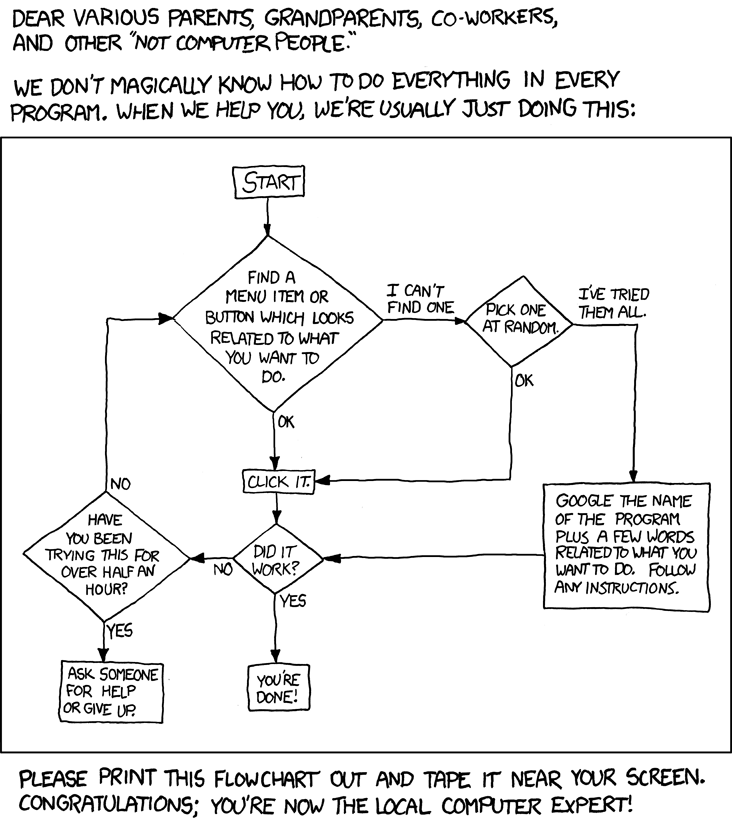
 K
KThis was my KDE Plasma on openSUSE Tumbleweed.
You can do sooo many crazy things with it. It can even be overwhelming at first.
when I was new to linux... I learned all the KDE Plasma settings and thought: "this is linux" but I only learned aobut the desktop... not linux
You can do sooo many crazy things with it. It can even be overwhelming at first.
when I was new to linux... I learned all the KDE Plasma settings and thought: "this is linux" but I only learned aobut the desktop... not linux
KThe first time I actually used Linux seriousally was on Fedora Gnome
 C
CDash (Gnome default, just app launching)
Dock (MacOS -> Ubuntu term, apps + tray + status)
Taskbar (Windows term, apps + tray + everything)
Panel (Gnome / MacOS term, top bar, status items)
Dock (MacOS -> Ubuntu term, apps + tray + status)
Taskbar (Windows term, apps + tray + everything)
Panel (Gnome / MacOS term, top bar, status items)
KI didn't even learn extensions I immidietly learned how to install another DE
 Q
QI used to always gravitate to Mint
QIt's just really nice
KI never used Mint because I never used Cinnammon
Ksame
 Q
QThough nowadays I prefer other distros, which all have their own traits etc
QImo Cinnamon is a really great and integrated experience
CCinnamon is stuck on X11 for now, yes?
CWayland port in progress, last I heard
 Q
QIt has experimental Wayland support, which they shipped in Mint 21.3 as a separate session
 6
6cant find option "fit to content"
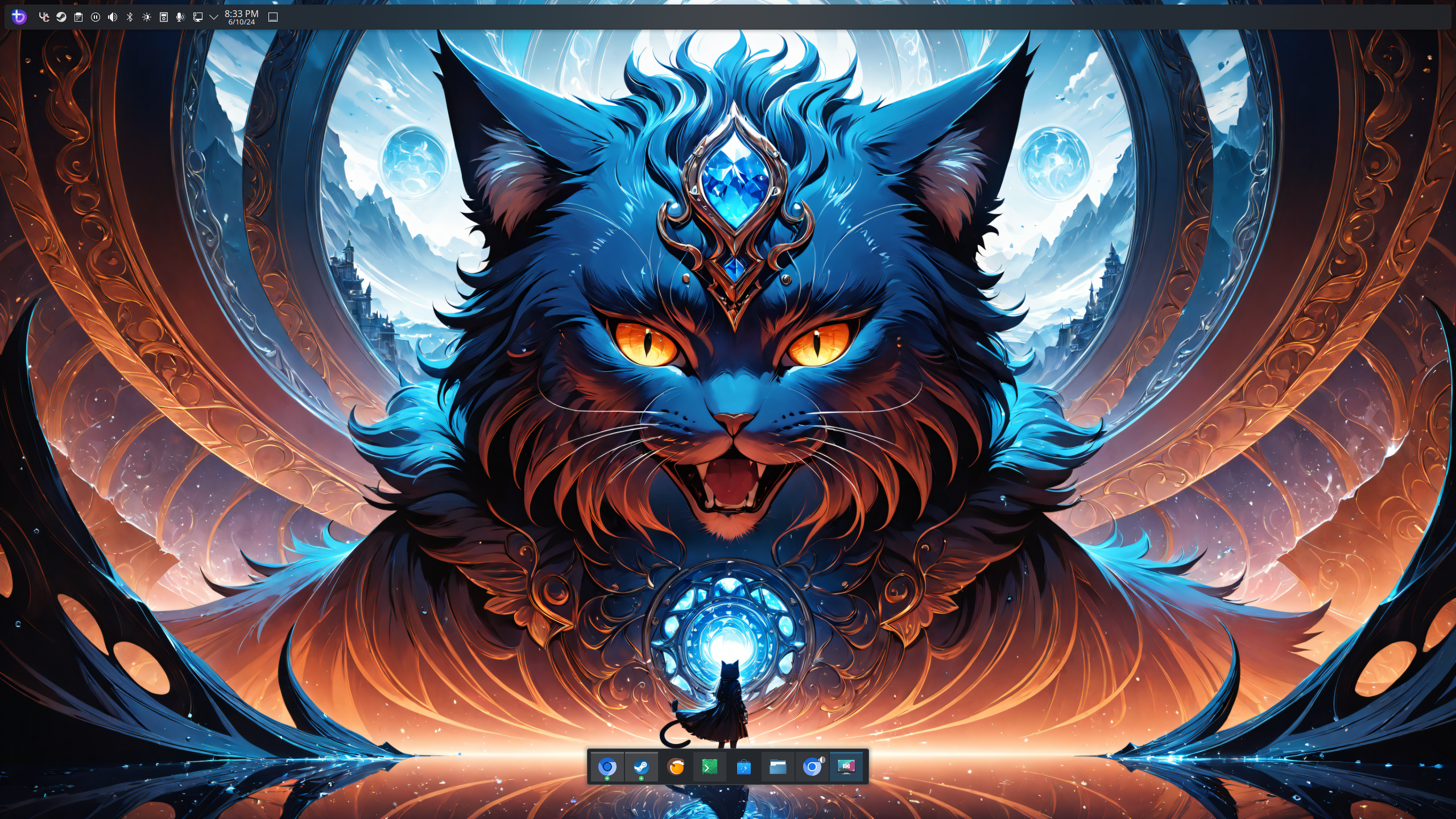 C
CAhh, nice, when was that?
QI think around December or January
QMaybe even February, I don't remember
CGotcha
CLooks like it's already on
K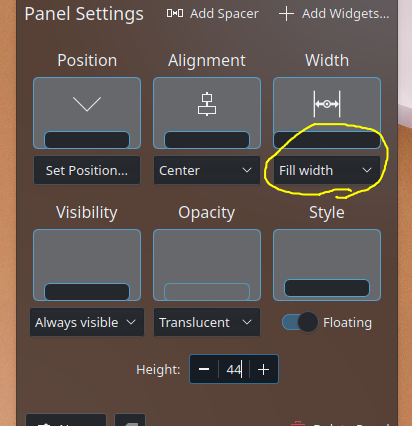 K
Kyep, good job, just the dock is too much up there
KBut it looks already set anyway
Kbtw, if you enter edit mode, you can also "add spacer" like in Kasher's screenshot
Kto center your top panel, add spacers
KYes, for top bar, if you want
6yeah i did that makes it much better having time and stuff ont he right
6that menu only shows up when i right click and edit the top bar
6so the fill width only applies to that top bar
6struggling to work out how to get it to apply the app bar
6thought if i right clicked that and went into edit mode something similar would apply to that bar but doesnt seem like thats the case
KAh I think its because you have it as a standalone widget
KClick on "Add Panel" and drag the widget to the panel
6i added the panel and tried to drag app bar to it, just put it back to the original one
6:KEKWGlasses:
6idk weird
KThan move it out and to the new panel lol
6it wont go to the new panel
KIs it an empty panel
6i got it
6had to make a empty panel
6not click the application panel option
6xD
