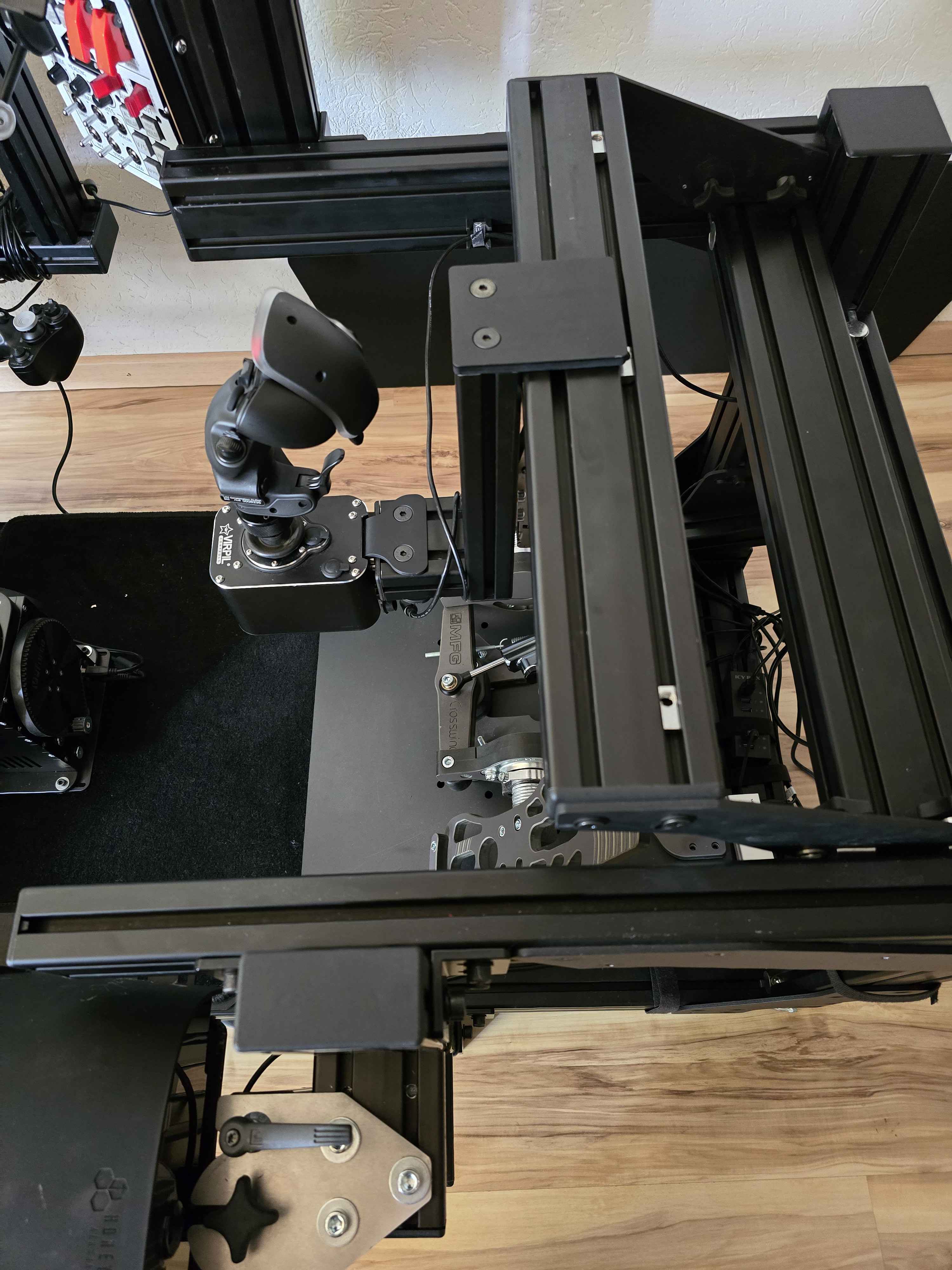
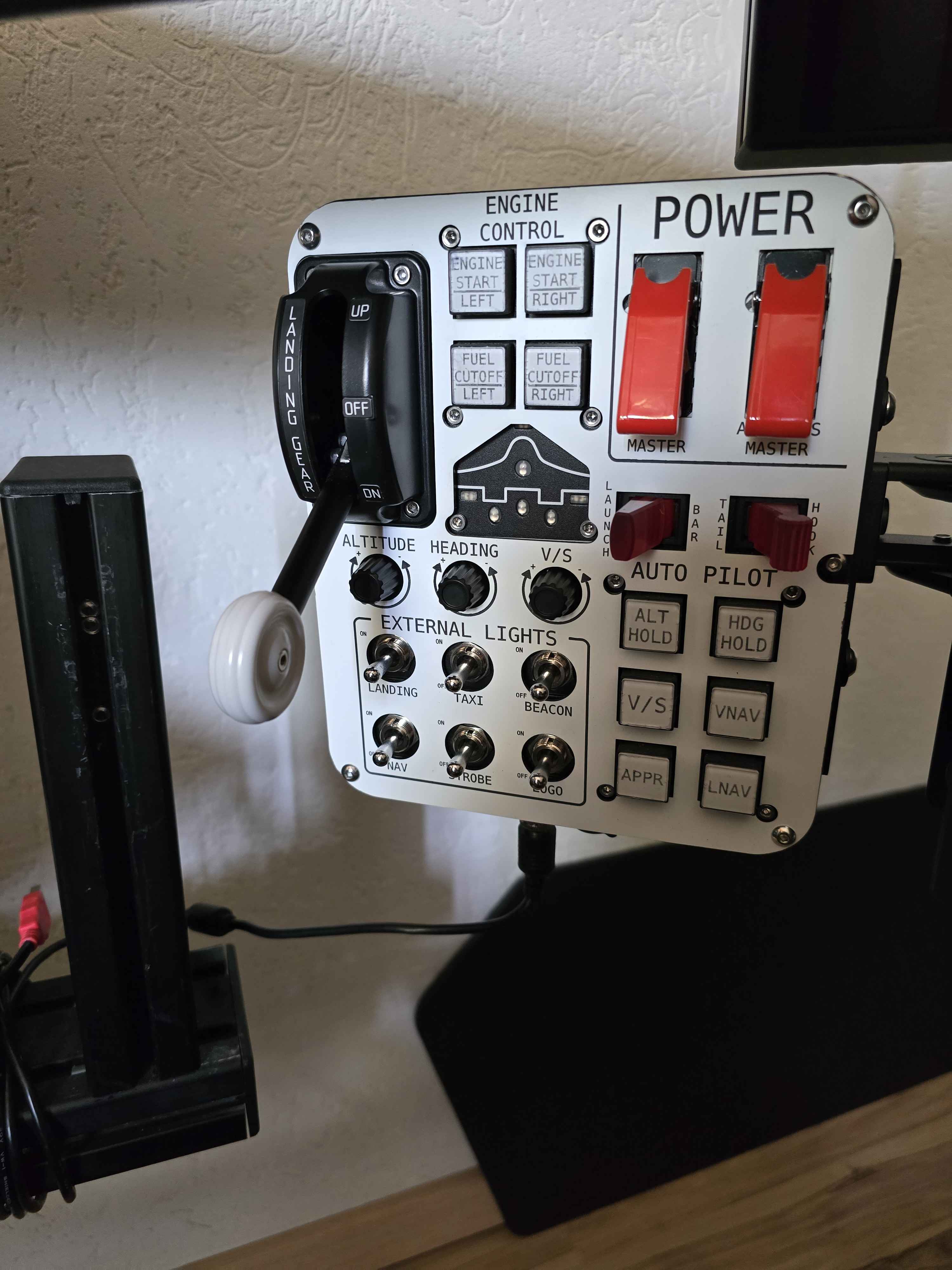
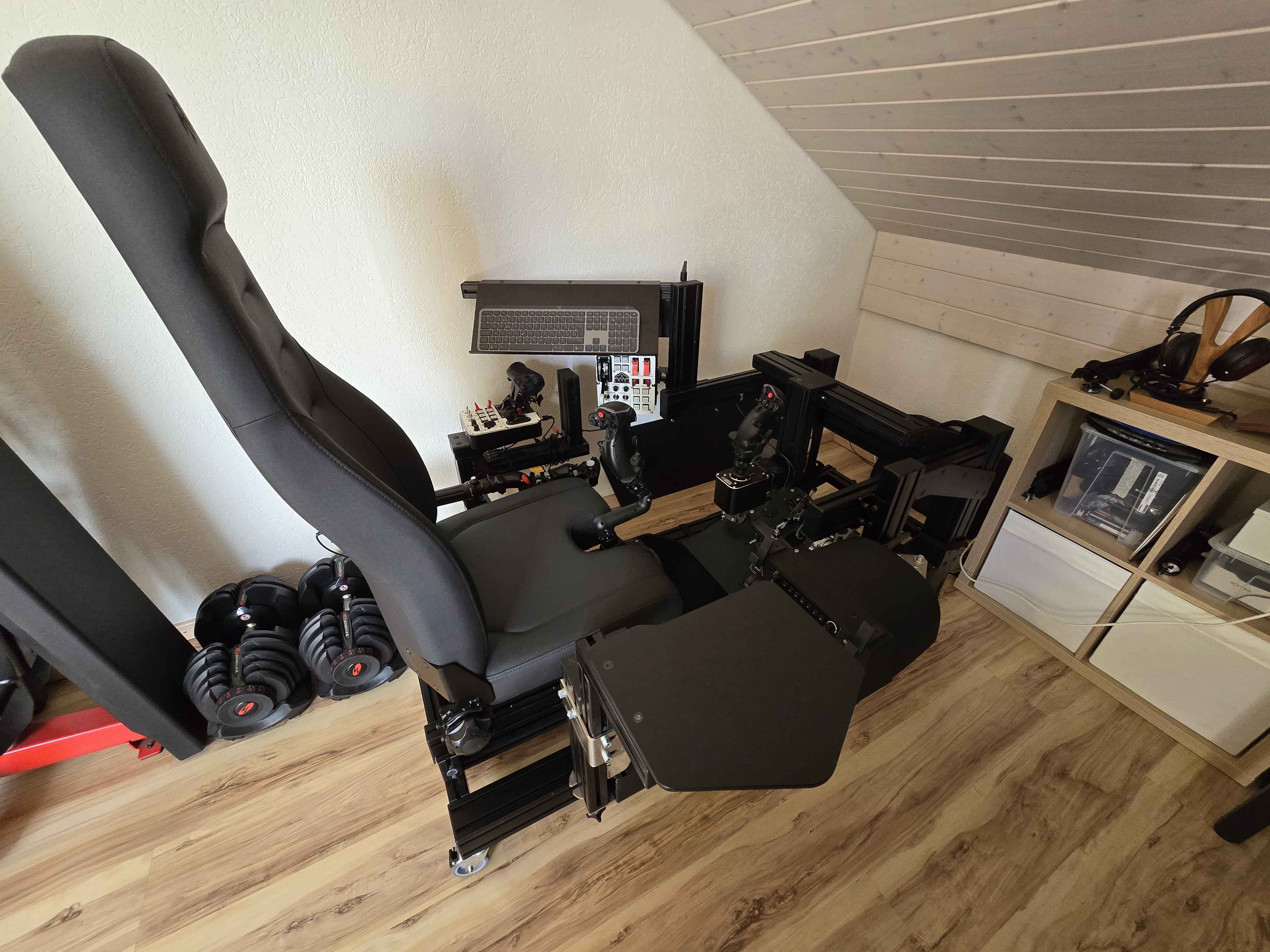
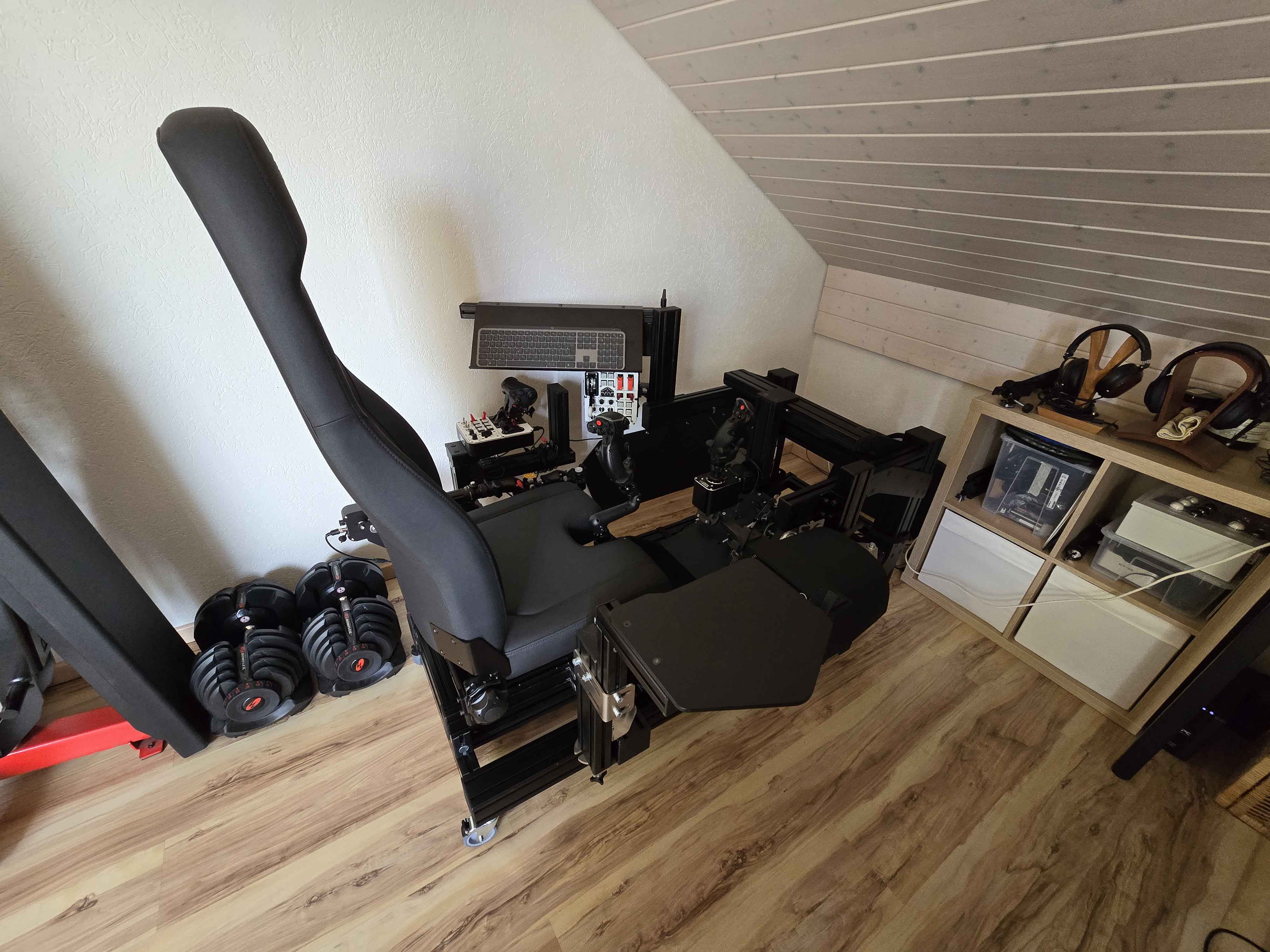
I don't own a Rhino (yet), but several other (FFB) devices. I am using a power strip with individual switches for each socket so I can activate the main power (220V) for each device as needed and can also switch of the whole thing with the main switch of the power strip. Additionally I am using an USB hub with individual on/off switches for each port (Sabrent works very well for me). So I can power on and off each USB device easily for the configuration I want to use. And at the end of a session all can be powered off, so no unnecessary waste of energy and increased lifetime of all electronic parts.
Thanks @walmis for helping with fedex/customs clearance shenanigans! My Rhino has made it to itβs new home and getting installed today! Just in time to try it out on the new Kiowa in DCS. Very excitedβ¦
My stickβs C of G is rearwards due to the gooseneck shaft and heavy Warthog grip, meaning it naturally pulls back. I want to compensate for this so that for a loose helicopter cyclic I donβt have to counter the rearwards force with my hand, pushing forwards. I realise I can do this using the Spring setting, but this isnβt the loose feel I want. It also doesnβt centre it fully. What else can I do?
@FarFutureFox I had the Same issue and found a setting I think was called static rode or so thing similar that can adjust the center position for the weight and balance of your stick
I assume they ment "mode". I too have heard about something like that: the software tries to compensate for the CoG without effecting the rest of the stick feel
Nope. Adds mass yea but the motors work less hard when sticks are mass balanced because theyβre no longer constantly working to hold it up. Ff sticks dont tend to be used hands off so a little increase in mass is inconsequential.. itβs already fighting your hands lol
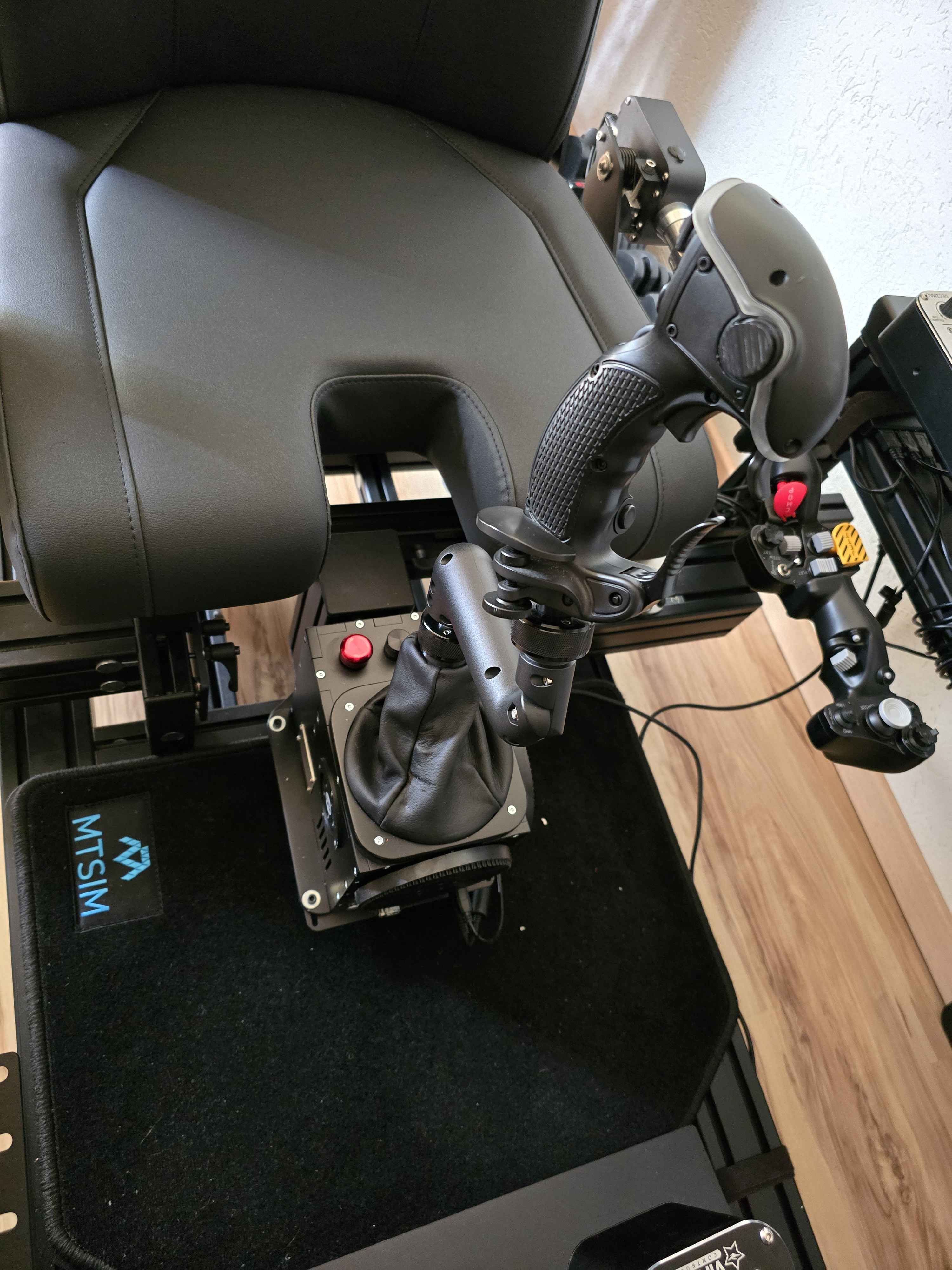
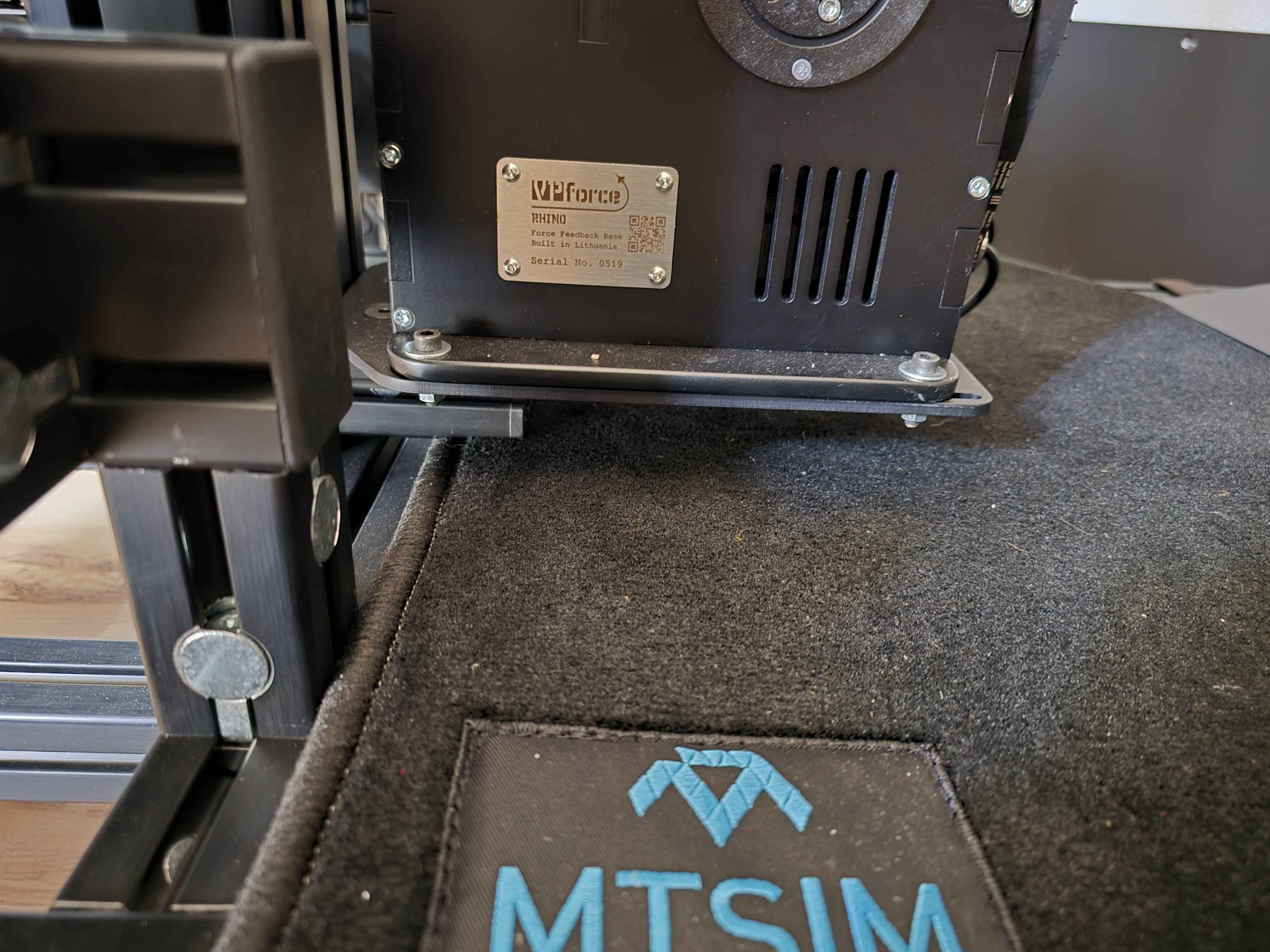
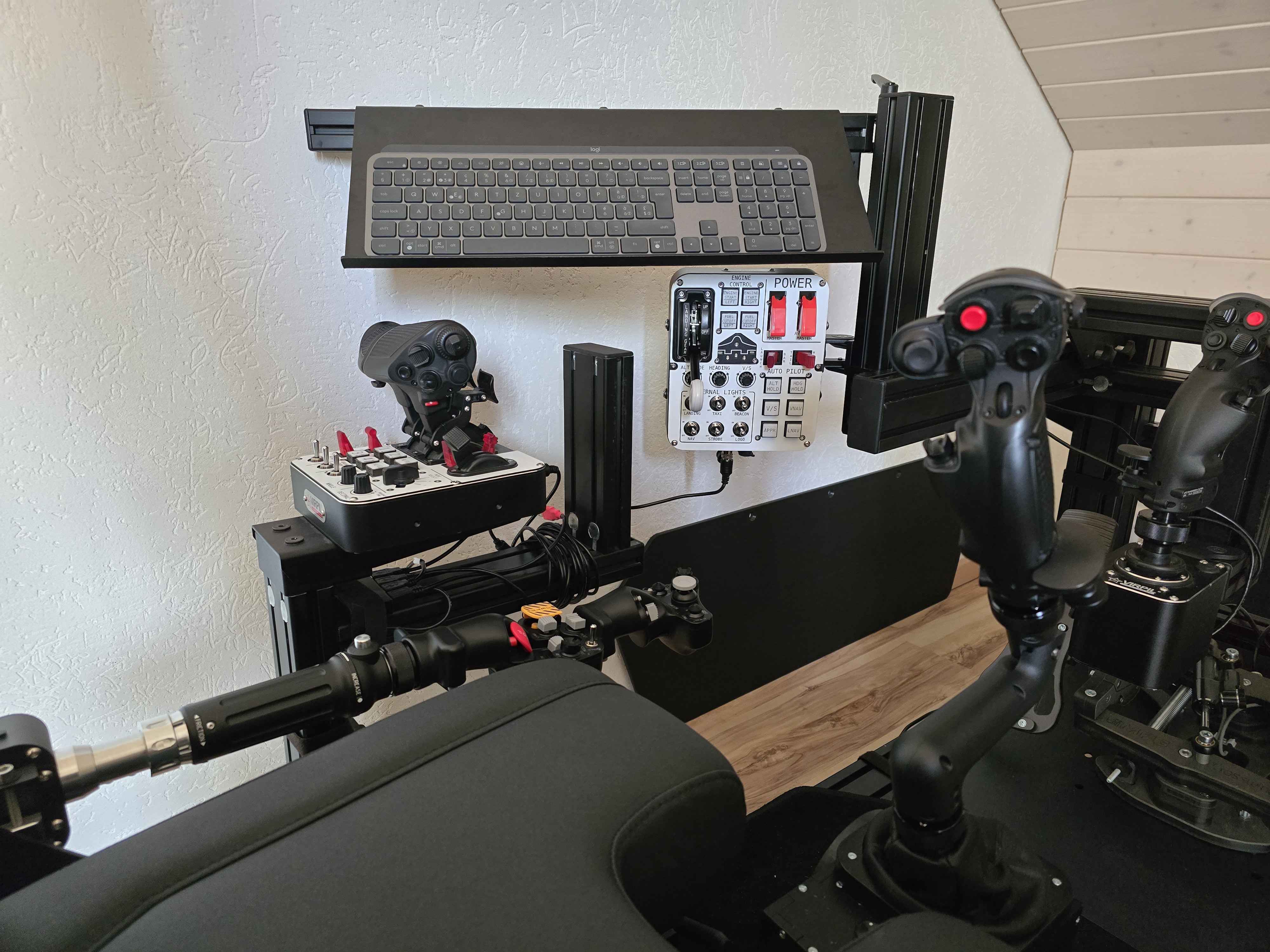
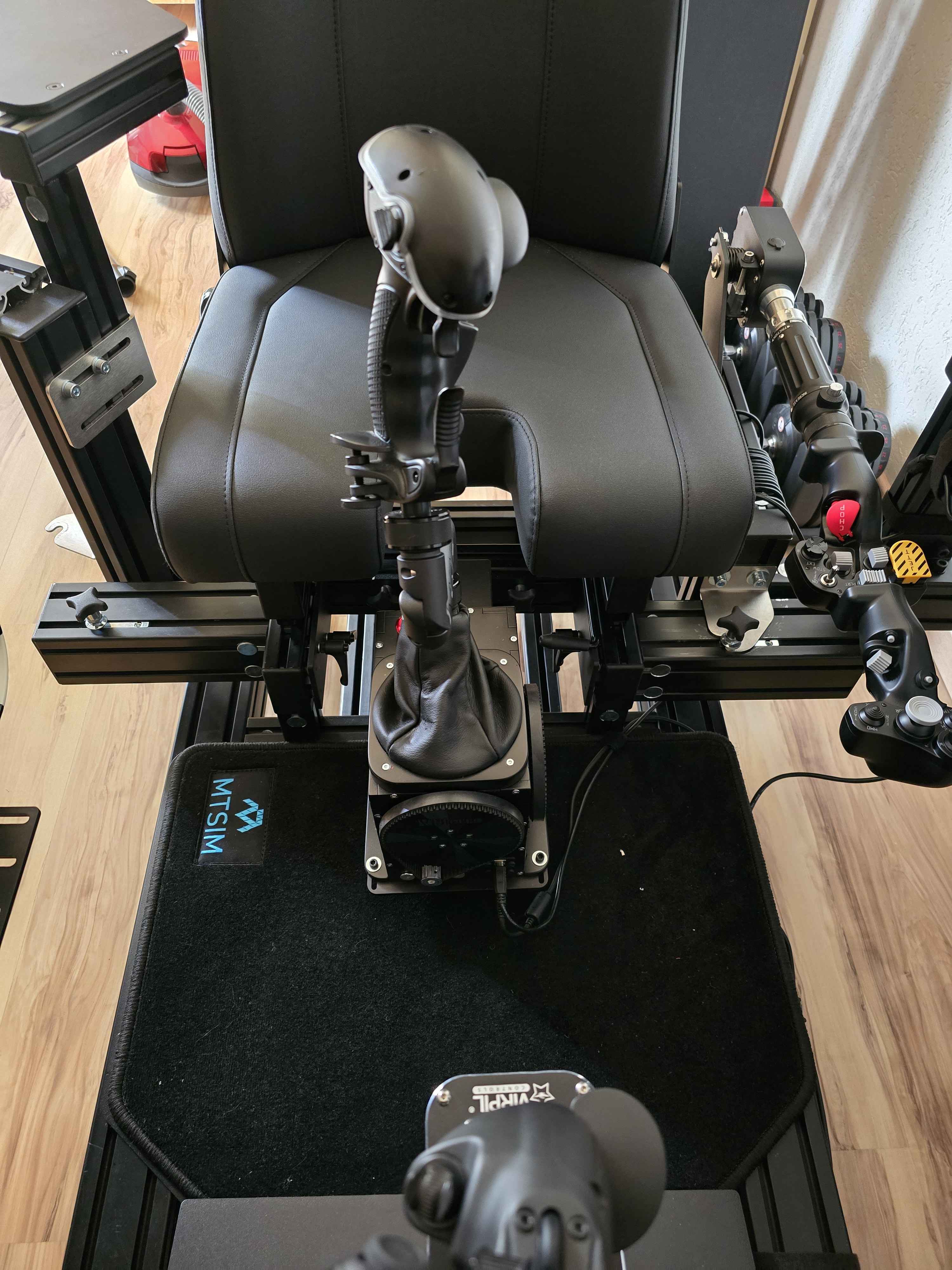
I've finally finished configuring my Monstertech setup and my Rhino sits proudly in the center! Thanks @walmis for this extraordinary work and thanks to all those who work on the software! You guys are amazing!
I really encourage you (hum hum) to read the manual carefully as it contains a multitude of little details that will solve your questions! I made the mistake of not doing it right away, and it took me quite a while! After reading it (re hum hum) I was able to configure everything optimally! What an incredible slap in the face! It's really amazing!
Thanks for the comments, I'll send some photos later!
I can already tell:
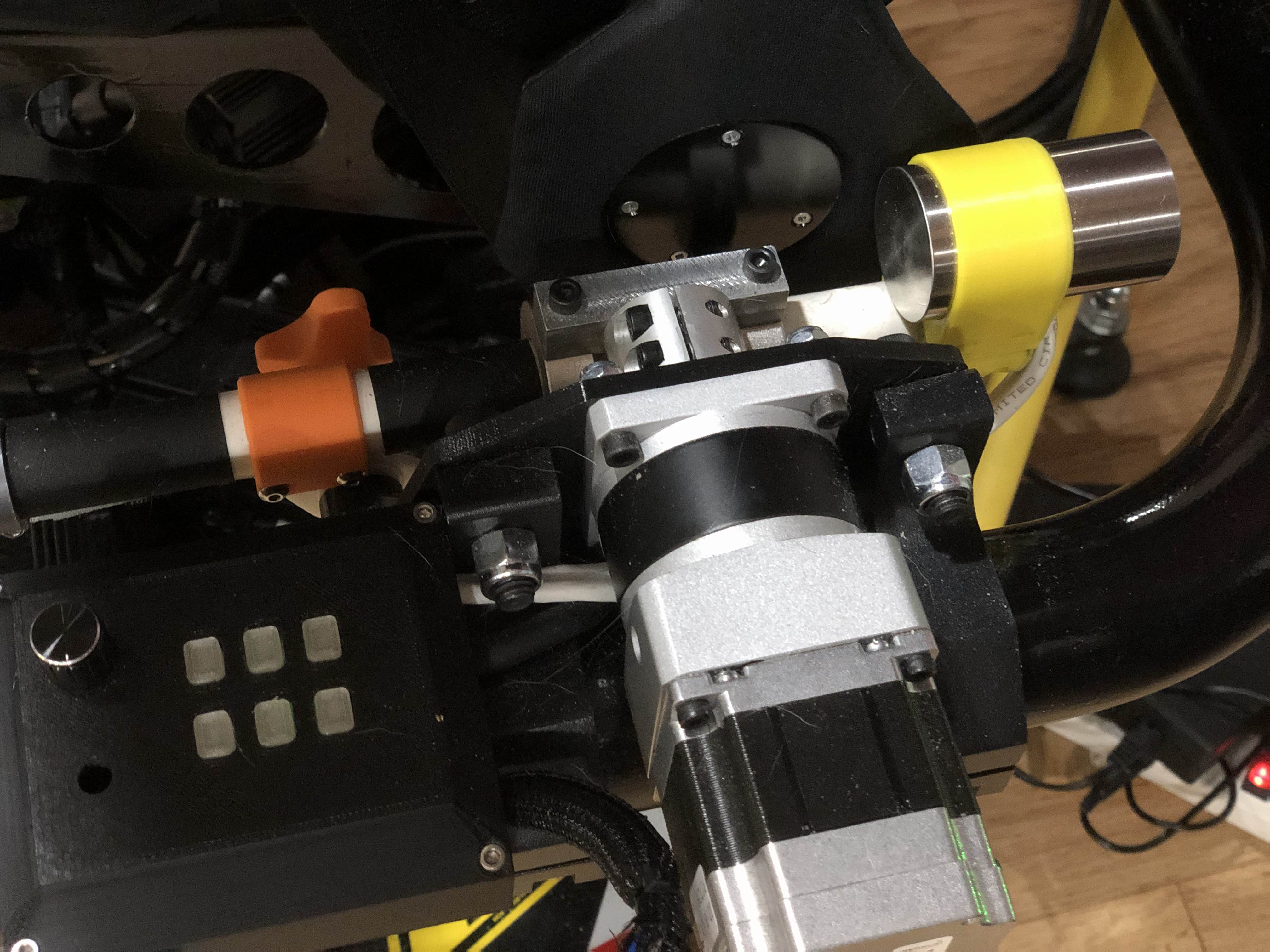
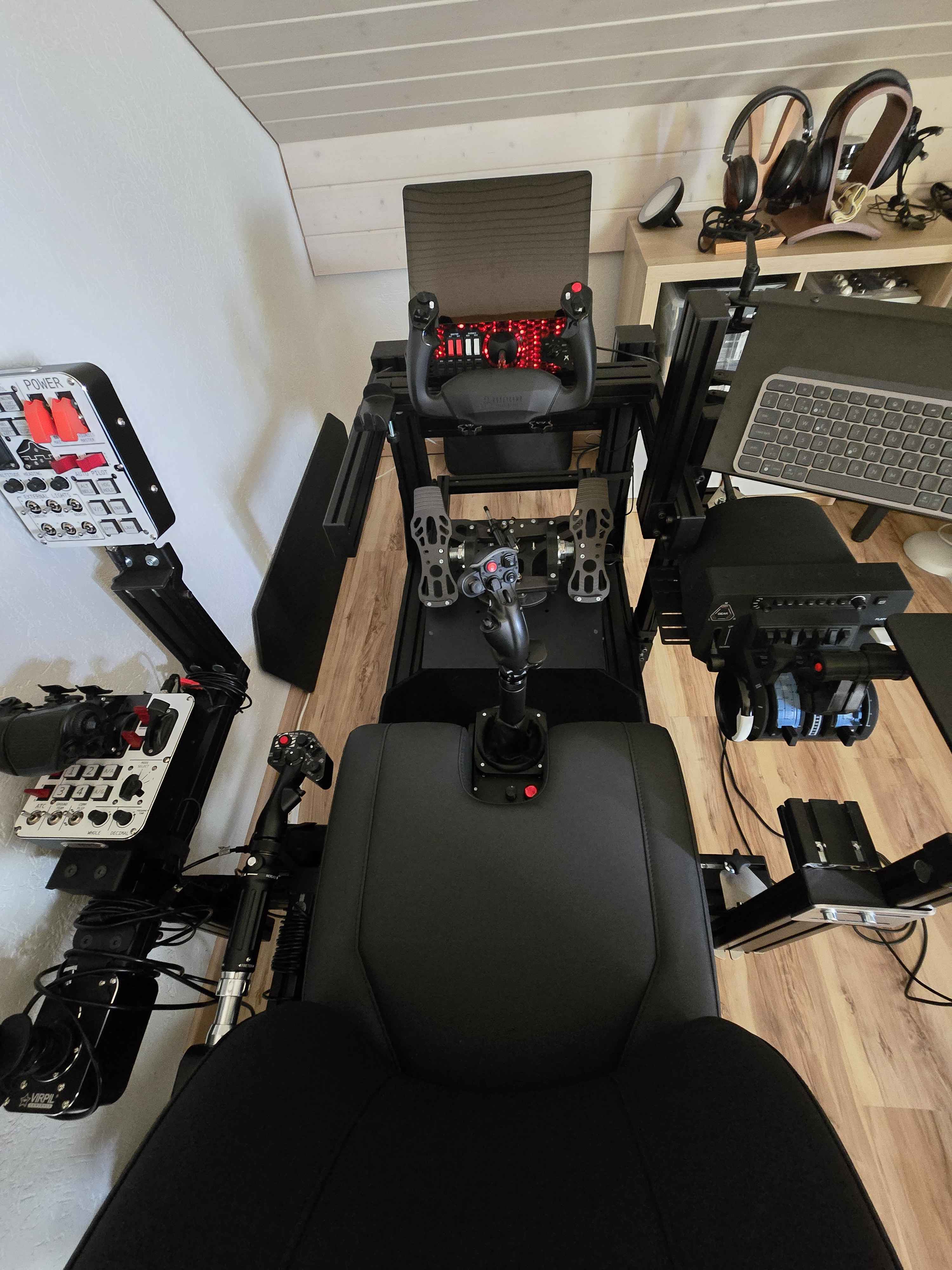
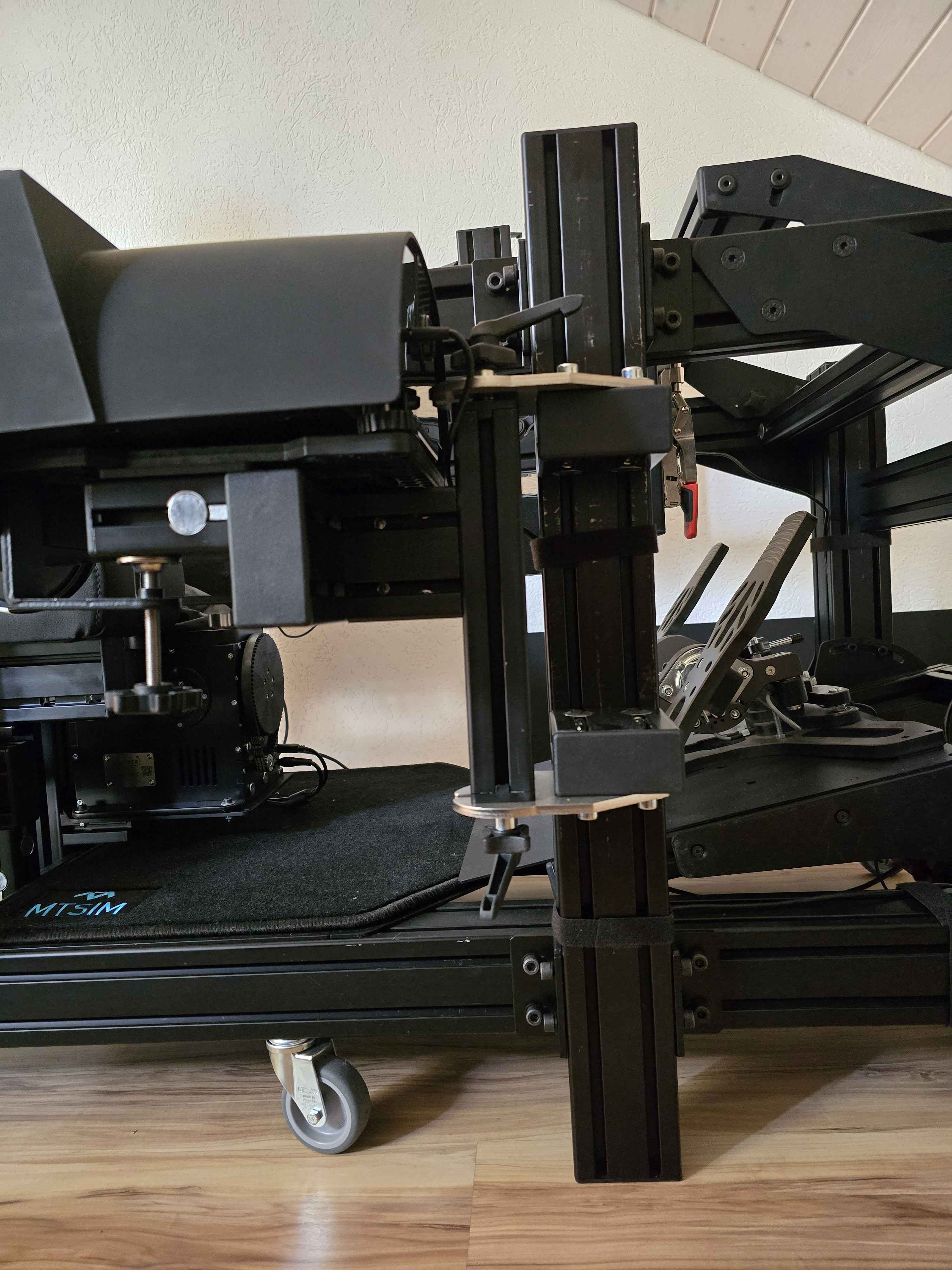
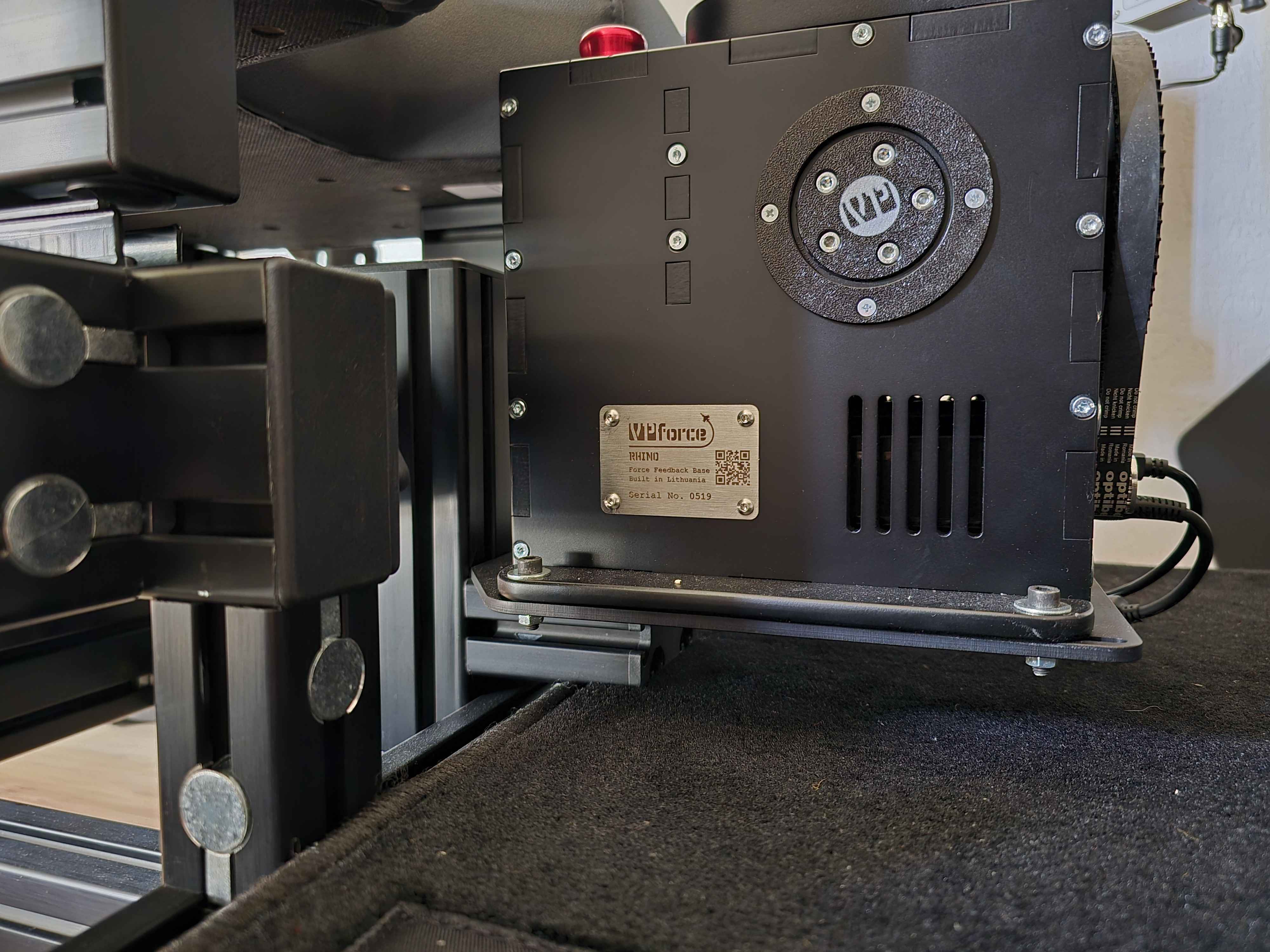
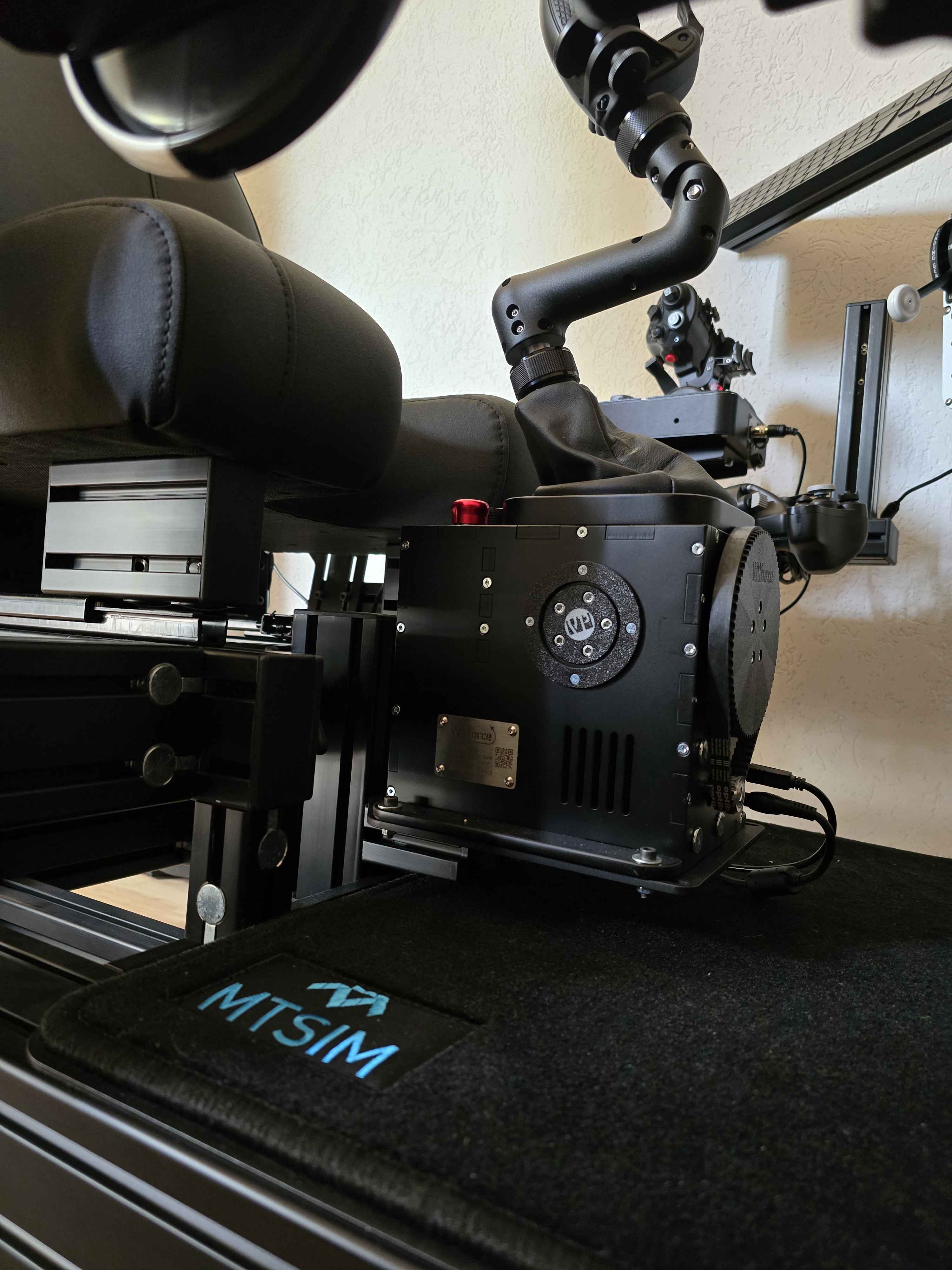
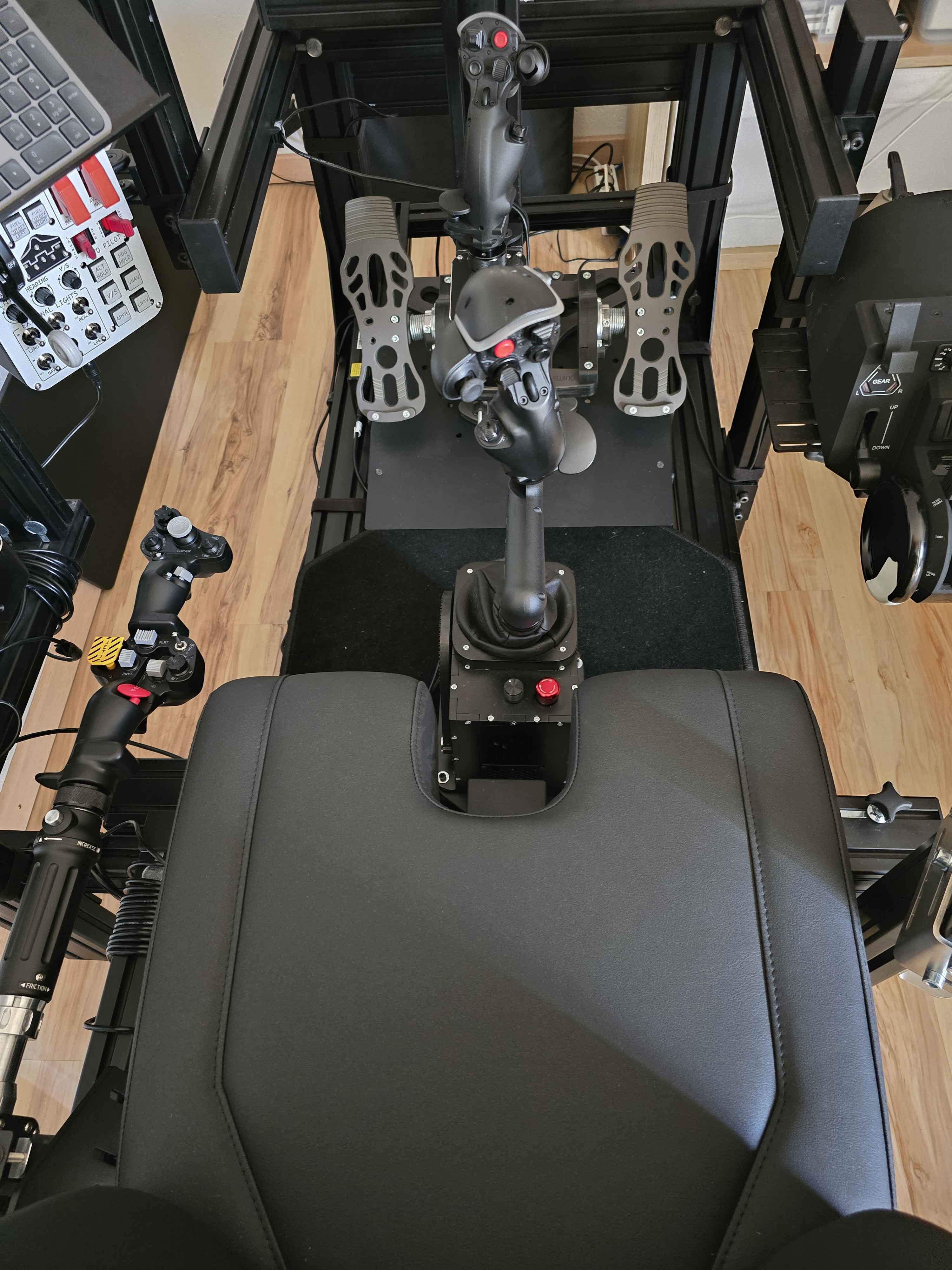
Rhino with the Monstertech plate (the photo will show it well but you have to be very very low! The 20cm extension is a bit long for me...the 10cm a bit short...so I took the Z (10+5cm = ok but it didn't look great with 2 extensions...)
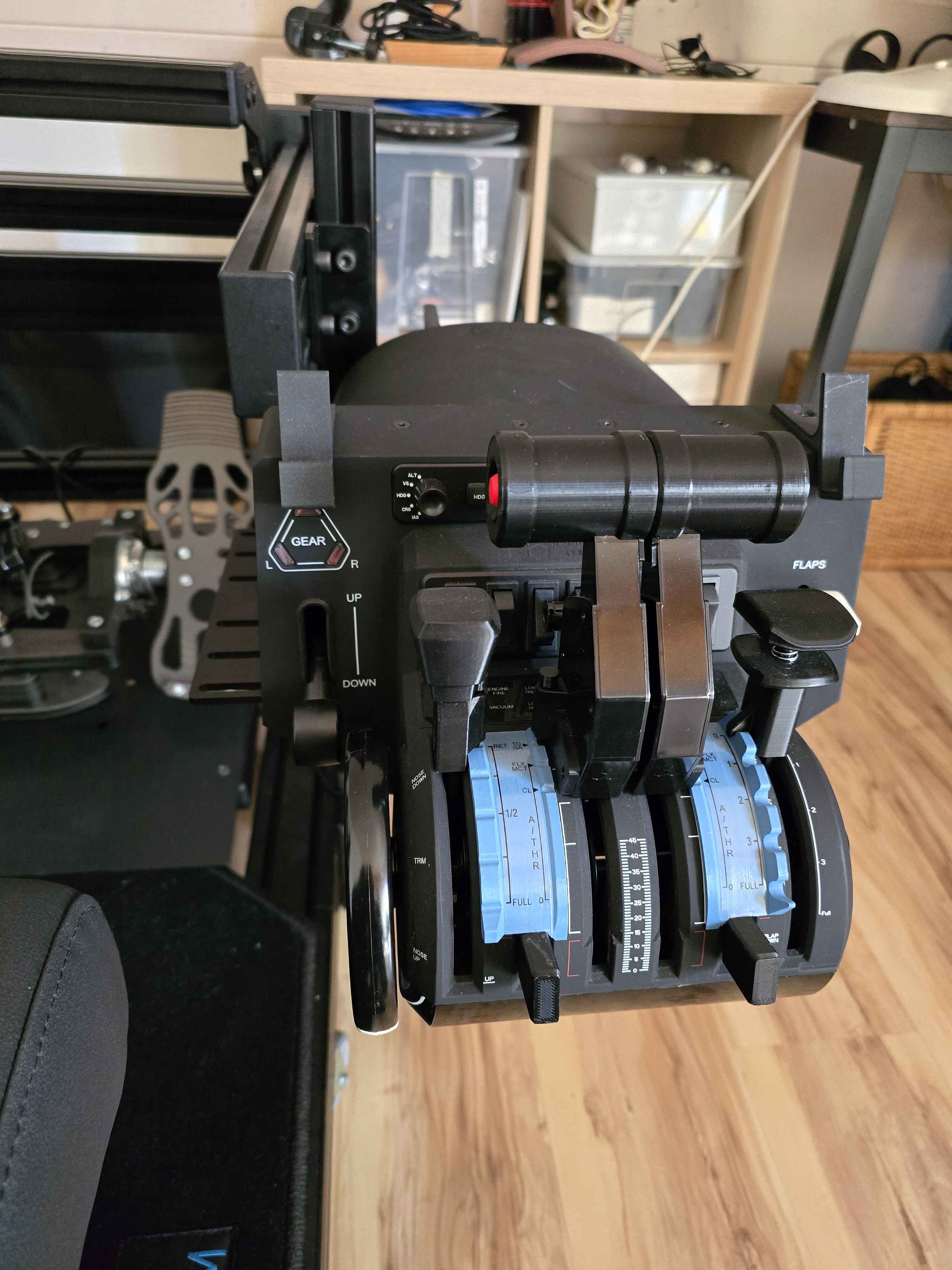
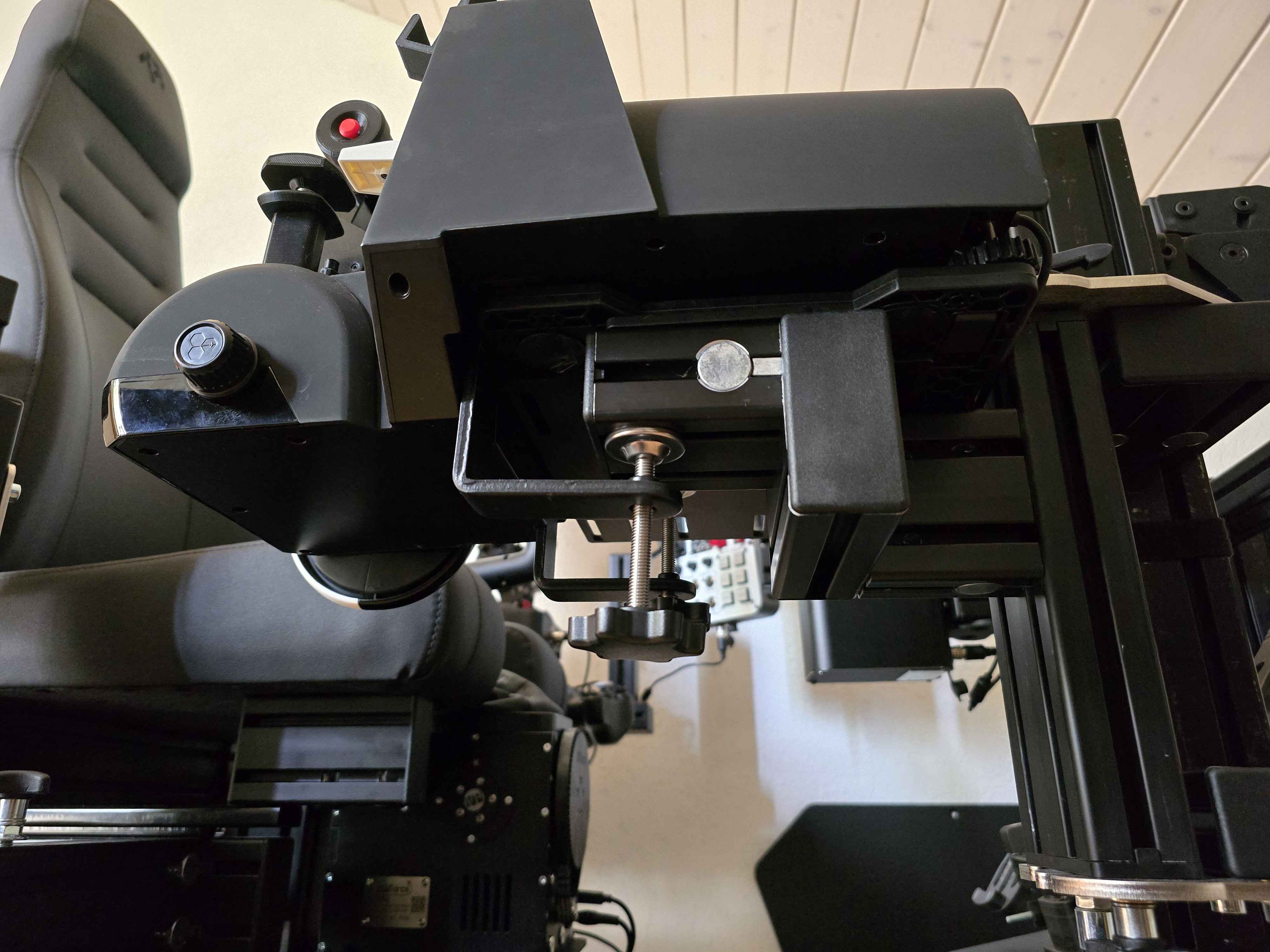
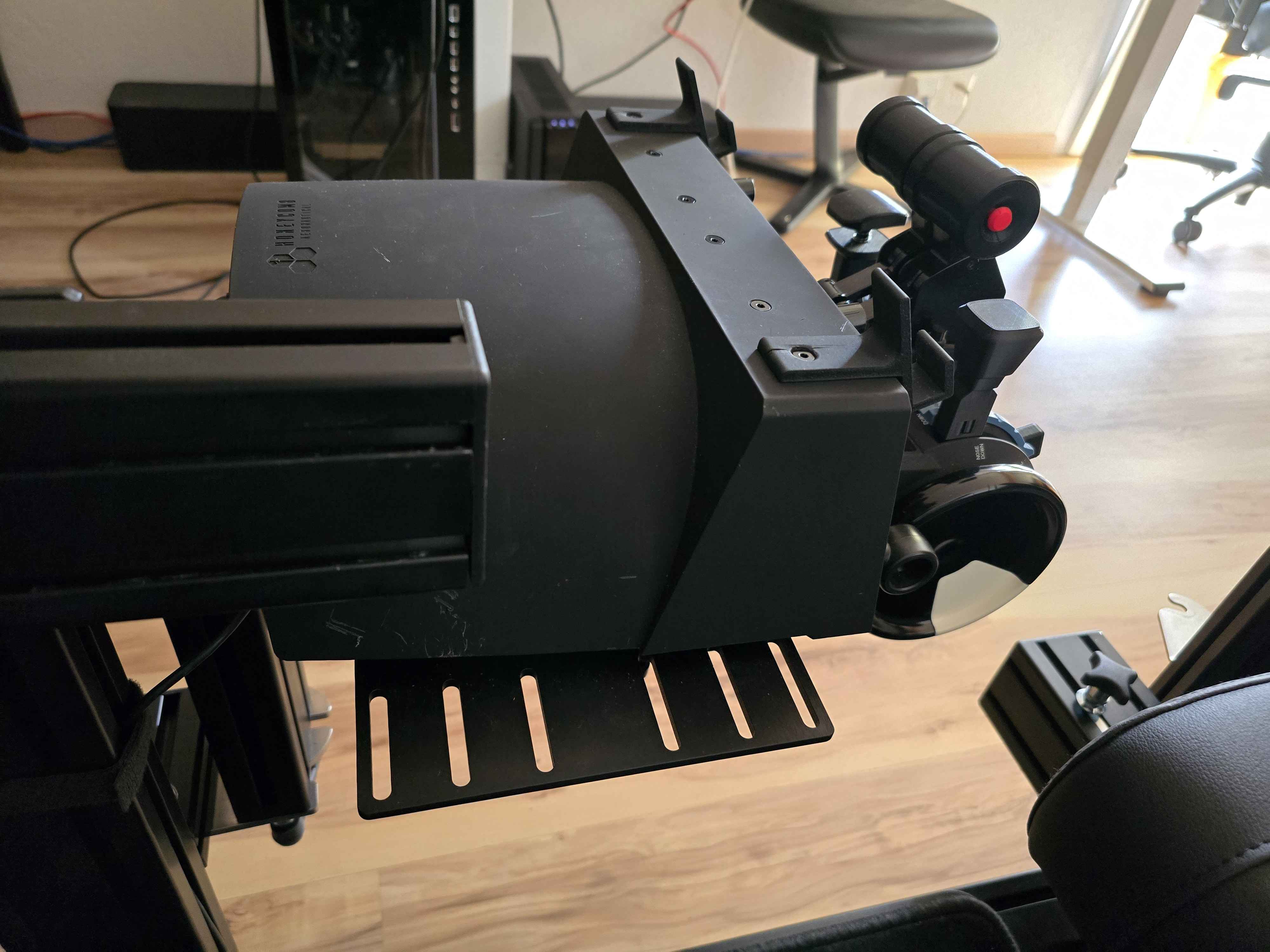
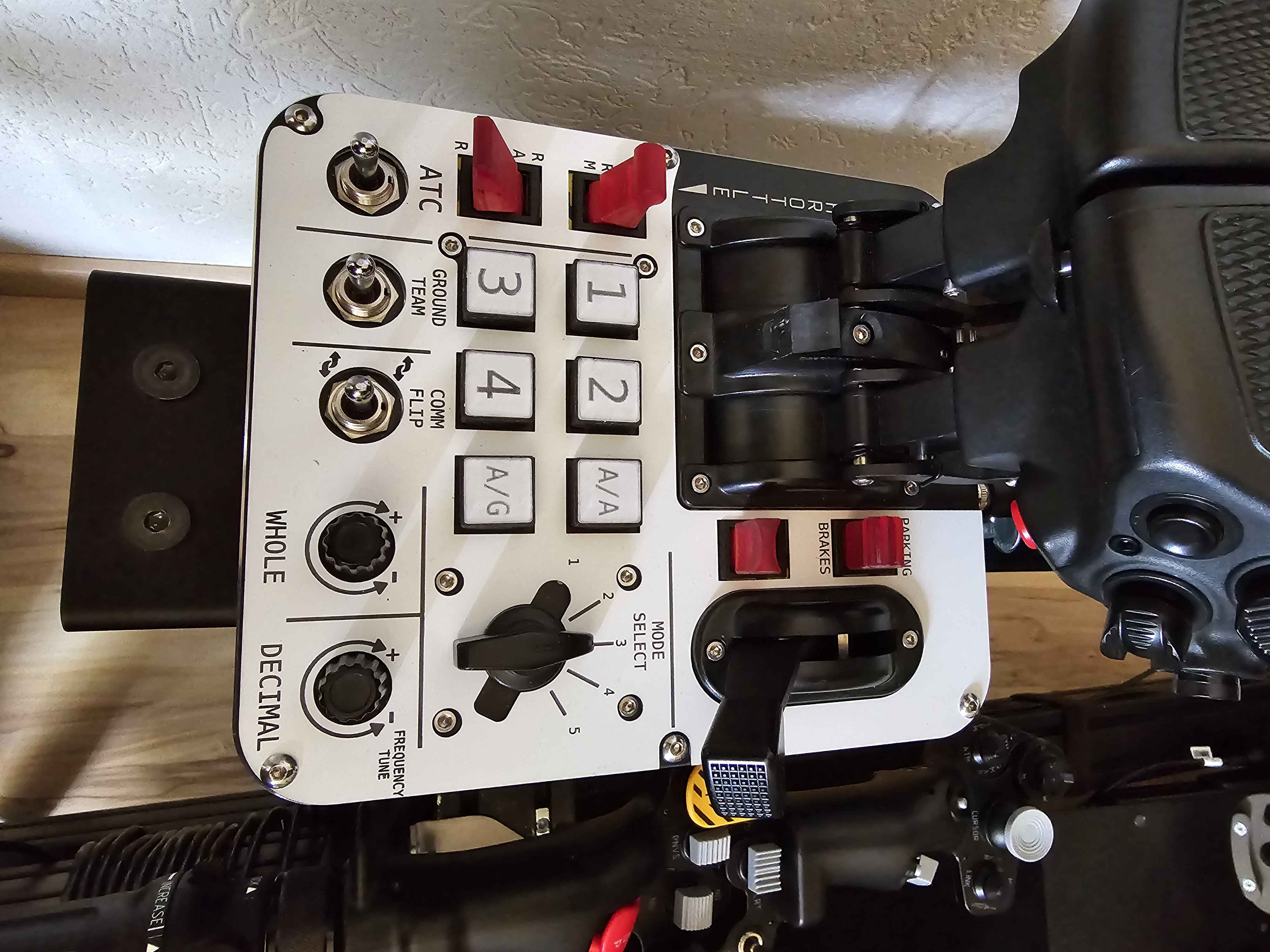
Honeycomb Bravo => I took the monstertech side support, and the plate for the TM Airbus throttle (I put it at 90Β° so that it holds well).
Mainly for the Fenix A320 on MSFS. But I'm not convinced... all the joysticks seem bland since the arrival of the Rhino! But I love my Honeycomb Bravo so I'm trying things out !!!
Turbulence (in MSFS): how do you increase its effect? I don't see any turbulence setting in either the config app or VPforce. I already have turbulence set to realistic in MSFS. In my Brunner FFB software I have a setting for it, so I hope I just can't find it...?
vkb adapter threads just fine onto a nylon connector as well as a PLA z-extension, but hates the metal connector, haven't been using it because I'm scared to