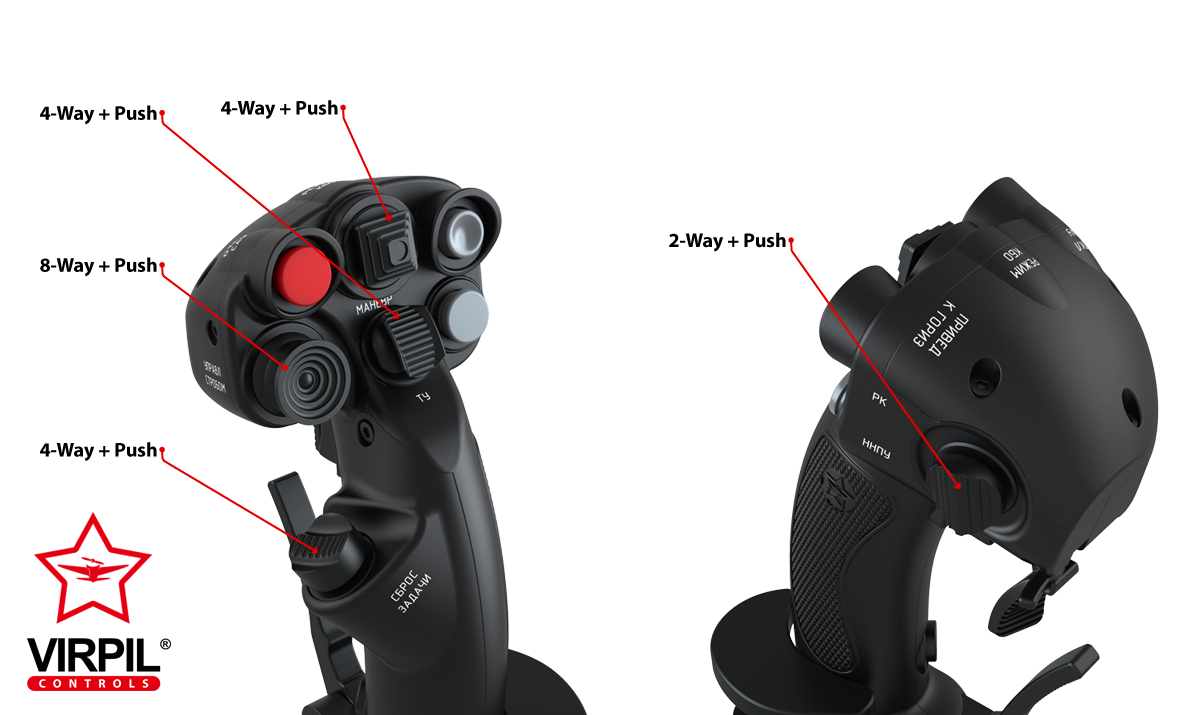
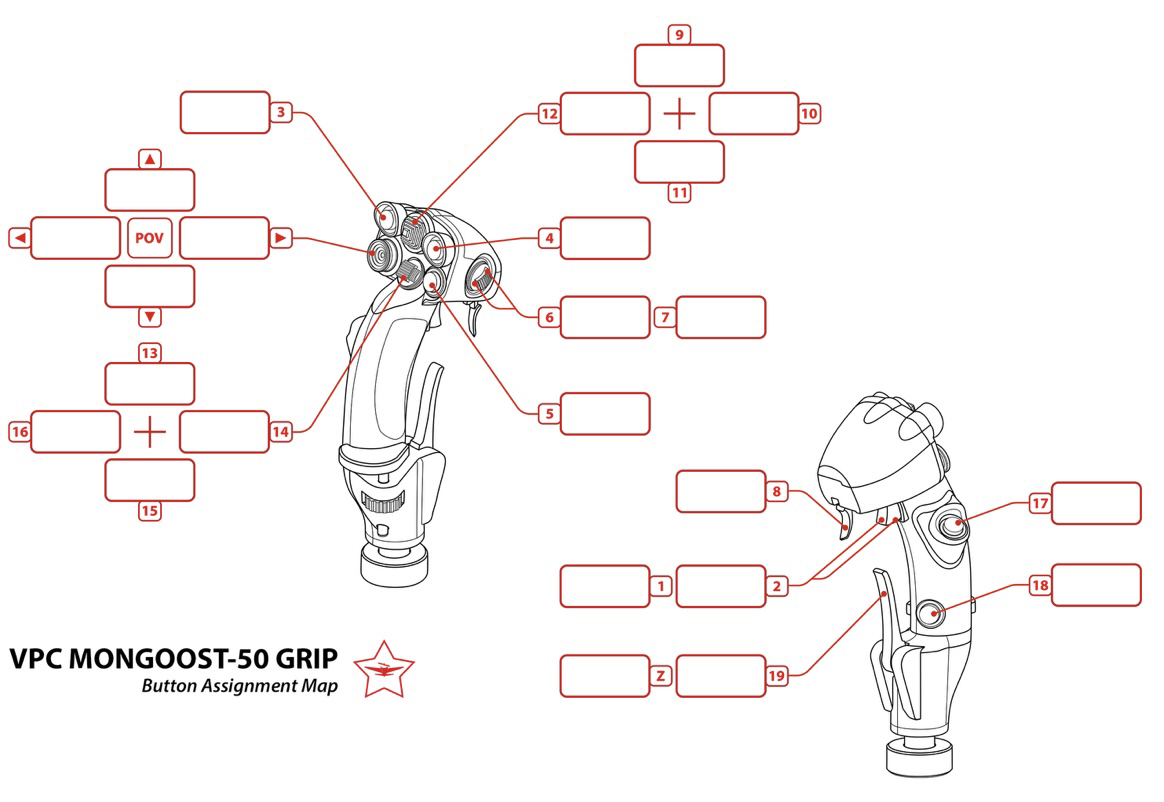
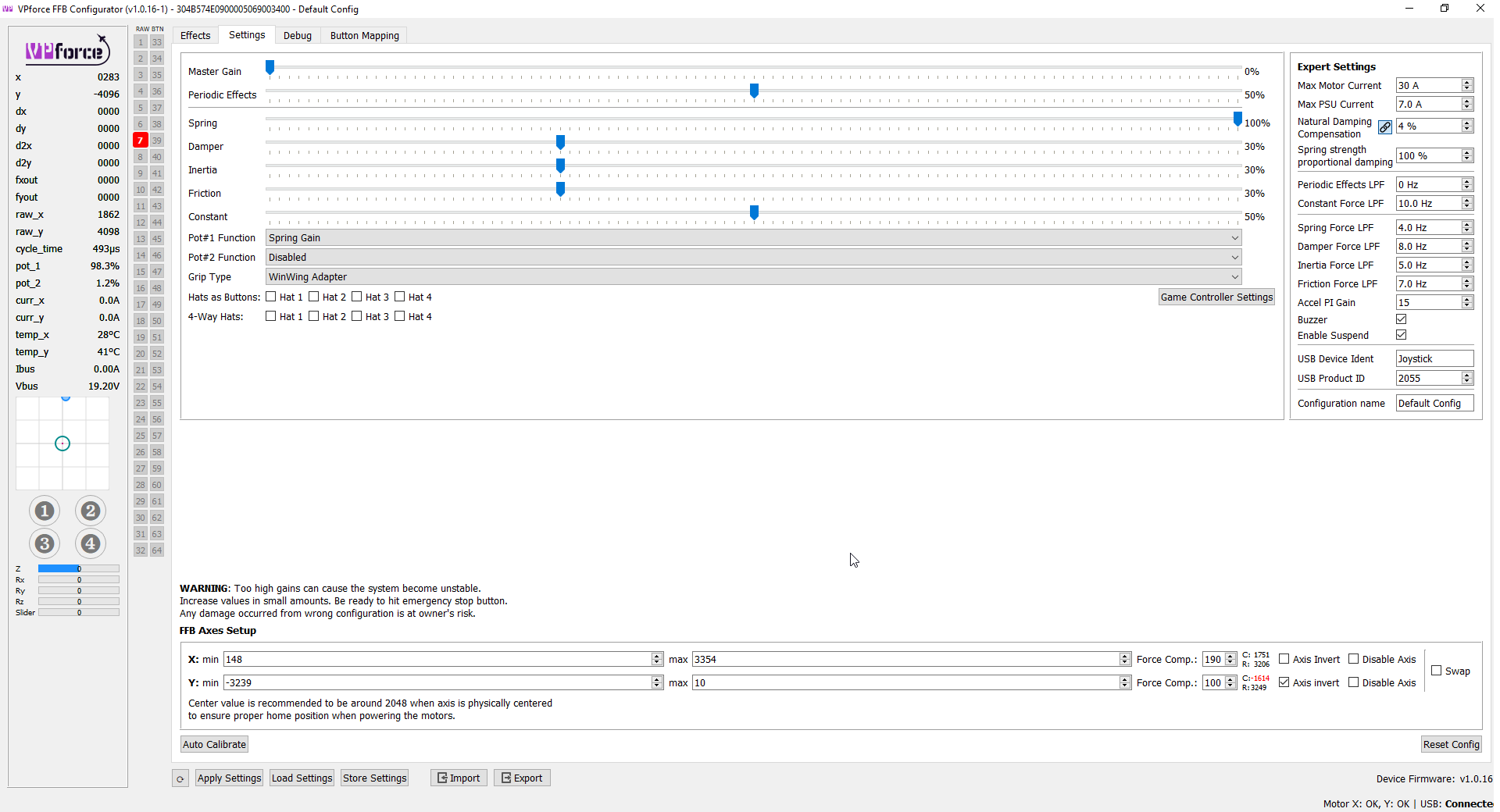
Yeah, I'll need to add the hats for the firmware update. It's kinda strange it doesn't register them. Could confirm which hats register correctly, which don't:
8-way+push supposed to be a hat switch. But other 4-way switch can be set as hat switches because there are "hat as button" settings. anyway mine is as follows
Hi Walmis, do you have a record of all the correct buttons for the Virpil Hawk-60 collective grip for the upcoming (soon) update? The problem at the moment is that the centre push lights up with any left right fwd back button push. Cheers.
The original T50CM has a single push button on the thumb and a 4 way hat where the 8 way is.
Also I need to check and see if they are push to click (so 4 way with click).
I can try to find the Virpil page that shows it but there are some small differences between the old version and the newer one with all the 8 way hats and the 4 way on the thumb.
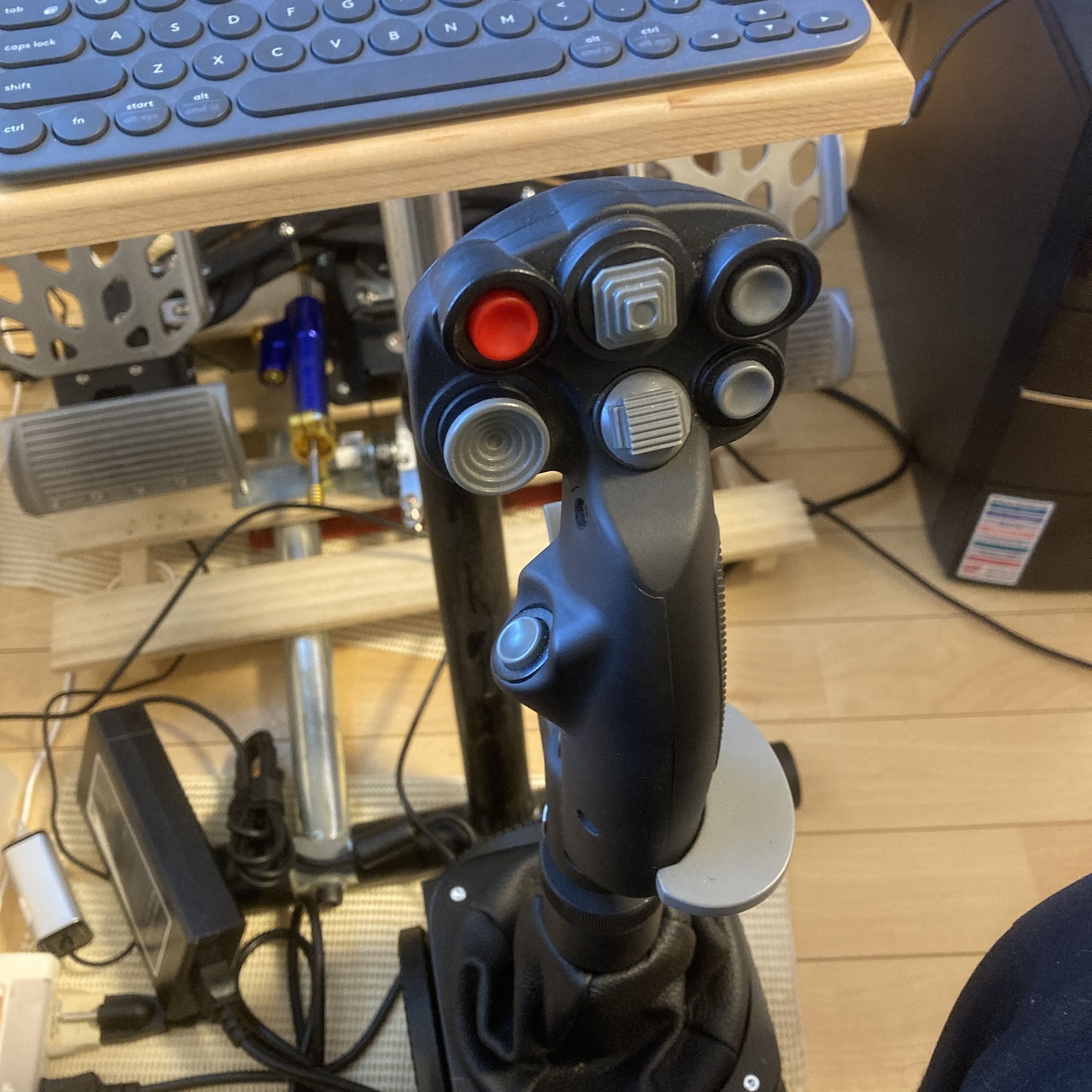
You can tell his is the older (but not the oldest) version because he has the Gray palm rest and button hats.
The next newer version was called a black out and had all the exact same features but has Black hats for the switches and a Black palm rest.
After that they made the newest version which is the photo you shared (has the 8 way and has a 4 way which replaced the single thumb button).
You can see it from comparing his stick with your photo.
I have that T50 so I have the links for the original stick layout… somewhere
But for what it’s worth I’ve had zero issues using that old T50 with the Rhino you can even set up the flip trigger as a safety switch (as intended in real life).
Hi thanks for having a look. It might have been the hind. I flew different aircraft in that session. The problem is that Telemffb's DCS status light remains yellow, no matter what aircraft I select. It seems intermittent, too. Yesterday, after asking for help, it was working for the mirage f1 in single player. 2 days ago was not working for hind, mirage 2000, f5 this was multiplayer, but another rhino user. in the same server doesn't have the issue Other times I test it in an instant action and it would work, but then it wont in multiplayer with the same AC. The error I see in the log is always the same, and it repeats itself A LOT. Let me know what info you need to troubleshoot.
The one he has and has the Gray buttons and Gray palm rest.
The next version they switched to all black hats and added a 4way (that’s the one I have).
The newest version has the thumb button from both the older versions and switched it to an additional thumb Hat switch and is still all black in color.
Anyway.. same as I said before mine works every single thing perfect even the brake axis and every button works as it should… or as I assume it should.
I picked the CM2 profile and kept it moving.
I just assumed anything that didn’t exist on my stick… would simply go “un mapped”
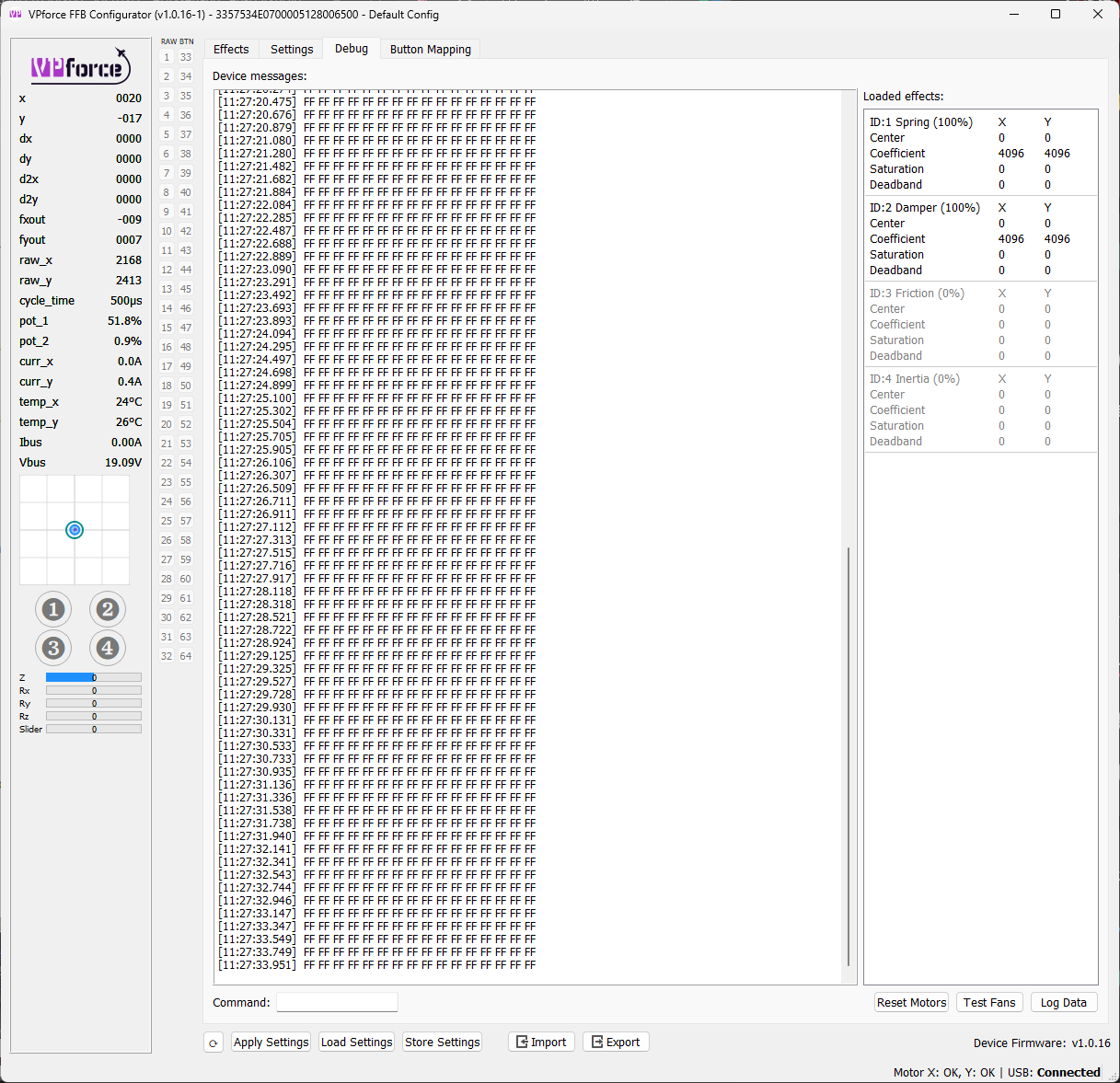
would love to know how you did it, because I can't get the paddle to work on mine. I too have the first virpil stick, and currently can't use the paddle because the configurator sees it as random button pushes. Walmis is aware of this.
Maybe our sticks (mine is the black out version of yours but still the same buttons)
Are actually different inside.
That part I have no idea about.
How I got my pinky paddle (brake) axis to work was by selecting CM2 grip and when you do that it shows a new slider on the main Vp configurator page with a “calibrate” button.
Press the button and pull the pinky and then let it go. Save and done.
So maybe there’s more than just the color that changed
not sure if this is related but there is a suspectged bug with the heatblur f4 where the y axis drops out typically on restarts of airstart instant action...happens to me repeatedly
Yes. Everything you said checks out. Mine is not the black one, but regular one. I can't remember which profile I ended up using. It was between generic grip and cm2. I think the cm2 would read the pinky axis but as different button presses, rather than an axis.
For sure I understand your frustration and I would jump right on so we could compare screens since we’re using the same grip (minus some color change) but I’m away from home this weekend.
I know someone out there can help so hopefully they will pop up sooner than later!
If not try the CM2 profile and click that “calibrate axis”
It shows as random buttons until you assign the pinky axis.
The button is on the main page around the middle or so.. with I could help more.
The error is on DCSs part, not the export script. DCS is failing to return any data for a basic call to the "get engine info" API call. Why is anybodys guess. Could be a mod interfering, could be another export script (SRS, SSA, etc), could be corrupted game files. That error message is more of a symptom than the actual cause though. There may be something in the full dcs log that would indicate what the actual issue is.
In terms of troubleshooting steps I would suggest:
Rename your Save Games folder. DCS will create a new clean one when it next starts up. You'd then want to copy the config and inputs from the old save games folder to the new one.
Re-start TelemFFB. It will insert itself into the fresh export.lua and copy its export script into the new save games directory.
Don't re-setup any other utilities that add their own export script setup to DCS.
I have 2 x WW adapters and I have tested them both.. so I am not sure if suddenly both adapters are now dead, or there is something else that is preventing them from working
@walmis is there a way to see if my winwin adapter is working properly? i suddenly dont get stick inputs anymore but the stick is still working (it works in my winwing base) so i wanna see if its the adapter or the rhino itself