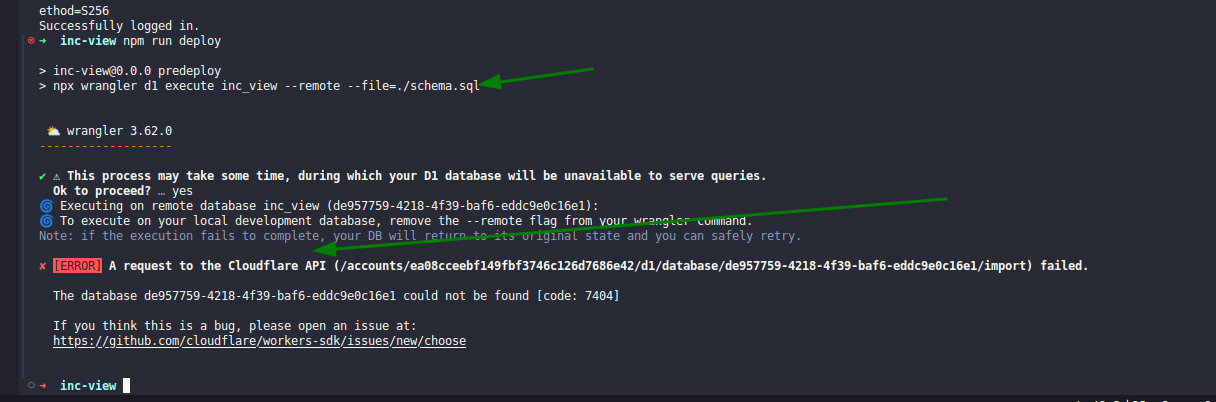
**Update:** Solved by adding `--remote`. See discession below. I'm not sure I understand how to do
Update: Solved by adding
I'm not sure I understand how to do a migration.
Scenario:
I've never used a migration before. I've modified a few tables in my local db, done my development code to deal with these changes.
Now, I've pushed my code and it's active in the preview environment of CF pages.
Migration Attempt:
I created a migration file using
I edited the migration file with:
When I run
Questions:
It seems that my original database and all its data is not used in the migration. So, it seems my migrations file is required to contain all the original schema and inserts for the exiting data.
Is that correct? This sure makes life painful and sort of makes migrations useless.
Do I have to continue doing this for every migration or once I've done the first, will the system be smart enough to carry data forward?
Feedback:
There's just not enough explanation of this in the docs.
--remoteI'm not sure I understand how to do a migration.
Scenario:
I've never used a migration before. I've modified a few tables in my local db, done my development code to deal with these changes.
Now, I've pushed my code and it's active in the preview environment of CF pages.
Migration Attempt:
I created a migration file using
wrangler d1 migrations create preview-say-my-name move-authentication-to-workos.I edited the migration file with:
When I run
wrangler d1 migrations apply preview-say-my-name, i get: Migration 0001_move-authentication-to-workos.sql failed with the following errors:
✘ [ERROR] no such table: customers
Questions:
It seems that my original database and all its data is not used in the migration. So, it seems my migrations file is required to contain all the original schema and inserts for the exiting data.
Is that correct? This sure makes life painful and sort of makes migrations useless.
Do I have to continue doing this for every migration or once I've done the first, will the system be smart enough to carry data forward?
Feedback:
There's just not enough explanation of this in the docs.