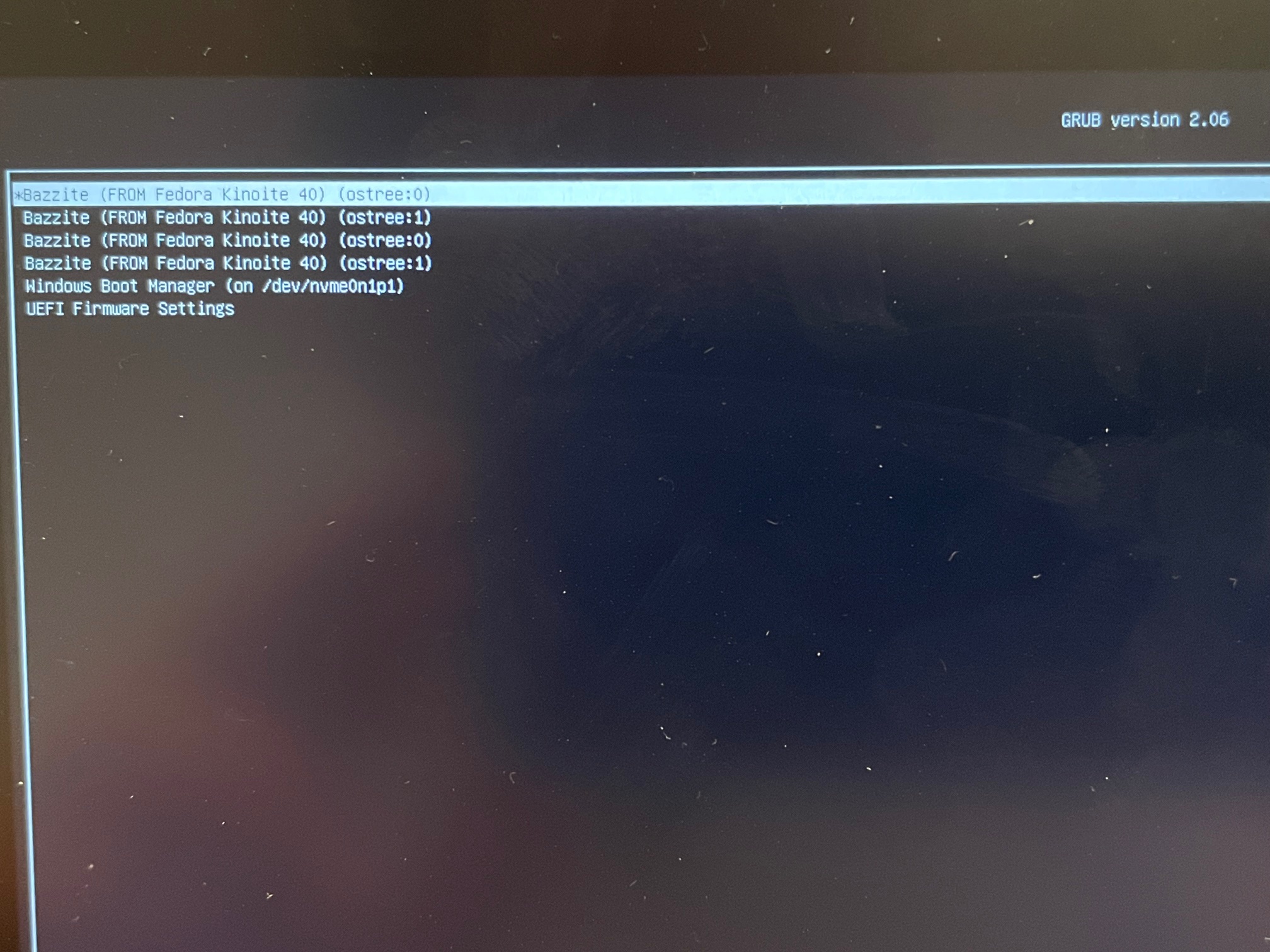
Ok, what is sus about it? Would you recommend against dual boot at this time? I think the issue has to do with the Ally's Bios option for Secure Boot. Everything worked great except this Bios setting, which is not discussed anywhere in the documentation.
If I leave Secure Boot Control enabled in Bios (and it's on by default), I get this screen when booting to Bazzite. However, the dpad is nonfunctional so I have no way of getting past this screen. All the buttons don't work, this screen forces me to reboot, go into Bios, and disable Secure Boot Control. Then it boots to Bazzite without a problem. Secure Boot Control is separate in Bios from Secure Boot itself being on or off; in my case Secure Boot has always been set to off, but Secure Boot Control was set to enabled by default and I had to turn it off.
Otherwise I did everything according to instructions.
1: only one reporting a fundemental graphical issue our testers would have found 2: suddely broken Windows w/ issue that can't arise from mere dual booting
I guess my point is, I'm OK redoing the entire process but how do I handle the Bios setting I mentioned, do I turn it off before trying to install Bazzite? And is there anything else I need to do differently in my process? I'm just trying to understand why we would expect a different result if I repeat the process exactly the same.
dont have a usb to check ventoy with atm but the installer should have ventoy support. if not then its blindly tabbing to navigate the wrongly scaled installer
I think I'll return this Ally X tomorrow to Best Buy as planned, after I take out my SSD. Then on the new unit I'll put my SSD back in and see if Windows will boot, and if the graphics artifact still recurs. If there's still any issue I'll re-image the entire drive.
Saw some workarounds potentially to get GeForceNow (Electron) to do 120FPS on linux. Something about modifying a few flags/settings in Chrome. Anyone ever try?
During the install process Bazzite could not start up for the first time and was giving an error message about bad shim signature, which I understood had to do with Secure Boot, so I turned that off and then Bazzite finished installing and ran for the first time. I guess I'll have to pay extra close attention to that next time.
OK, now it's becoming clear where this went sideways. I watched Aru's video and in his install, he skips enrolling the key when shown the MOK option screen. I followed his video and clicked past it, and immediately got the shim error. I then went into Bios and disabled the Secure Boot Control, restarted, and Bazzite resumed installing and loaded successfully. I don't know how this causes an ACPI error but this is the clear point at which I fucked up (I've never used Linux before lol in case that wasn't clear). It's true that after I resized the drive, I never again booted into Windows, I went straight into booting the Bazzite USB and installing Bazzite. I did not boot Windows again till today when I got the ACPI error.
again I don't even think it's worth the mental energy to figure this out, your issues are fundemental and I wouldn't do anything but re-install Windows right now and re-test
Do you think I should go ahead and replace the unit to rule out anything hardware related? Or re-image on this unit? Seems like you still lean towards software as the issue
Hi team, I'm planning on migrating to Bazzite from Ubuntu. My question is, am I able to install rpm package that won't get "deleted" on a next version upgrade?
I use the video editor Light works* witch is a paid software and they distribute the software via rpm or deb