There are two ways to create meshes from atlases in Dash: 1. If you are using atlases from Standalone Bridge, they are now easy accisible in the Dash content library, ready to be used directly. We use our Alpha Cut tool in the backend for you. You just have to make sure the path to standalone Bridge is set in Dash preferences. 2. If you are using other atlases, you can use the command Texture to mesh cards in Dash, find the opacity map of said atlases and it will open and use AlphaCut for you!
Hi! Happy that you are interested in Dash! We are working on some good beginner guides and documentation, but until then I would recommend our YT channel, it has a bunch of videos, some more in-depth than others. One I would recommend though, is this one, it shows the full process of creating an environment with Dash: https://youtu.be/kJhqc5_6usc?si=38QY_ETymfd9xmOk
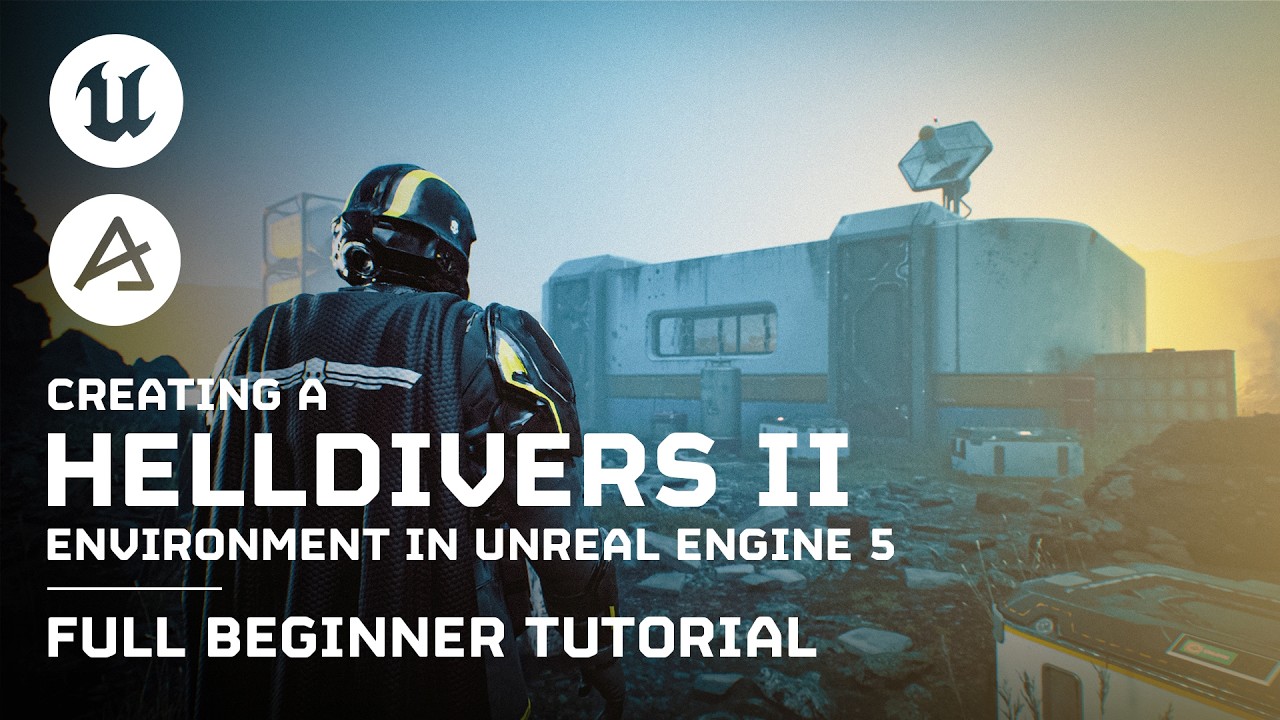
In this comprehensive 79-minute Dash tutorial, we dive deep into the entire process of creating a Helldivers 2 game environment in Unreal Engine 5. Whether you're a beginner or a seasoned UE5 user, this full guide provides detailed insights and techniques to help you master environment creation with the help of Dash.
Aha nice! Happy to hear it works! We do have a tool called Decal Scatter that works well for Decals if you don't want to convert them to static meshes, just so you know!
Hi again, do you think you can add a modular conmection tool like the spline where we can draw modular similar meshes.
Like when we have modular mesh walls instead of manually placing them and snapping them or via pivot point or vertex point. We can simply draw a line/spline and it generates a wall from the modular meshes based on the dimension. I am not sure whats the best way to do this, but probably via bounds of the mesh or pivot.
Hi! This is in our plans yes We're slowly building up a bunch of really useful pivot/bounding box scaling and curve fitting utilities for our other tools, and I suspect that a decent modular building solution is only one or two releases away.
im glad to hear that, so that I can lessen multiple tools from other sources. so far thats the only missing feature for me in using modular mesh walls, a tool to connect the modular meshes and hopefully easy connecting corners as well. not sure also if you can modify the default cube grid on the modelling tool like make it like a spline but retain its functionality to add boxes x, y and z. hehe
hi i dont have permissions to post to the faq-forum for some reason, but i want to procedurally spawn desert foliage - am i better using dash or the pcg tools of unreal - it a world partition map. Also i cant seem to find out how to spawn in just certain area - it seems an all or nothing affair?
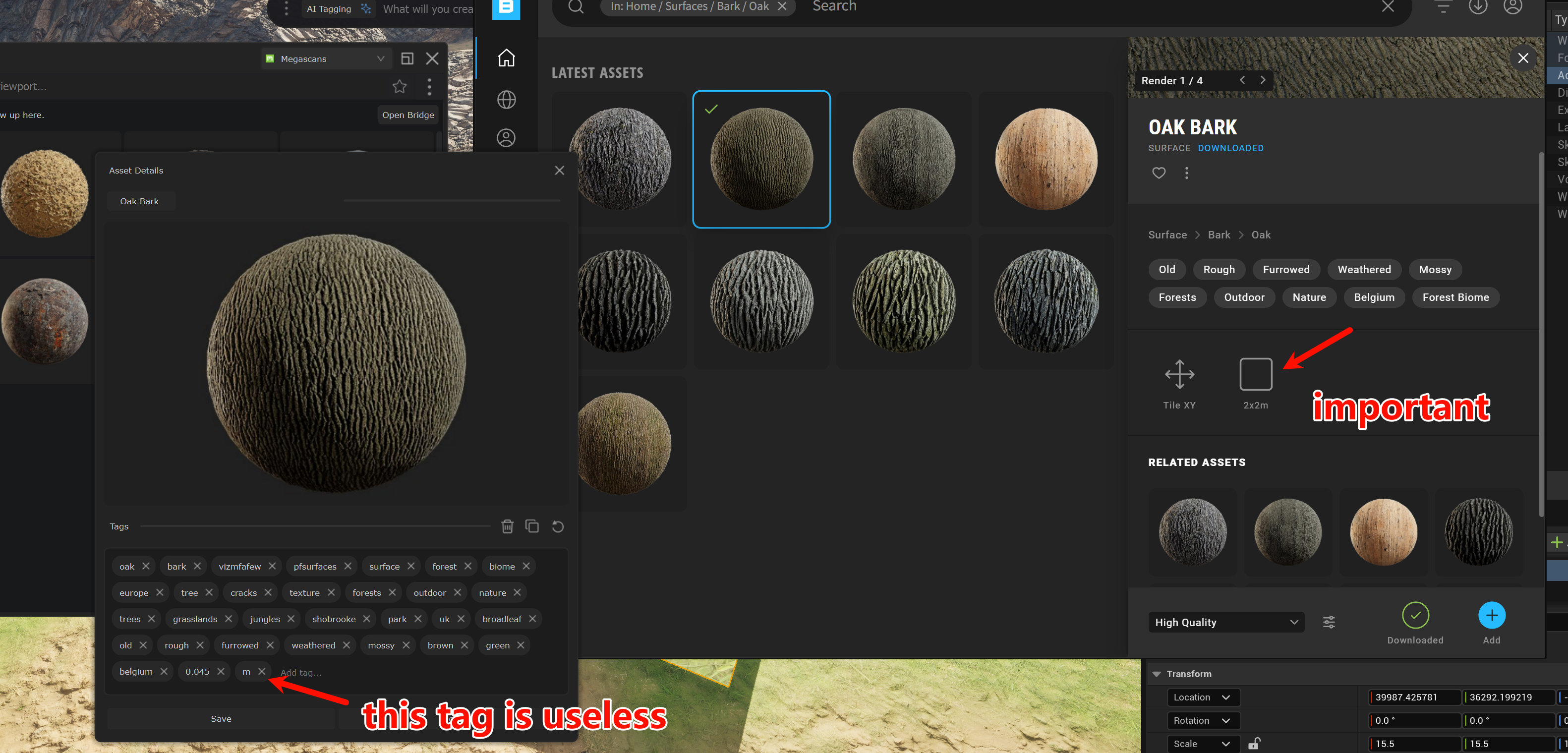
Dash right now only support atlases from the Quixel Bridge standalone, I'm afraid. The reasoning is that atlases are simply not supported in the Bridge UE plugin at all, and we thought it was important for people to have easy access to them. For regular assets, Quixel has kind of given up on the Bridge standalone, which is why we didn't think it worth the investment for full content support.
Also a note i dont know if tagging uses the folders structure its in - but it would be good as my assets are semi organised, but dash seems to ignore folder names?
Dash camera is more or less like an normal CineCamera, but it has some more features. After an UE restart you have to select to pilot it again through the Perspective button in top left of UE
Awesome to hear that! Not sure if you tried 1.7 or 1.8 Beta, but with the AI assistant and our WIP documentation in 1.8 beta, I would say it is even easier to learn