
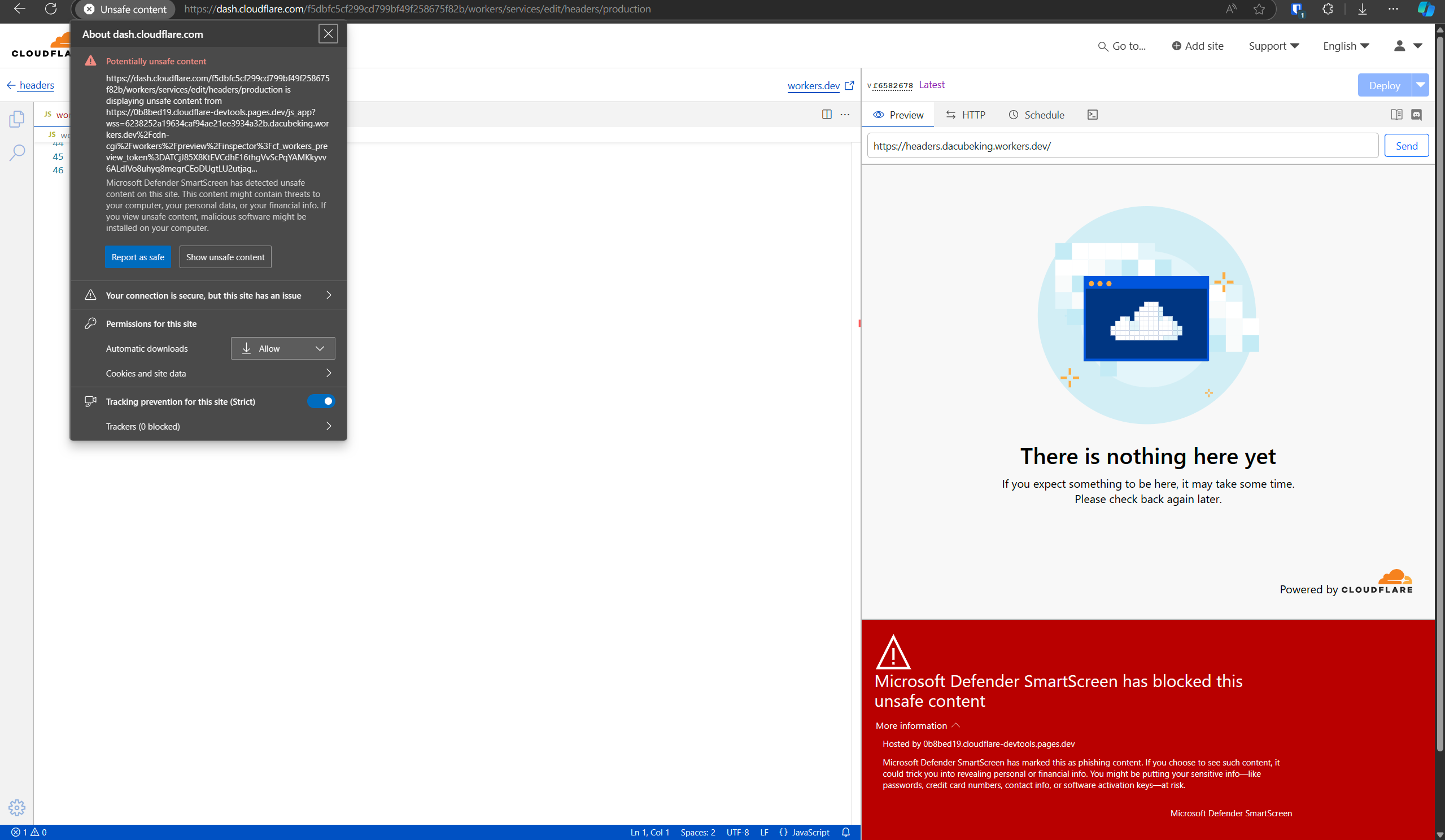
Windows Smartscreen appears to be blocking the console/debugger when you attempt to edit a worker on
Windows Smartscreen appears to be blocking the console/debugger when you attempt to edit a worker on the web!

 C
C B
B C
CAll assets on a zone can be purged by using the Purge Everything cache operation. This purge will remove all assets associated with a Cloudflare zone from cache in all data centers regardless of the method set.
CTo purge an asset globally, you must use the standard cache purge options. Based on cache API implementation, not all cache purge endpoints function for purging assets stored by the Cache API.https://developers.cloudflare.com/cache/how-to/purge-cache/
B M
M 00
00 W0
W0solved status for question in #workers-help ? M0
M0 ℭ
ℭ Aℭ
Aℭ K
K
{ fetch: Function } NN
NN M
M HHM
HHM SSSA
SSSA
 A
Awrangler dev MA
MA A
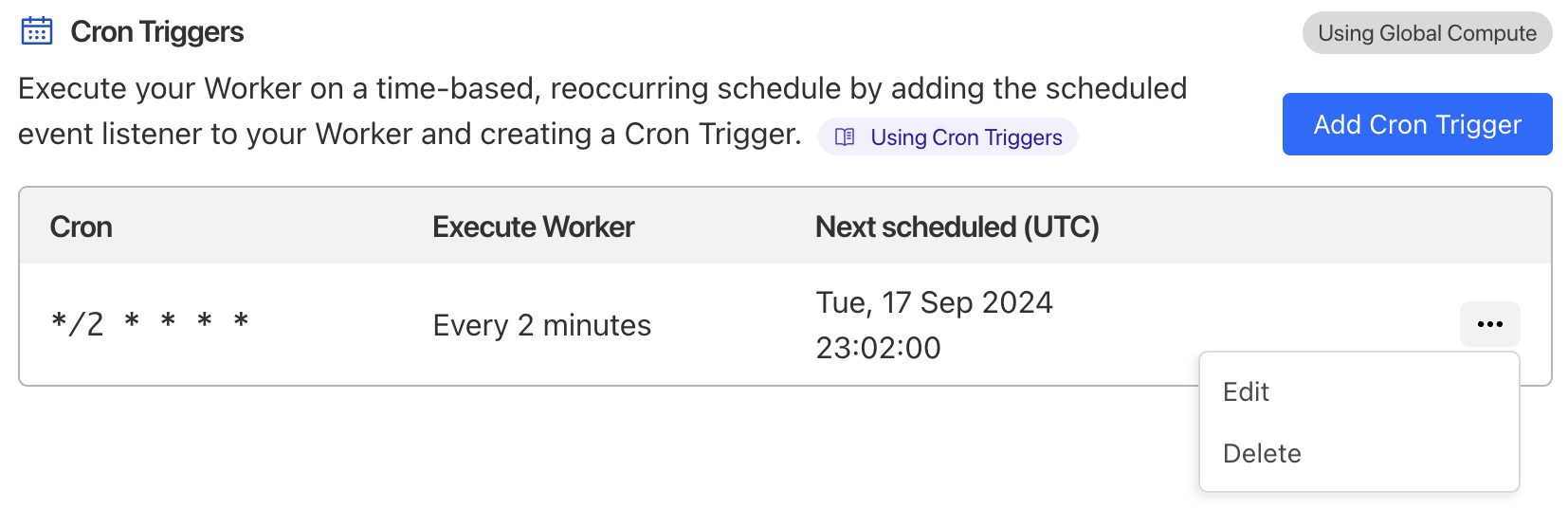
AUsers can review the execution history of their Cron Triggers in Past Cron Events under Logs ↗ WWWW
WWWW H
HcacheTtlcfPOSTCF-Cache-StatusDYNAMIC
 WWWWHAWA
addEventListener('fetch', (event) => {
event.respondWith(router.handle(event.request))
});solved





