Hey! Fyi, we have fixed the faulty tagging limit now, so please check if it looks correct for you no
Hey! Fyi, we have fixed the faulty tagging limit now, so please check if it looks correct for you now! If not, please send me your email in a DM 
 D
D D
D D
D Yes and no, Dash can replace pretty much of the functionality of PCG yes, but not all, as you drive pcg through detailed node systems, if you get really good at them, you can surely create more complex stuff with PCG. And then ofc, Dash can do a lot of stuff PCG can't, in general we try to make all parts of world building easier D
 D
D D
D A
A A
A LL
LL
 ALLLL
ALLLL L
L R
R S
S
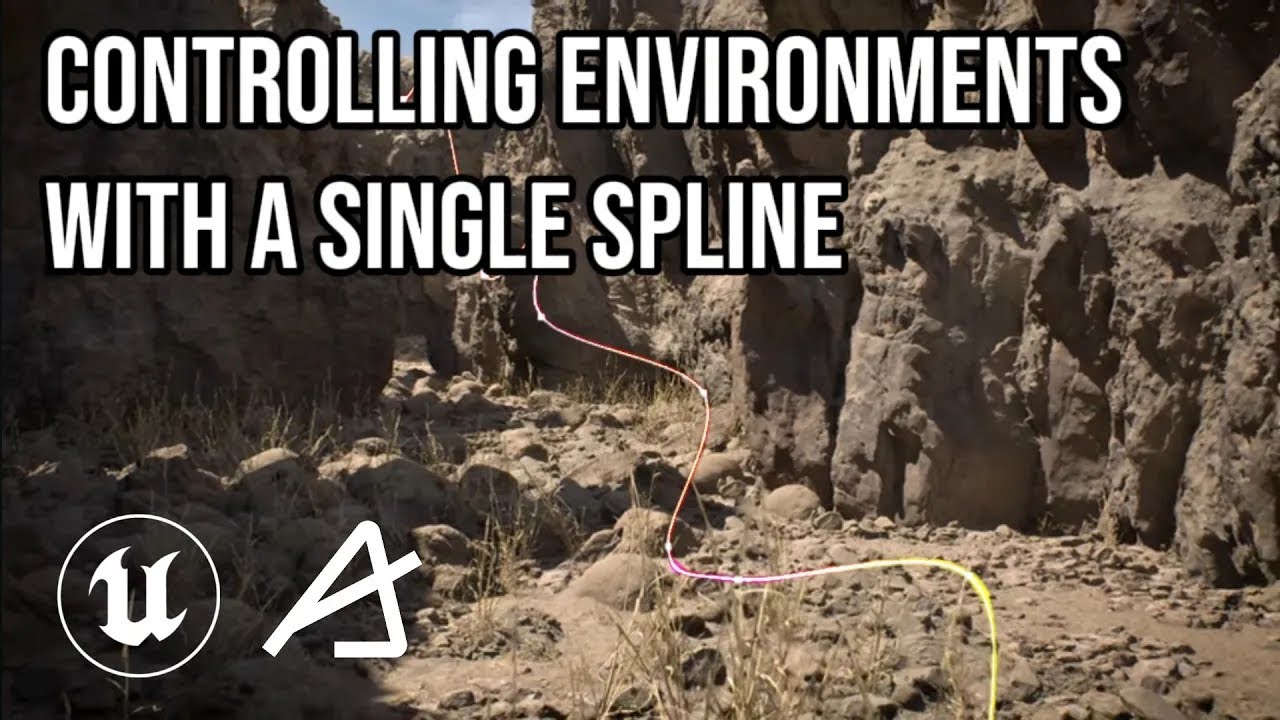
 CDDSD Then I think you can select it, go into draw curve mode and change the number of points etc if needed here is a clip showing that: https://youtu.be/6U2jbJmqs4k. If you mean the part where we shoot on the tires and they fly around and not the Dash physics, after they have been baked, you need to select them all, go to the UE details panel and select "Simulate Physics"
  S
S SS
SS SDDD @PoojaK06