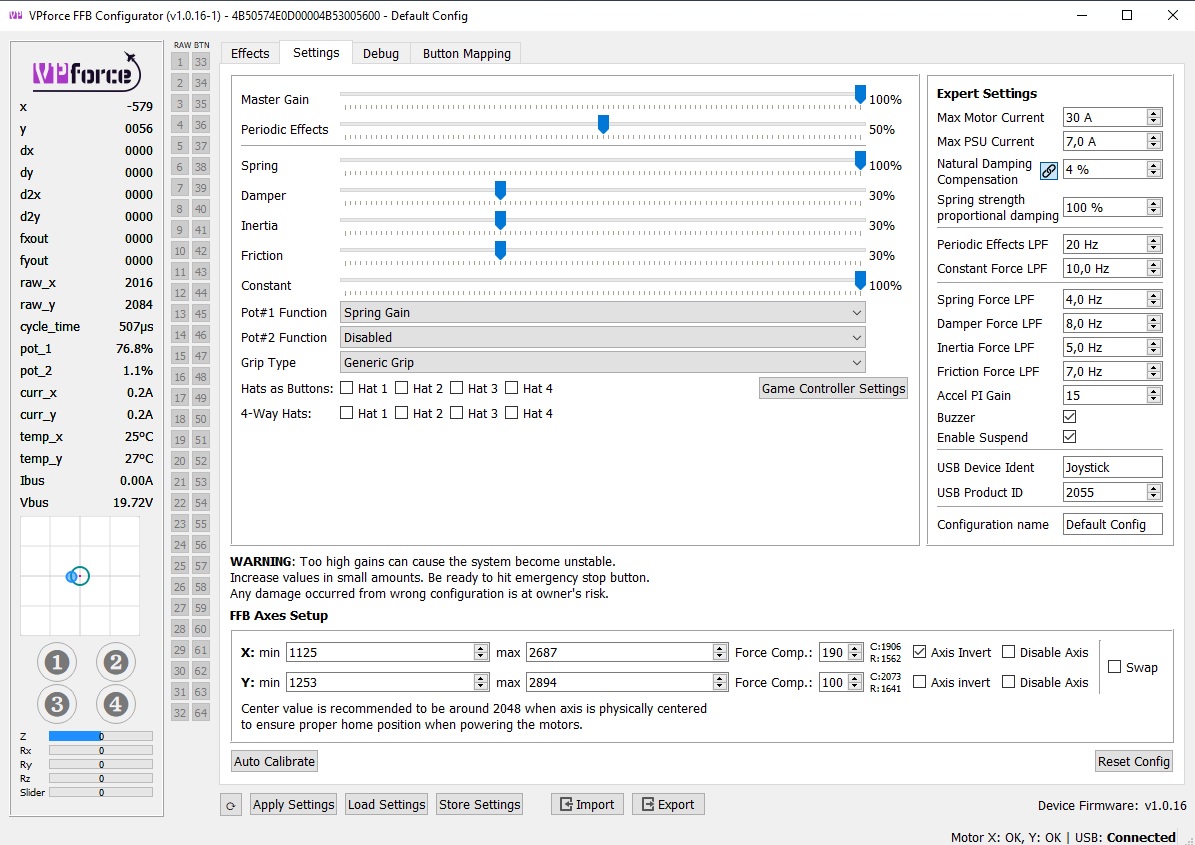
All three motors I got from Walmis had a marking on the face of the motor axis that showed the middle (~2048) position. Assumingly he put in on when calibrating the motors and putting on the firmware. But of course I don't know for sure if he does that every time.
But it isn't that important anyway. I can't make a video because I don't want to take apart my rhino (again) but it is really pretty simple. Leave the belt off, manually set the calibration values to 0-4096 for each axis apply and save. Then turn all effects except spring off. The motor will turn to the correct position on its own and due to the spring it will hold it with some force. THEN put on the belt (of course hold the stick upright for that). That will give you a center position in the proximity of 2048 (doesn't matter when it is 1999 or 2078). Then do a proper calibration. Et Voila.....
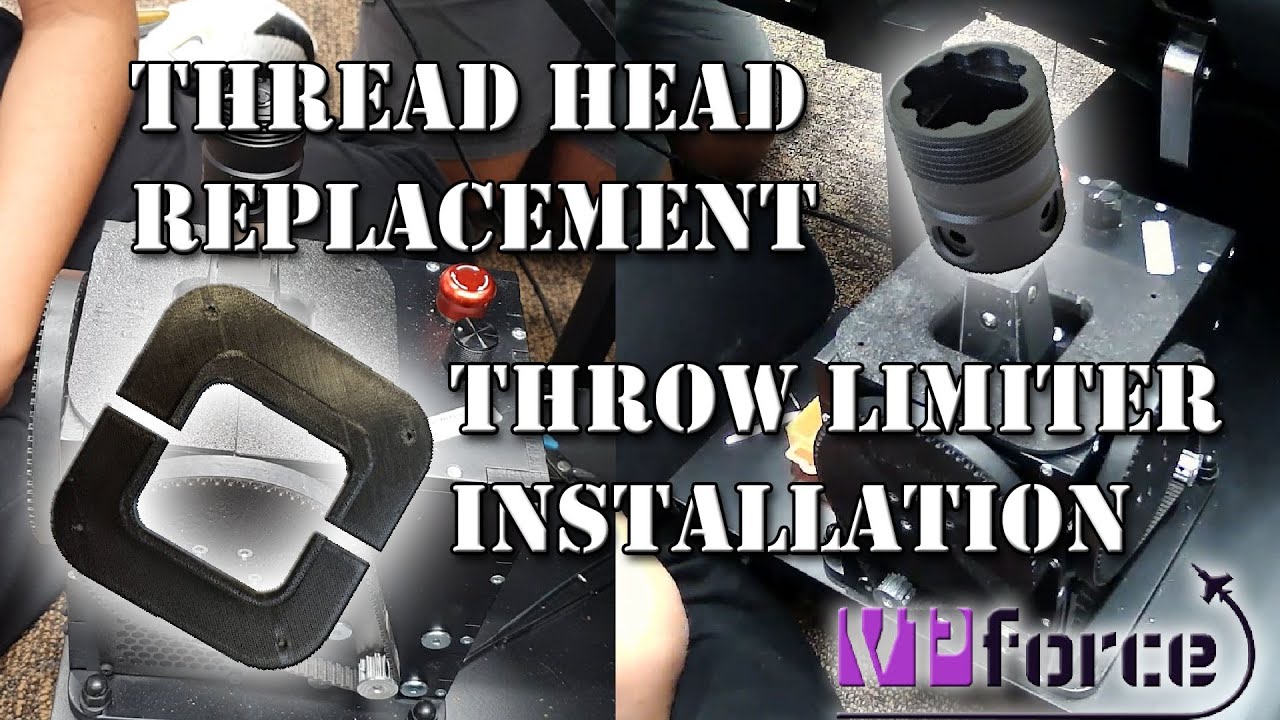
Any basic docs/videos on changing out the 3D printed Thrustmaster adapter that comes with the pre-assembled Rhino joystick for the metal version? It looks like it should be straight forward, but I couldn't find any docs and always like to verify before I start taking stuff apart!
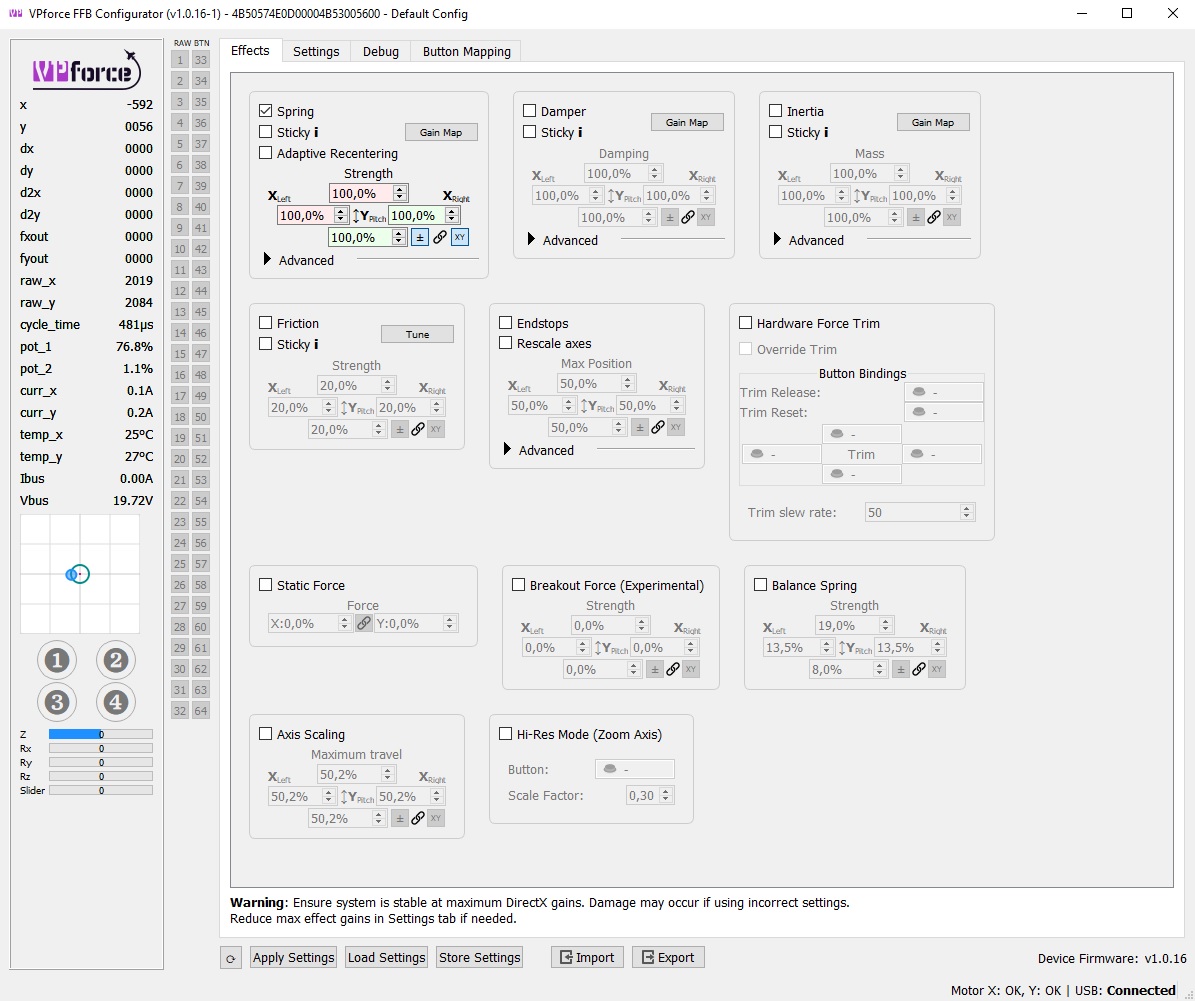
I am pretty sure since you don’t have damper, inertia, or friction checked in the effects tab, that the sliders on the settings tab do nothing. My understanding is that you take effects% * settings% to get total allowable %.
Try ticking damper box first, store settings, and see if that helps. High values for inertia and friction can cause instability (motor shutdowns) so best to feed those in slowly.
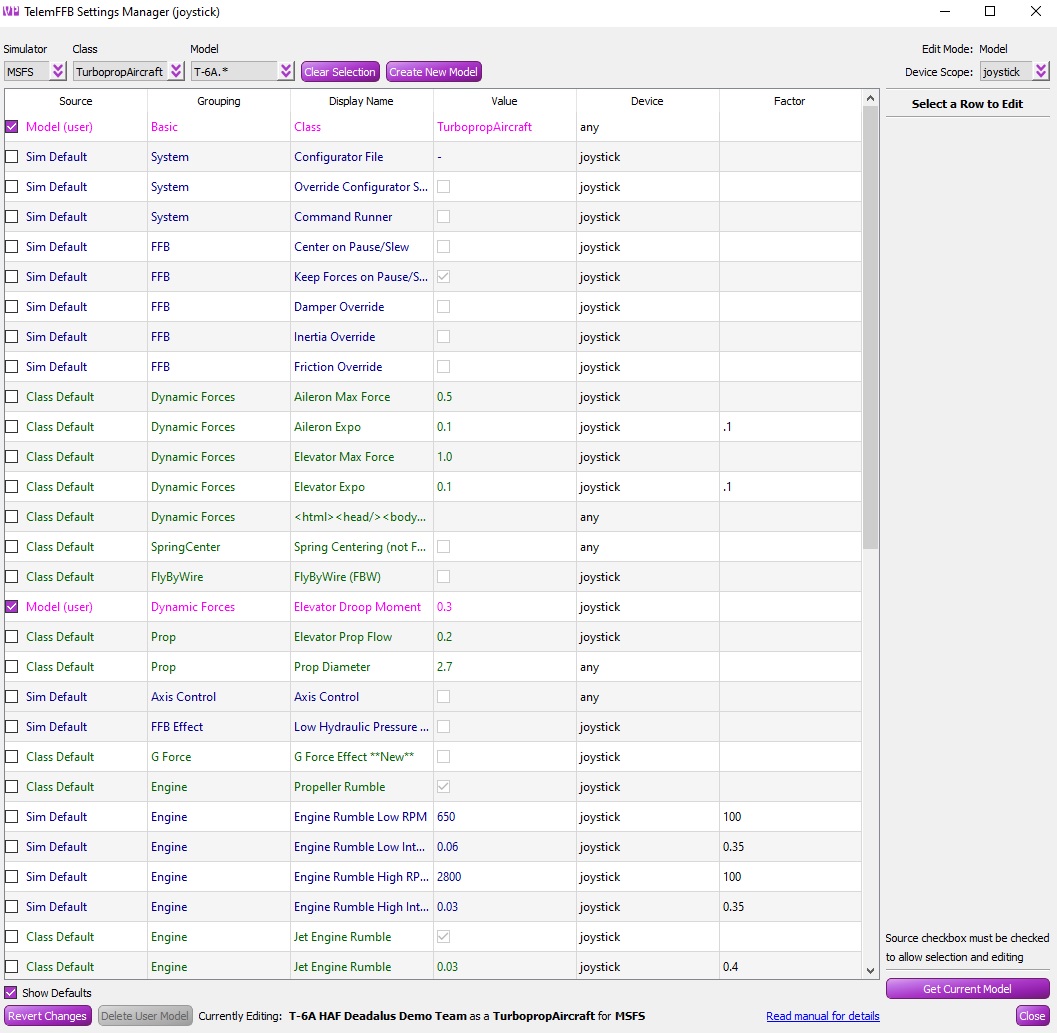
Hey guys I'm having some issues with the config for the F4. The stick's neutral postion requires a ton of nose down to maintain level flight in cruise. The trim seems to do nothing. Any ideas?
What do you mean? The trimmed stick position in level flight is forward from center - that is correct. The faster the more it needs to be trimmed forward (down).