Hello everyone. I am Dr. Furkan Gözükara. PhD Computer Engineer. SECourses is a dedicated YouTube channel for the following topics : Tech, AI, News, Science, Robotics, Singularity, ComfyUI, SwarmUI, ML, Artificial Intelligence, Humanoid Robots, Wan 2.2, FLUX, Krea, Qwen Image, VLMs, Stable Diffusion
i've had ones where for some reason it started with a really old guy with wrinkles and everything, than as it go closer to me, it slowly de-aged him, but still left remnants of the original old guy. Another time it chose another pic and started with a chubby guy, and left remanents of a bigger guy. Its all random, but i think you can get better results based on which person it starts with.
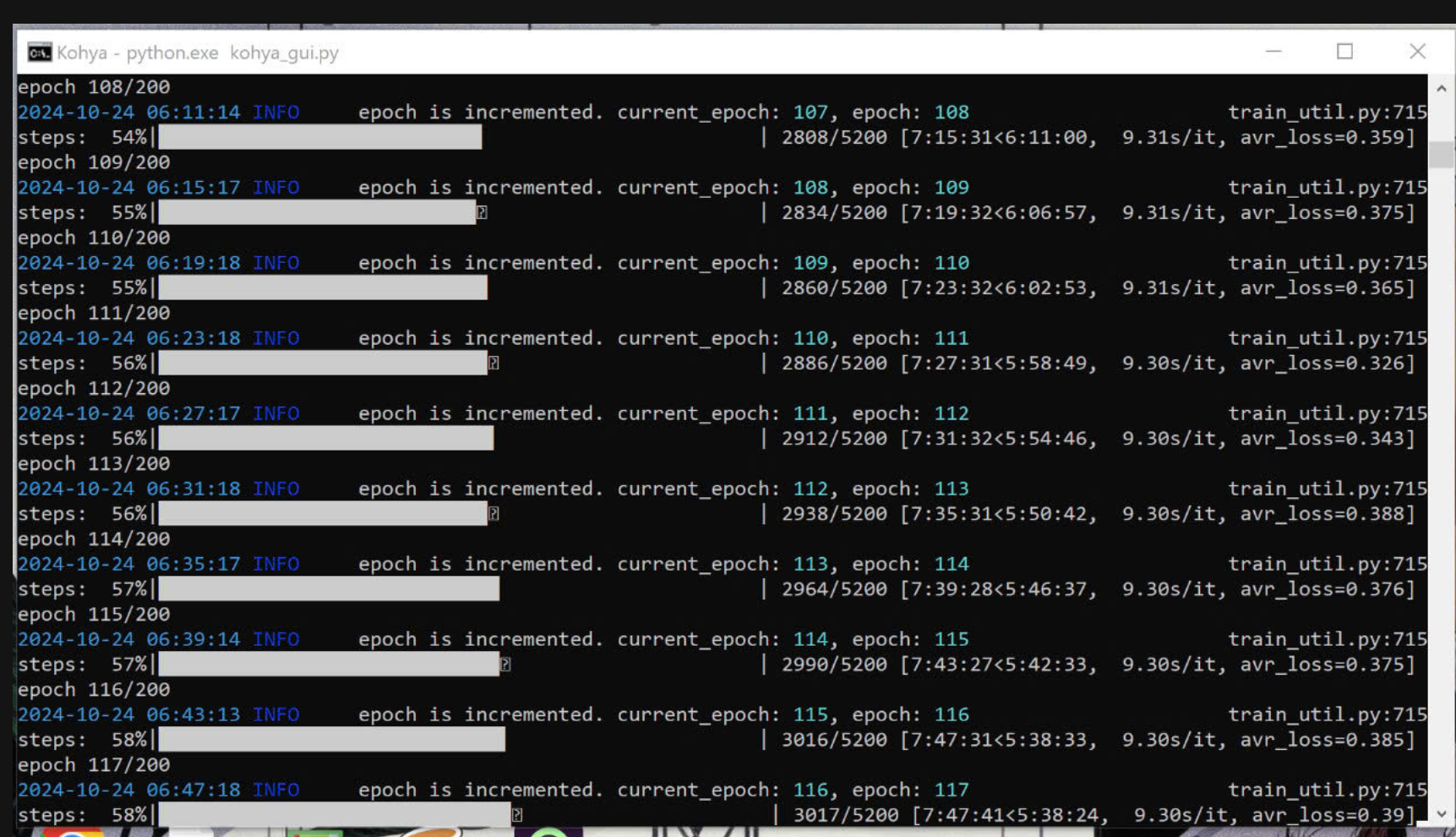
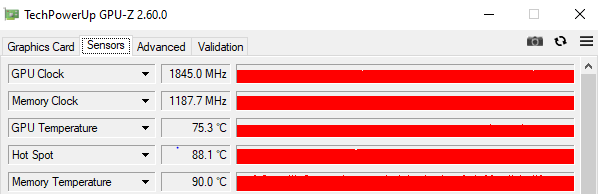
I noticed that the speed gain is in the best GPU utilization. GPU utilization is at 100% constantly. It's great, but be careful to keep your equipment well cooled. In my case the VRAM temp went up to 94 celsius after 7 hours of training.
I think i figured out the 8GB out of memory cuda problem. on torch 2.5, its 1024,1024 resolution runs out of memory, if i drop to 768,768 it works. Any ideas how to get it to run at 1024,1024?
I think its torch 2.5 it works on 2.4 - but slow. increase block swap to 36 didn't help. But that was the culprit 1024 vs 768. Must just be slightly short vram. Or have something to do with source images being PNG? is your set jpg?
so even with 5 images 1024/1024 fails, but 768/768 works with any number of images on 8GB torch 2.5 . I even changed OS to windows 11 to try to figure out.. maybe its a memory leak in torch 2.5 and older nvidia.
FYI precompiled pytorch - does not require cuda installed on windows. it comes built in.. I have completely removed VS2022 and cuda from my system during troubleshooting