Awesome! Remember to check more of the pages in the docs in case you are curious!
And don't be afraid of asking questions to the AI assistant in Dash, I am pretty sure it would have given a decent answer to this question Of course I am happy to help, but in case we are not available, the AI assistant is worth trying
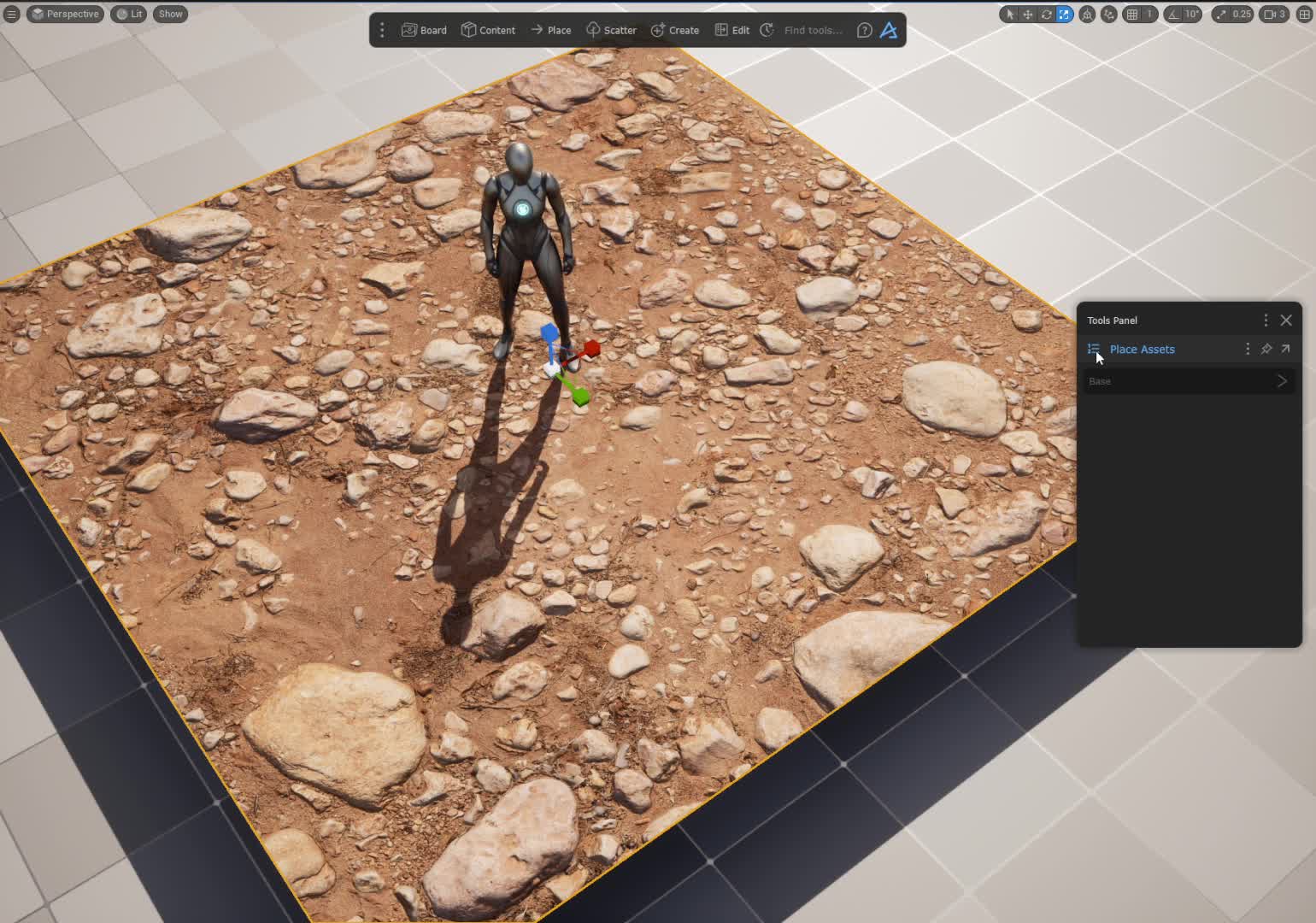
Sometimes it does not pop up by itself (not sure why), then you have to select the terrain, and then in the Tools Panel, use the icon in the top left to view all tools, and there you will also see tools linked to your suggestions, i.e. Material Edit if you have selected an asset with a Megascans or Poly Haven material. (It is only supported for Materials/assets from Megascans or Poly Haven view in the content browser)
shift select several is not possible for materials in the other folders/views as there are not functions available to use with several materials. But you should be able to select several assets though, that ain't working?
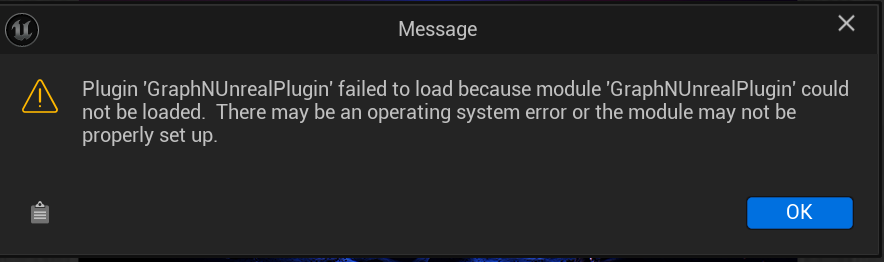
I get this error when starting Unreal 5.5. Unreal 5.4 works as expected. I've tried to uninstall and install again Dash for 5.4 and 5.5 with no success. I'm in trial mode. What can I do?
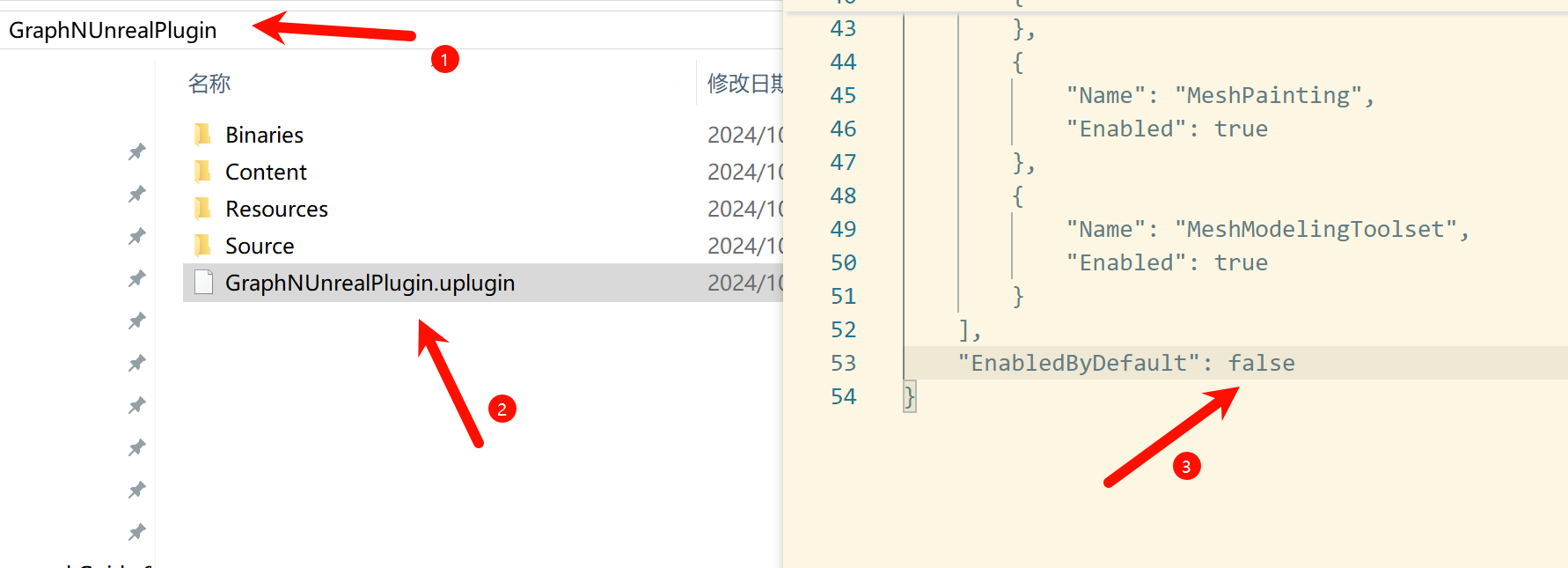
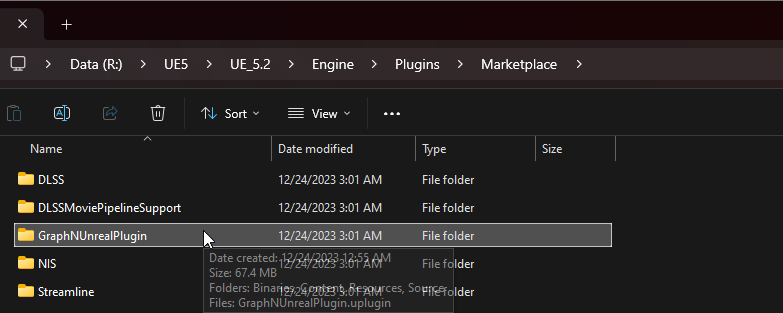
That's because of UE5.5 not being compatible with Dash, since it just got out. We're working on it fyi In the meantime, you'll have to remove Dash from UE5.5; you can do so by deleting this folder.
Yes, the color grading presets are all locally available; select the camera and you'll be able to locate them. From there, you can use them on your character's post processing component.
In one of the tutorial videos you show how to add dirt into a terrain. The UI and UX has changed enough that I can't figure out how to make that happen. Is there a short tutorial to walk you through that?
The easiest way to have dirt and other layers is through our Blend Material workflow. You can check this quick video on how to get it up and running: https://streamable.com/5bw2g5
We're also working on an extensive documentation page dedicated to materials, blending, displacement, etc... and it will be released alongside next week's update
I am trying this - dragging a bunch of materials from the content browser (polyhaven) onto the terrain but it does not give me the option to create a compound material. ALso I only ghet the option to edit the material (not the compund material) which has controls for dirt and snow, but not what I see in this video.
Hey, just subscribed for the month! I saw further up youβre adding support for megascans on FAB. Do you have a timeline for this and is there a workaround in the mean time?
Was literally going to ask this as I was trying to follow a tutorial and it's changed. Man they don't make it easy at Unreal with these frequent updates and big changes.