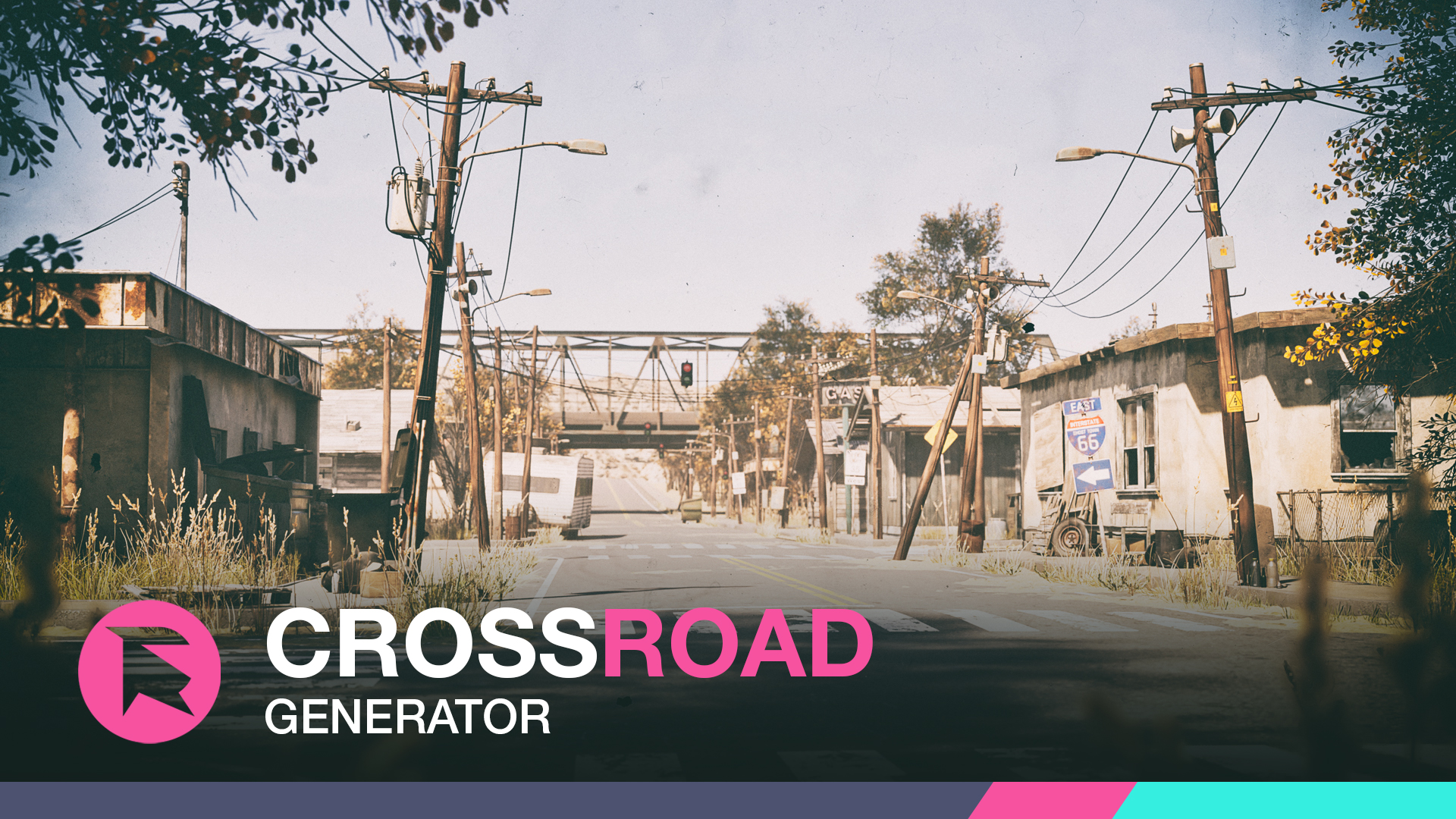
Honestly, I would say it is little too complex for the Road tool right now, no proper structure for intersections, but we have plans to dive into these things soon
You can use the road tool and path Scatter to create one or more roads with poles on the side, but hard to merge them like this
Introducing the Crossroad Generator designed for Unreal Engine 5. This tool is tailored to produce realistic and dynamic procedural road infrastructures for your game or cinematic projects. The Crossroad Generator, functioning as a blueprint-based actor in Unreal Engine, offers a range of features to enhance and accelerate your road-building pro...
I'm using the "draw vines" tool. Here 2 question: 1)I drag atlases on the scene. I add them with the "+" button to leaf meshes in the vines tool. Now some weird leaves appear (if I drag atlases on the mesh pressing ctrl with "create vines on selection" they appear ok). I'm on 1.8.5. Still have to downgrade to understand if it is related to beta version. 2) In path trace render I can see only the leaves (after enable nanite on them) but not the branches. What I need to do with them?
EDIT1: 1) yes, it is related to 1.8.5. I'll add this topic in beta section. EDIT2: 2) solved: I've used "bake mesh" just on branches
Thumbnails are not showing even tagging is completed. It is showing " downloading thumbnail". It was coming initially but after restrat all are gone. How to get back thumbnail except which how could I do the work? I'm in Unreal 5.4 version.
Hey @nolanlarsont Did you try setting the collision to Complex in Dash Physics drop menu as well? It is that setting that controls the Physics for Dash actually I hope it helps
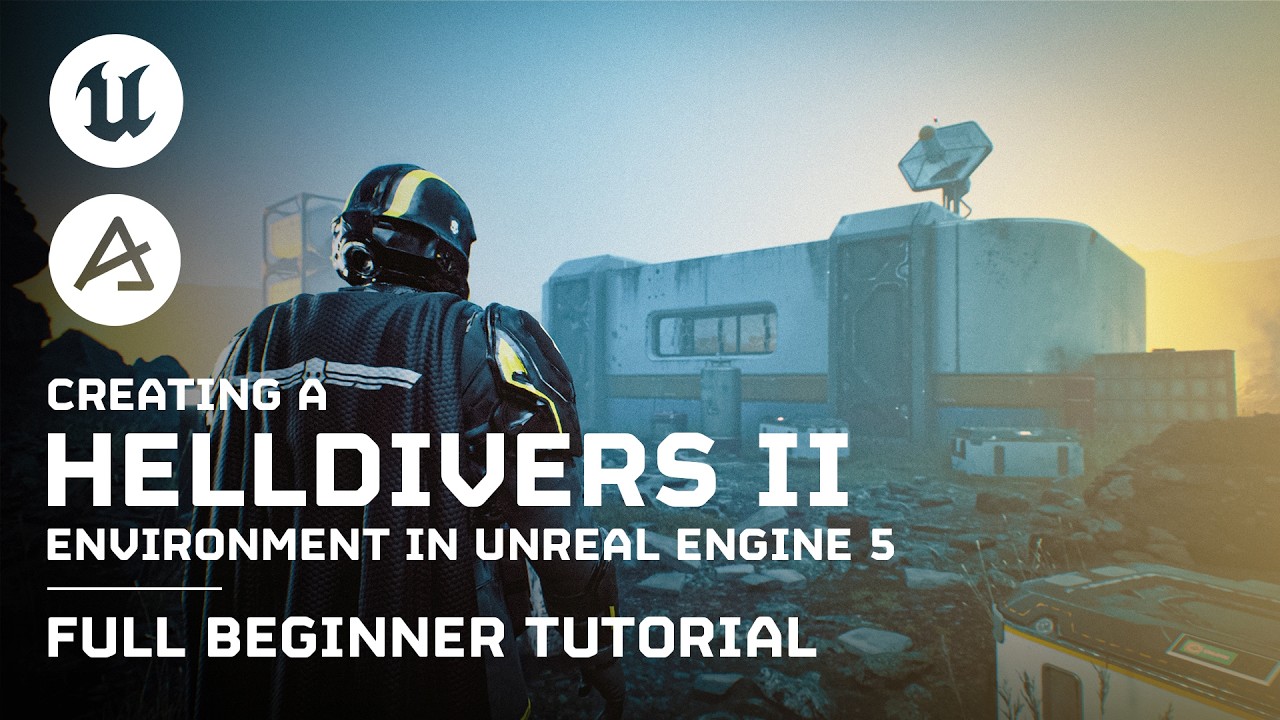
In this comprehensive 79-minute Dash tutorial, we dive deep into the entire process of creating a Helldivers 2 game environment in Unreal Engine 5. Whether you're a beginner or a seasoned UE5 user, this full guide provides detailed insights and techniques to help you master environment creation with the help of Dash.
Ah sorry for not being clear! The Collision setting is for both Physics Paint and Physics Drop. Setting it in one, "saves" it for the other as well. We will add this option directly in the Physics Paint tool as well, but not gotten around to it yet
a normal question for once! I have a path/road - can i make the landscape deform to it non destructively? and finally i saw somewhere how to recenter my landscape offset - or am i imagining things
No idea regarding a landscape, it is on our to-do list but no idea when we will get around to it. But in the Dash 1.8.5 beta, we actually shipped this feature for our own terrain tool, in case you are interested in that instead
Not super good here, but perhaps you could use Megascans and the Blend Material. It has a layer for Puddle and for Snow (and rain) which you could use to create a frozen lake, ish