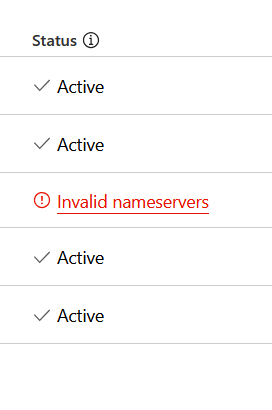
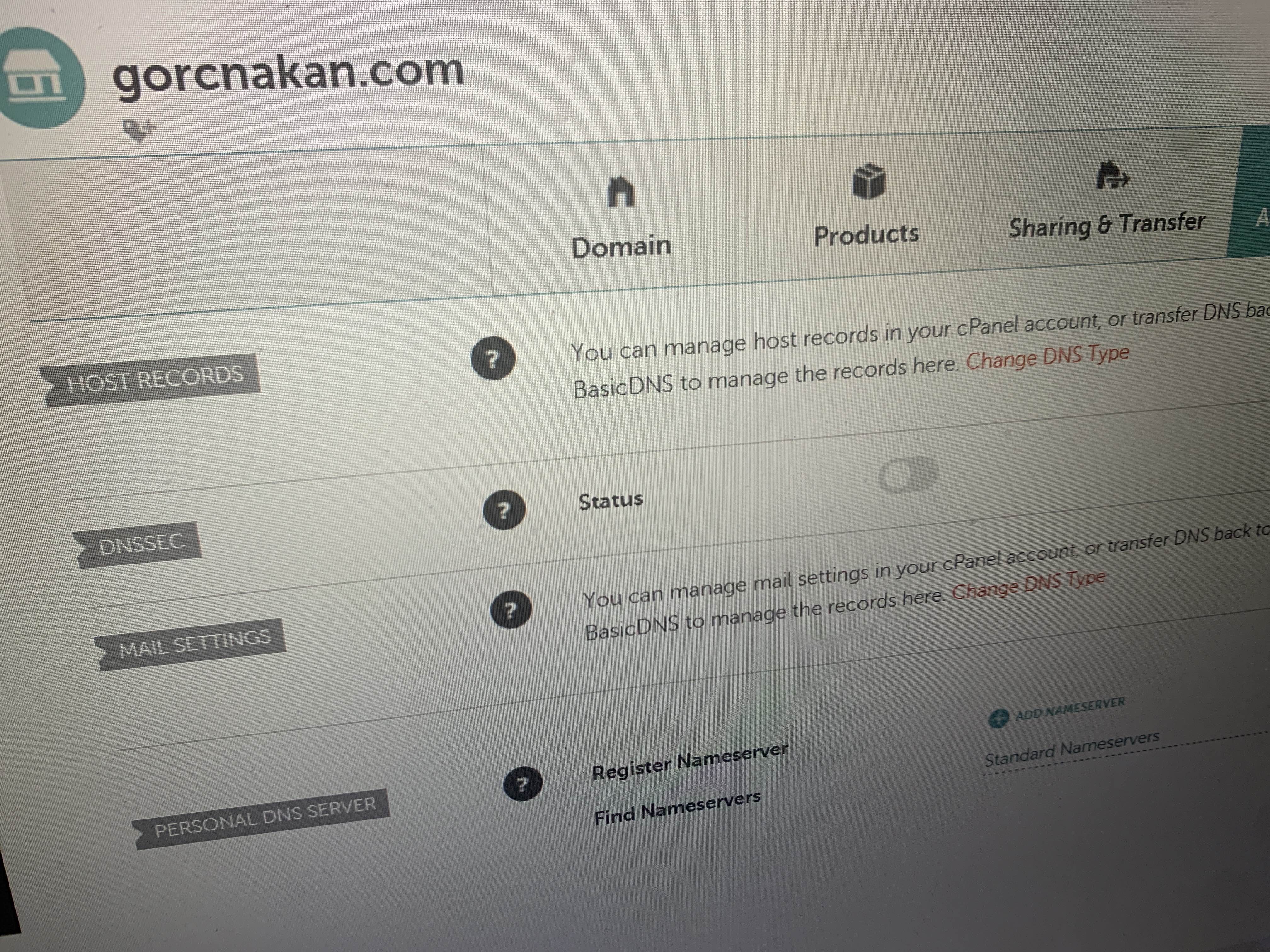
Hello everyone ! I have a question regarding transfering a domain from one cloudflare account to another cloudflare account Do I need to set up again all my DNS records, or will they be transfered automatically ?
they get cloned but first unproxy all of the entries before transferring or you'll cloudflare IPs in the DNS, but it is still possible that not all entries might get cloned
I think they’ll be transferred automatically.. plus there’s an option to export and import them to your new account if you didn’t loose access to your previous account
Yes, like if there are idk 4 topics going on in a general chat you can easily sort it out with threads and keep the focus without getting confused or missing messages
Last question haha, do you think it will update immediately if I transfer the domain name to another cloudflare account and is I import everything within few minutes
I don't think there will be a down time but it'll take time to update... since it's just transfer within Cloudflare and the old dns records won't be deleted... but most probably you'll get your things up and running within an hour
Cache-tag purging makes multi-file purging easier because you can instantly bulk purge by adding cache-tags to your assets, such as webpages, image files, and more. Note that Tag, Hostname and Prefix purges are only available for Enterprise customers.
Excuse me, but could you help me ban the financial pyramid, it works on your service, and none of our bug hunters can do anything. Or please tell me where I can go.
If you feel that a site is engaging in illegal or inappropriate activities, you can submit an abuse report at https://abuse.cloudflare.com/. The Trust and Safety team will review the details and reply if appropriate. You can also report the site to your relevant local authorities. Reports cannot be filed via Discord or with individual employees or Champs.
and what T&S does with it depends on the circumstances. they don't just forward all reports upstream. but you shouldn't expect to ever find out what they did, customers have privacy too
Subject: Request to Resolve CAPTCHA Verification Issue
Dear Cloudflare Support Team,
I am experiencing an issue where the "I'm not a Robot" CAPTCHA verification remains pending on my laptop, despite working fine on my mobile. I have tested this across multiple browsers and cleared cache and cookies, but the problem persists. My internet provider is Sign In (Pvt.) Ltd. in Lahore, and my current IP is 182.185.155.121.
Could you please investigate if there are any restrictions or rate limits on my IP or provide guidance on resolving this issue?
If you're having trouble passing Cloudflare Turnstile or Managed Challenges, you can try taking the following steps: 1. Check your browser and use a different one if necessary. Cloudflare challenges support the latest versions of popular browsers but some forks (such as Pale Moon) are not supported. See this link for more info: https://developers.cloudflare.com/fundamentals/get-started/concepts/cloudflare-challenges/#supported-browsers 2. Disable your browser extensions. Sometimes browser extensions can cause Cloudflare challenges to block your browser. 3. Scan your computer for malware (for example, using a free tool such as Malwarebytes). Sometimes malware can cause Cloudflare challenges to detect your computer as malicious and block it.