
probably before, but might have been the same time. i don't remember exactly what order theyre writt
probably before, but might have been the same time. i don't remember exactly what order theyre written, but i can look if important
 II
II AAA
AAA A
A CAAAAA
 T
T TT
TT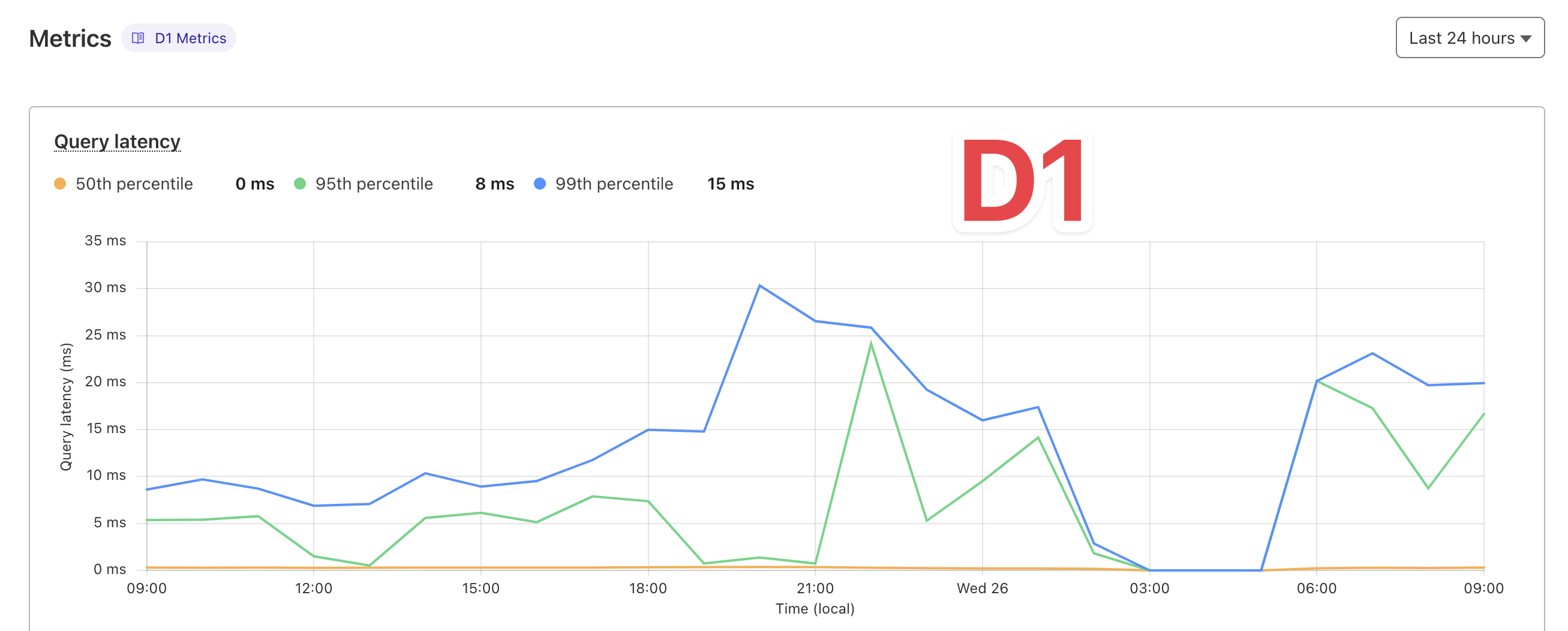
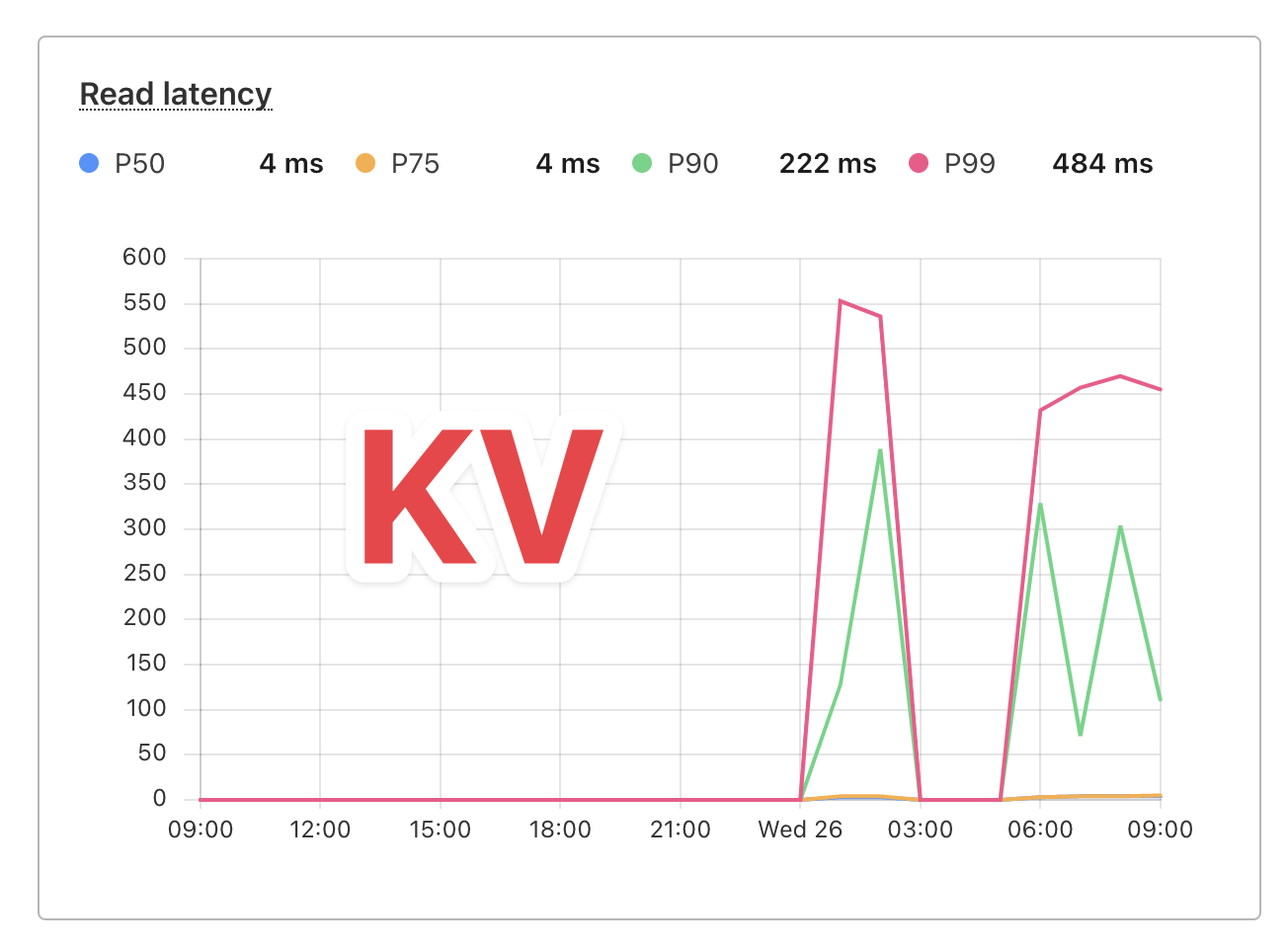 T
T C
CRead status to show this many Not Found results?Depends entirely on how you're calling KV. If you're using it to serve static assets and people are requesting non-existent paths, not too surprising. If you have a manifest or something in front, making it so every KV get request should always exist, could be a bug in your code.
T

 SIISS
SIISS OI
OIputjson.Stringify_previewnpx wrangler dev —remotenpx wrangler dev --remotenpx wrangler devnpx wrangler dev --remote M
M P
P R
R M
M SS
SSlist(customerId)getget(customerId-index) ISIS
ISIS secondaryStorage: {
get: async (key) => {
return await c.env.authKV.get(key);
},
set: async (key, value, ttl) => {
await c.env.authKV.put(key, value, { expirationTtl: ttl });
},
delete: async (key) => {
await c.env.authKV.delete(key);
},
},


