
but this is definitely a really awkward aspect of developing with workers
but this is definitely a really awkward aspect of developing with workers
 D
D J
J V
Vwrangler devyarn preview script, here's how it's defined in package.jsonVV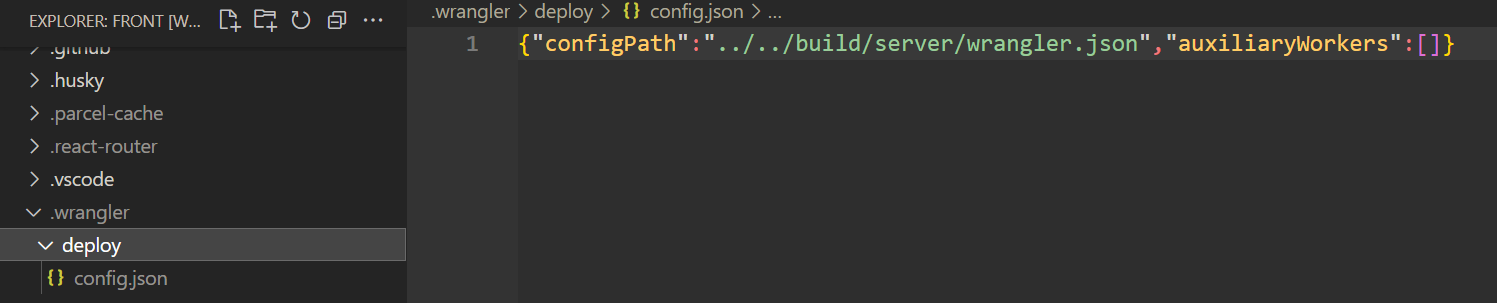
 T
T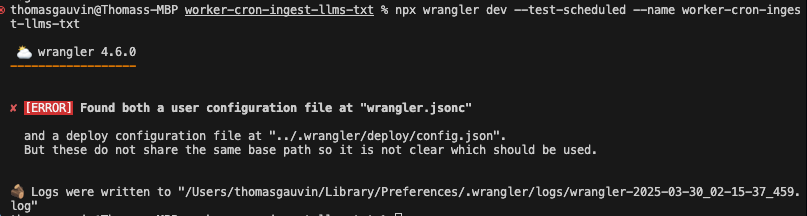
 M
M--config TM
TM A
A any idea how to get this to work again?A
pnpm wrangler whoami has the same problem no redirect uri set  A
ATCP6:[::1]:8976 but now without a redirect url the whole thing breaks down M
M T
Twrangler dev --remotewrangler dev --remotewrangler dev --local works alright for DO. M
Mnpm create cloudflare@latest -- --type openapiMEnv interface is not recognized in other parts of the code... J
J MJM
MJM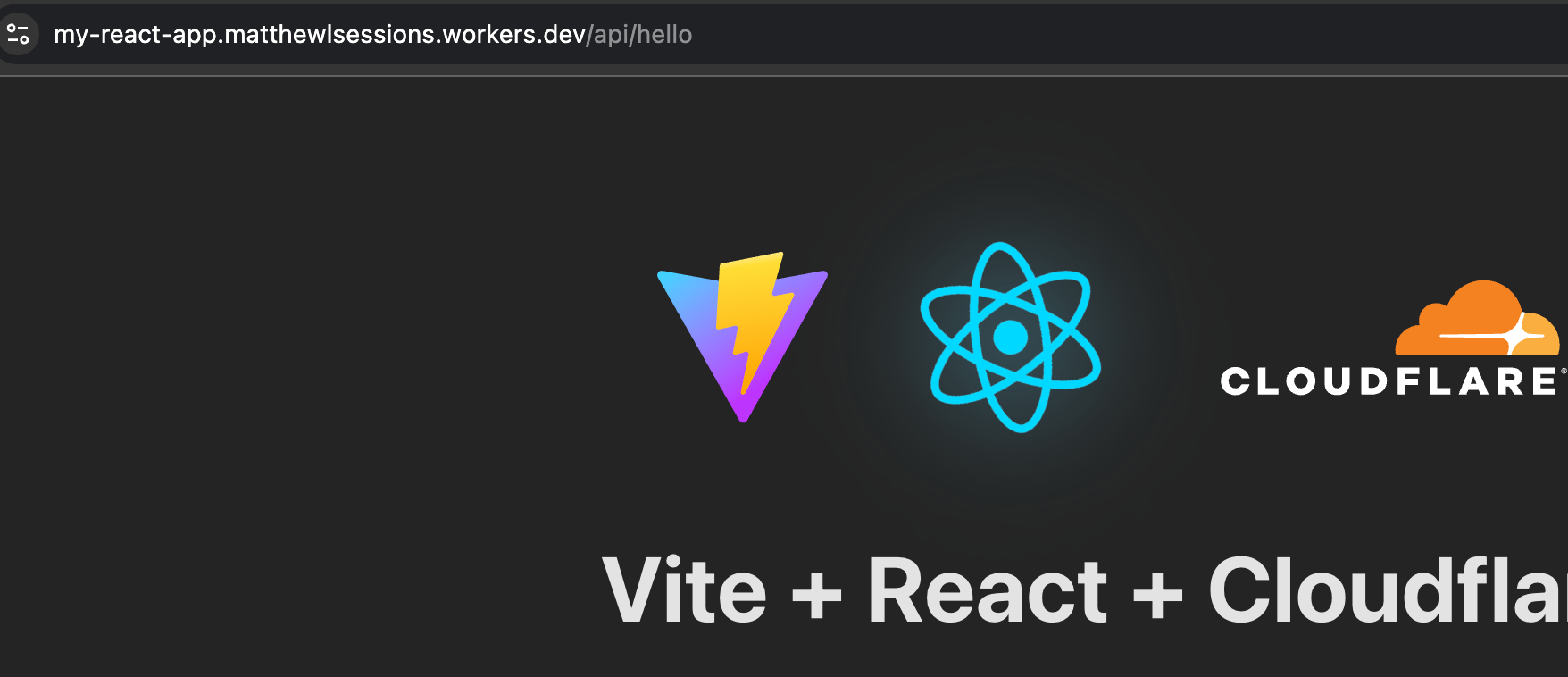 MM
MMupdate for SPA mode was intended to do, but the worker code is not being invoked at all.J J
J.newUniqueId to generate cookie values, then using .idFromString to read them, this fails when my worker is reloaded. (this would be done specifying uniqueKey in workerd, i think: https://github.com/cloudflare/workerd/blob/main/src/workerd/server/workerd.capnp#L554) SMS
SMS"not_found_handling": "single-page-application"MJassets_navigation_prefers_asset_serving compat flag that was enabled by default on April 1st. Now, if requests include the Sec-Fetch-Mode: navigate header, which happens on page navigation, and in SPA mode, the index.html404.html is served, instead of the Worker being invoked. await (await fetch('/api/hello')).json(), you'll see the expected response, and the Worker get invoked.JJassets_navigation_has_no_effect to your compatibility_flagsS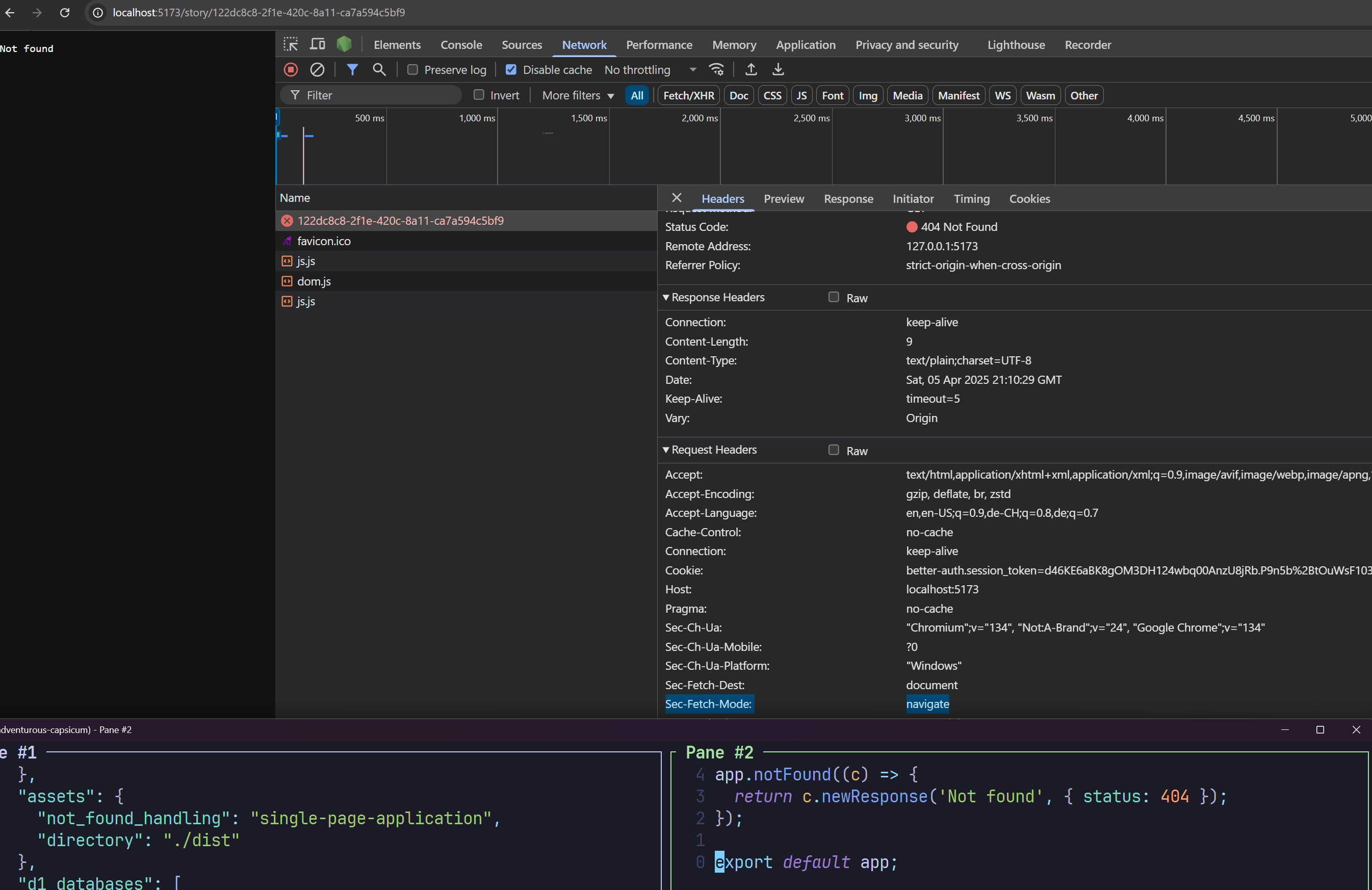 JSJ
JSJ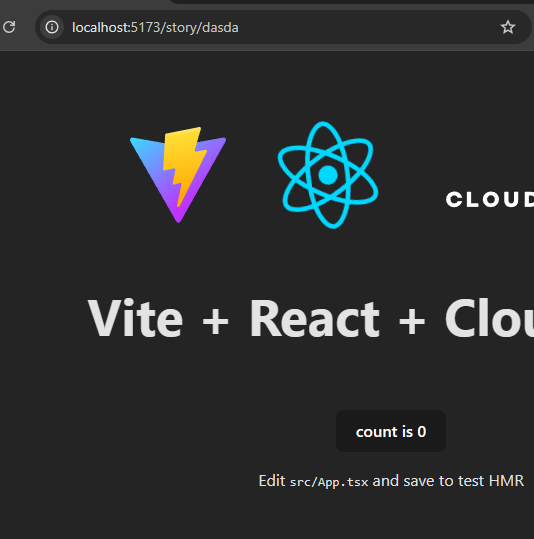 SSJJ
SSJJfetchreturn new Response(null, { status: 404 });JJSJJJassets_navigation_prefers_asset_serving behaviour G
Gassets_navigation_has_no_effect flag if you wish to opt out. For most people though, we expect this change to be a welcome one. In traditional SPA setups, this will reduce the number of billable requests that you see in your application, without affecting functionality.There is a deploy configuration at ".wrangler/deploy/config.json".
But the redirected configuration path it points to, "build/server/wrangler.json", does not exist.compatibility_date = "2025-02-10"
compatibility_flags = ["nodejs_compat"]
assets = { directory = "./build/client" }
main = './src/entry.worker.ts'yarn preview "preview": "yarn build && wrangler dev",
"build": "react-router build",pnpm wrangler whoamiTCP6:[::1]:8976wrangler dev --localnpm create cloudflare@latest -- --type openapiEnvUsing redirected Wrangler configuration.
- Configuration being used: "dist/my_react_app/wrangler.json"
- Original user's configuration: "wrangler.jsonc"
- Deploy configuration file: ".wrangler/deploy/config.json"update for SPA mode.newUniqueId.idFromString"not_found_handling": "single-page-application"assets_navigation_prefers_asset_servingassets_navigation_prefers_asset_servingSec-Fetch-Mode: navigate404.htmlawait (await fetch('/api/hello')).json()assets_navigation_has_no_effectassets_navigation_has_no_effectcompatibility_flagsYou can configure and override this default routing behaviour. For example, if you have a Single Page Application and want to serve index.html for all unmatched routes, you can set not_found_handling = "single-page-application":app.use('*',...)return new Response(null, { status: 404 });


