
You could make an API request to get more into about the video's metadata perhaps?
You could make an API request to get more into about the video's metadata perhaps?
 C
CAll (100% of) uploads failed during the primary incident window. Successful Stream video segment delivery dropped to 94%. Viewers may have seen video stalls every minute or so, although actual impact would have varied.
 1C
1C G11GG1
 J
J J
J GJ1
GJ1liveInput field, with the value being the ID of the live input. When a stream is started, and a webhook is sent, that webhook will contain the video ID, which you can use to start some other process O
O BB1
BB1 KKBL
KKBL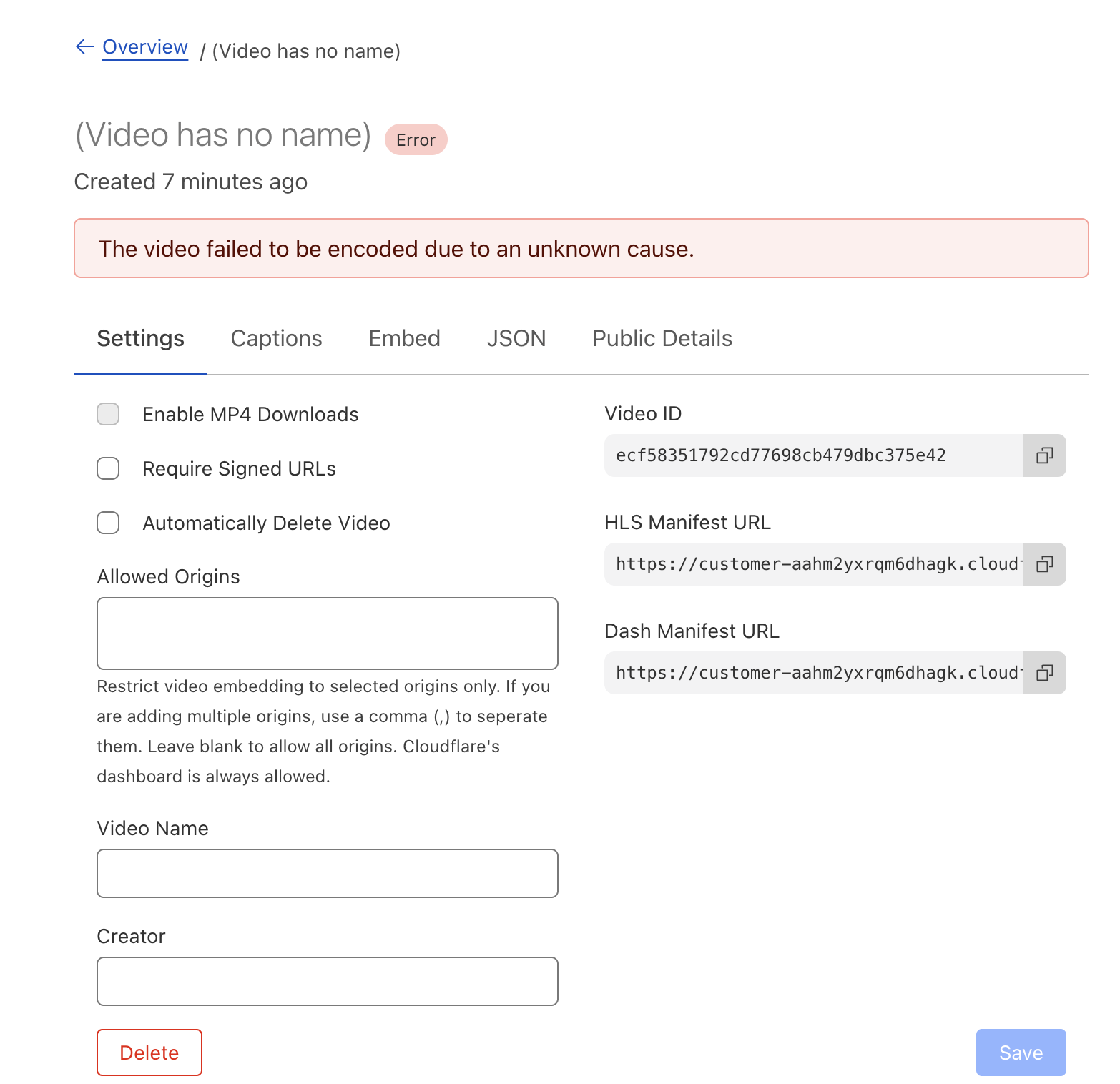
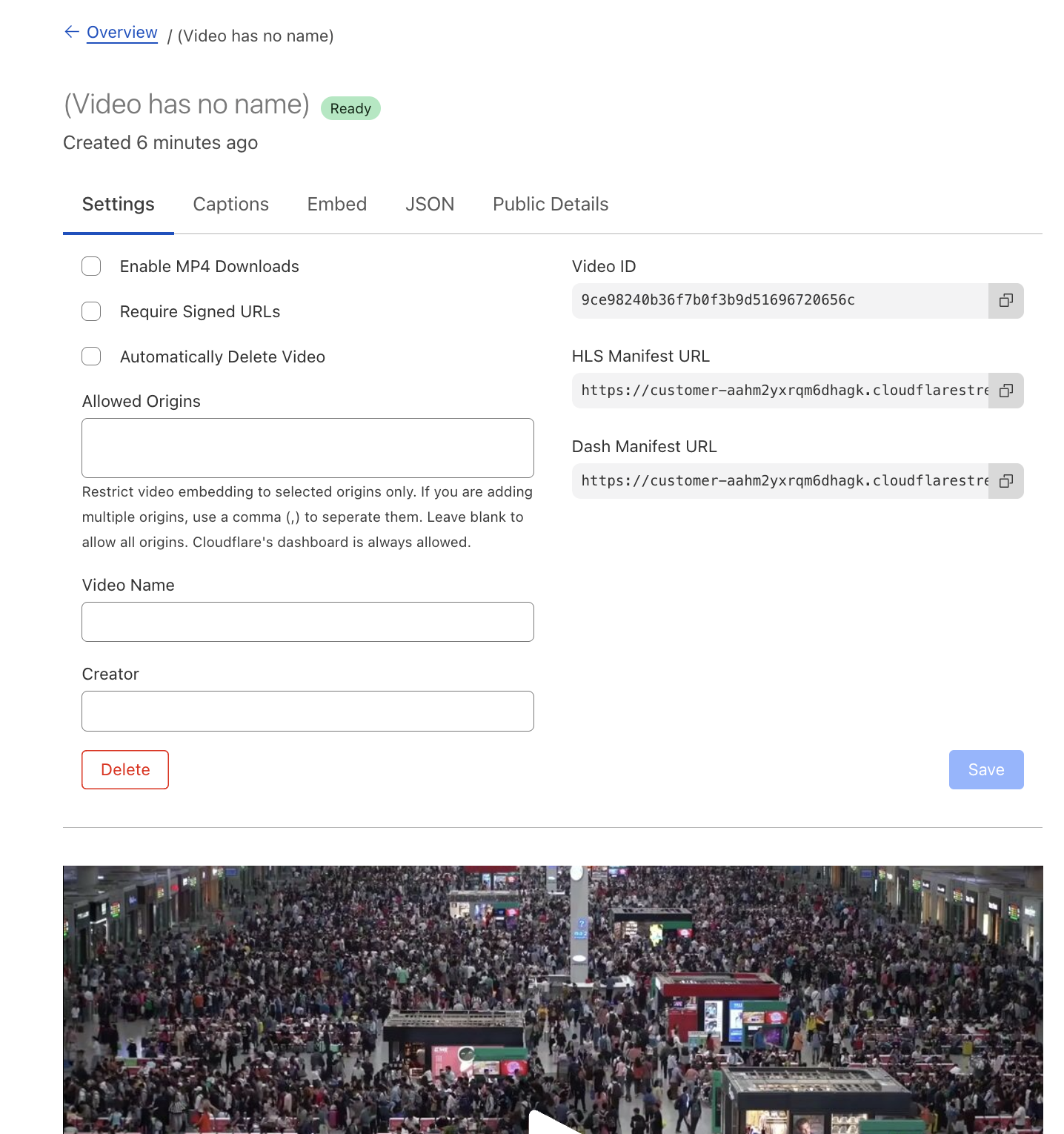
 PL11
PL11 B1
B1 C
C<iframe
src="https://customer-<CODE>.cloudflarestream.com/<VIDEO_UID>/iframe"
style="border: none"
height="720"
width="1280"
allow="accelerometer; gyroscope; autoplay; encrypted-media; picture-in-picture;"
allowfullscreen="true"
id={{ video_id }}
></iframe>
<script src="https://embed.cloudflarestream.com/embed/sdk.latest.js"></script>
<script>
function handleSeen(video_id) {
const player = Stream(document.getElementById(video_id));
player.play().catch(() => {
console.log('playback failed, muting to try again');
player.muted = true;
player.play();
});
}
</script>C1 FJJ11F1F1F1
Pending Upload stage, we have many users who upload to our account and it would be super helpful to get upload percentage on our end1Hrtmps://live.cloudflare.com:443/live/rtmps://live.pyxsy.io/live/ MM
MM HH
HHliveInput<iframe
src="https://customer-<CODE>.cloudflarestream.com/<VIDEO_UID>/iframe"
style="border: none"
height="720"
width="1280"
allow="accelerometer; gyroscope; autoplay; encrypted-media; picture-in-picture;"
allowfullscreen="true"
id={{ video_id }}
></iframe>
<script src="https://embed.cloudflarestream.com/embed/sdk.latest.js"></script>
<script>
function handleSeen(video_id) {
const player = Stream(document.getElementById(video_id));
player.play().catch(() => {
console.log('playback failed, muting to try again');
player.muted = true;
player.play();
});
}
</script>Pending Uploadrtmps://live.cloudflare.com:443/live/rtmps://live.pyxsy.io/live/


