Hello again 👋 - Here with a general update on some common snags people are seeing/have seen: 1. *
Hello again 
- Here with a general update on some common snags people are seeing/have seen:
- Cold Starts being slow - We've got a PR up to bring cold starts lower (2-3 seconds for small web servers). This was a result of CPU restrictions on the smaller instances (IE
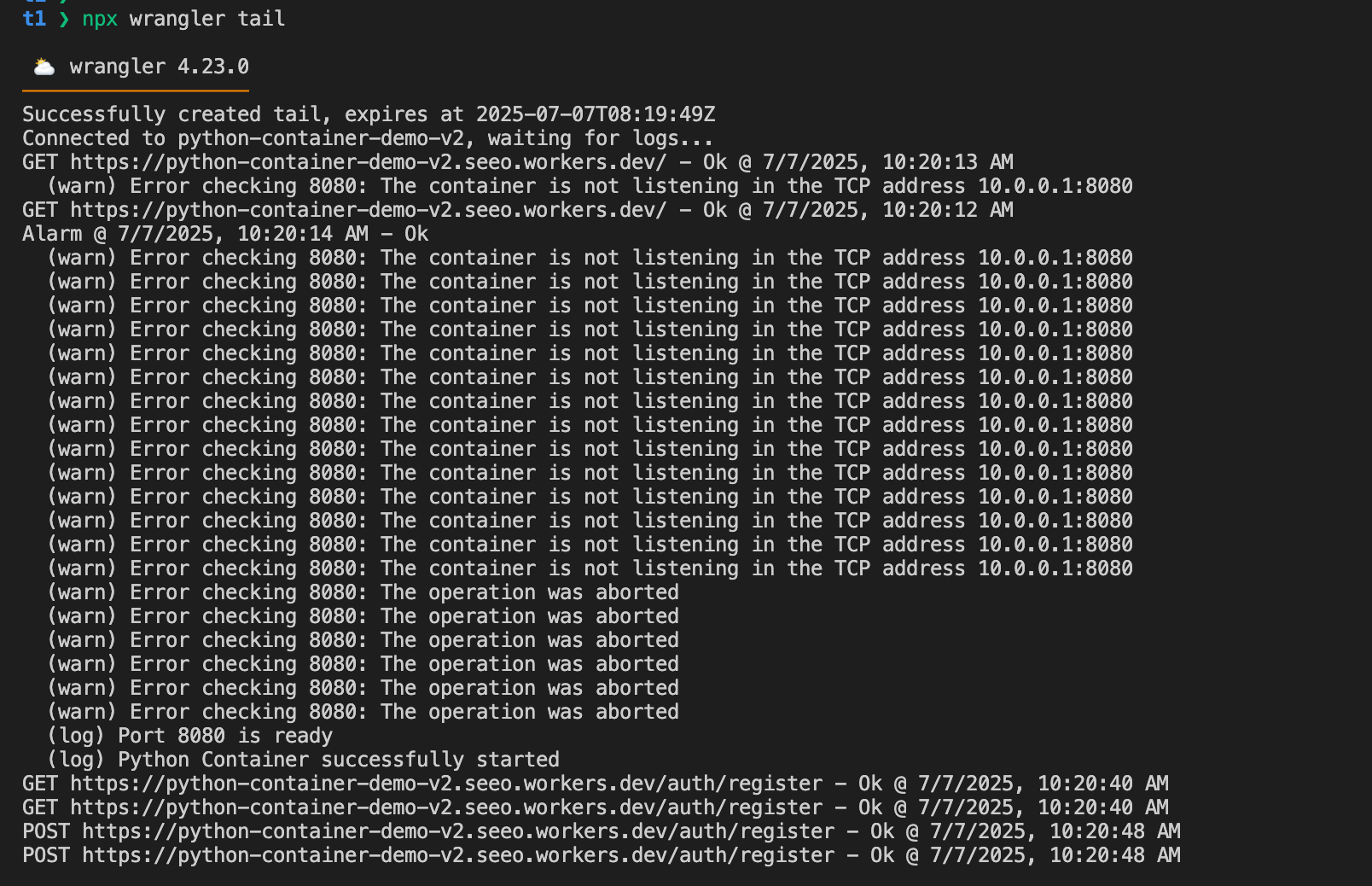
devthe default). Our solution is to allow you to use a lot of CPU in the initial boot of your container regardless of instance size, and cold starts will be faster. (note that long-term we're exploring ways to get sub-second). -> PR up now for review. Rollout likely starting at end of this week, and fully live early next week. - OOMs on boot - Some Rails and Python apps were OOMing on boot on
devinstances. We have a PR up to grant more memory to all instance types so your app (excluding the VM) gets the full memory allotment. Like the one above, rollout likely starting at end of this week, but takes a couple business days to finish, so fully live early next week. (I'd use a
instant_type as a temporary fix)basic there is no container instance that can be provided to this durable object- This might happen for several reasons. (2 and 3 above for instance). - A likely reason is that
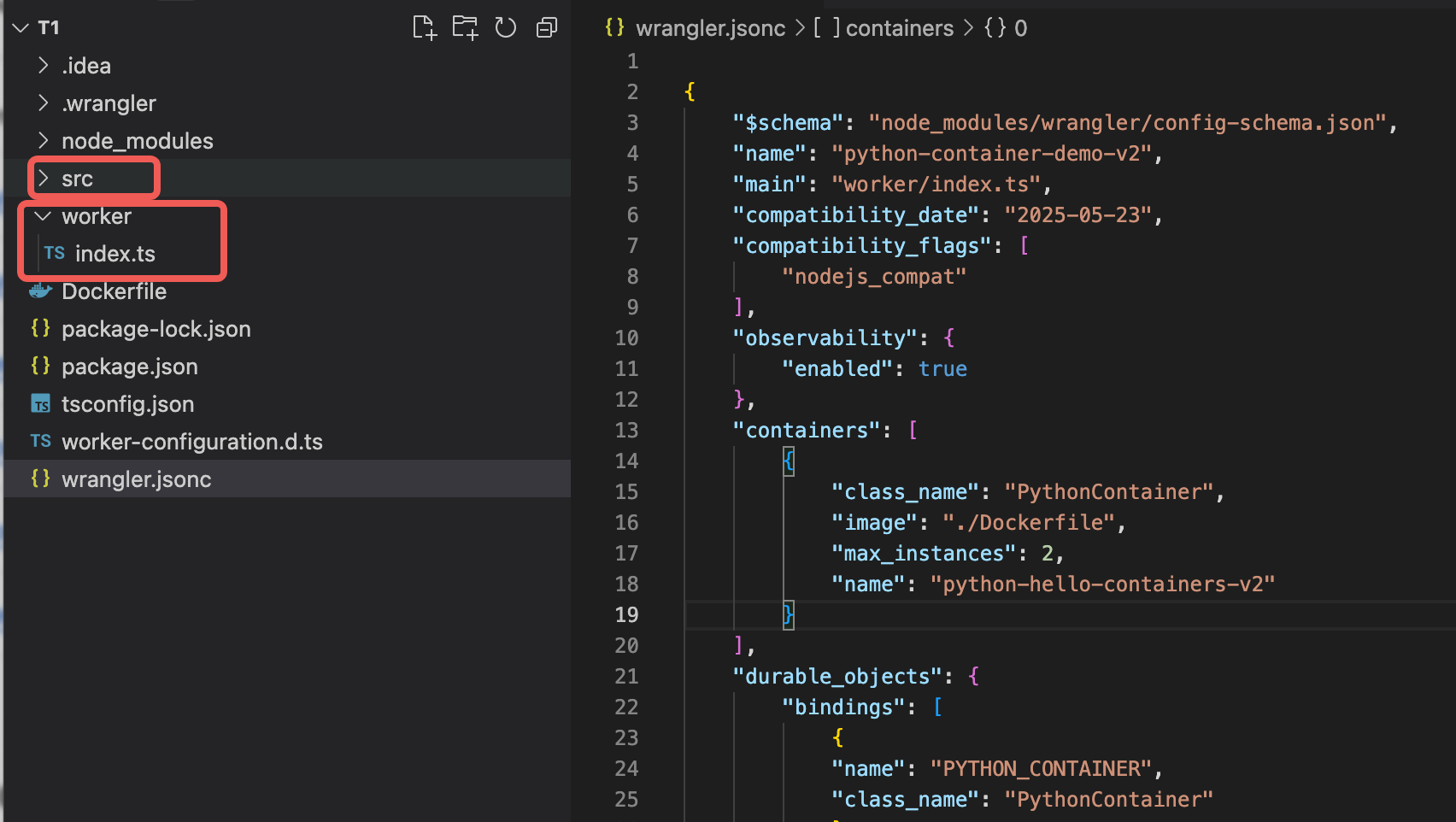
max_instanceswas not set in wrangler config, and we accidentally had it default to 0 . So if you're seeing this, I'd make sure
 max_instancesis set. You also might see this if you immediately request a container after first deploy. If so, you should just wait. - In any case, we need to surface better logs here and in the UI. And a new
will change the default here soon.wrangler
- This might happen for several reasons. (2 and 3 above for instance). - A likely reason is that