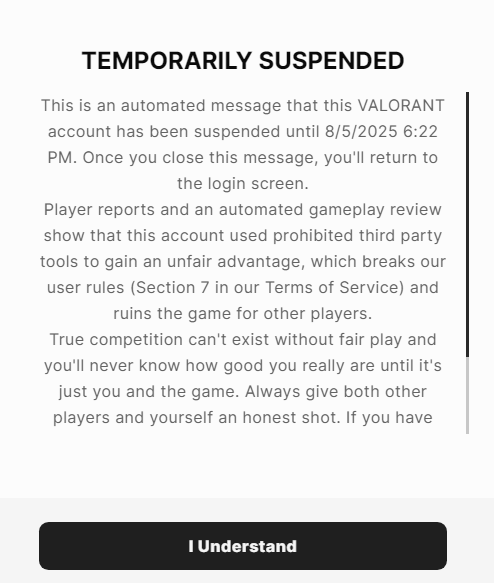
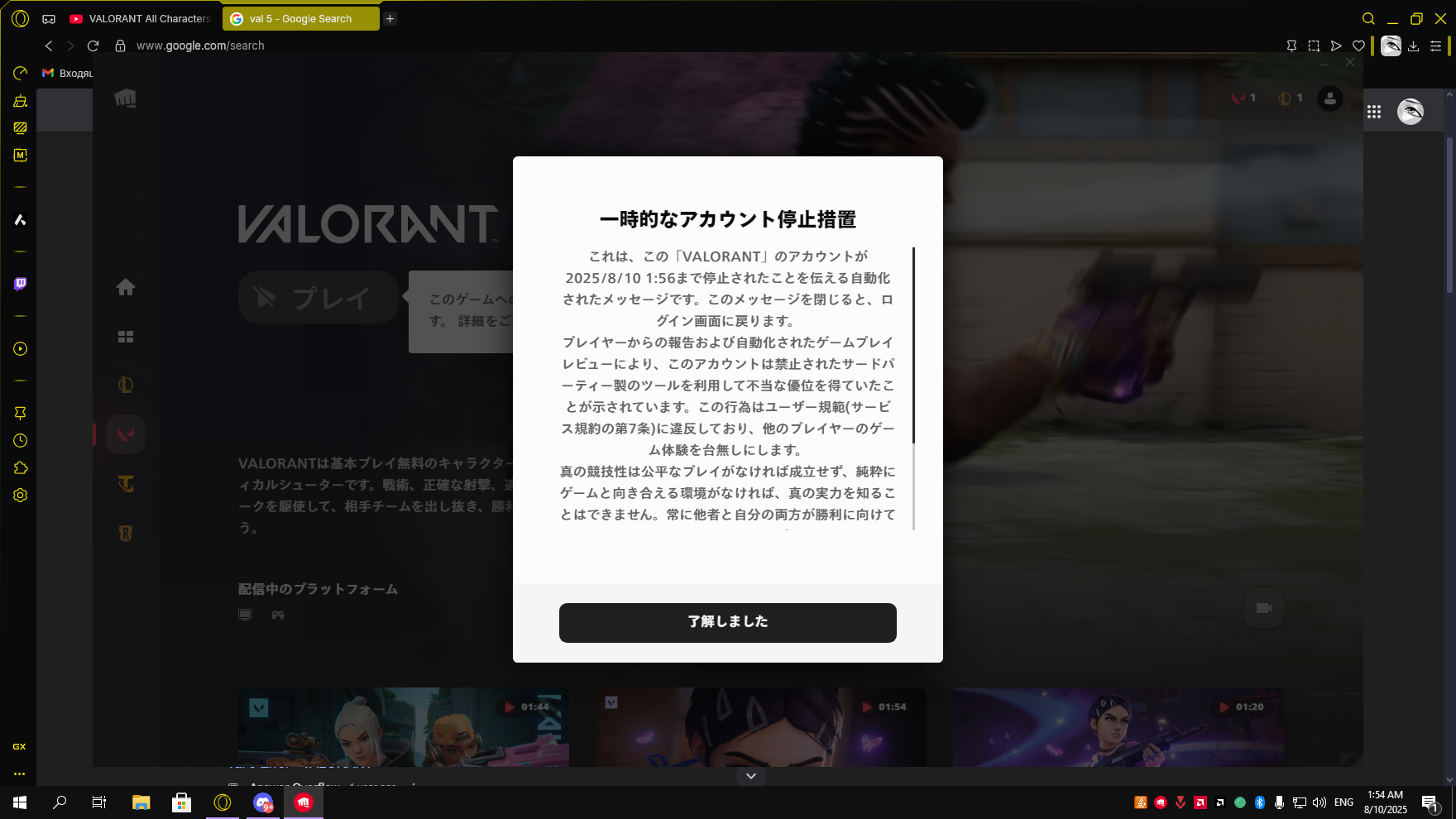
... this usually happens whenever something went wrong when installing the game and/or Vanguard, some corrupted or missing files might be triggering this error, in this case, the best course of action is reinstalling Vanguard to make sure it's all correctly set up.
• Delete the file at C:\Windows\vgkbootstatus.dat
• Download Revo Uninstaller, look for Riot Vanguard, and uninstall it (make sure to search thoroughly, but if Vanguard doesn't show up in the list, you can skip this step)
• Open the Windows search, look for Command Prompt, and right click ➪ Run as admin
• Type or copy/paste the following commands (do each of them separately): sc delete vgcsc delete vgk
• Afterwards, do a reboot - please note that clicking "Shut down" is not the same as "Restart" (Windows does not do a full reboot if you click the "Shut down" button)
• Now, open the VALORANT shortcut again in order to reinstall Vanguard (you might need to restart the PC once again during this process)