Linux noob: unknowingly installing appimage via Disks broke my drives
I'm a linux noob. So pleeeease be gentle, I'm trying my best, to wrap my head around things, after abandoning windows.
I originally switched to CachyOS since Muta from SomeOrdinaryGamers recommended it for gaming. Sadly I had a lot of problems with it, and ultimately bricked it while trying out a fix.
Bazzite was also recommended, since it ALLEDGEDLY is more beginner friendly. (I agree about 30-40% )
)
System info:
Operating System: Bazzite 42
KDE Plasma Version: 6.4.5
KDE Frameworks Version: 6.19.0
Qt Version: 6.9.2
Kernel Version: 6.16.4-116.bazzite.fc42.x86_64 (64-bit)
Graphics Platform: Wayland
Processors: 12 × AMD Ryzen 5 5600 6-Core Processor
Memory: 16 GiB of RAM (15.5 GiB usable)
Graphics Processor: AMD Radeon RX 7800 XT
Manufacturer: ASUS
Drives:
Western Digital HDD WDC WD20EZRZ-22Z5HB0 (2TB)
Samsung SSD 870 EVO 1TB (SVT03B6Q)
System SSD CT500MX500SSD1 (M3CR023) 500GB
Initially it worked just fine, but sooner or later problems arose. From time to time I get very annoying yet temporary sound bugs. But my biggest issue atm is not being able to access my drives as the title hints at.
Just now I learned through Muta's video on WinBoat, that AppImages appearently have to be given permissions to be run as programs. (which goes against eeeeverything I've learned about PCs in my life so far. To me this does not make any sense)
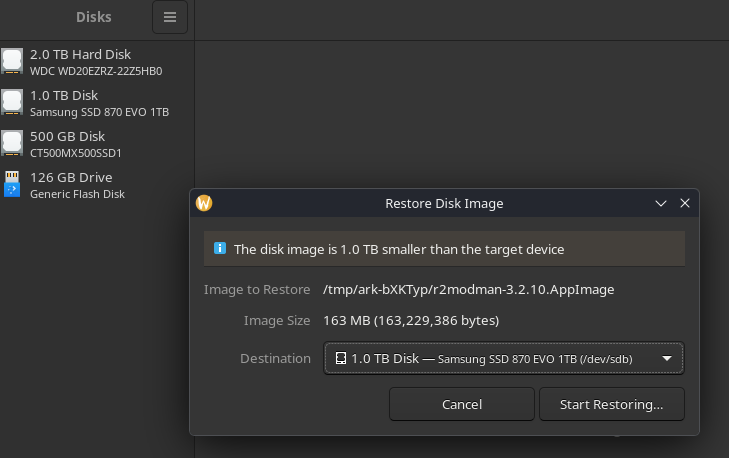
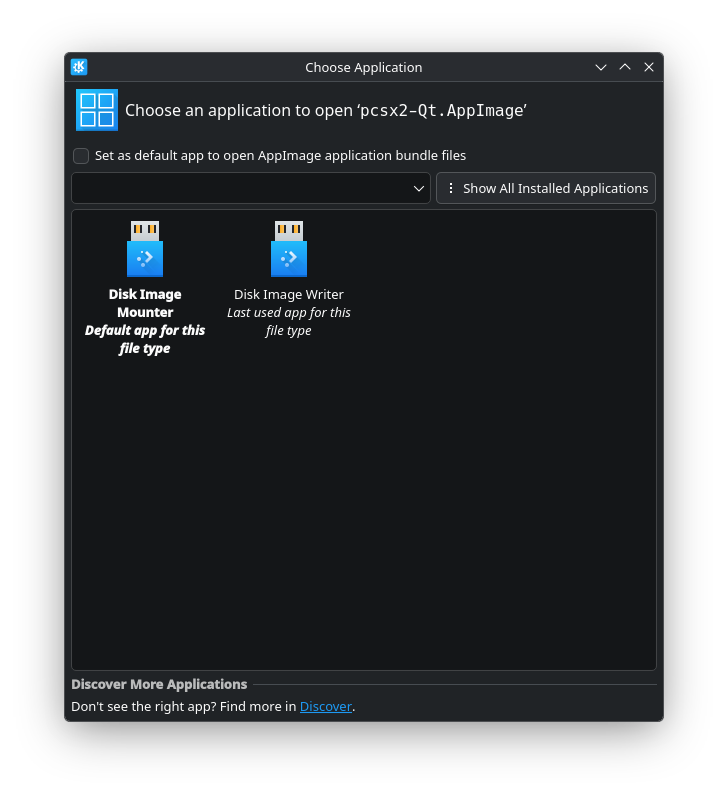
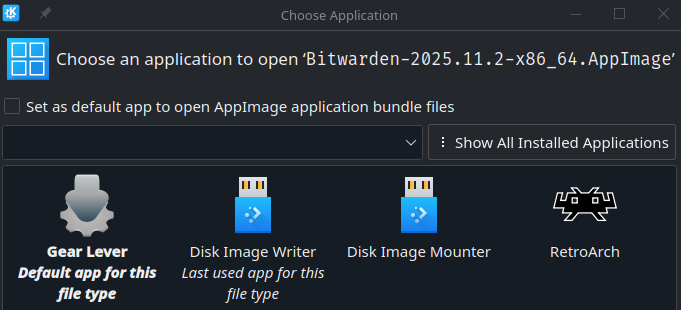
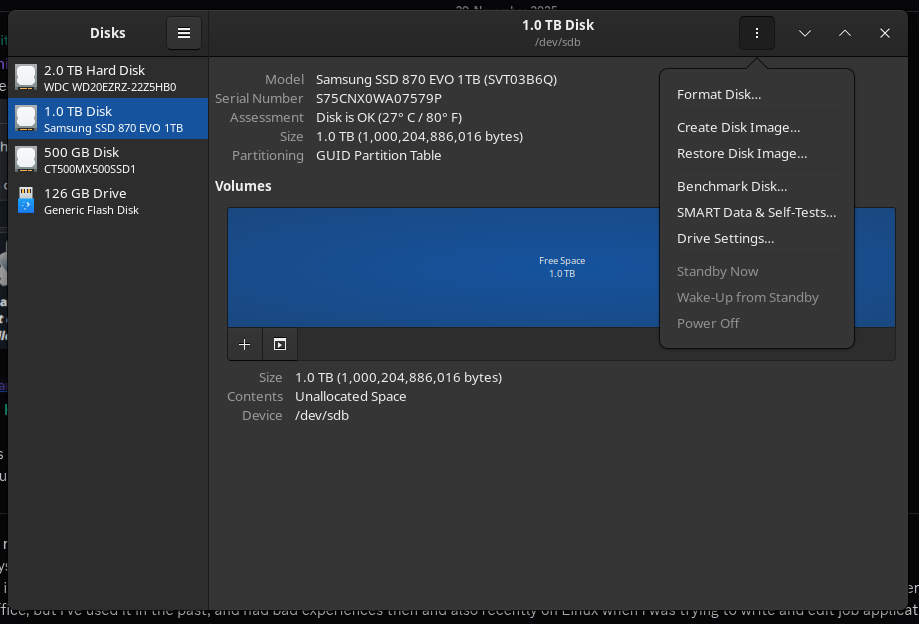
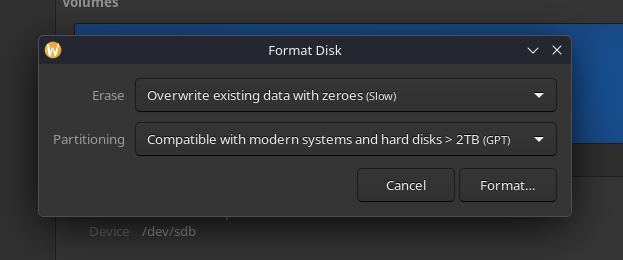
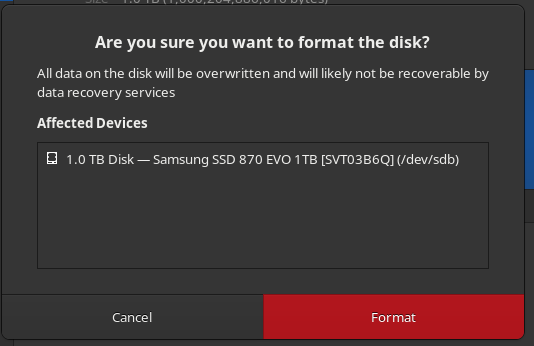
Anyways, when I tried to install a mod manager via appimage a few days ago (not knowing about the permission part yet) it automatically opened the Disks program and wanted me to choose a disk. I assumed, that this appears to be the way to install appimages, but was still confused, since I wasn't sure what the program you use for partitioning and formating hat to do with that. I selected my Samsung SSD, appearently burned the app image onto it and then: no change. Looking for the program in the start menu didn't work, since there was nothing coming up. I opened Dolphin, and next thing I know my Samsung SSD is gone.
For some reason, not only my Samsung SSD but also my WD HDD doesn't show up anymore in Steam. The latter does however show up in Dolphin.
The only directory I can select to install Steam games is /var/home (So I'm guessing the drive, where Bazzite is installed)
I tried resetting my system, but that didn't fix the issue. Even on the freshly installed bazzite system, all problems still stay unsolved.
Does anyone know what is going on and what I can do about it?
I originally switched to CachyOS since Muta from SomeOrdinaryGamers recommended it for gaming. Sadly I had a lot of problems with it, and ultimately bricked it while trying out a fix.
Bazzite was also recommended, since it ALLEDGEDLY is more beginner friendly. (I agree about 30-40%
)System info:
Operating System: Bazzite 42
KDE Plasma Version: 6.4.5
KDE Frameworks Version: 6.19.0
Qt Version: 6.9.2
Kernel Version: 6.16.4-116.bazzite.fc42.x86_64 (64-bit)
Graphics Platform: Wayland
Processors: 12 × AMD Ryzen 5 5600 6-Core Processor
Memory: 16 GiB of RAM (15.5 GiB usable)
Graphics Processor: AMD Radeon RX 7800 XT
Manufacturer: ASUS
Drives:
Western Digital HDD WDC WD20EZRZ-22Z5HB0 (2TB)
Samsung SSD 870 EVO 1TB (SVT03B6Q)
System SSD CT500MX500SSD1 (M3CR023) 500GB
Initially it worked just fine, but sooner or later problems arose. From time to time I get very annoying yet temporary sound bugs. But my biggest issue atm is not being able to access my drives as the title hints at.
Just now I learned through Muta's video on WinBoat, that AppImages appearently have to be given permissions to be run as programs. (which goes against eeeeverything I've learned about PCs in my life so far. To me this does not make any sense)
Anyways, when I tried to install a mod manager via appimage a few days ago (not knowing about the permission part yet) it automatically opened the Disks program and wanted me to choose a disk. I assumed, that this appears to be the way to install appimages, but was still confused, since I wasn't sure what the program you use for partitioning and formating hat to do with that. I selected my Samsung SSD, appearently burned the app image onto it and then: no change. Looking for the program in the start menu didn't work, since there was nothing coming up. I opened Dolphin, and next thing I know my Samsung SSD is gone.
For some reason, not only my Samsung SSD but also my WD HDD doesn't show up anymore in Steam. The latter does however show up in Dolphin.
The only directory I can select to install Steam games is /var/home (So I'm guessing the drive, where Bazzite is installed)
I tried resetting my system, but that didn't fix the issue. Even on the freshly installed bazzite system, all problems still stay unsolved.
Does anyone know what is going on and what I can do about it?