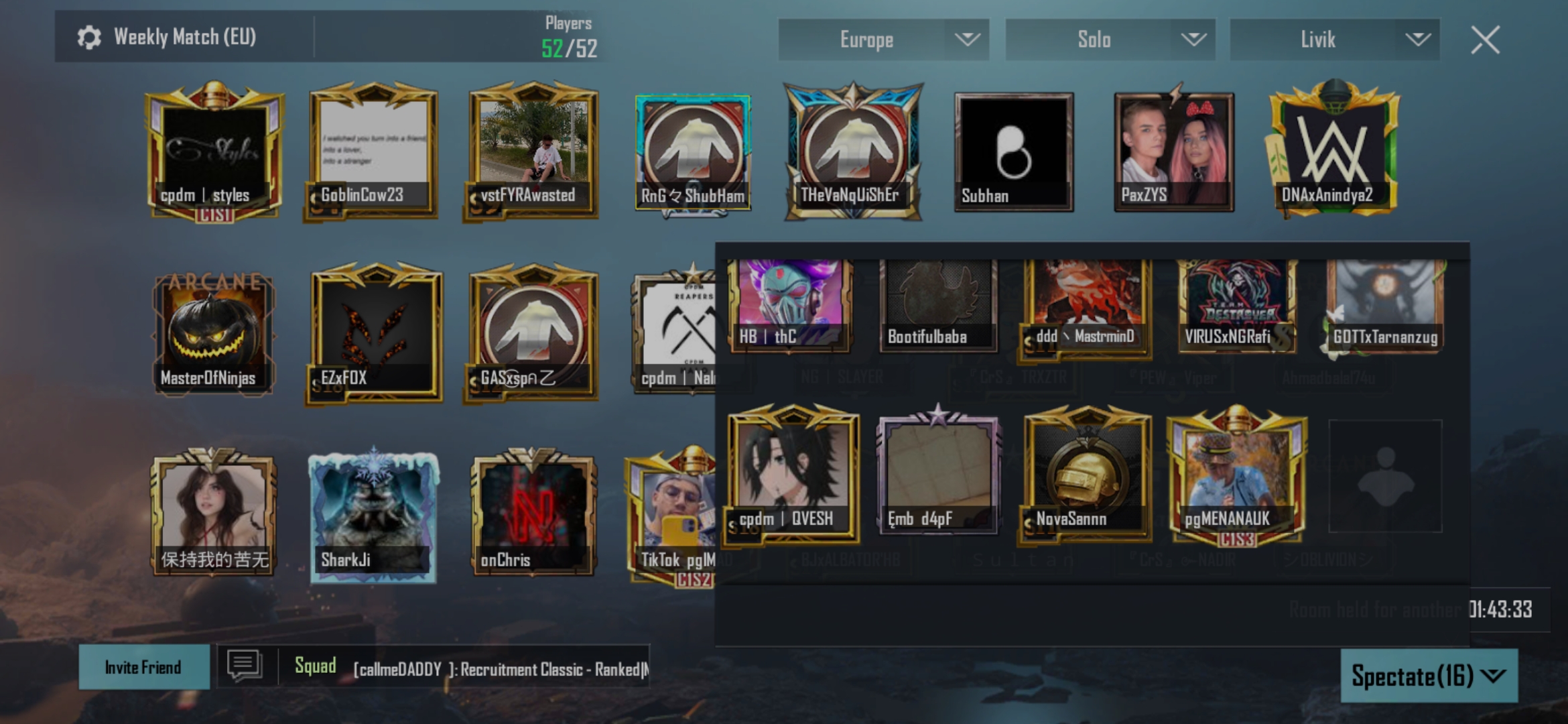
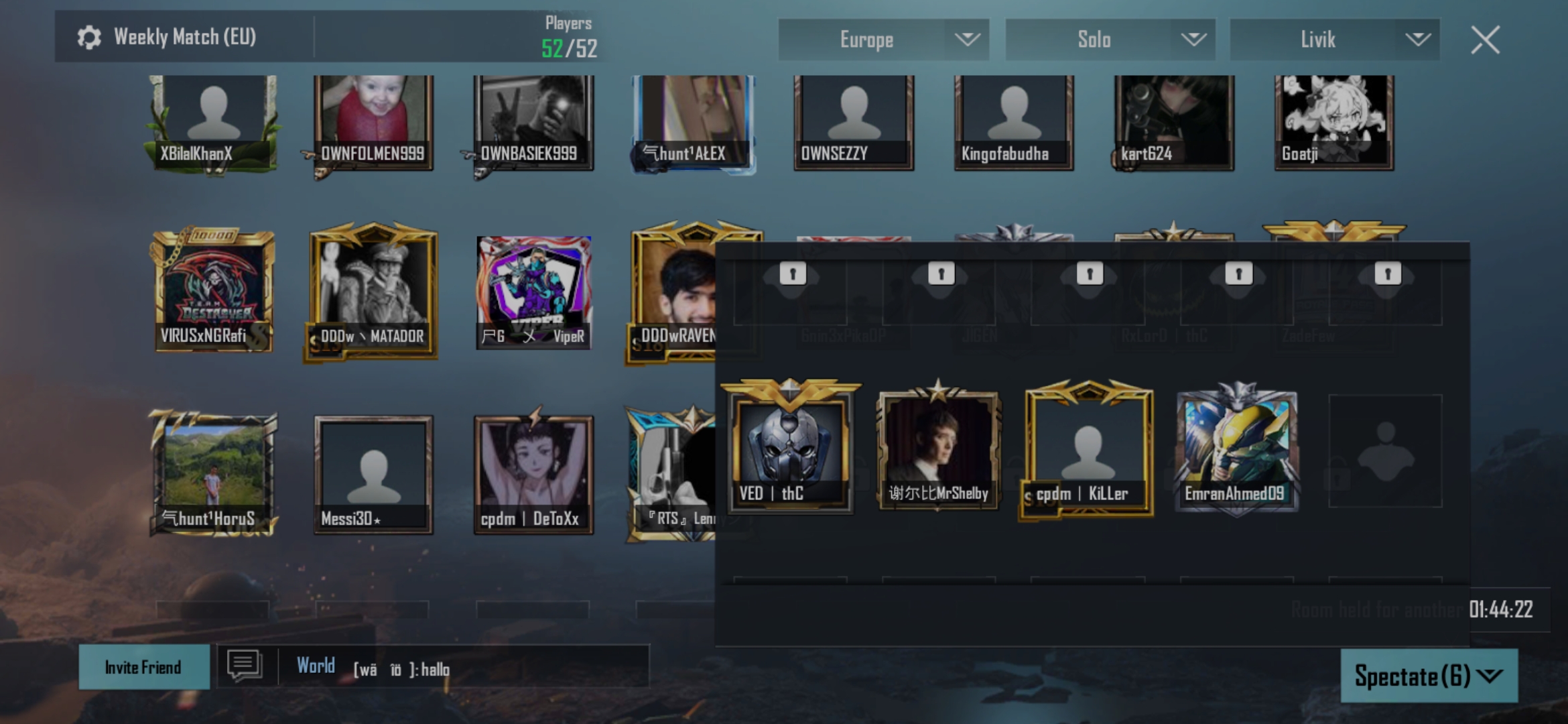
If your account is created or registered in the European Economic Area (EEA) regions, or you had switches your region to one of those countries in Europe, due to the General Data Protection Regulation (GDPR), which is a government law, PUBG MOBILE is not able to transfer your data to a different country. This is why the option is not available for you.
Sir, when I was logging in for the first time in PUBG, I made my region Europe and I am not from the European region. I want to change it to the country in which I reside, and I cannot find the button to change the country, what do I do
Once your data is transferred into one of the EEA regions, your account is bound to the GDPR laws, and as long as the law exist, you are not permitted to transfer your account at will due to this government law. We are unable to help you in this regard.
There is someone who put bad pictures and published them for me and my friends and sends us additions and popularity so that the players can see them. I tried to write to the company several times and they promised me without success
Understand me, I am from Egypt, I am not from any European country. If you want to verify these hands, I am from Egypt. ID: 5137334952 and I live in Egypt
Sadly, we are unable to assist you, nor the customer service, since your account is bound to the GDPR law. Feel free to use your account from the region that you are currently on or create a new account.
Please try again later or feel free to contact the customer service in-game for further assistance regarding account related issues. We are unable to assist you in this regard. Also, you might want to delete that since it has your personal information.
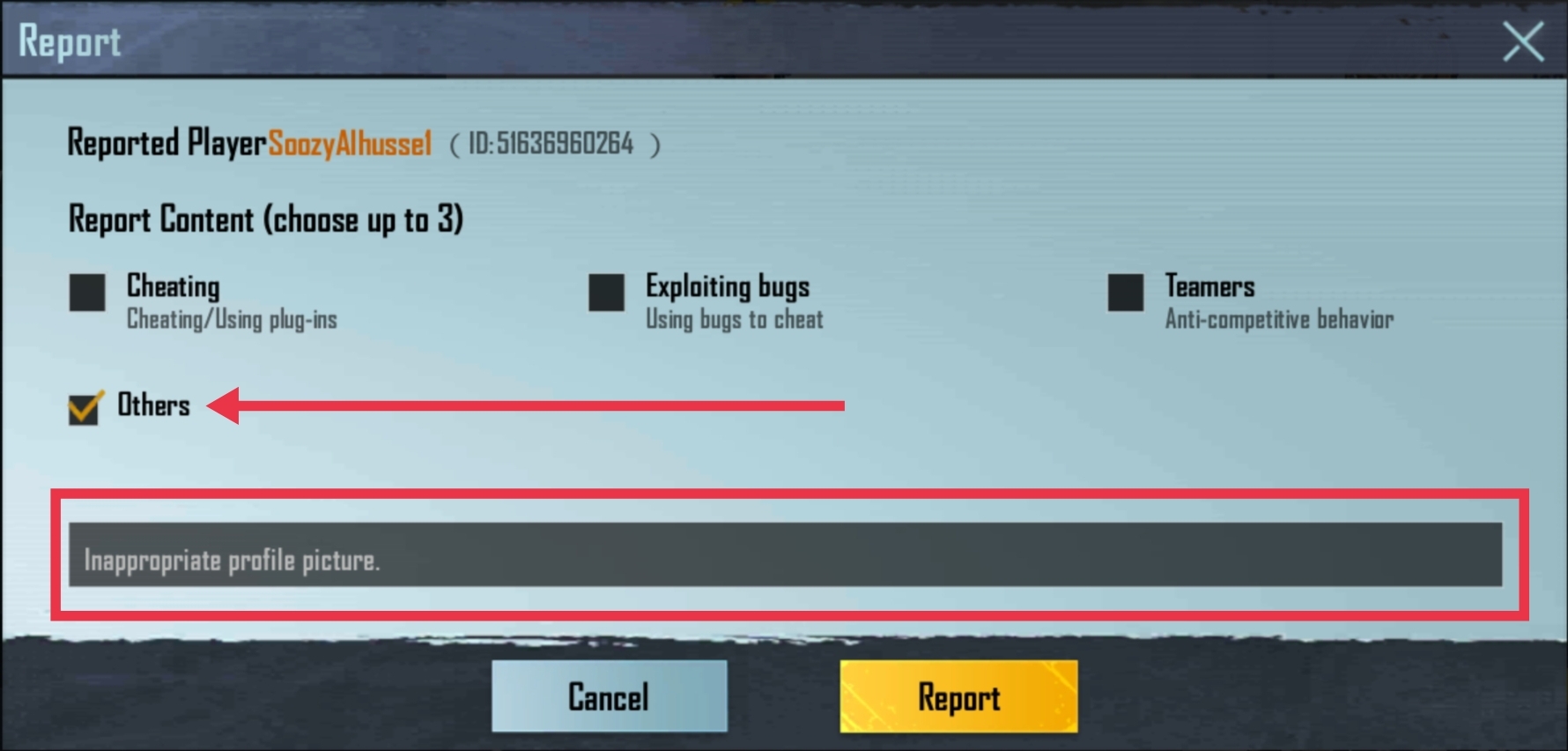
Please report the player through the report feature in the tier overview section of their profile via friend search. If you have waited for 7 days without any response to your in-game report, feel free to let us know here.
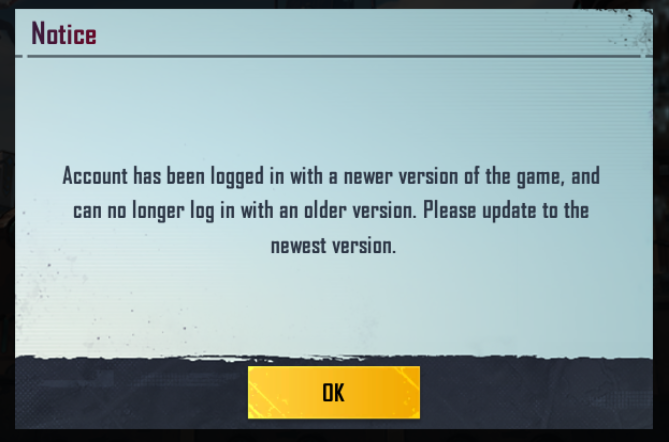
A patch was released earlier today. It will be automatically downloaded when you load and log into the game. If you did not receive it, please perform a routine repair or reinstall the game.