
sorry if this has been raised before but i cant take screenshots. A black and white box will appear
sorry if this has been raised before but i cant take screenshots. A black and white box will appear in the screenshot and also in the camera preview
 B
B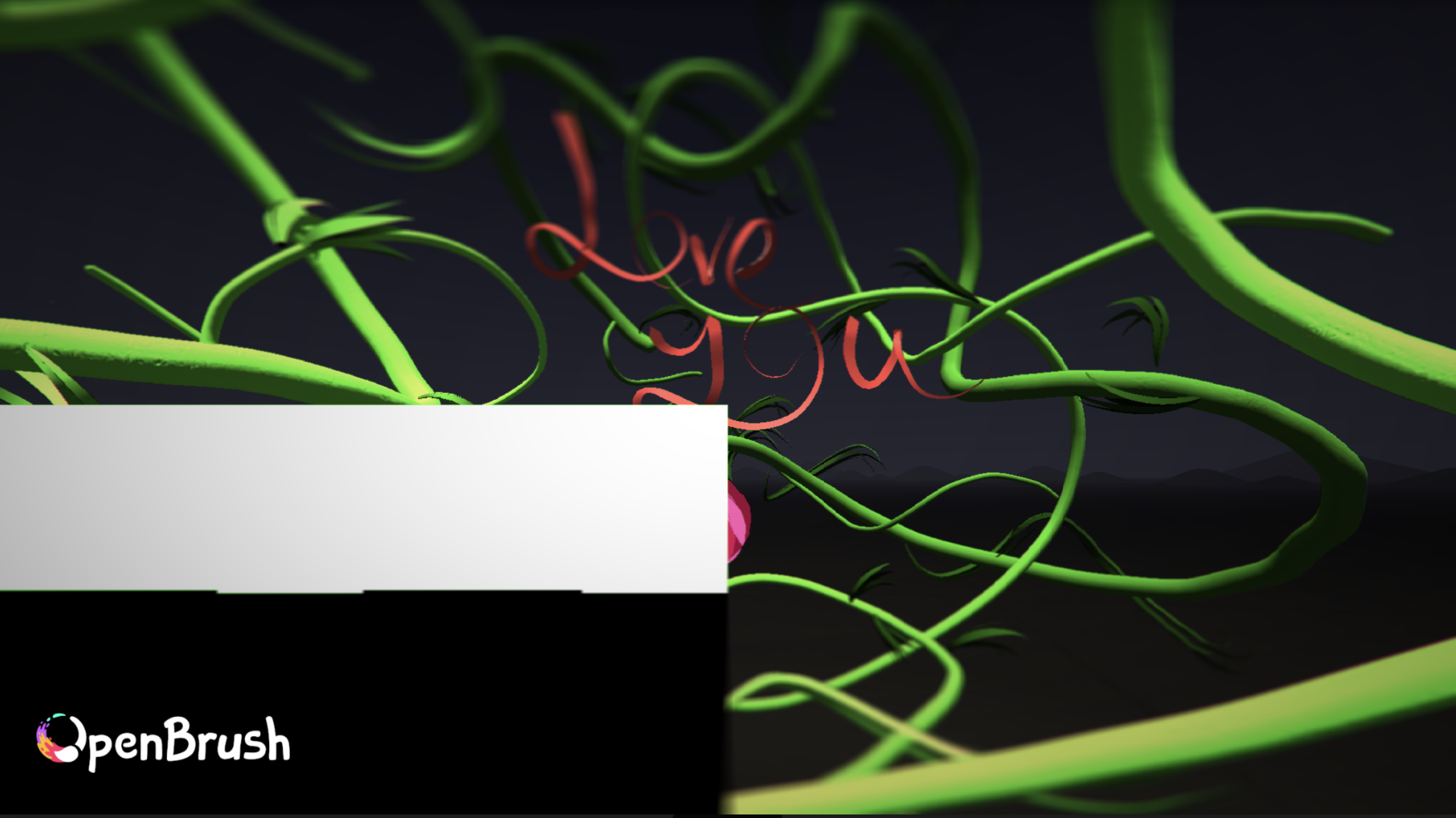 BBBB
BBBB M
M
 Z
Z EZ
EZ EE
EE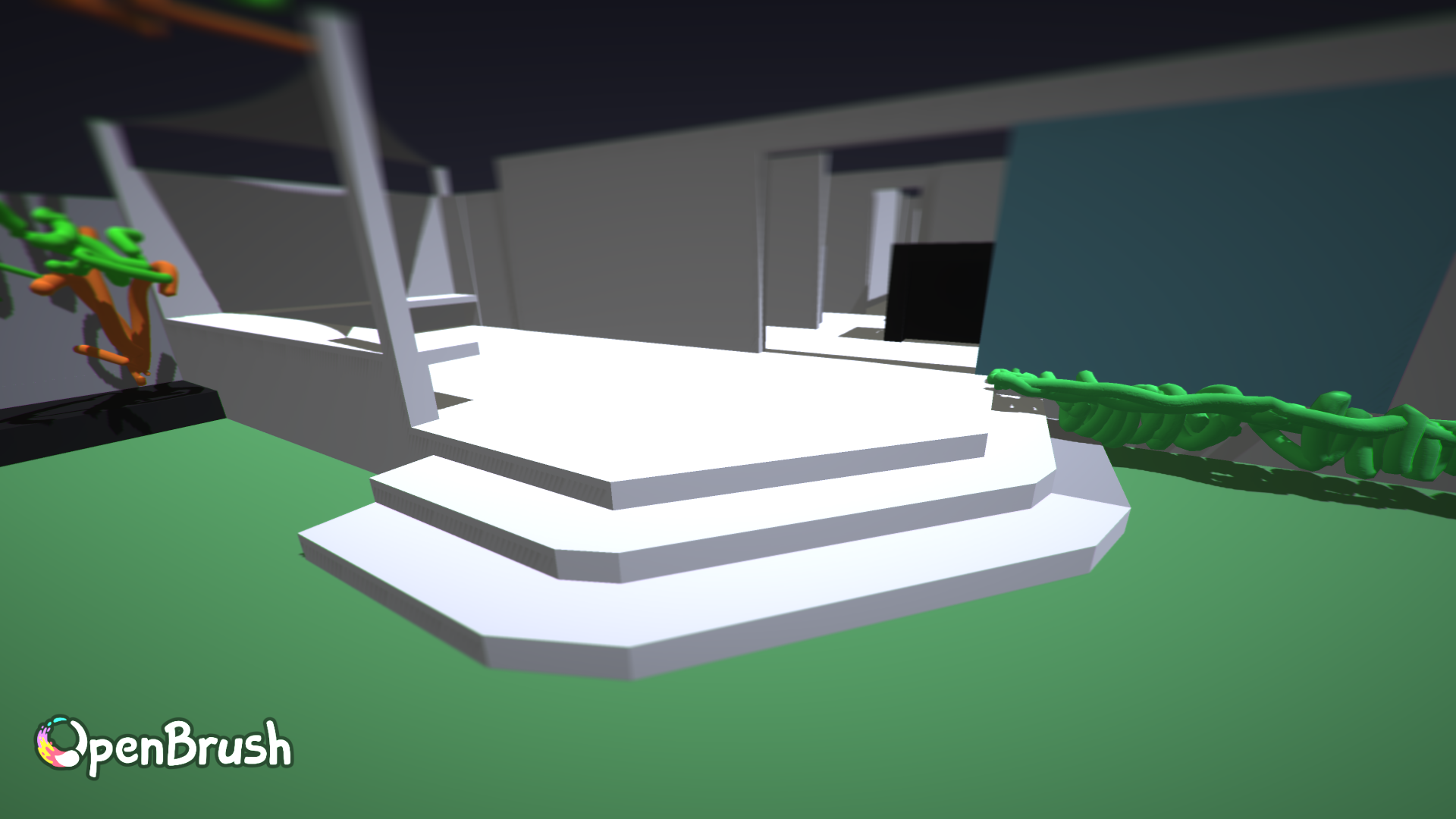 ZEZ
ZEZ AZZAZAZ
 MMA
MMA J
J J
J ZAZZ
ZAZZ RRR
RRR O
O MA
MAI don’t think my attempt to side load the SDK worked as I see no new brushes.Depends which version you sideloaded. It's got to be the "experimental mode build": https://docs.openbrush.app/alternate-and-experimental-builds/main-experimental-build
AI may have done some damage by trying to side loadSideloading should never damage anything. I've usually got 6 different versions installed!
 WA
WA-I still get an error when exporting using the experimental brushes (in this case wind & smooth hull)Yep. That's why they are still only in the experimental mode build. The minute they work with export, we'll be moving them to the normal version
-when opening camera path tool the panel opens twiceyeah. I keep forgetting to look into that. It's only mildly annoying so I tend to forget about it fairly quickly
 A
AI didn't quite understand how to use those lathe revolver features yet and I can't seem to notice much difference with the lazy input but maybe I am doing it wrongTook me a few goes. I got it in the end after watching the video several times and focusing on the right buttons to press. You'll know it when you get it as it's a totally different feature.
WW AAW
AAW WOA
WOAHow does that work? Do you cycle through on device somehow?You can sideload multiple versions to the Quest and they all appear under "Unknown Sources"
AMy single biggest concern is how do i maximize resolution and color accuracy like what i see in headset? Is this all best achieved via export vs camera? And thank you so much.Others can advise better than me. Did you try the offline rendering I linked to the docs for?


