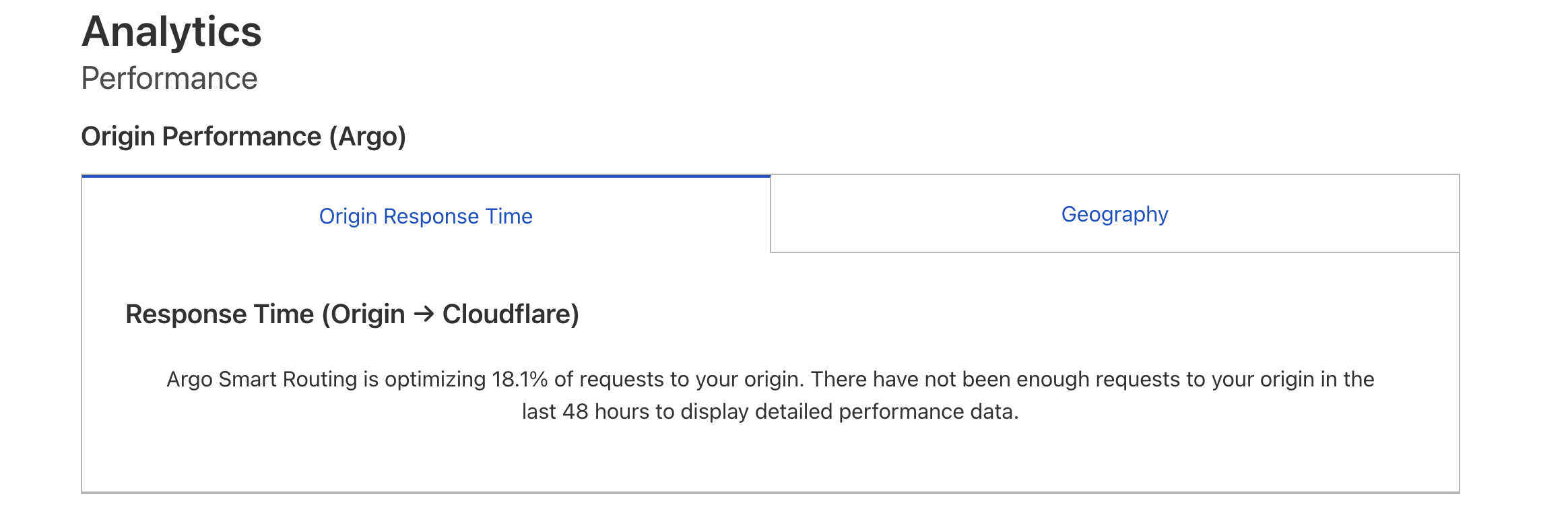
Where did you find that chart? I'm trying to figure out my benchmarking methodology that won't be screwed by delays in the origin app, and not sure how to enable/disable Argo routing for a specific Tunnel/subdomain. I can see only one big On/Off button for the entire account.
We have AWS Global Accelerator routing the origin (for the same reasons as what Argo should do) and I'd love to benchmark with/without Argo/Global Accelerator to see what works for us.
If I understand it correctly having both enabled would use Argo to route to AWS's global network which.. wouldnt really achieve anything, and then AWS Global Accelerator would take over and do the actual routing, rendering Argo completely useless
I think so too. So I'd want to measure performance of "Edge -> CF Argo -> CF Tunnel -> Origin" vs "Edge -> AWS Global Accelerator -> origin". Seems this will be difficult to do now if I have only one on/off switch. Will need to create a different account.
Yes, benchmarking the network can be like reading tea leaves. For this case, I'd setup a simple echo page for each network route, and run WebPageTest / SpeedVitals on it.
I care somewhat. Right now, to my best measure, routing everything through a Cloudflare Worker adds 80-250ms latency (as compared to routing directly to origin). This is acceptable, but 500ms wouldn't be. Our specific use-case is an SPA with API calls, so it's mostly plaintext and relatively little bandwidth.

 K
K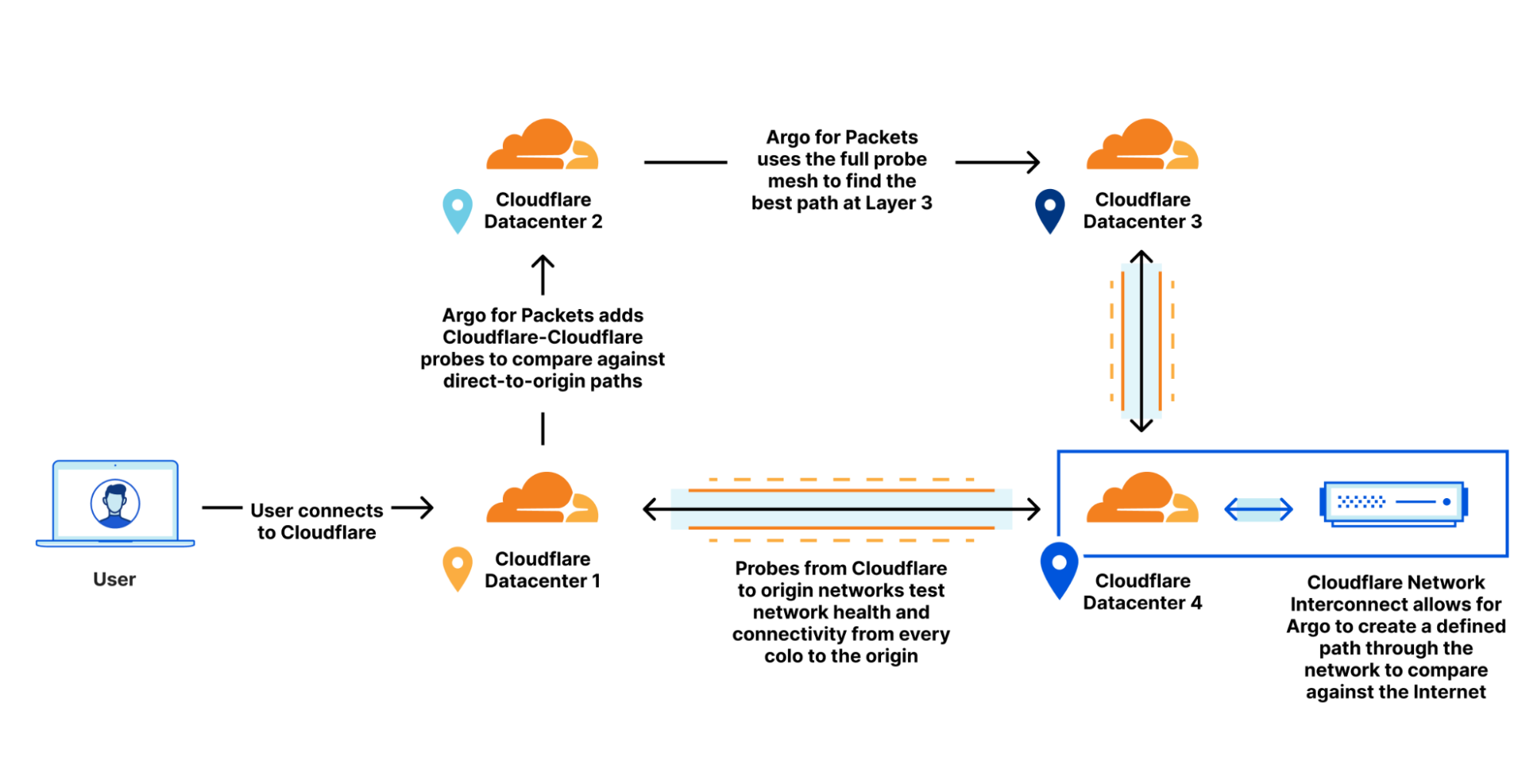
 E
E I
I E
E

 J
J
 D
D T
T J
J


