
Weird. It has worked locally for the past few days, so I'm wondering what broke it now...
Weird. It has worked locally for the past few days, so I'm wondering what broke it now...

 H
H MH
MHv18.7.0. Is that the issue?Mv18.3.0.MHVolta DD
DD S
Sproduction1 environmentManage servicewrangler.toml--envwrangler.toml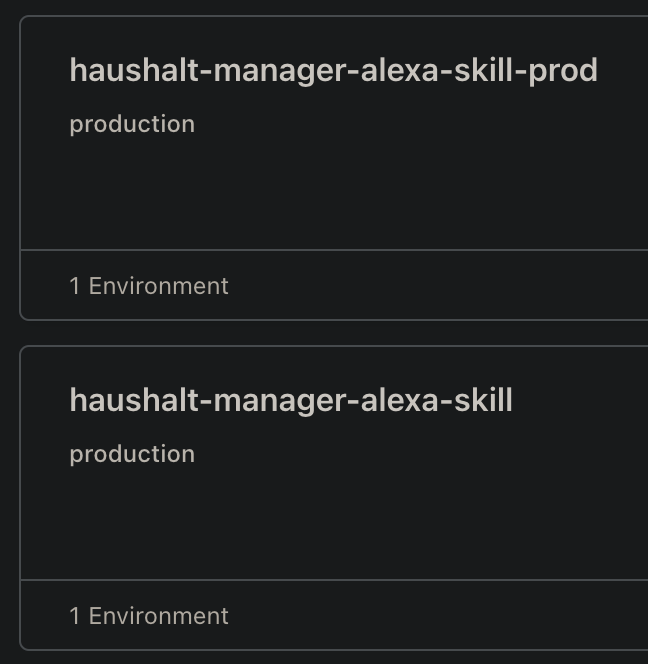
 TTT
TTT C
Cproduction I'm still experimenting with workers mostly.T
 S
S
 W
W J
Jnpx wrangler pages dev dist --r2=BUCKET wrangler 2.0.24 (update available 2.0.26)JJJ
 Token Permissions: J
 WJ
WJ JJJJJJ
 TTTTTTT
miniflareScope (Access)
- account (read)
- user (read)
- workers (write)
- workers_kv (write)
- workers_routes (write)
- workers_scripts (write)
- workers_tail (read)
- pages (write)
- zone (read)
- offline_accessWhile developing locally, you can interact with an R2 bucket by adding --r2=<BINDING> to your run command. For example, if your bucket is bound to BUCKET, you can access this bucket in local dev by running npx wrangler pages dev dist --r2=BUCKET.v18.7.0v18.3.0


